
Get the stream working your way.
Get your sound into OBS, put a scene together and work out which graphics go where.
 LEARN SOMETHING.
MAKE IT YOURS.
Start with GG.
See how one emote changes at 28, 56 and 112 px, then keep it for your channel. No email or account needed.
Set up your digital pack.
Get the right reaction into the right slot.
Find your emote and badge exports, match them to your Twitch slots and check the small preview before moving to the next design.
Read the setup guidePut each graphic in the source it needs.
Add a static frame with Image, use Media Source for supplied video and check how the layout behaves when you switch scenes.
Read the setup guideMotion is a choice, not an automatic upgrade.
Compare PNG stills, GIF loops and the actual reactions in a pack, then choose a version your chat slot can use.
Read the setup guideGet all the ZIP parts, then open the artwork.
Find the download for your Etsy order, extract every part and sort out images, instructions and any files intended for editing.
Read the setup guideFor your next stream.
Inside an Emote ZIP: Find the File You Actually Need
Open the free GG download and see how one design becomes seven exports, where GIF and PNG belong, and which notes to keep with the artwork.
Will Your Animated Emote Be Readable at 28 px?
Preview the free GG emote at 28 px on light and dark backgrounds, then check whether each frame keeps the expression clear.
How to Test Your Mic in OBS Before Going Live
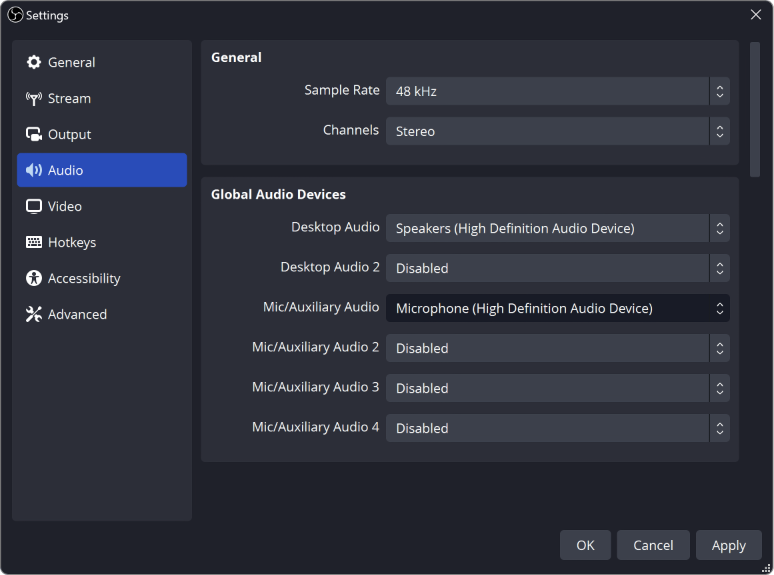
Record a short rehearsal with your mic, game and alerts, then play it back. Catch missing sound, a doubled voice or loud game audio before viewers do.
Stream Layout Readability: Can Viewers See What Matters?
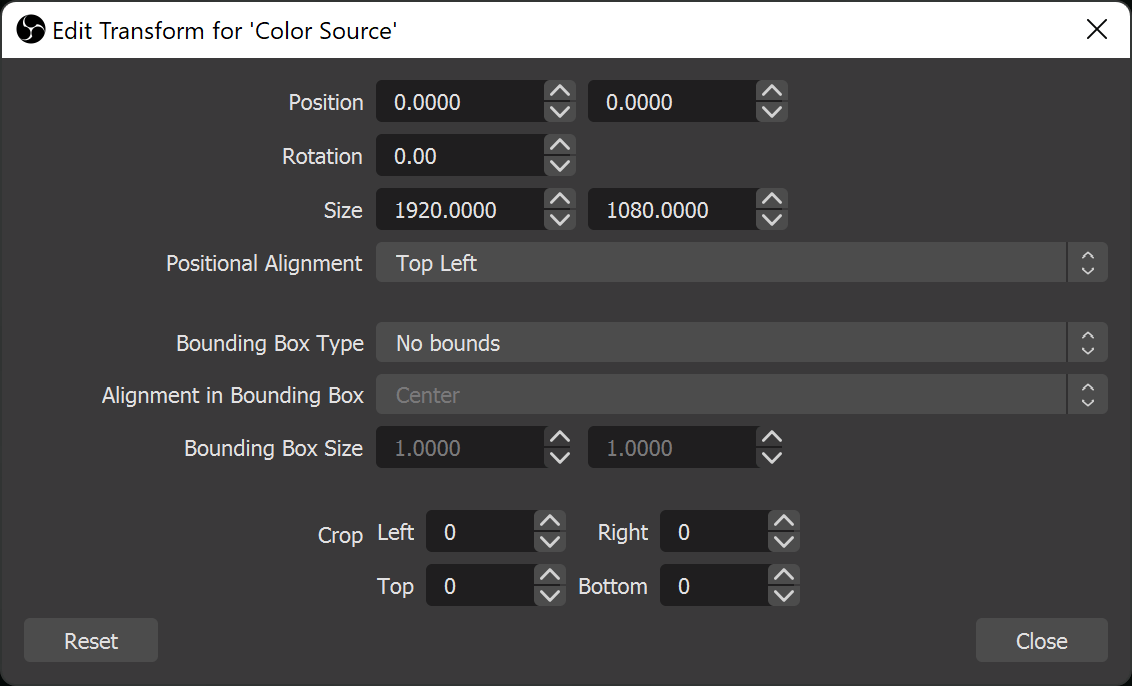
Check your webcam, text and overlays in a small player. Keep game information visible and give each scene a clear focus.
G502 Proteus Core Wheel Spins Freely? Check the Mode Button
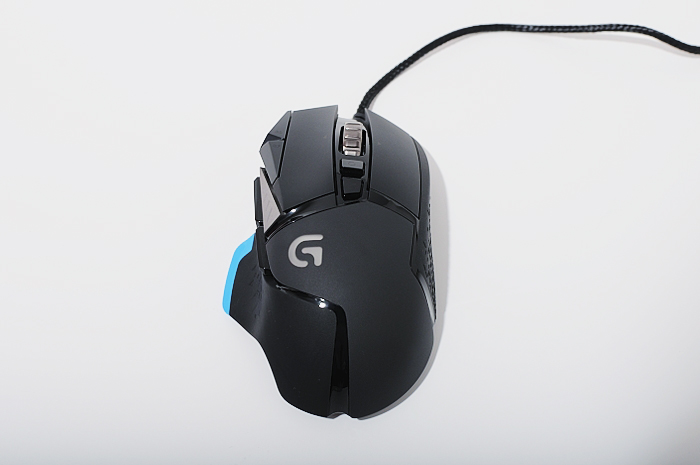
Find the original G502’s wheel-mode button, compare the two modes and separate a free-spinning wheel from scrolling that fails to register.
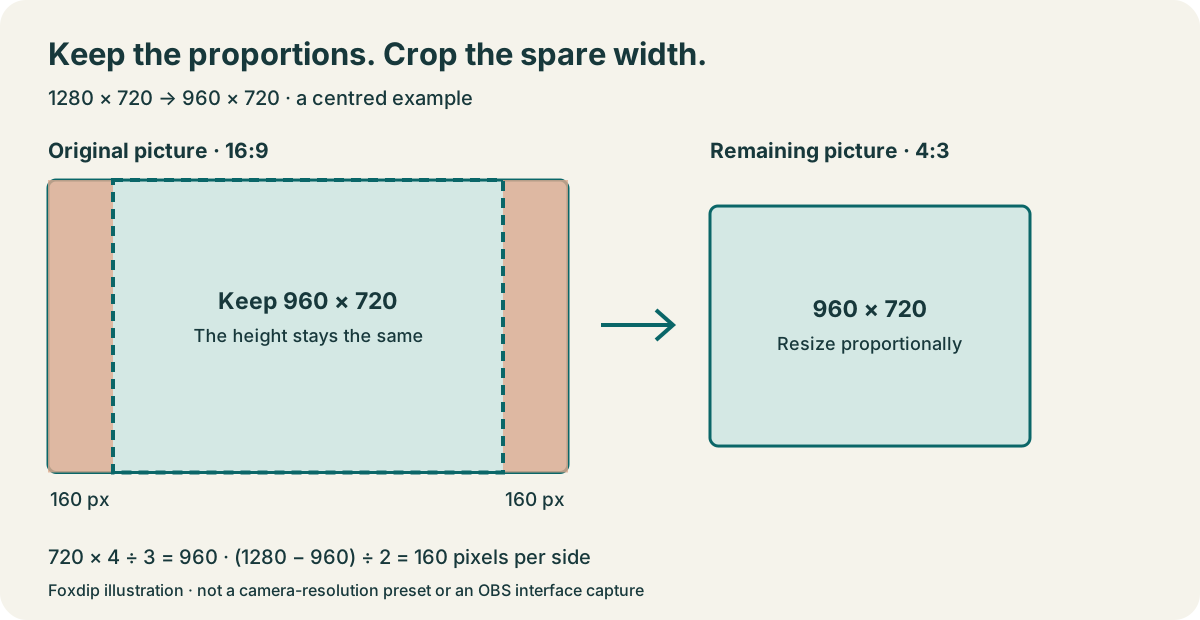
How to Crop Your Webcam in OBS (Without Stretching It)
The quick way to crop your webcam in OBS: hold Alt (Option on Mac) and drag the edge. Here's how to keep your face from looking stretched.
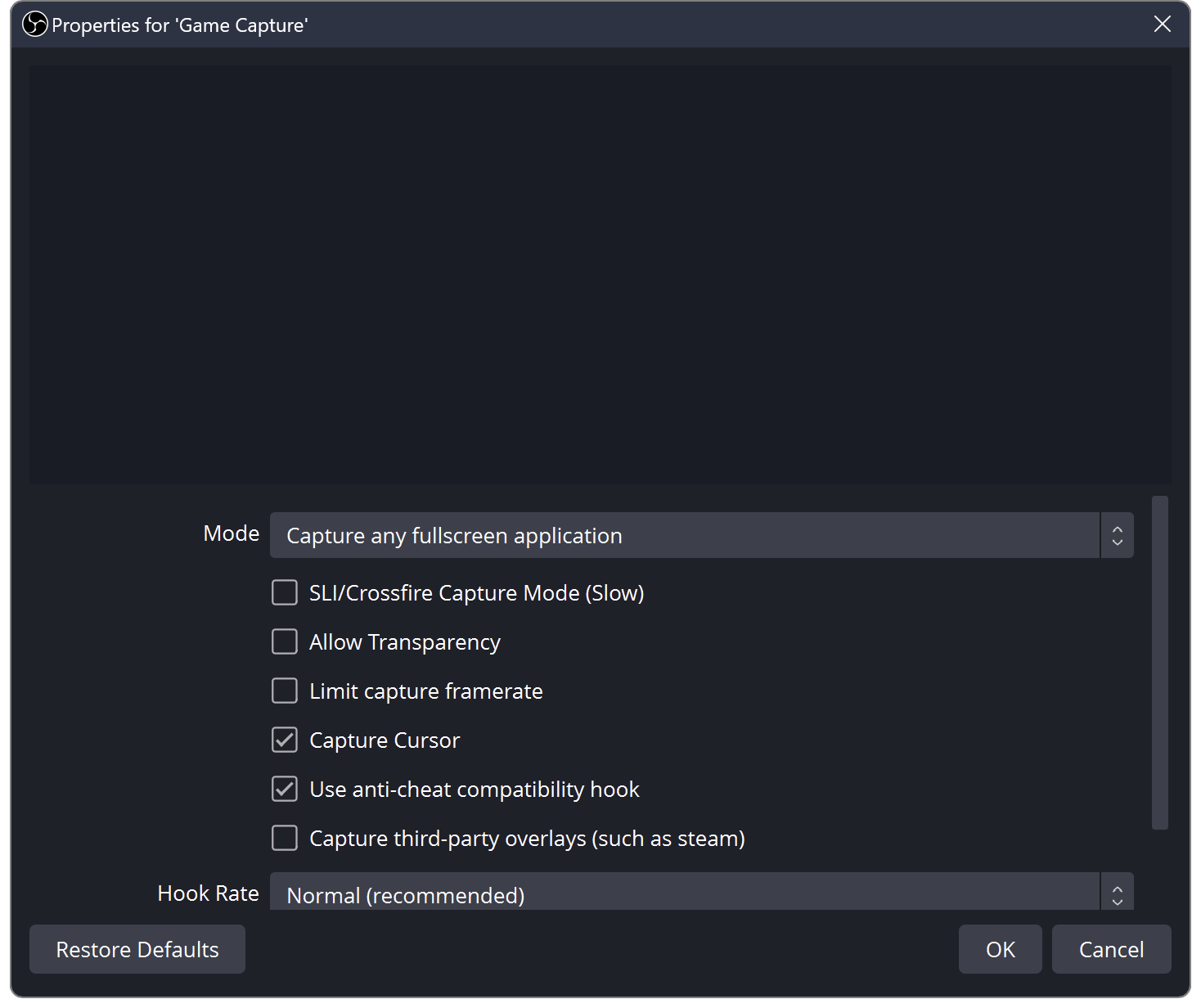
OBS Black Screen? How to Fix Game, Window and Display Capture
OBS shows black instead of your game or screen? Try these quick checks for Windows and Mac.
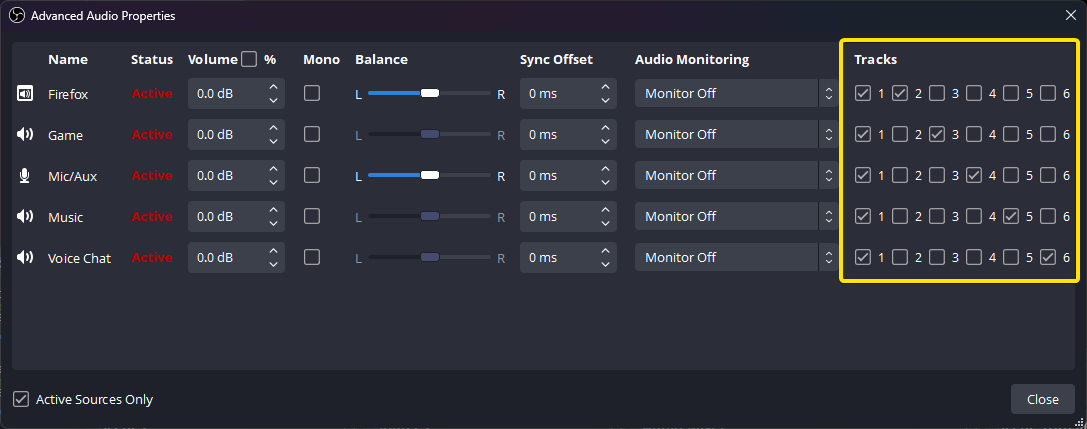
OBS Recording Has No Sound? Check Your Audio Tracks
The meters move but your OBS recording is silent? Follow the sound from your mic and desktop to the recorded track, then play the right track back.
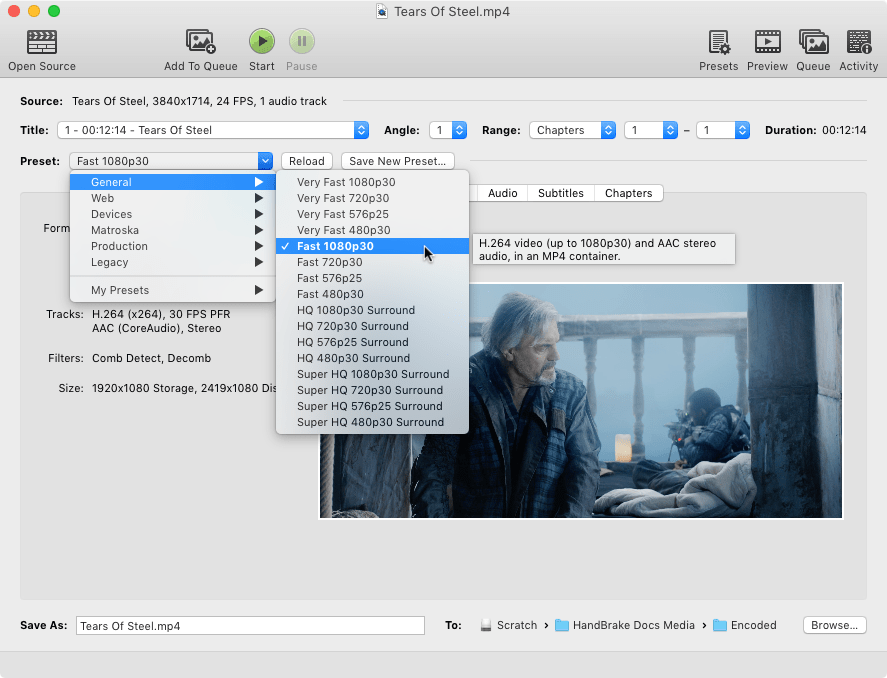
OBS Recording Too Large? Make a Smaller Copy in HandBrake
Keep your original recording, adjust a sharing copy in small steps, and check a short preview before converting the whole session.
Keep going
with your setup.
Need to install a pack? The download guides will help. Looking for a character instead? Browse the collections and see what catches your eye.