
Get the stream working your way.
Get your sound into OBS, put a scene together and work out which graphics go where.
 LEARN SOMETHING.
MAKE IT YOURS.
Start with GG.
See how one emote changes at 28, 56 and 112 px, then keep it for your channel. No email or account needed.
Set up your digital pack.
Get the right reaction into the right slot.
Find your emote and badge exports, match them to your Twitch slots and check the small preview before moving to the next design.
Read the setup guidePut each graphic in the source it needs.
Add a static frame with Image, use Media Source for supplied video and check how the layout behaves when you switch scenes.
Read the setup guideMotion is a choice, not an automatic upgrade.
Compare PNG stills, GIF loops and the actual reactions in a pack, then choose a version your chat slot can use.
Read the setup guideGet all the ZIP parts, then open the artwork.
Find the download for your Etsy order, extract every part and sort out images, instructions and any files intended for editing.
Read the setup guideFor your next stream.
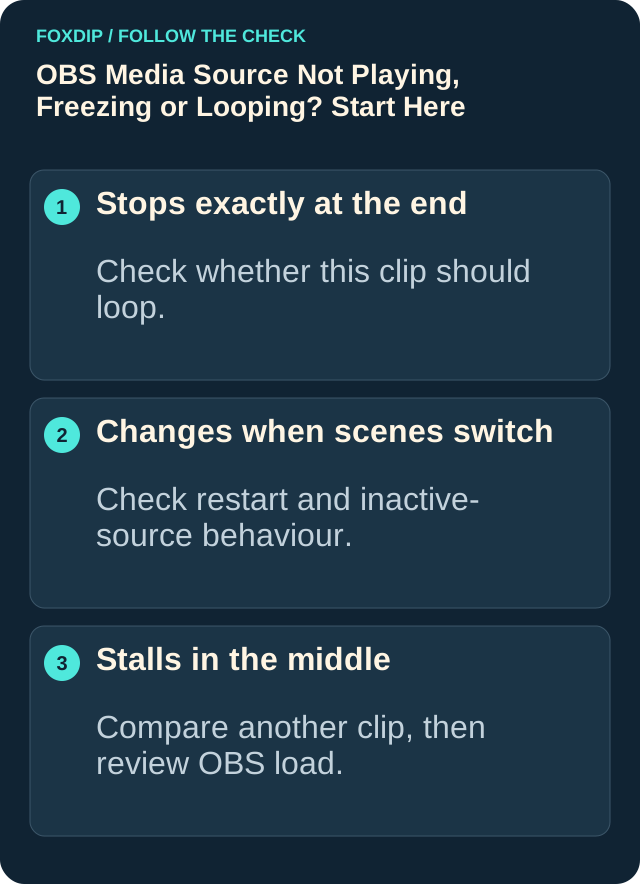
OBS Says "Media Source Is Not Playable"? Here's the Fix
Seeing "media source is not playable" in OBS? It usually means OBS can't open that file. Here's how to find out why and get your video playing.
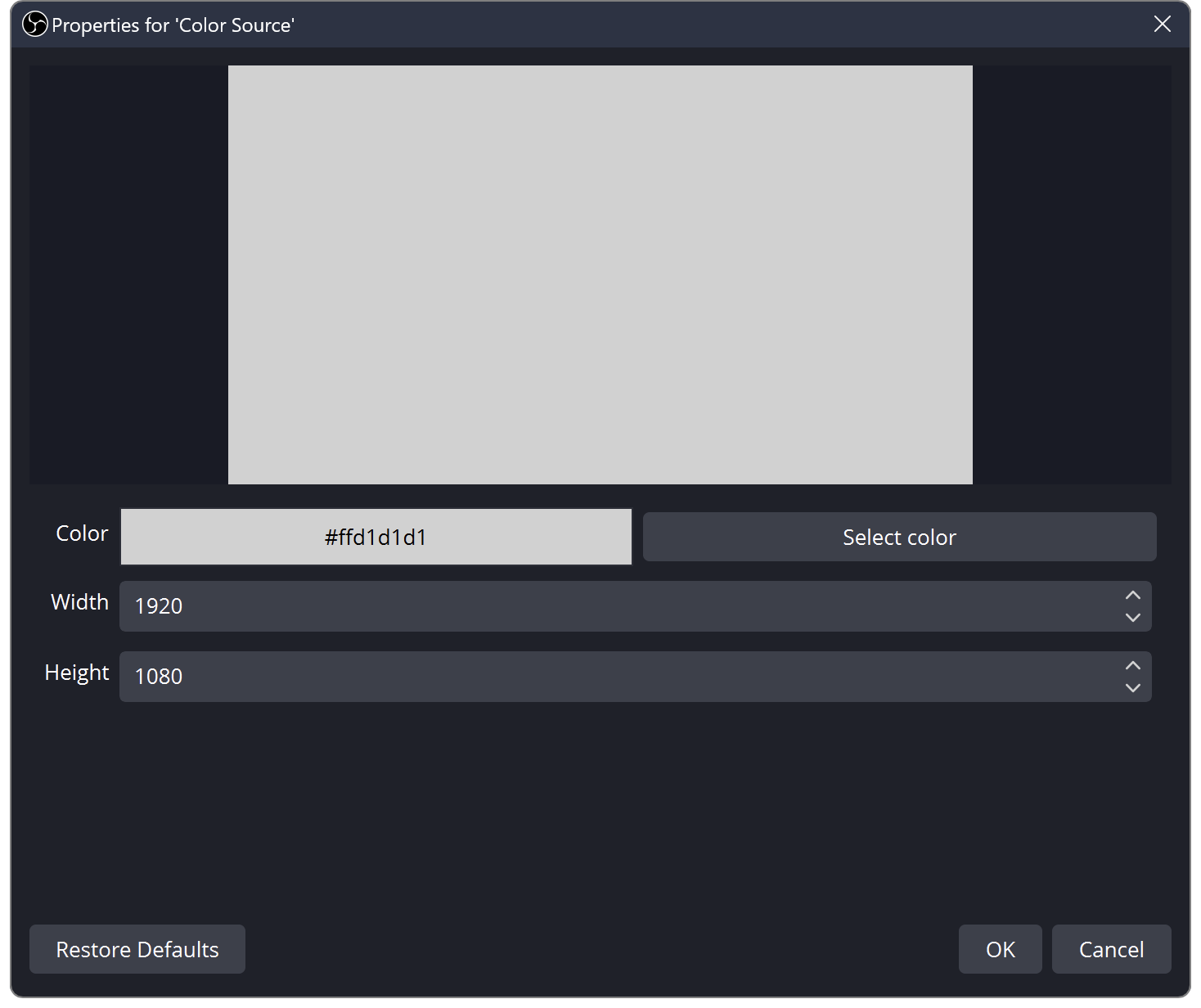
OBS Source Order: Learn Layers with Three Colour Blocks
Find out why sources cover each other in OBS. Build a three-layer scene and practise order, visibility and scene changes.
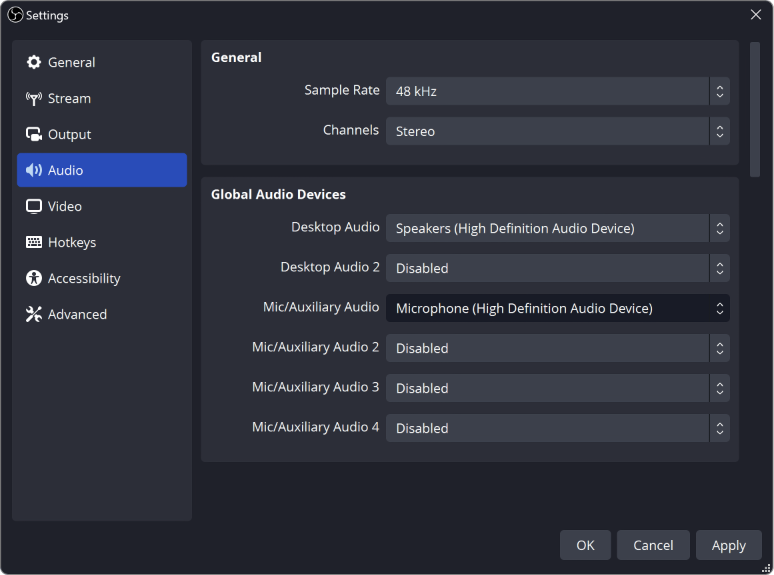
Why Is My Audio Doubled in OBS? (Easy Fix)
Hearing your voice or game twice in OBS? Usually the same sound is being picked up two times. Here's how to find the extra one and turn it off.
Keep going
with your setup.
Need to install a pack? The download guides will help. Looking for a character instead? Browse the collections and see what catches your eye.