
Get the stream working your way.
Get your sound into OBS, put a scene together and work out which graphics go where.
 LEARN SOMETHING.
MAKE IT YOURS.
Start with GG.
See how one emote changes at 28, 56 and 112 px, then keep it for your channel. No email or account needed.
Set up your digital pack.
Get the right reaction into the right slot.
Find your emote and badge exports, match them to your Twitch slots and check the small preview before moving to the next design.
Read the setup guidePut each graphic in the source it needs.
Add a static frame with Image, use Media Source for supplied video and check how the layout behaves when you switch scenes.
Read the setup guideMotion is a choice, not an automatic upgrade.
Compare PNG stills, GIF loops and the actual reactions in a pack, then choose a version your chat slot can use.
Read the setup guideGet all the ZIP parts, then open the artwork.
Find the download for your Etsy order, extract every part and sort out images, instructions and any files intended for editing.
Read the setup guideFor your next stream.
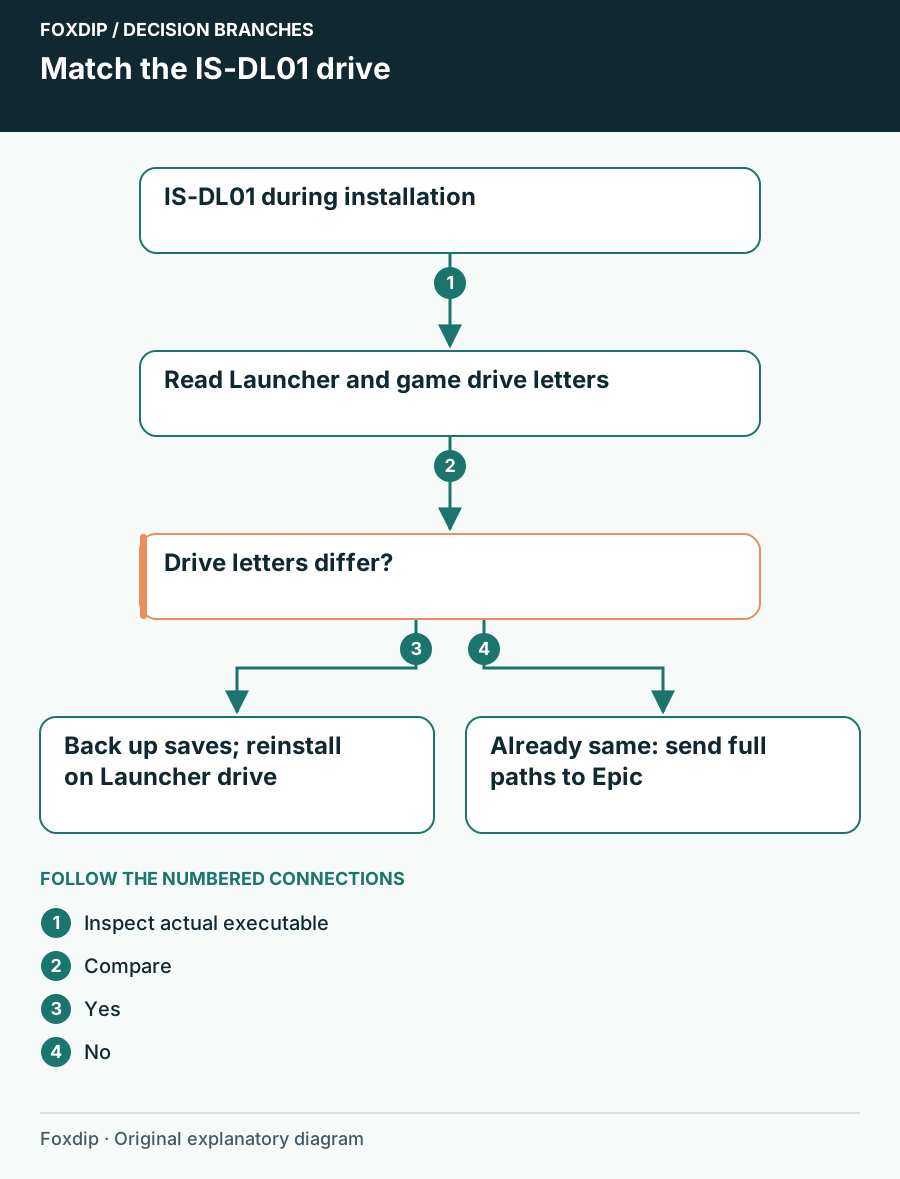
Epic IS-DL01: Compare the Game and Launcher Drives
Check the drive containing the Epic Launcher before changing a game installation for IS-DL01. Preserve saves before the documented reinstall.
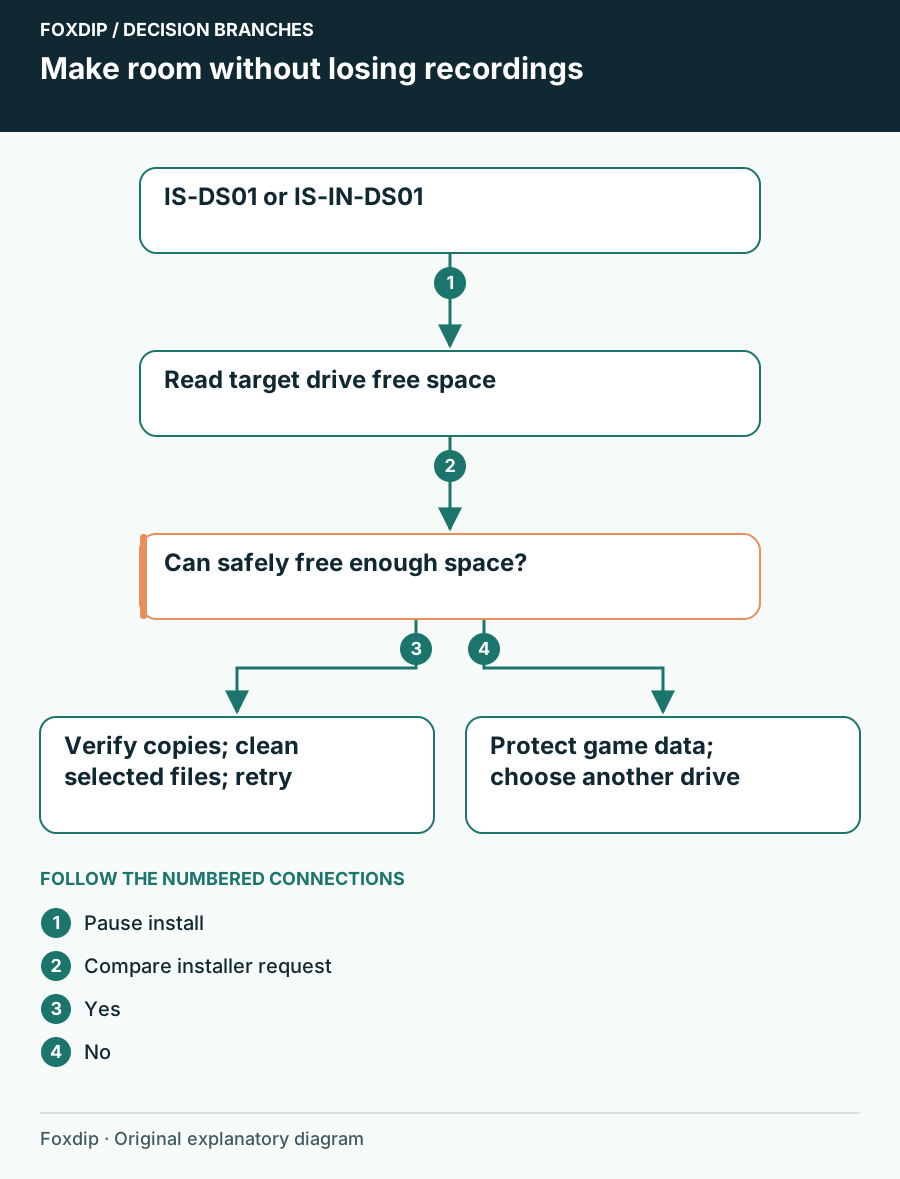
Epic IS-DS01: Make Room on the Installation Drive
Check the game’s chosen drive for IS-DS01 or IS-IN-DS01, preserve saves and recordings, then free space or choose an available destination.
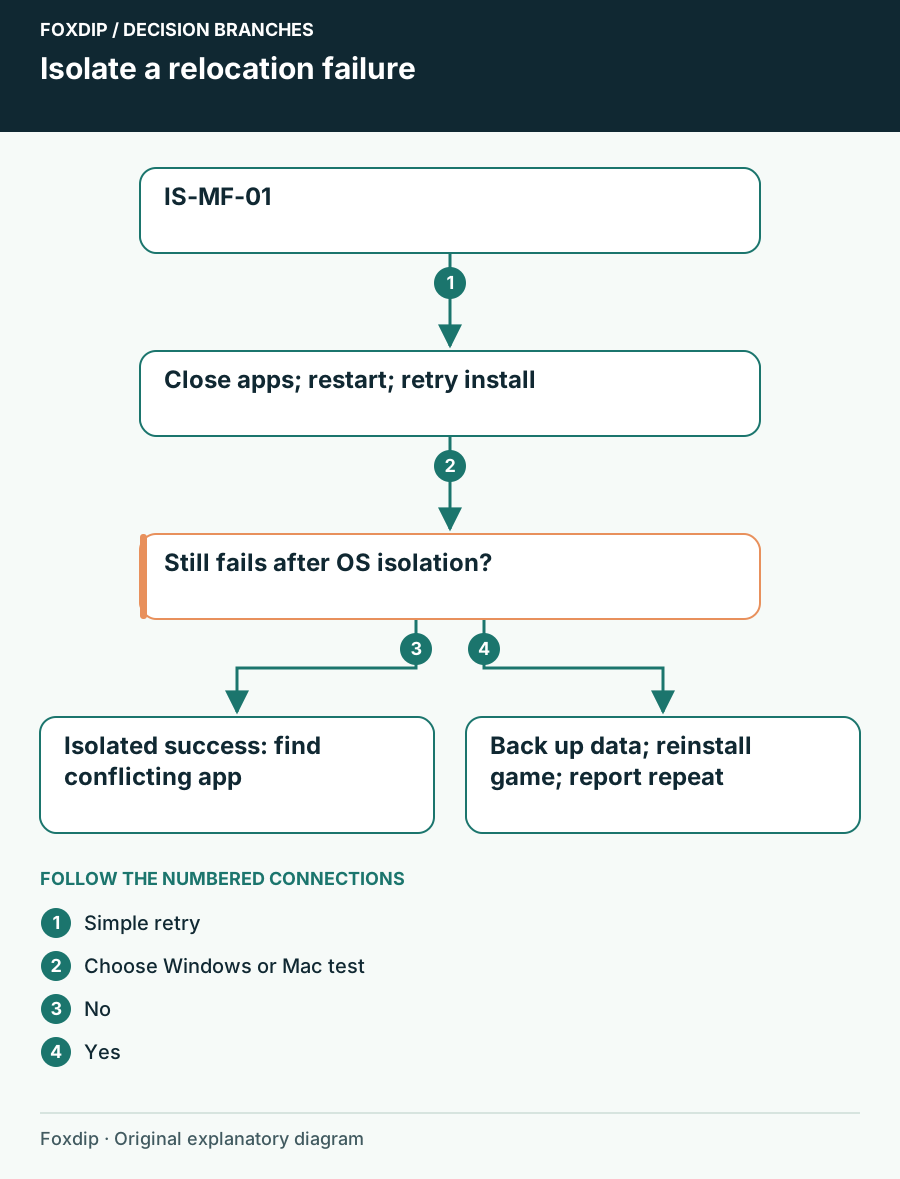
Epic IS-MF-01: Work Through a File Relocation Failure
Use the exact IS-MF-01 message to isolate background interference during installation, then preserve saves before considering a game reinstall.
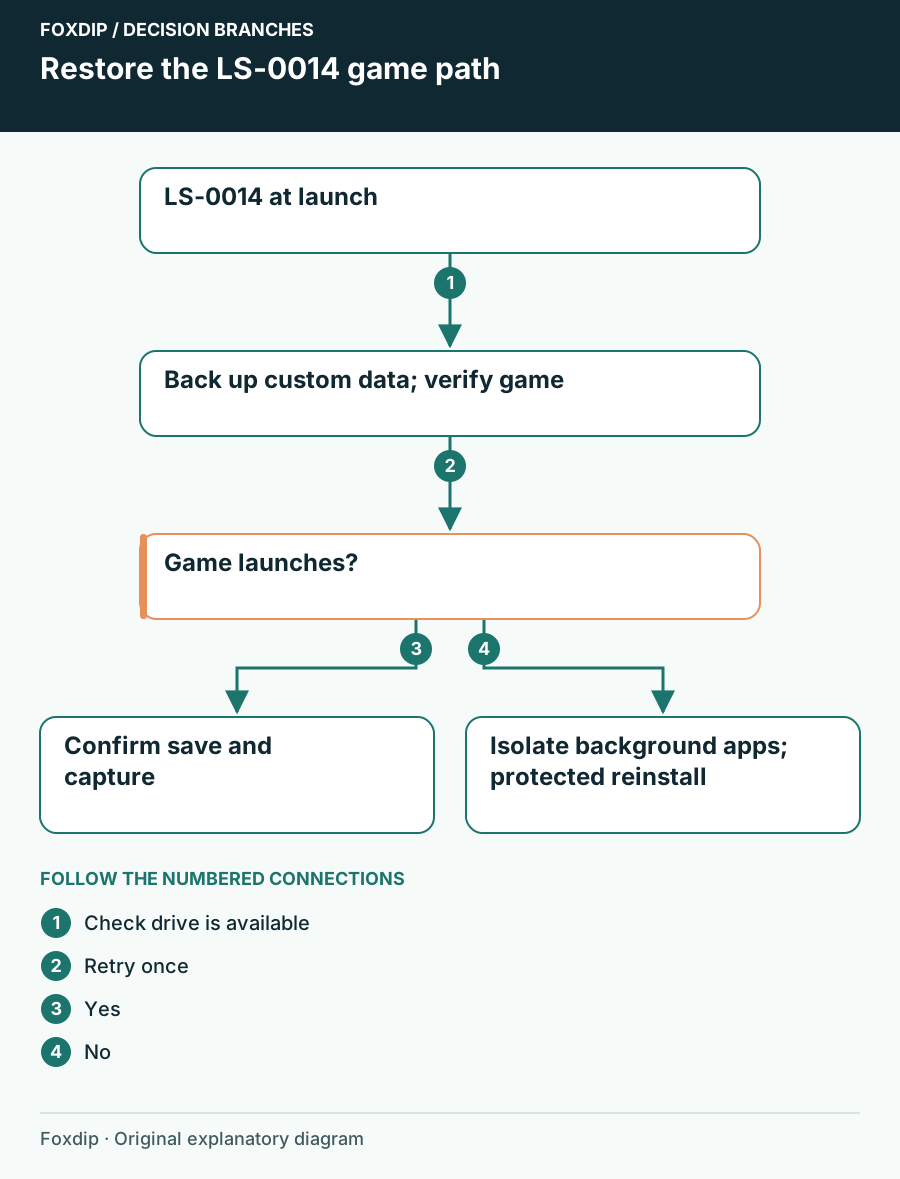
Epic LS-0014: Restore a Missing Game File or Directory
Use verification first for Epic LS-0014, then distinguish a missing game path from background interference without downloading replacement files elsewhere.
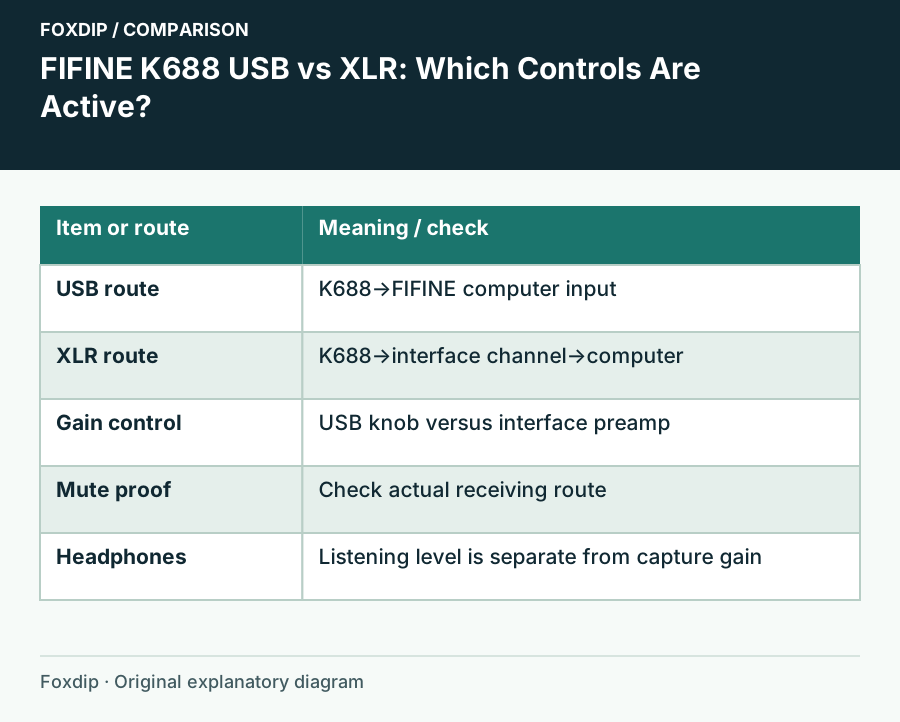
FIFINE K688 USB vs XLR: Which Controls Are Active?
Know where gain, mute and headphone monitoring belong before changing the wrong control on a K688 setup.
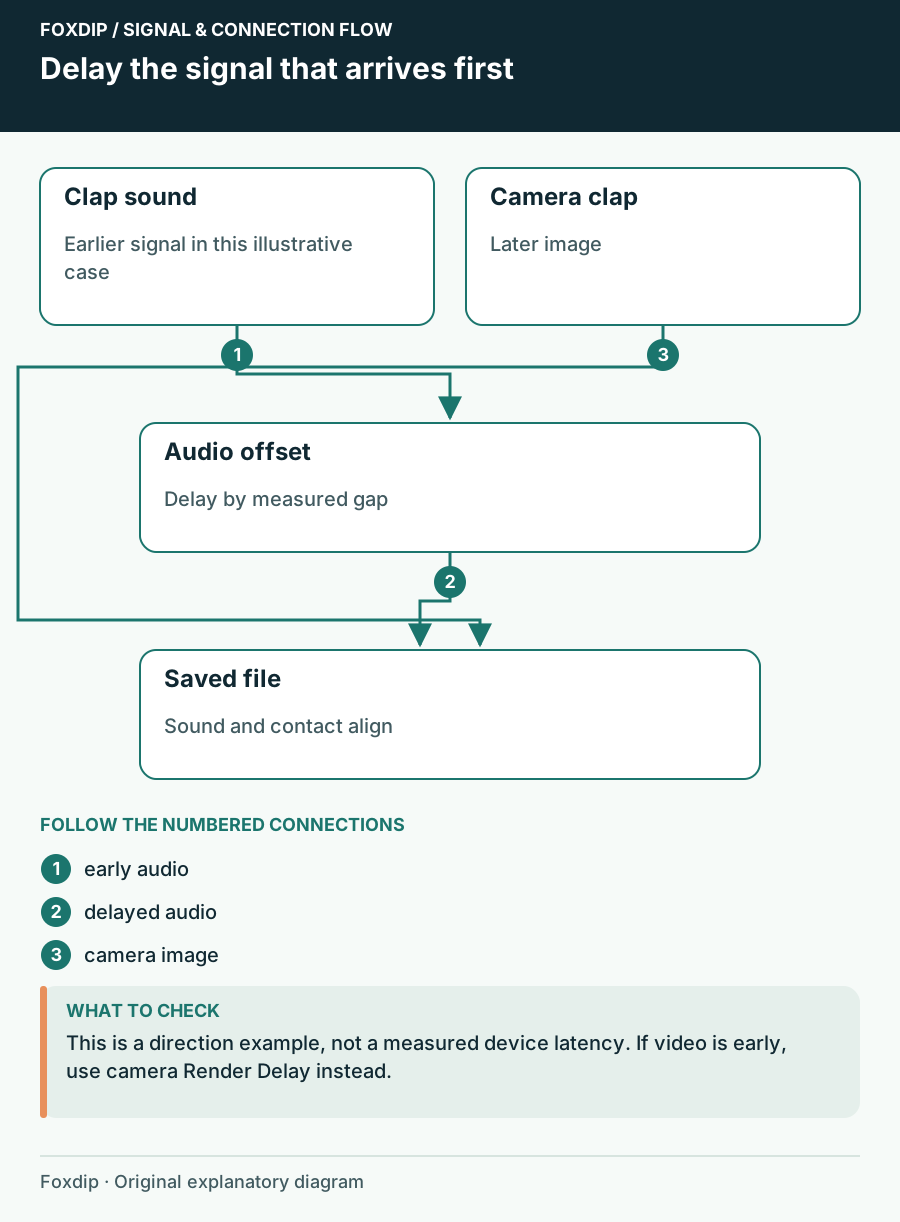
Fix a Constant Camera and Microphone Delay in OBS
Measure which signal arrives first, delay that signal and check the saved result.
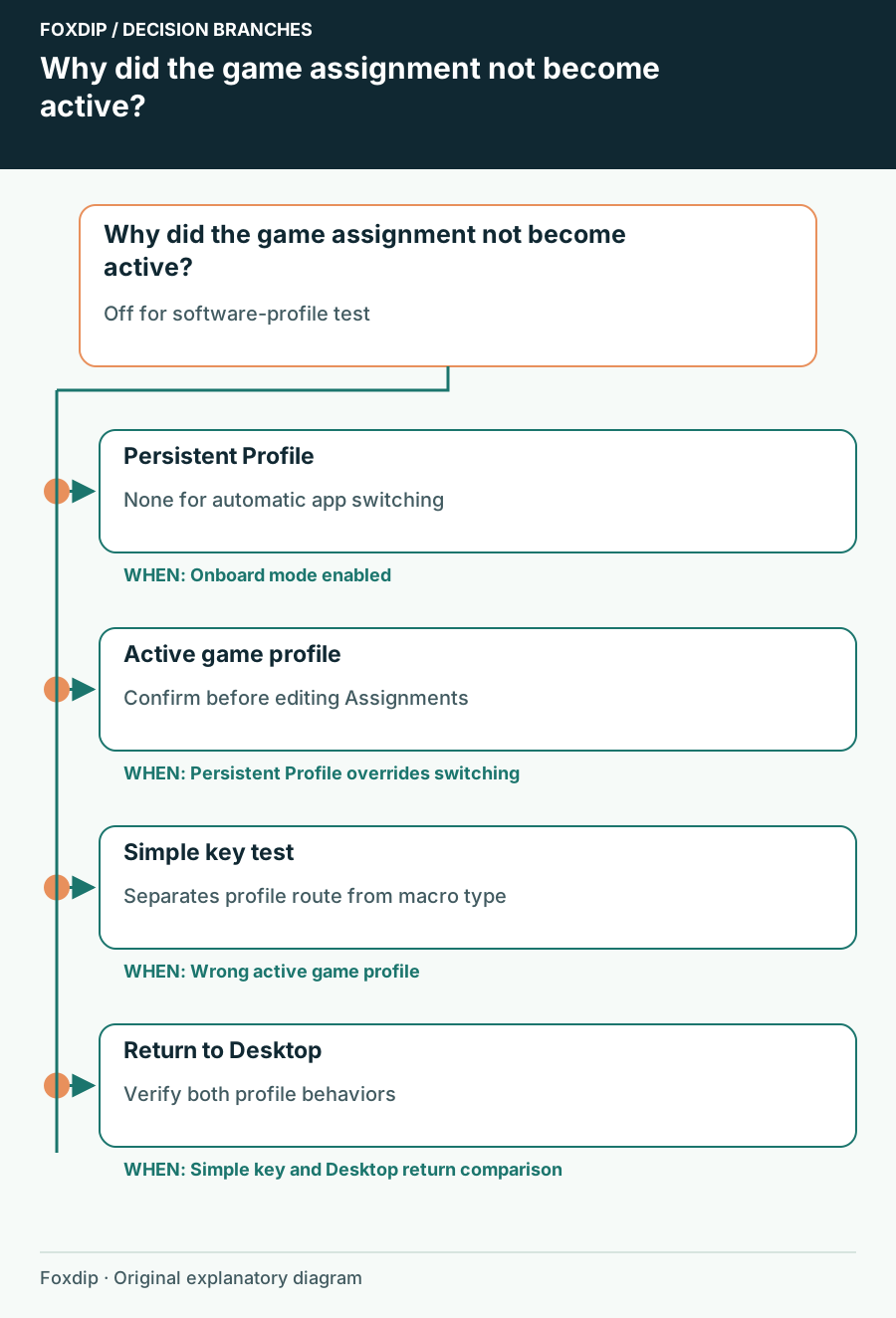
G502 HERO Assignments Ignore the Game: Check the Active Profile
Separate a persistent profile, onboard mode and an assignment made in the wrong app profile.
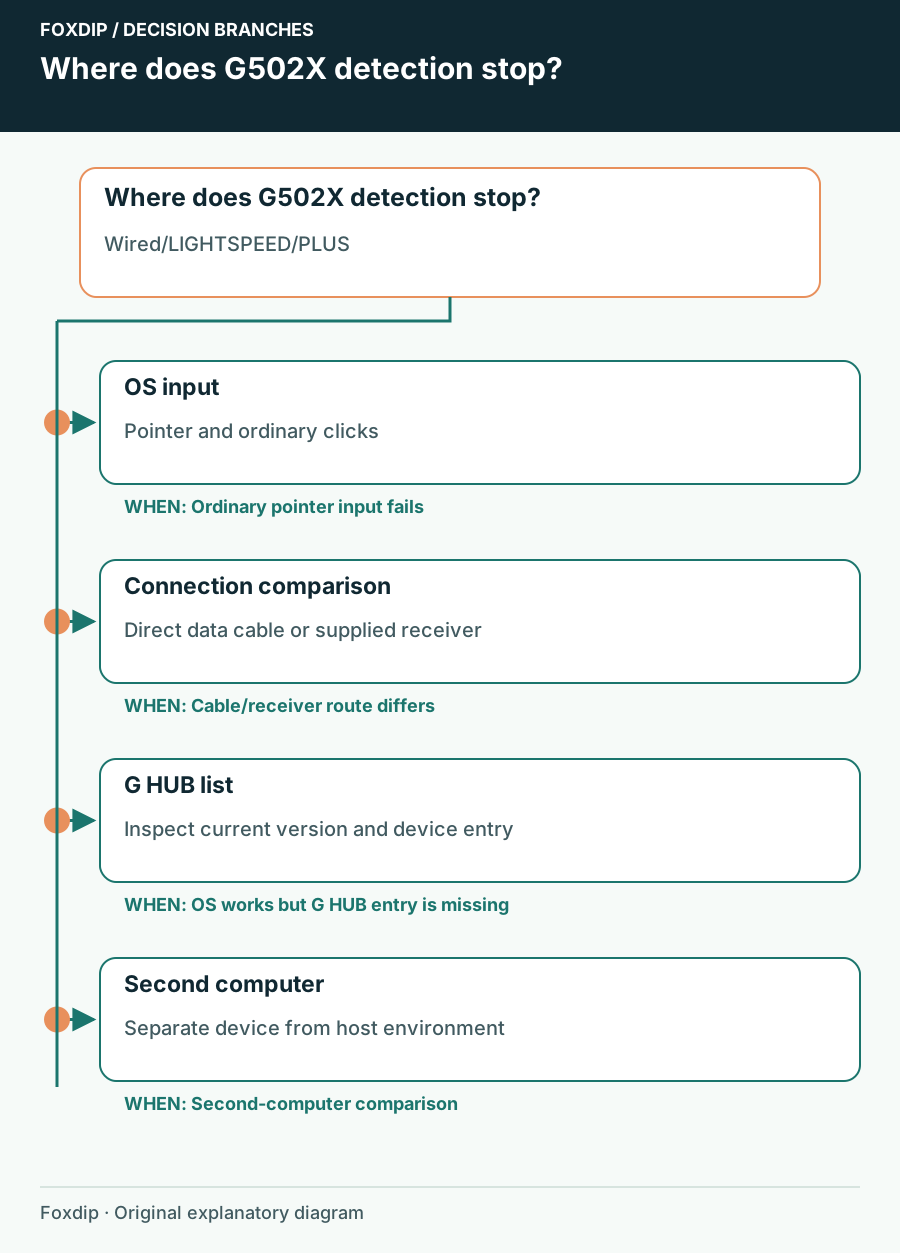
G502 X Missing in G HUB: Identify the Model and Connection
Check wired G502 X, LIGHTSPEED or PLUS connections before resetting software or deleting profiles.
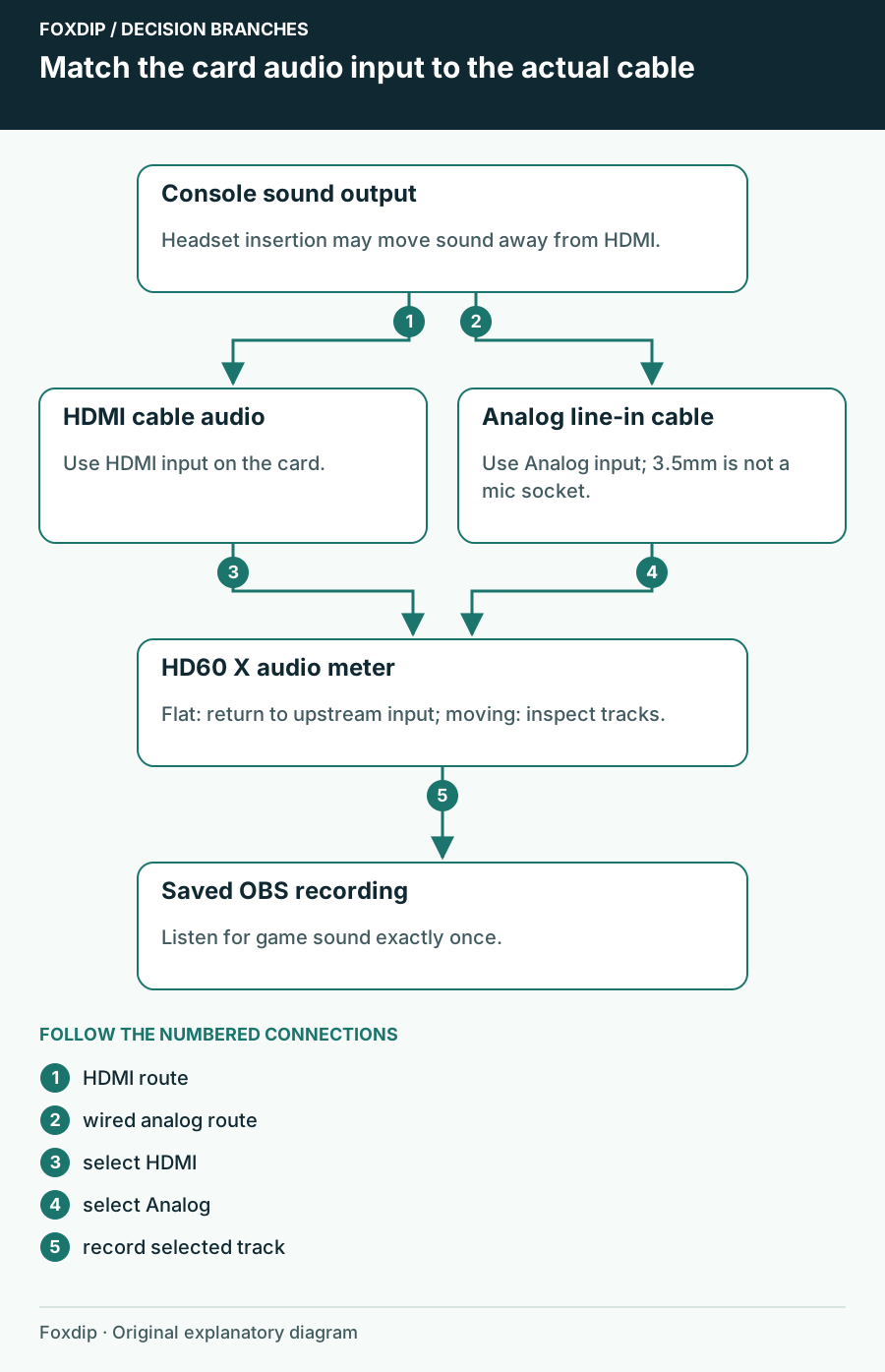
HD60 X Has Video but No Audio: Check the Selected Input
Trace game sound from the console to HDMI or analog line-in, then verify the HD60 X audio source and recording in OBS.
Keep going
with your setup.
Need to install a pack? The download guides will help. Looking for a character instead? Browse the collections and see what catches your eye.