
OBS Studio: audio and scene help
Find a missing microphone, check your recording and add the right source to your scene.
Let’s get it working.
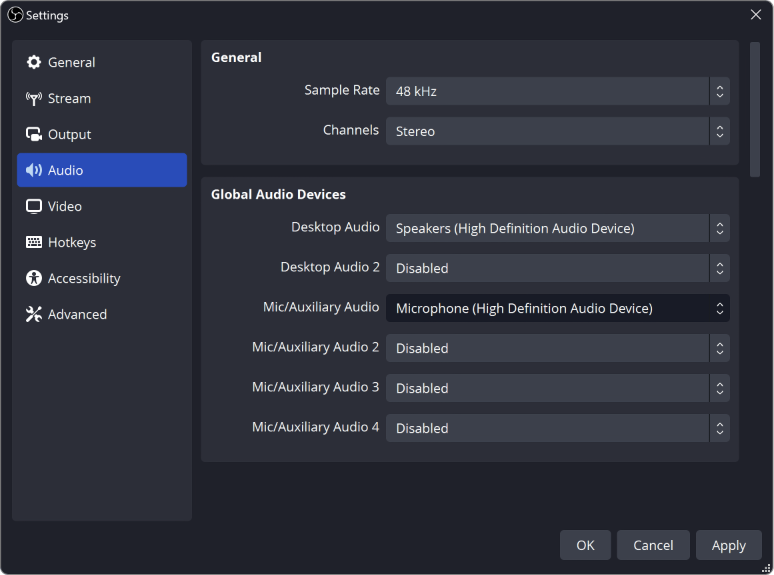
OBS Not Picking Up Your Mic? Here's How to Fix It
Your mic works everywhere except OBS? Check these in order: your computer's sound settings, mic permission, the device OBS uses, and the audio mixer.
How to Test Your Mic in OBS Before Going Live
Record a short rehearsal with your mic, game and alerts, then play it back. Catch missing sound, a doubled voice or loud game audio before viewers do.
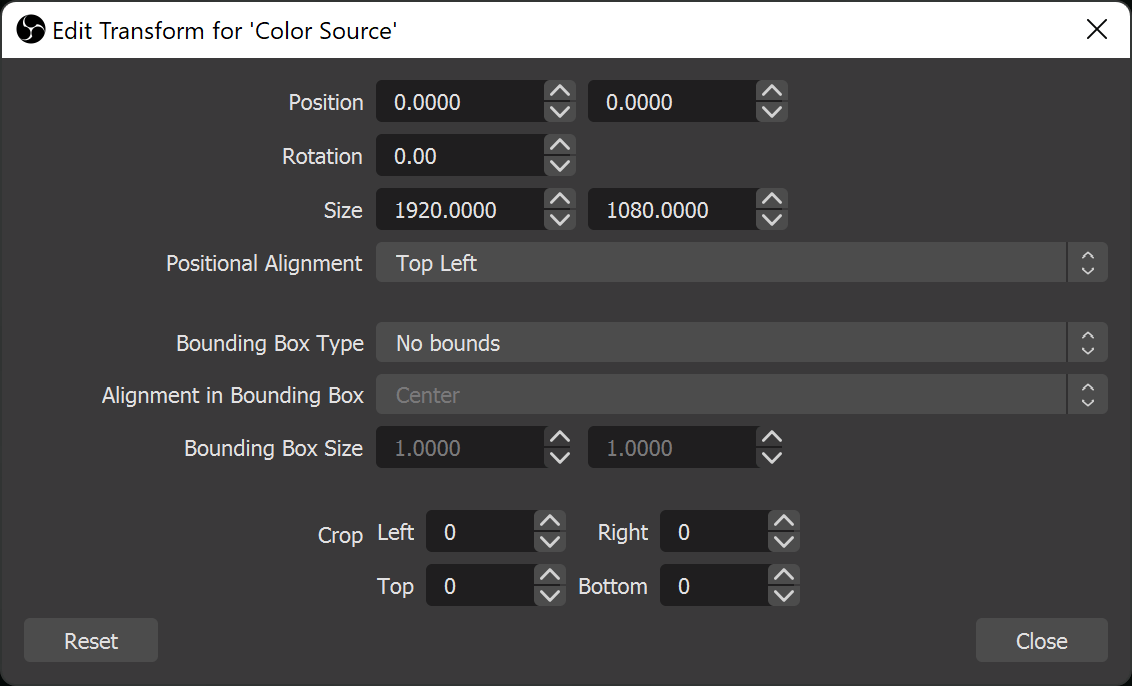
Stream Layout Readability: Can Viewers See What Matters?
Check your webcam, text and overlays in a small player. Keep game information visible and give each scene a clear focus.
Why Is My Audio Doubled in OBS? (Easy Fix)
Hearing your voice or game twice in OBS? Usually the same sound is being picked up two times. Here's how to find the extra one and turn it off.
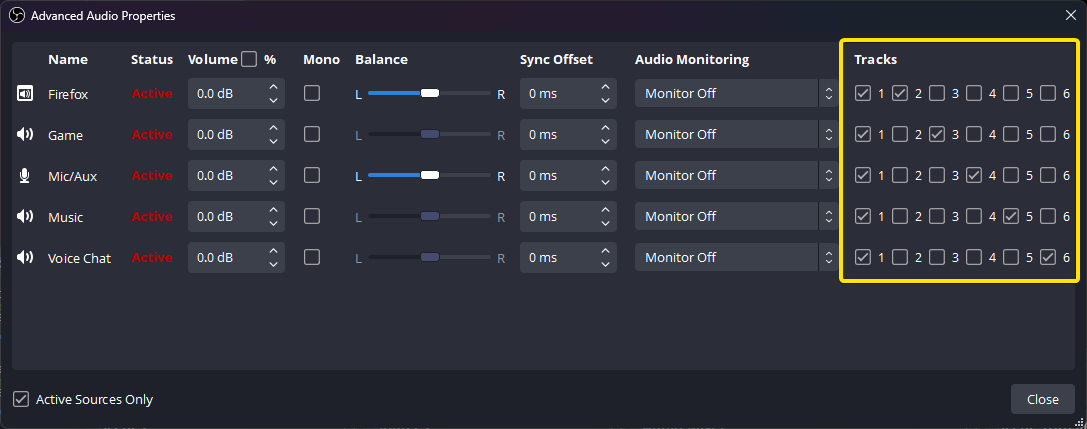
OBS Recording Has No Sound? Check Your Audio Tracks
The meters move but your OBS recording is silent? Follow the sound from your mic and desktop to the recorded track, then play the right track back.
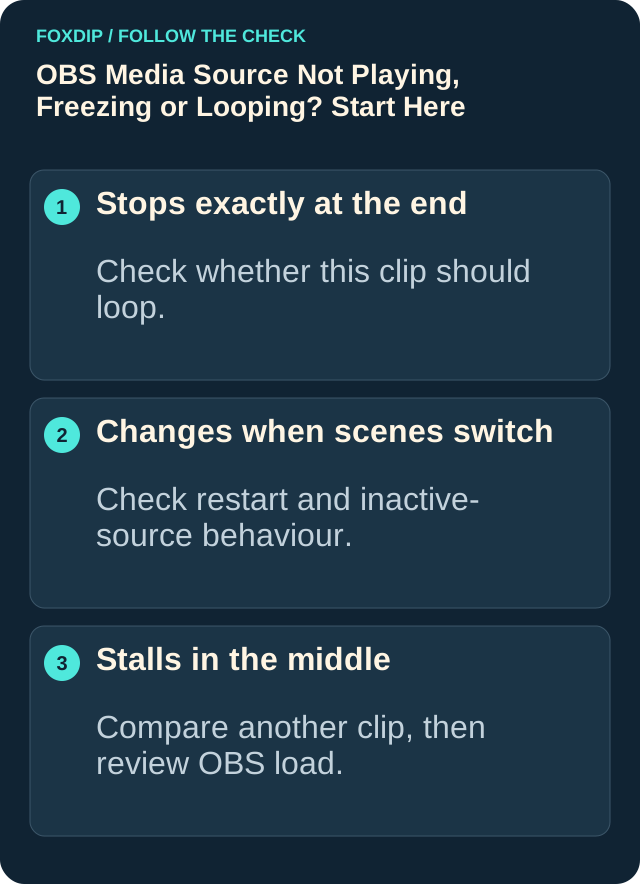
OBS Says "Media Source Is Not Playable"? Here's the Fix
Seeing "media source is not playable" in OBS? It usually means OBS can't open that file. Here's how to find out why and get your video playing.
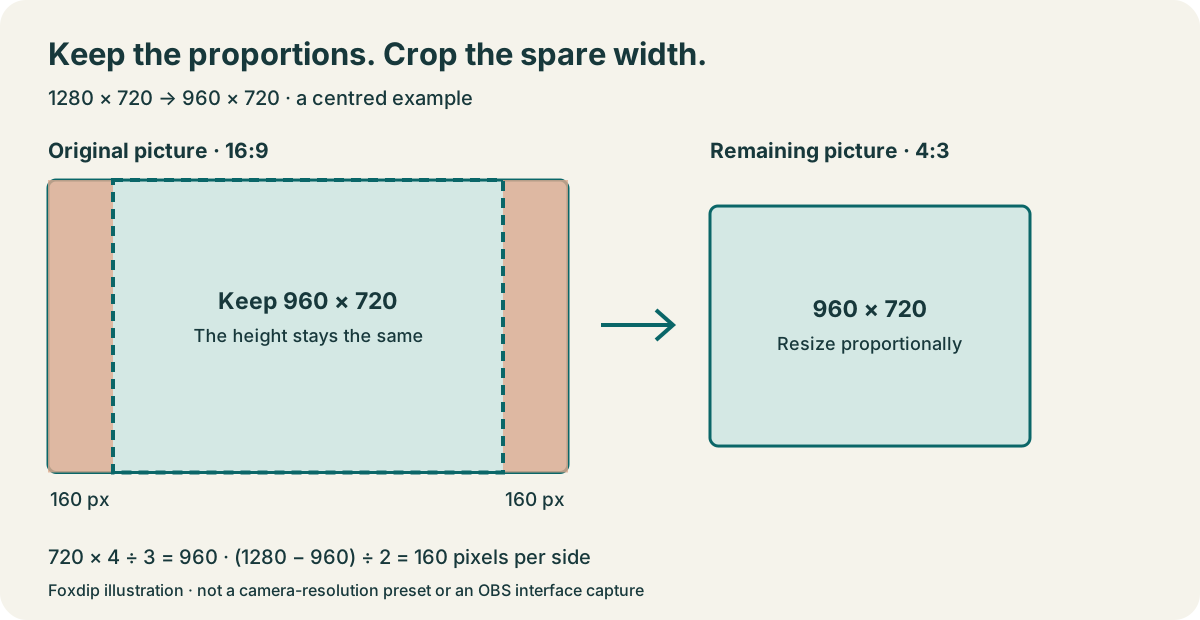
How to Crop Your Webcam in OBS (Without Stretching It)
The quick way to crop your webcam in OBS: hold Alt (Option on Mac) and drag the edge. Here's how to keep your face from looking stretched.
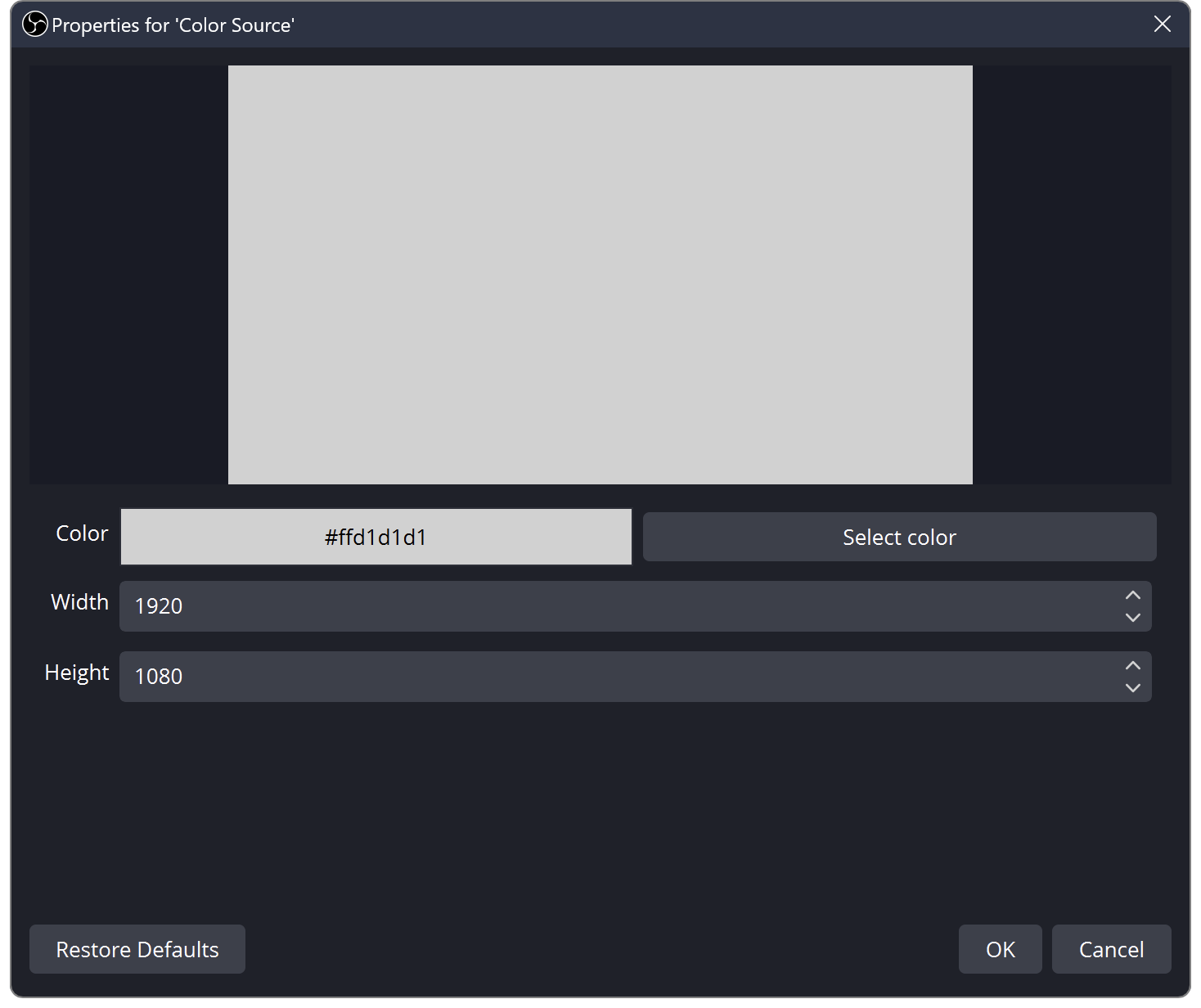
OBS Source Order: Learn Layers with Three Colour Blocks
Find out why sources cover each other in OBS. Build a three-layer scene and practise order, visibility and scene changes.
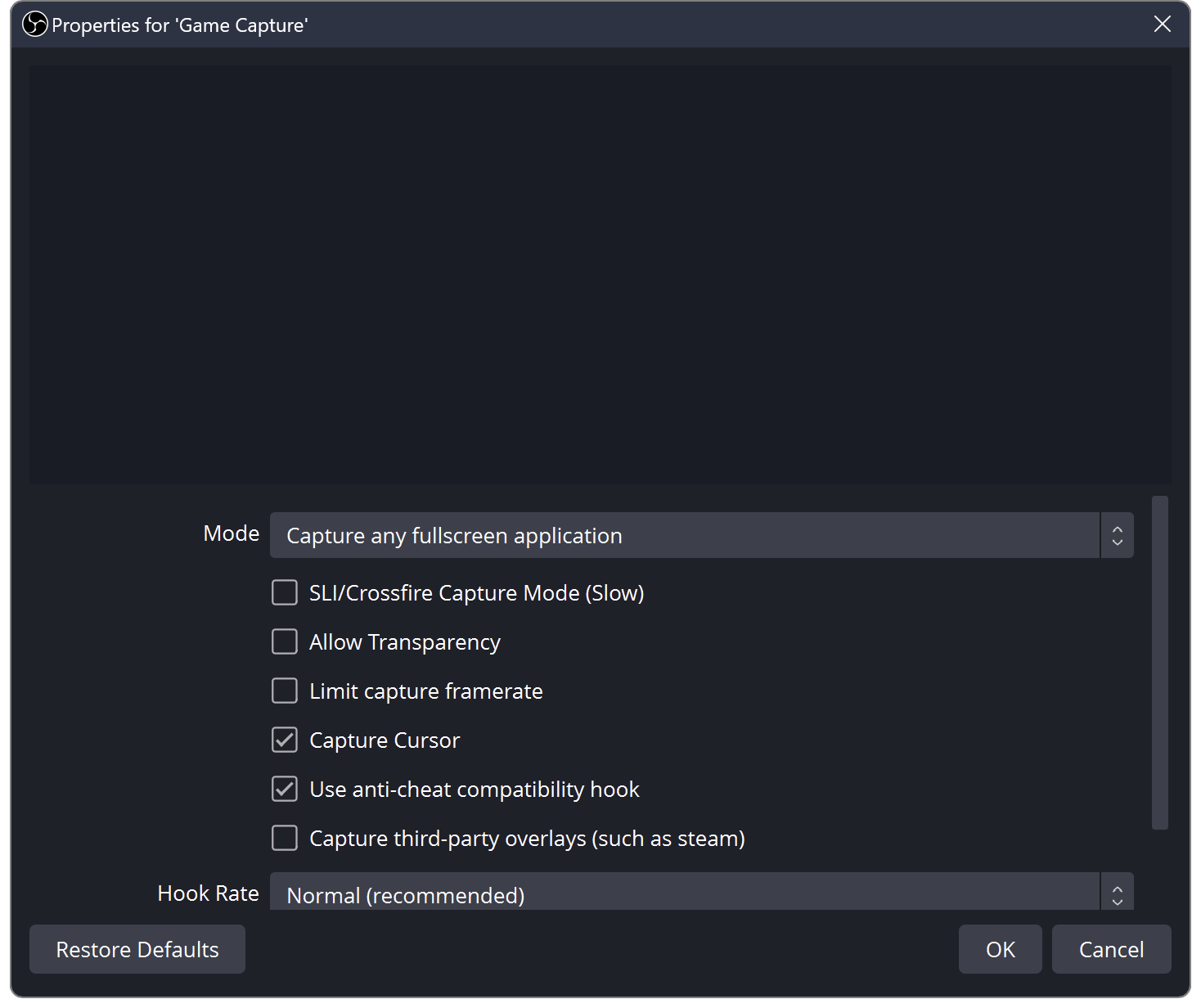
OBS Black Screen? How to Fix Game, Window and Display Capture
OBS shows black instead of your game or screen? Try these quick checks for Windows and Mac.