
Get the stream working your way.
Get your sound into OBS, put a scene together and work out which graphics go where.
 LEARN SOMETHING.
MAKE IT YOURS.
Start with GG.
See how one emote changes at 28, 56 and 112 px, then keep it for your channel. No email or account needed.
Set up your digital pack.
Get the right reaction into the right slot.
Find your emote and badge exports, match them to your Twitch slots and check the small preview before moving to the next design.
Read the setup guidePut each graphic in the source it needs.
Add a static frame with Image, use Media Source for supplied video and check how the layout behaves when you switch scenes.
Read the setup guideMotion is a choice, not an automatic upgrade.
Compare PNG stills, GIF loops and the actual reactions in a pack, then choose a version your chat slot can use.
Read the setup guideGet all the ZIP parts, then open the artwork.
Find the download for your Etsy order, extract every part and sort out images, instructions and any files intended for editing.
Read the setup guideFor your next stream.
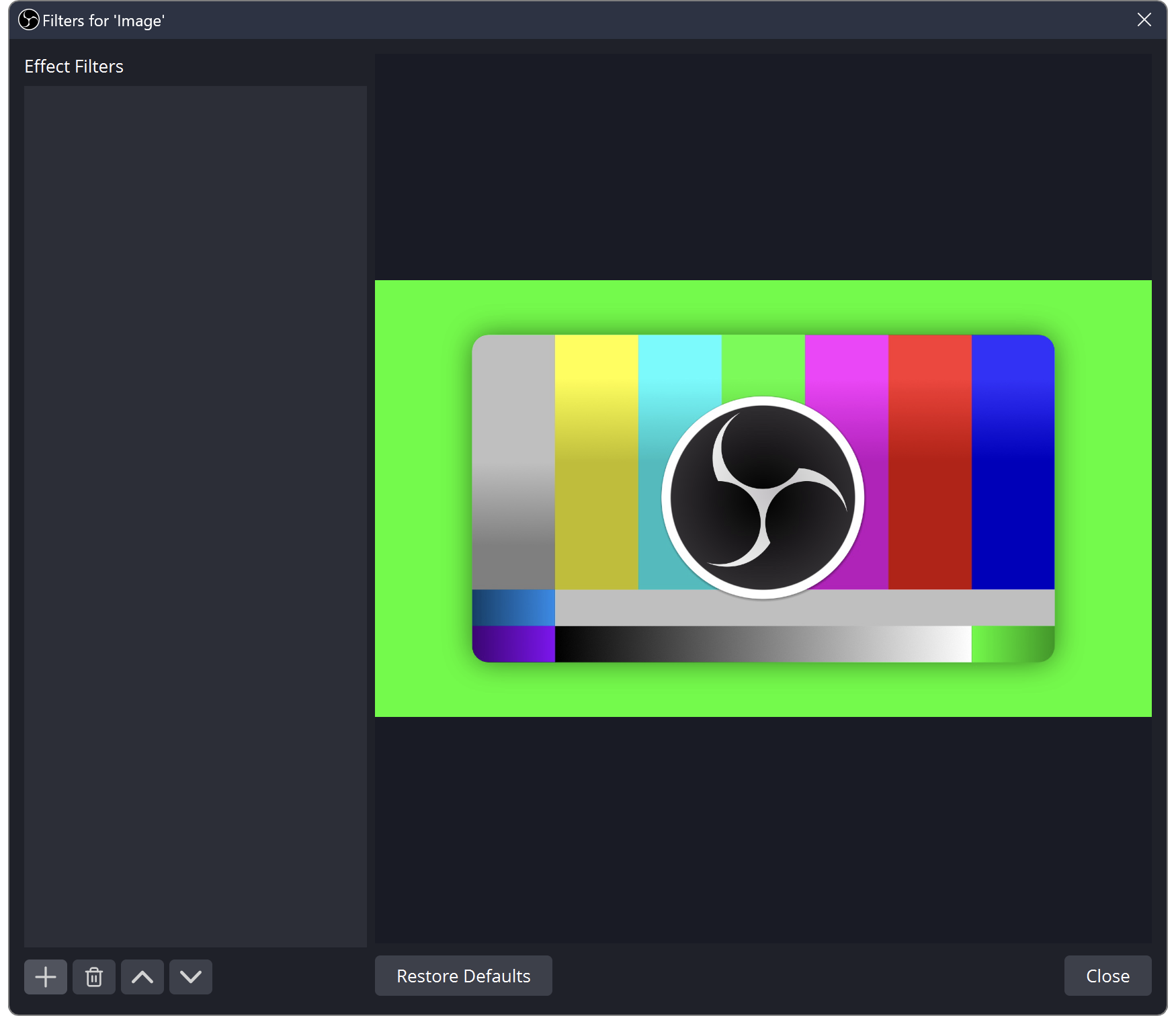
Set Up a Green Screen in OBS Without Eating the Edges
Light the backdrop, choose the camera source and adjust the key while watching hair, clothing and motion.
Stream Alerts Play Twice? Separate Events, Sources and Sound
Work out whether the duplicate is in the event feed, the visible overlay or only the audio before removing anything.
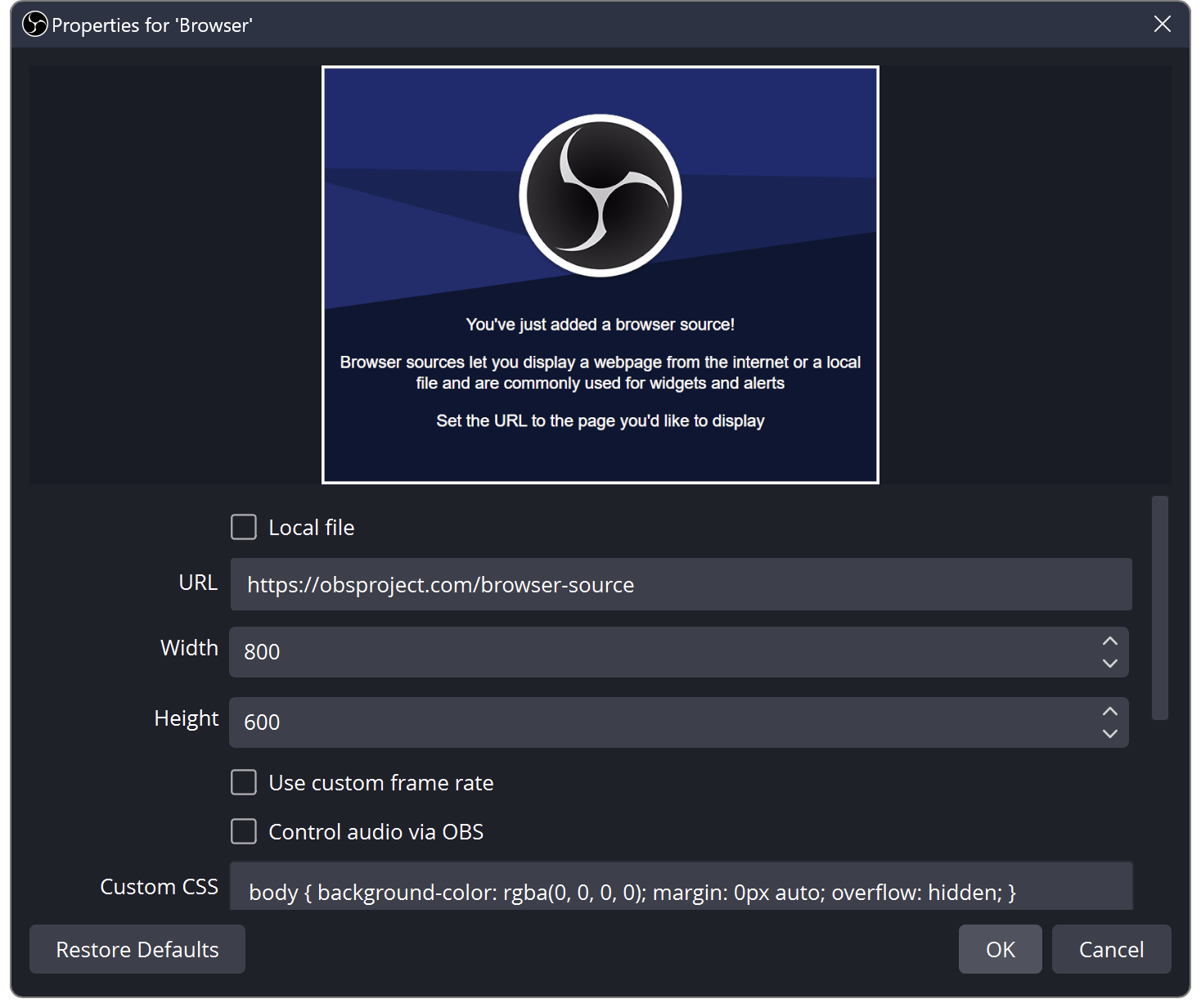
StreamElements Overlay Blank in OBS? Check the Browser Source
Compare the overlay editor with OBS, then check the copied URL, viewport and visible source order.
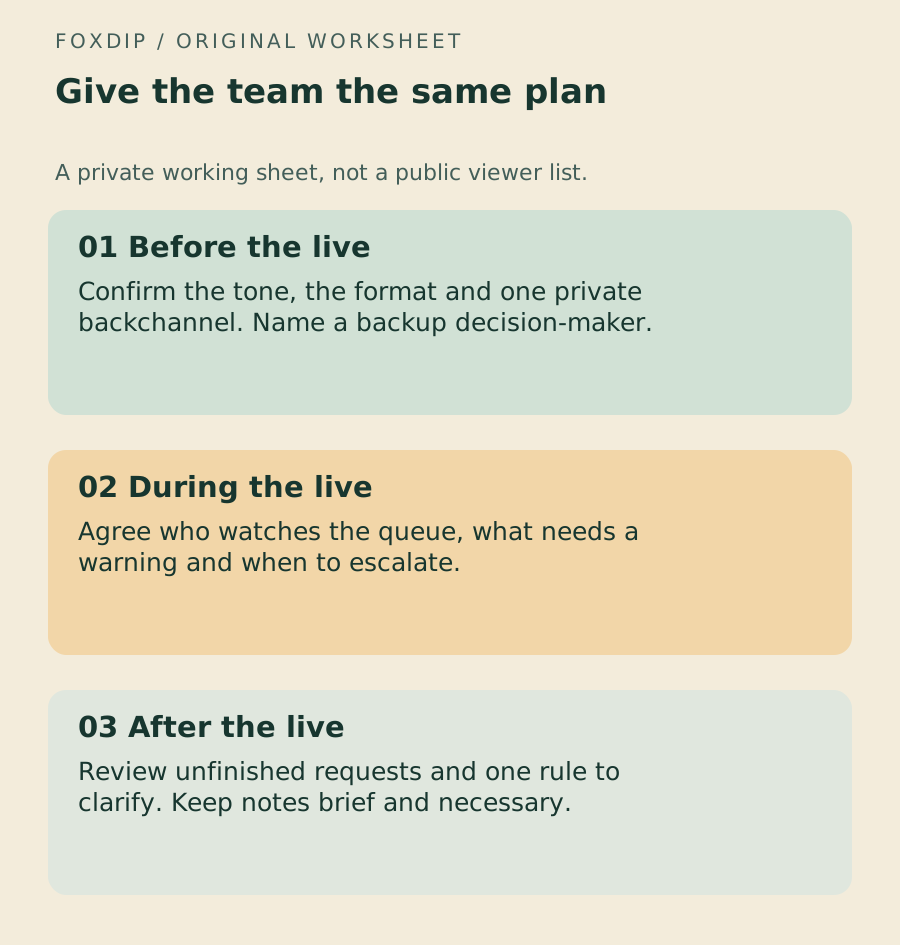
A Stream Moderator Handover That Fits on One Page
Give moderators the format, rules, queue owner and escalation route they need before the stream starts.
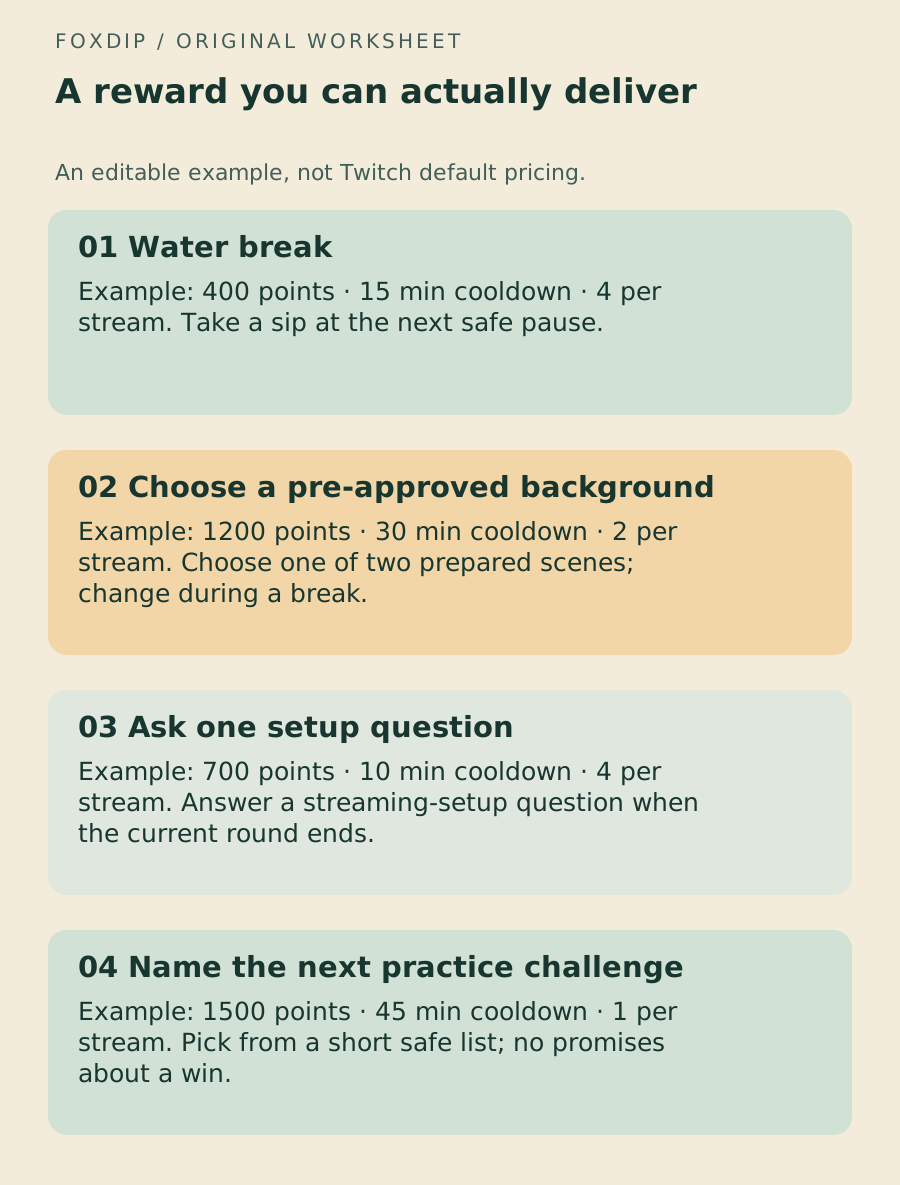
Build a Twitch Channel Point Reward Menu You Can Keep Up With
Start with a small set of rewards, write the promised result and set limits before the queue takes over your stream.
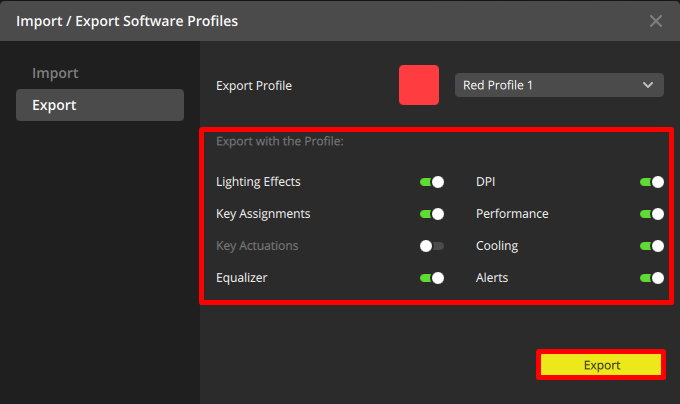
iCUE Crashes After Importing an Old Profile: Keep the File, Rebuild Carefully
Identify Corsair’s documented profile-compatibility case without deleting every profile or treating every crash as the same problem.
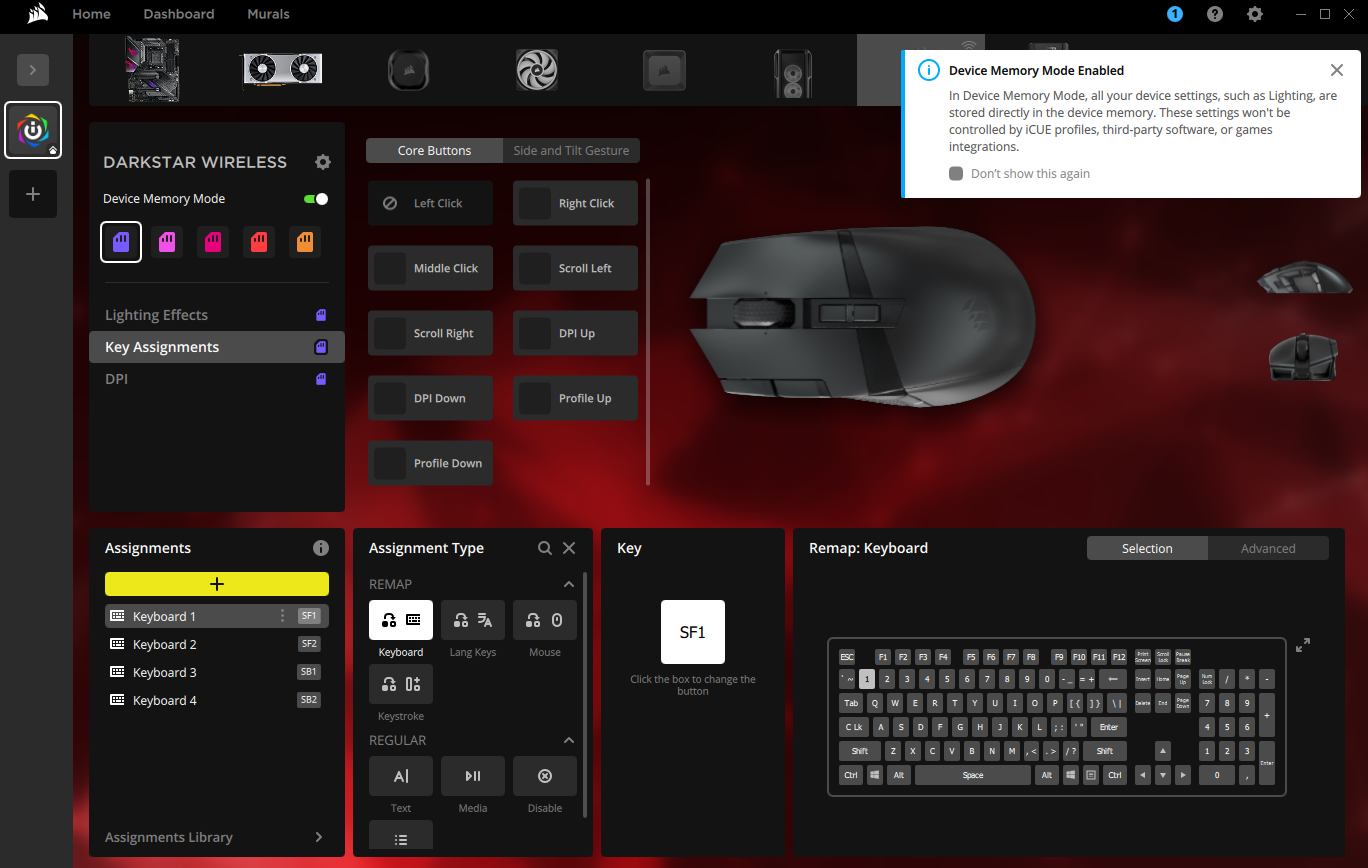
iCUE Device Memory Mode: Keep Settings When iCUE Closes
Lighting or DPI resets when you close iCUE? See which settings save to your device's onboard memory, how to save them there, and how to test one change.
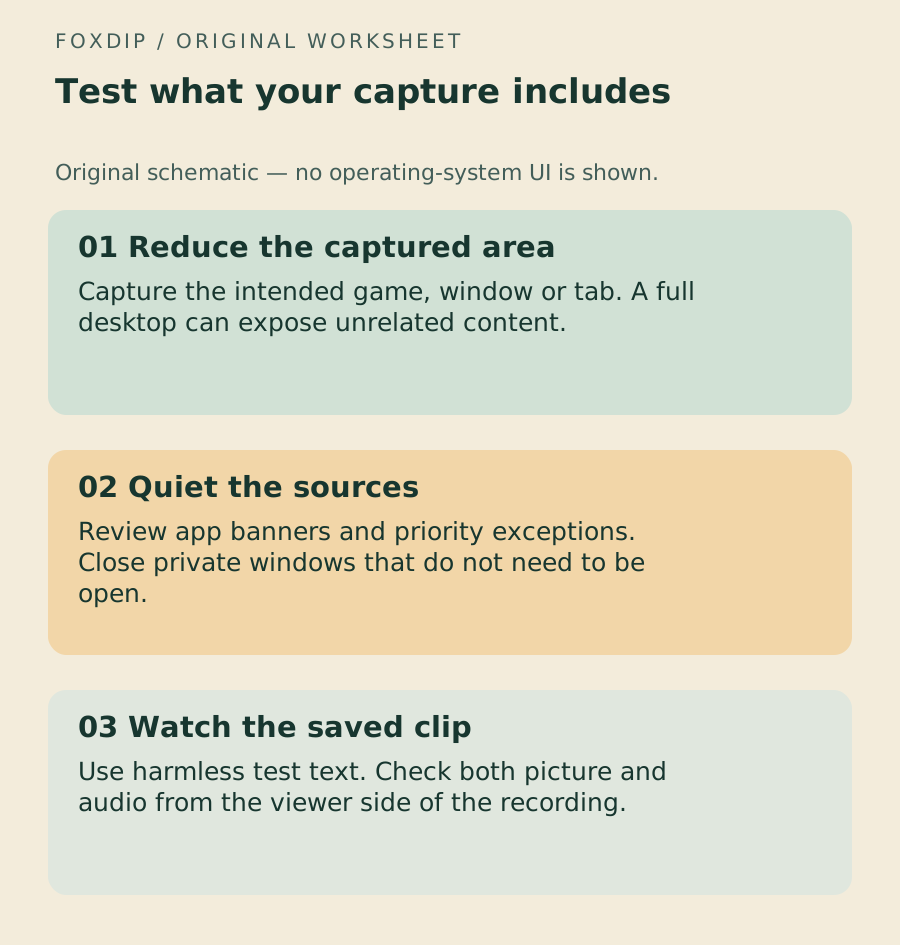
Keep Private Notifications Out of Your Stream Capture
Reduce the capture area, review Windows notification exceptions and test with harmless messages before going live.
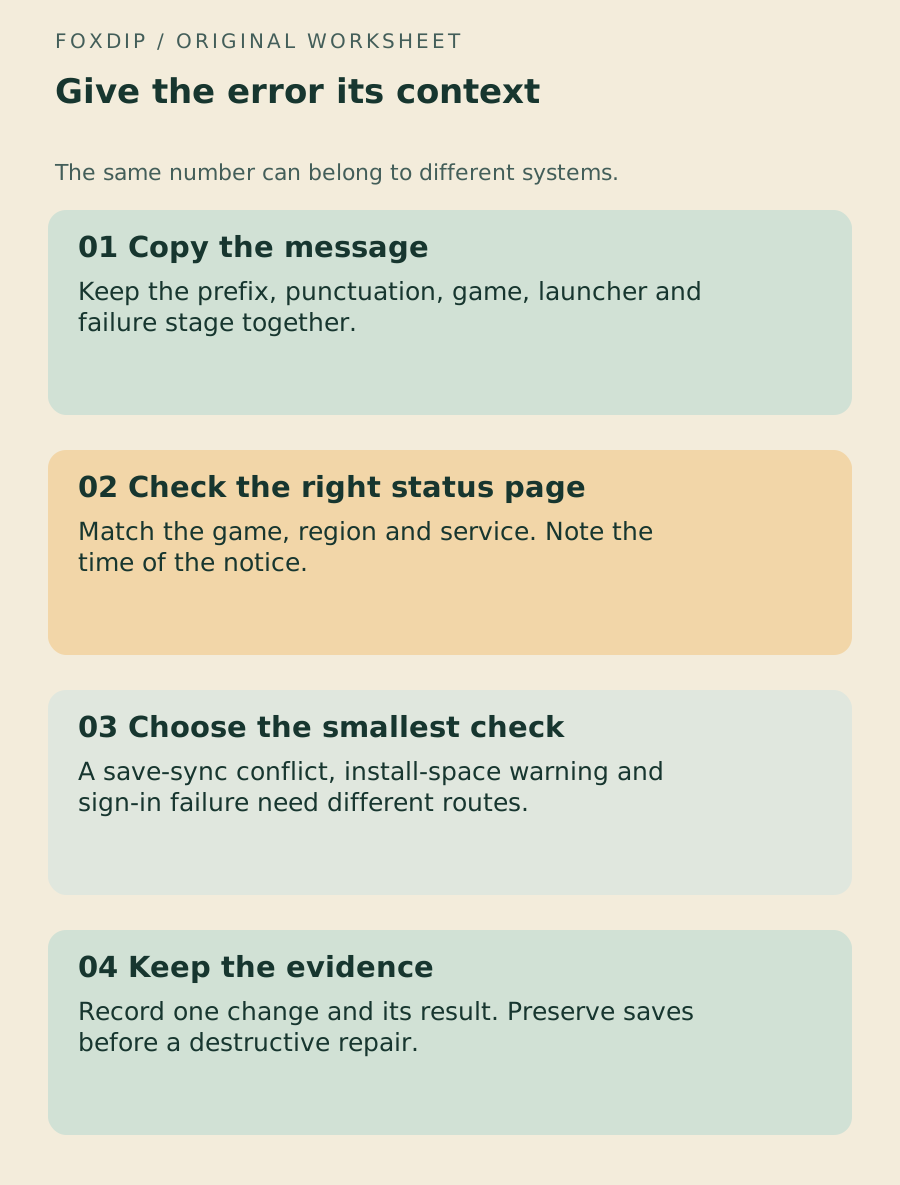
Read a Game Error Code Before Changing Windows
Keep the message, game, launcher and failure stage together so a save warning does not turn into an unrelated driver reinstall.
Keep going
with your setup.
Need to install a pack? The download guides will help. Looking for a character instead? Browse the collections and see what catches your eye.