
Your next GG
is on us.
A little good game goes a long way. Take this GG reaction from Neon Chat, see how it looks in chat and keep it for your own channel.
Free · No email · No account · 55.7 kB ZIP
 ONE REACTION / SEVEN EXPORTS
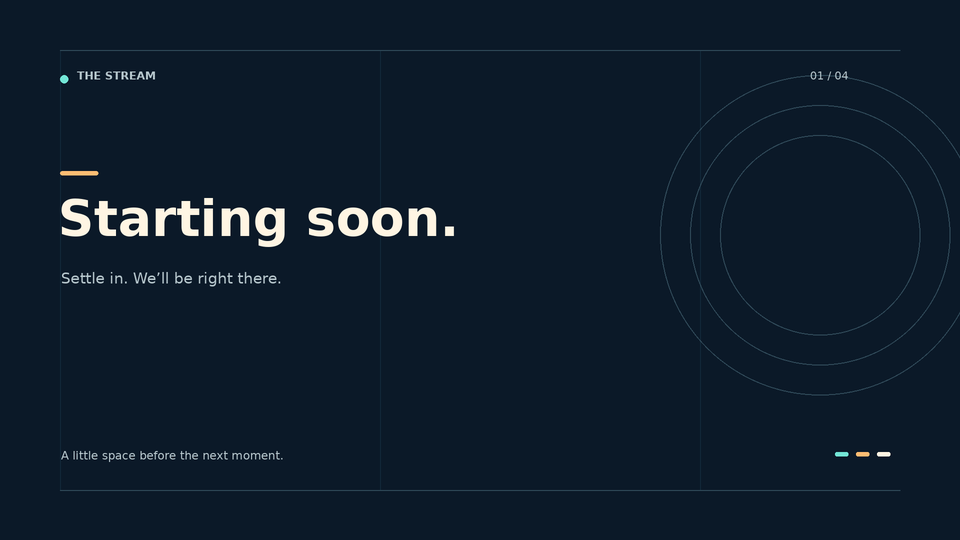
Meet Quiet Signal.
Four static stream screens, a transparent camera frame and six panel headings. Start with one scene, then build from there. Ready-to-use PNGs and editable SVG sources are included.
Free · No email · No account · Channel-use licence included
New: free Christmas panels, offline screen and countdown
Small is where
the details matter.
Dark chat Illustrative preview


Light chat Illustrative preview
You’re looking at the included PNGs. Keep browser zoom at 100% for the size comparison, or open the preview to play the GIFs.
What’s free.
What’s included.
The download has one GG design in seven sizes and formats, plus setup notes and a licence. The file list and setup notes are in the ZIP too.
- Use it on your own monetized or non-monetized channel and its associated community.
- No attribution required. No resale, redistribution or use in another asset pack.
- No editable source, overlay, OBS scene, platform subscription or unlocked emote slot is included.
- This download contains one reaction. Browse the current emote collection when you want a different design.
Get it into your chat.
- Download and extract
Open the ZIP with your computer’s extraction tool. Read README.txt and LICENSE.txt.
- Start at 28 px
Compare the 28 px export first, then the larger sizes. Try both chat backgrounds and watch the GIF loop.
- Pick an available emote slot
Choose a slot that accepts the file type, then follow the requirements shown in your platform’s dashboard.
Got room for another reaction?
Start with the moments your chat needs: a greeting, a celebration or a quiet lurk. Browse the current packs and choose the files your available slots support.
Explore current emote packsFree can be enough.
Use the downloads for as long as they suit your channel. Browse paid designs when you want another reaction, a particular style or components the free kit doesn’t cover.
| Your next job | Start here | When to explore the shop |
|---|---|---|
| Try an animated emote | GG: one reaction, seven exports | You want a different animated reaction ↗ |
| Set up matching static scenes | Quiet Signal: four screens, one frame, six panel headings | You want another style or more components ↗ |
| Add event alerts | The free kit has no alert media or connected alert service | Choose artwork, then configure your provider ↗ |
| Add a room behind your avatar | You supply your own room or camera content | Compare the room backgrounds ↗ |
Paid packs have their own file lists and licences. Etsy confirms the purchase price and handles payment and downloads.