
Get the stream working your way.
Get your sound into OBS, put a scene together and work out which graphics go where.
 LEARN SOMETHING.
MAKE IT YOURS.
Start with GG.
See how one emote changes at 28, 56 and 112 px, then keep it for your channel. No email or account needed.
Set up your digital pack.
Get the right reaction into the right slot.
Find your emote and badge exports, match them to your Twitch slots and check the small preview before moving to the next design.
Read the setup guidePut each graphic in the source it needs.
Add a static frame with Image, use Media Source for supplied video and check how the layout behaves when you switch scenes.
Read the setup guideMotion is a choice, not an automatic upgrade.
Compare PNG stills, GIF loops and the actual reactions in a pack, then choose a version your chat slot can use.
Read the setup guideGet all the ZIP parts, then open the artwork.
Find the download for your Etsy order, extract every part and sort out images, instructions and any files intended for editing.
Read the setup guideFor your next stream.

Use an iPad for HDMI capture: check USB bandwidth first
Check the exact iPad, capture device and cable before building a portable HDMI recording setup.
VRR through a capture card: test the play display and recording
Separate variable-refresh gameplay from the saved stream when testing a capture chain for flicker, tearing or uneven motion.

Webcam color keeps changing: simplify mixed light and white balance
Build a repeatable white-balance check for daylight, room bulbs and a desk key light without relying on a universal Kelvin value.
Webcam motion blur: balance shutter speed, light and noise
Use a repeatable hand-motion test to tune Facecam exposure without confusing bright video with sharp motion.

Why a Transparent GIF Loses the Soft Edge of Your PNG
Understand GIF’s transparency limit and redesign soft glows or shadows for a destination that requires GIF.

Wireless GO II backup recording: verify it before relying on it
Enable the intended onboard recording mode, make a recovery test and export usable files before a real session.
Wireless GO II: choose Split, Merged or a safety channel for streaming
Map two transmitters into a live mix or editable recording without accidentally sending one person to each ear.
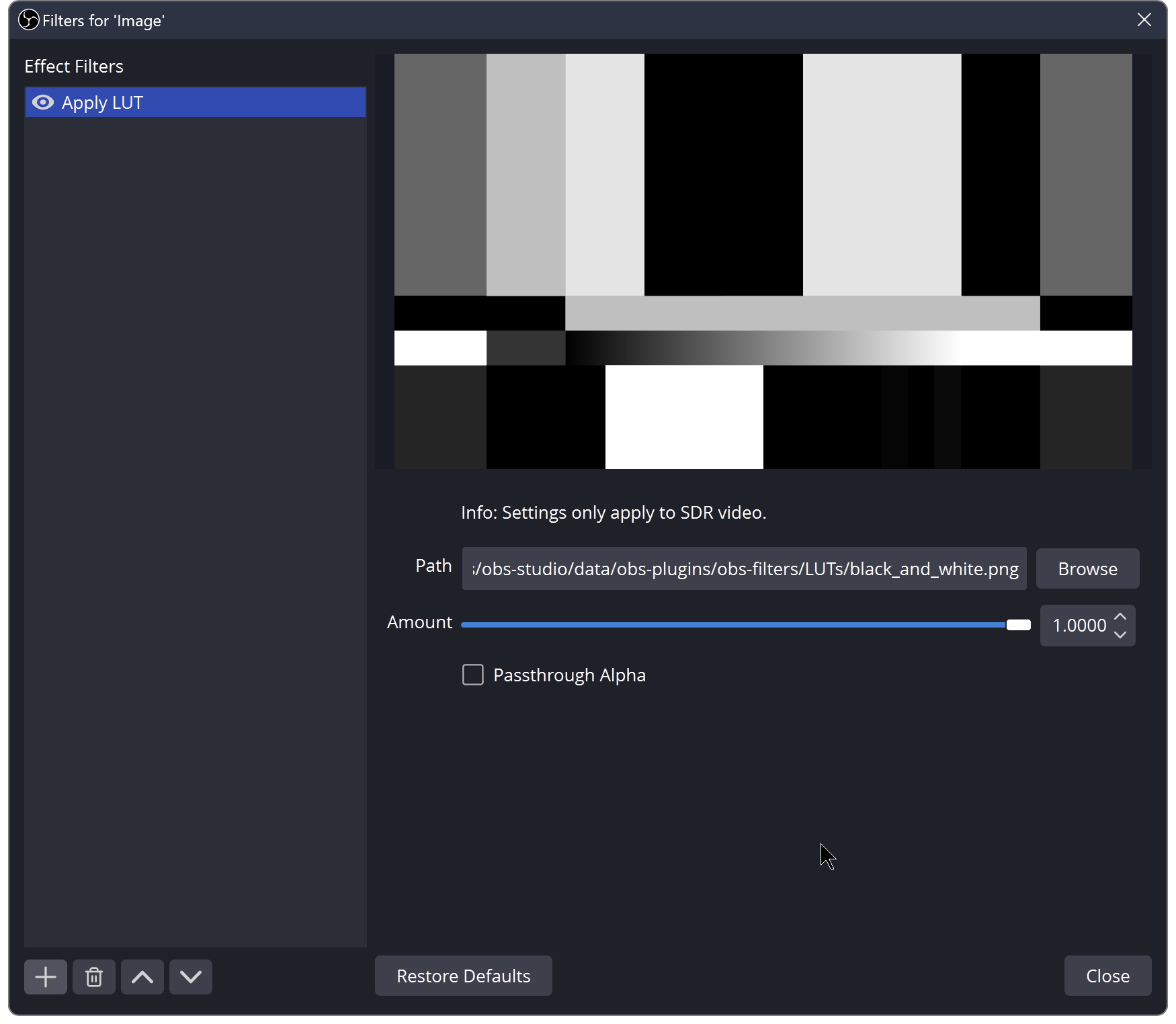
Install a Webcam LUT in OBS and Keep an Honest Before/After
Load a PNG or CUBE look, compare it at a fixed camera setup, and avoid using a LUT to hide exposure or colour-space problems.
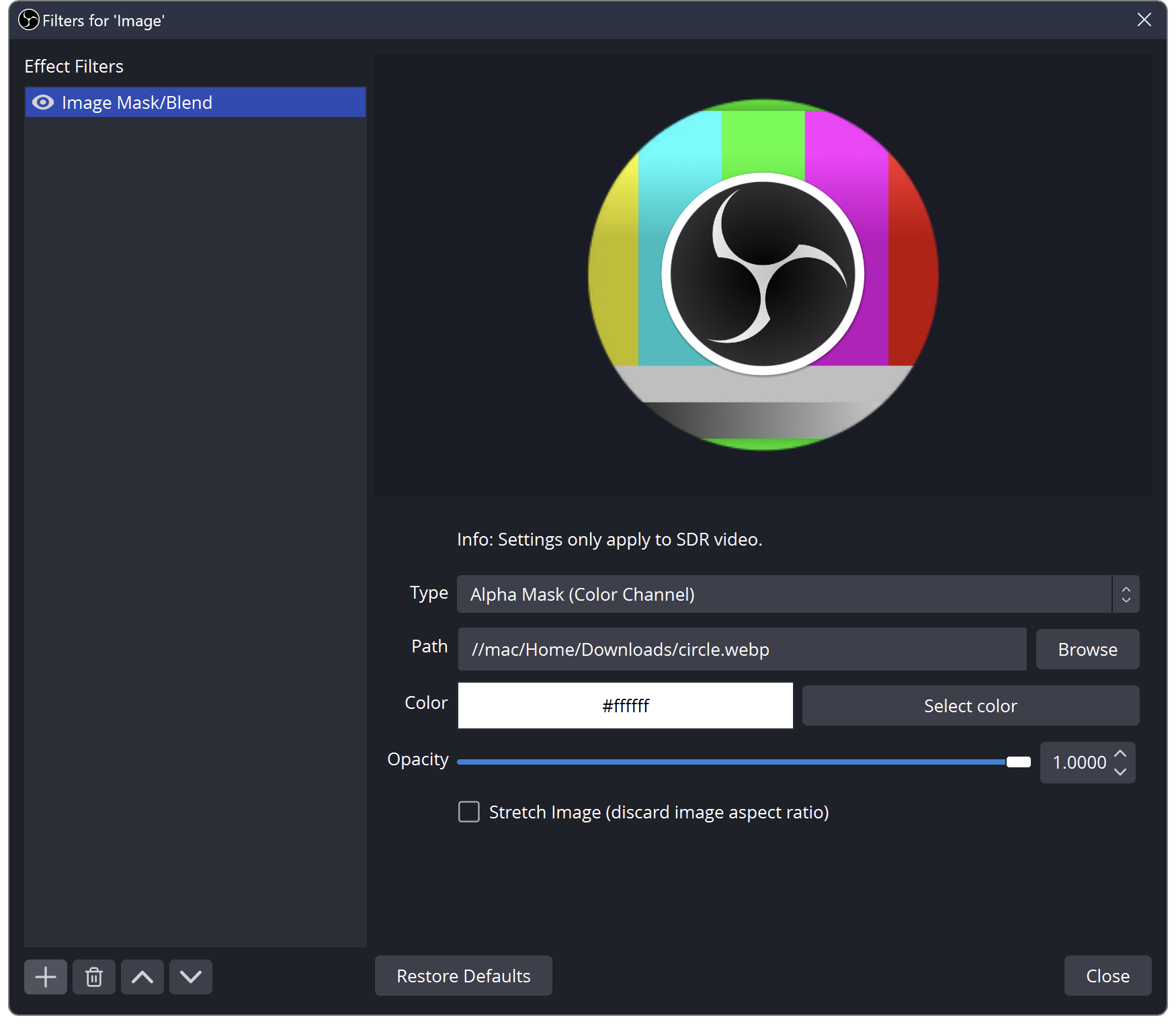
Make a Circle Webcam in OBS Without Squashing Your Face
Use an alpha mask for the shape, keep your camera proportions, and distinguish the mask from a decorative frame.
Keep going
with your setup.
Need to install a pack? The download guides will help. Looking for a character instead? Browse the collections and see what catches your eye.