
Get the stream working your way.
Get your sound into OBS, put a scene together and work out which graphics go where.
 LEARN SOMETHING.
MAKE IT YOURS.
Start with GG.
See how one emote changes at 28, 56 and 112 px, then keep it for your channel. No email or account needed.
Set up your digital pack.
Get the right reaction into the right slot.
Find your emote and badge exports, match them to your Twitch slots and check the small preview before moving to the next design.
Read the setup guidePut each graphic in the source it needs.
Add a static frame with Image, use Media Source for supplied video and check how the layout behaves when you switch scenes.
Read the setup guideMotion is a choice, not an automatic upgrade.
Compare PNG stills, GIF loops and the actual reactions in a pack, then choose a version your chat slot can use.
Read the setup guideGet all the ZIP parts, then open the artwork.
Find the download for your Etsy order, extract every part and sort out images, instructions and any files intended for editing.
Read the setup guideFor your next stream.
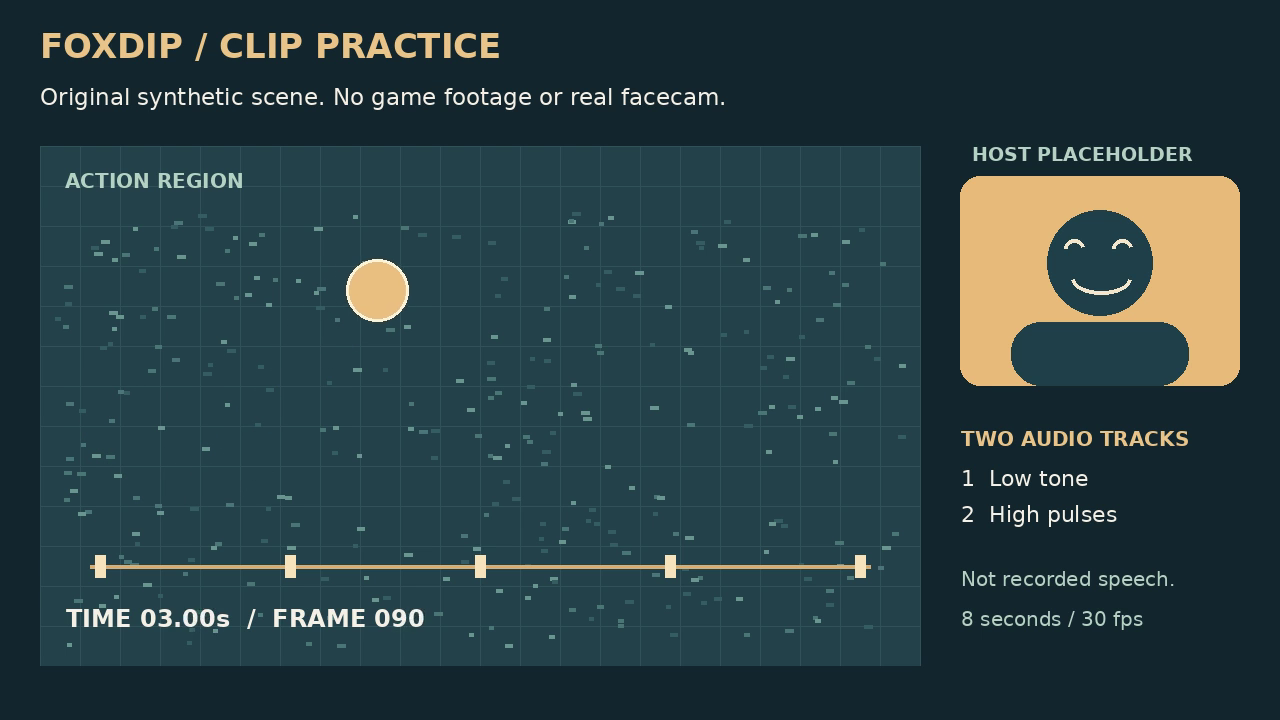
Create a Clip Thumbnail from a Frame You Actually Recorded
Extract one frame from a short clip, check it small and keep the image separate from the source video.
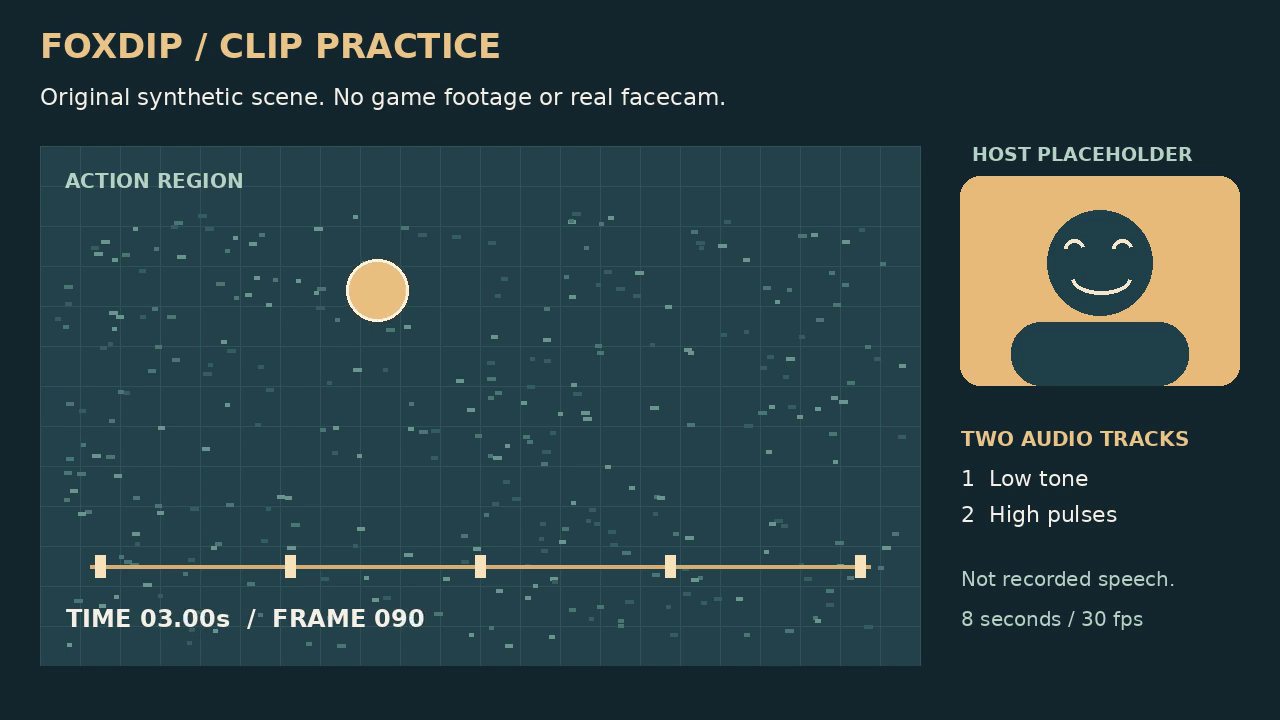
Export a Stream Clip: Compare Quality and File Size
Compare two real encodes of one eight-second clip, then choose a result for your own destination instead of copying a universal preset.
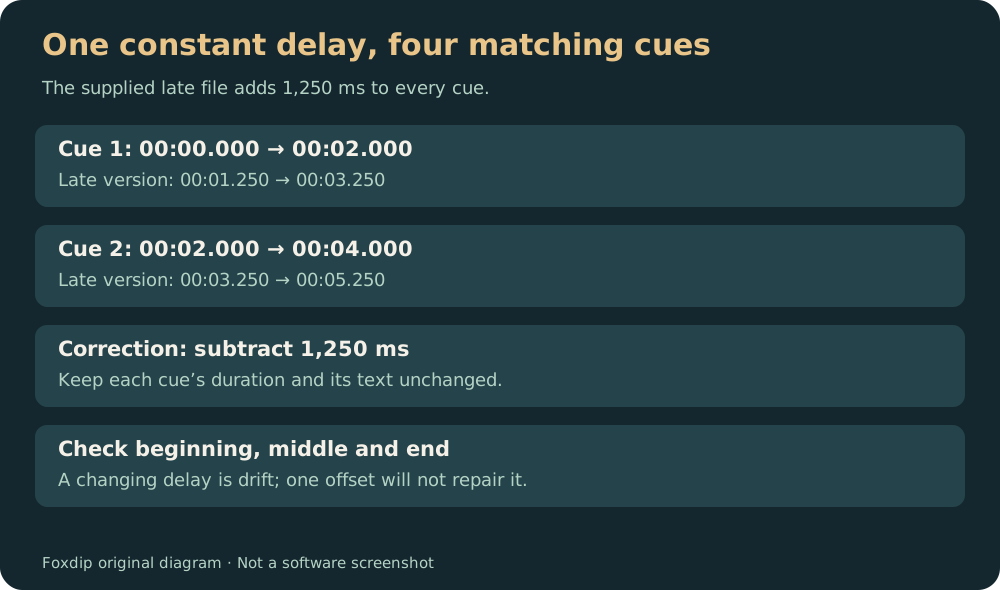
Fix a Constant Subtitle Delay Without Rewriting Every Cue
Use a deliberately late SRT file to practise one offset, then check the beginning, middle and end for drift.
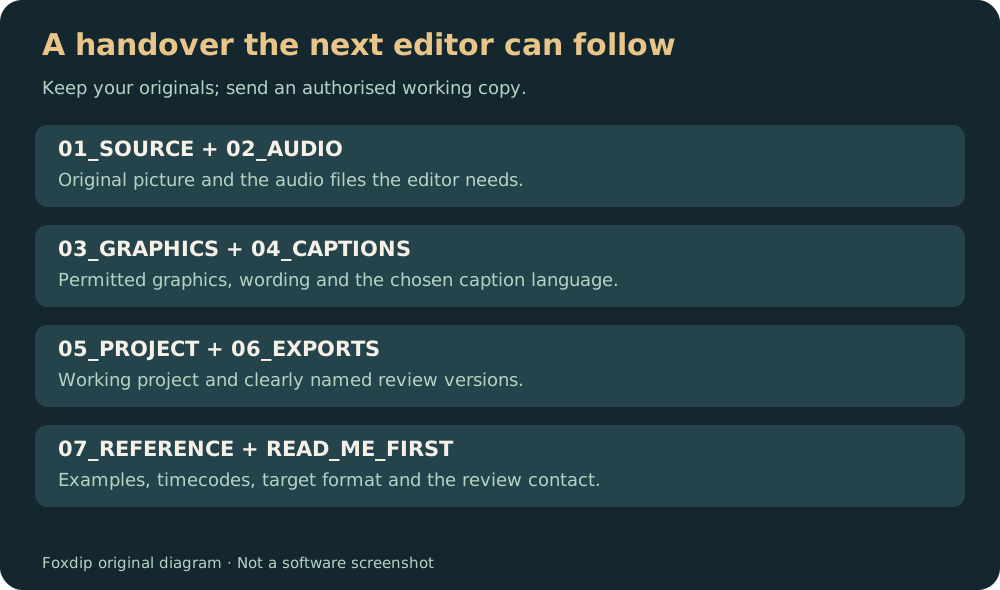
Prepare a Stream Recording Folder for an Editor
Use a downloadable folder template, matching media names and a short brief so the next editor can start with the right files.
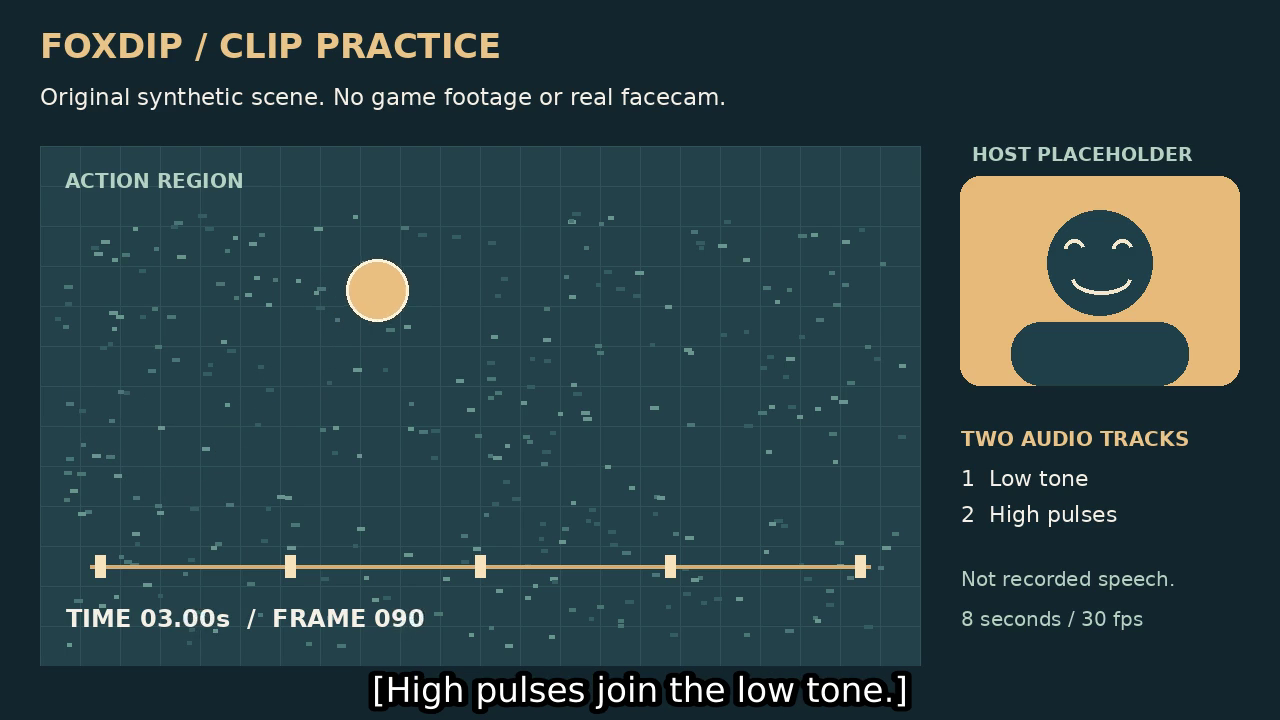
SRT Subtitles or Burned-In Captions: Which Should You Export?
Try both versions of one clip. See what stays editable, what viewers can switch off and what must be rendered again.
Turn a Landscape Stream Clip into a Vertical Video
Compare a centre crop with a two-region layout using the same downloadable clip, then make a portrait export you can actually inspect.
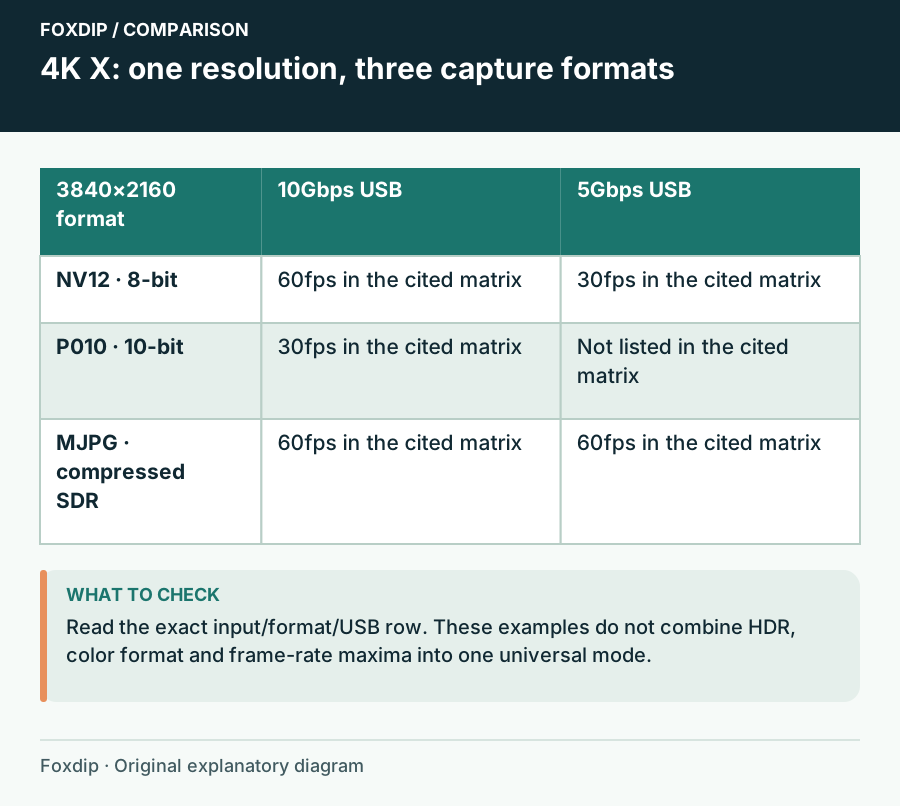
4K X Capture Modes Missing? Check USB Speed and Video Format
A 4K X mode depends on the input, USB speed and pixel format. Check the exact combination before changing your encoder.
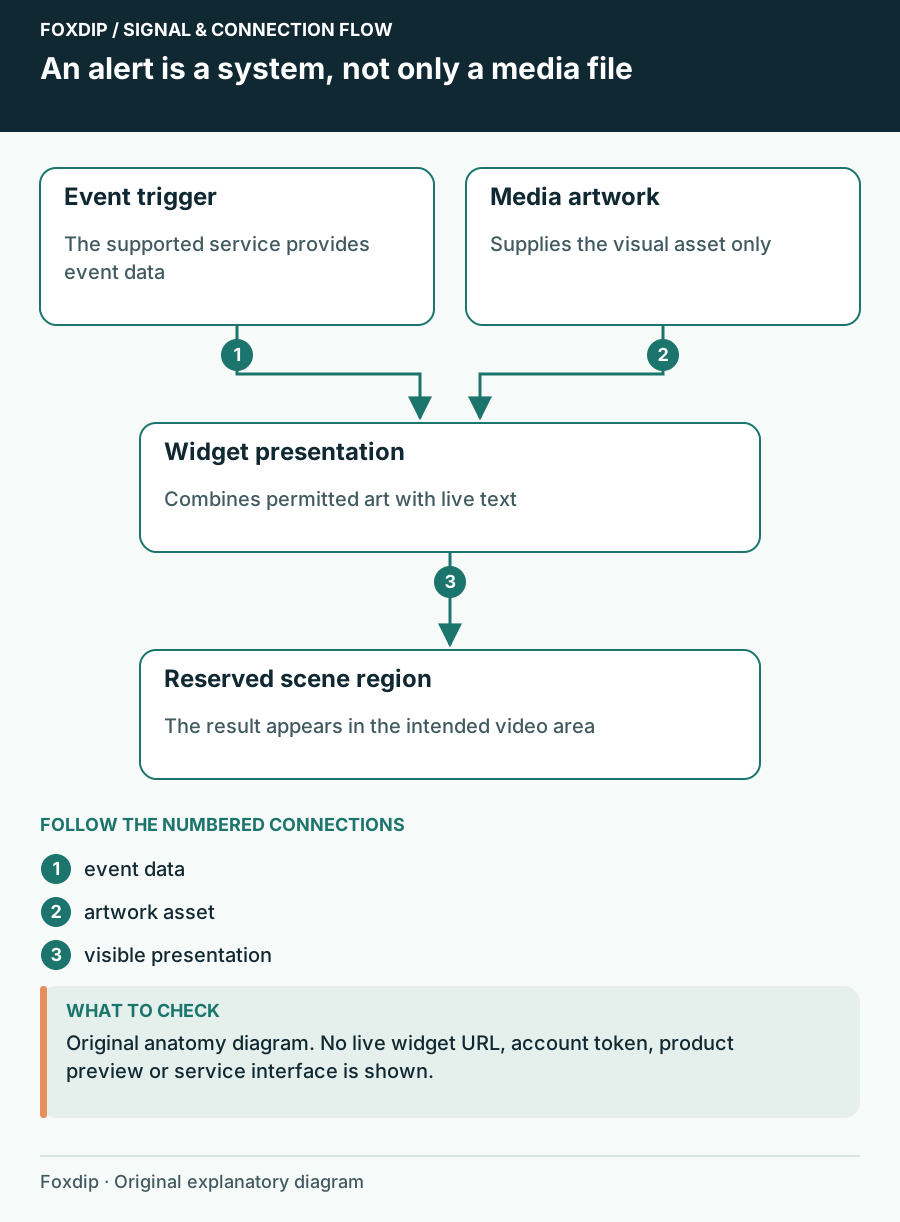
Animated Alert File vs Alert Widget: Know Which Part You Need
Understand the difference between an animation asset, a configured event widget and the remaining setup in your streaming software.
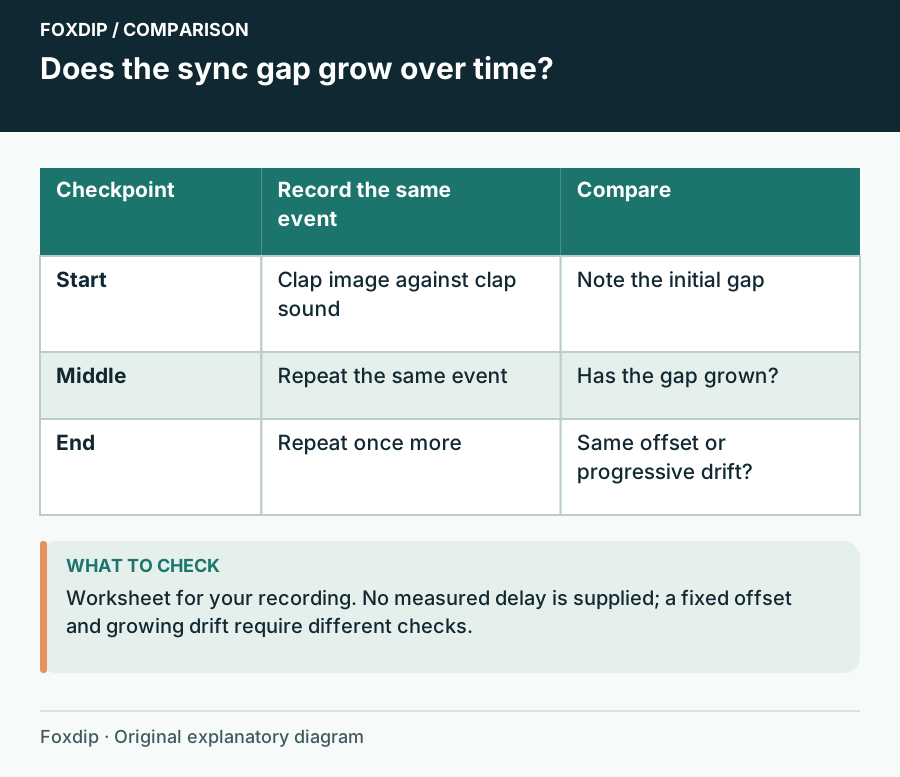
Audio Drifts During Long OBS Recordings: Find the Changing Gap
Compare timing at several points and isolate the capture path that changes over time.
Keep going
with your setup.
Need to install a pack? The download guides will help. Looking for a character instead? Browse the collections and see what catches your eye.