
Get the stream working your way.
Get your sound into OBS, put a scene together and work out which graphics go where.
 LEARN SOMETHING.
MAKE IT YOURS.
Start with GG.
See how one emote changes at 28, 56 and 112 px, then keep it for your channel. No email or account needed.
Set up your digital pack.
Get the right reaction into the right slot.
Find your emote and badge exports, match them to your Twitch slots and check the small preview before moving to the next design.
Read the setup guidePut each graphic in the source it needs.
Add a static frame with Image, use Media Source for supplied video and check how the layout behaves when you switch scenes.
Read the setup guideMotion is a choice, not an automatic upgrade.
Compare PNG stills, GIF loops and the actual reactions in a pack, then choose a version your chat slot can use.
Read the setup guideGet all the ZIP parts, then open the artwork.
Find the download for your Etsy order, extract every part and sort out images, instructions and any files intended for editing.
Read the setup guideFor your next stream.
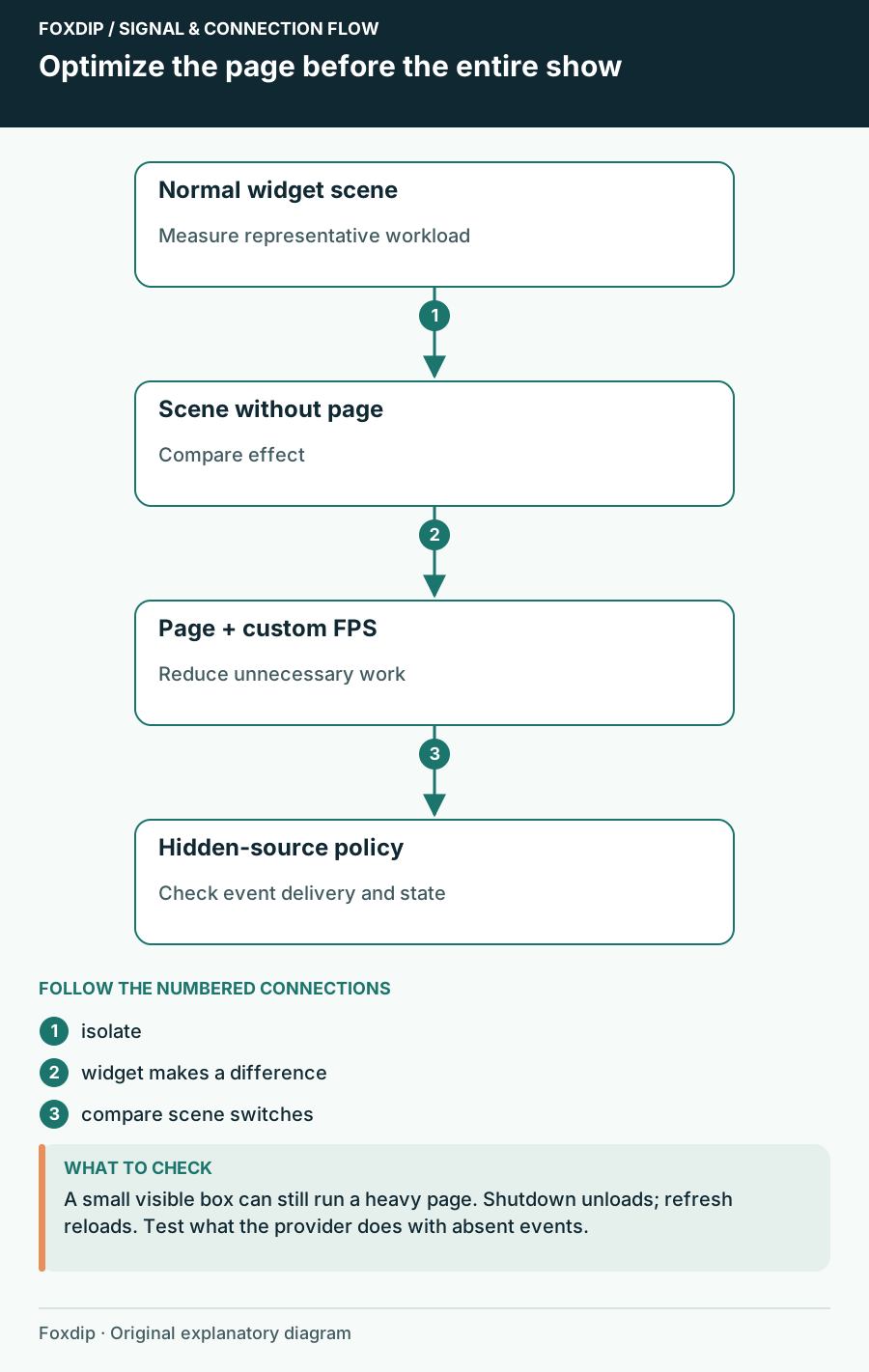
OBS Browser Source Uses Too Much CPU: Isolate the Widget
Compare the page, browser frame rate and hidden-source behaviour without losing alerts unexpectedly.
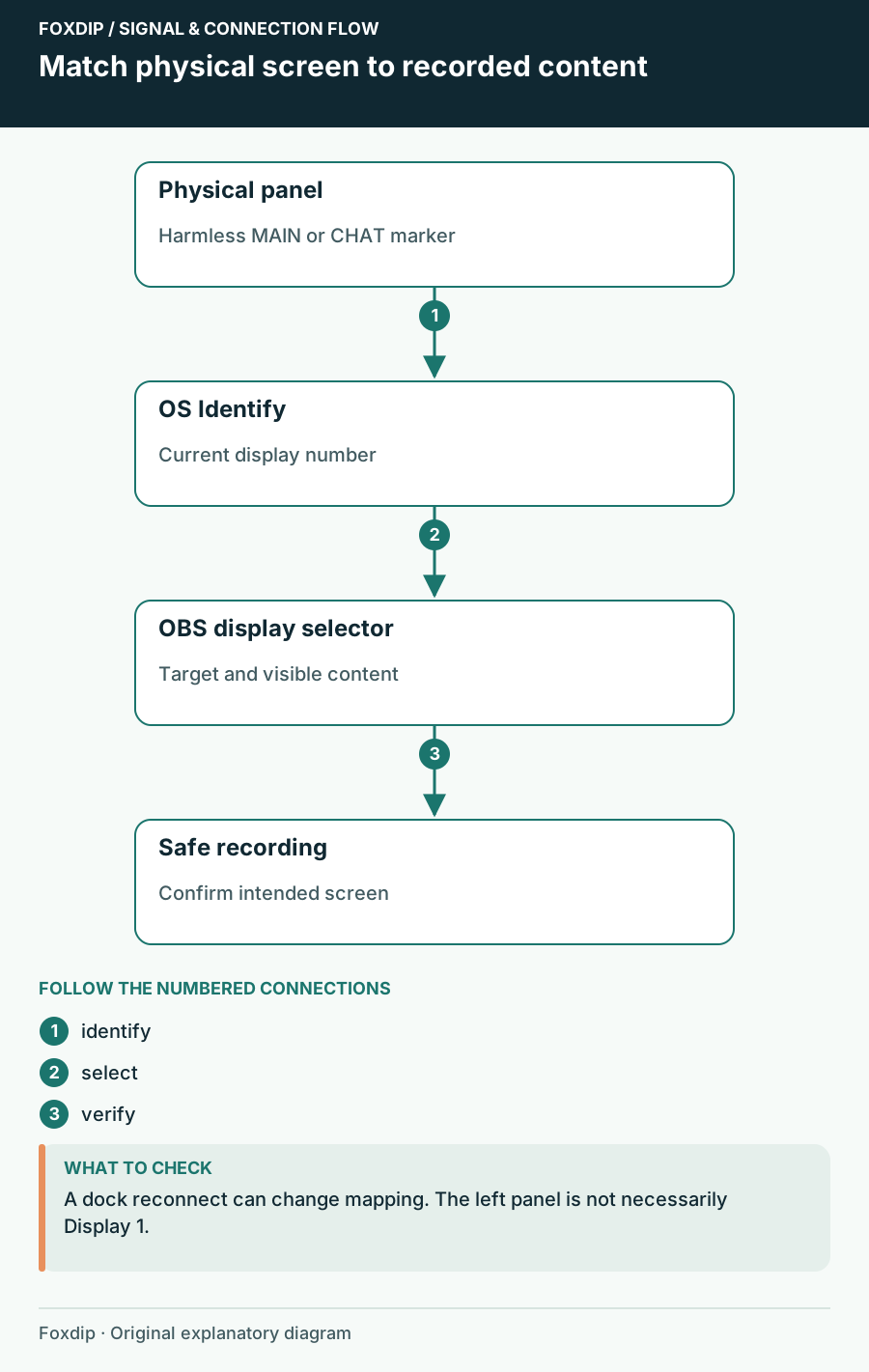
OBS Capturing the Wrong Monitor? Pick the Right Screen
Use your system's Identify displays to match each number to a screen, then pick that display in your OBS capture source. Check again after a cable change.
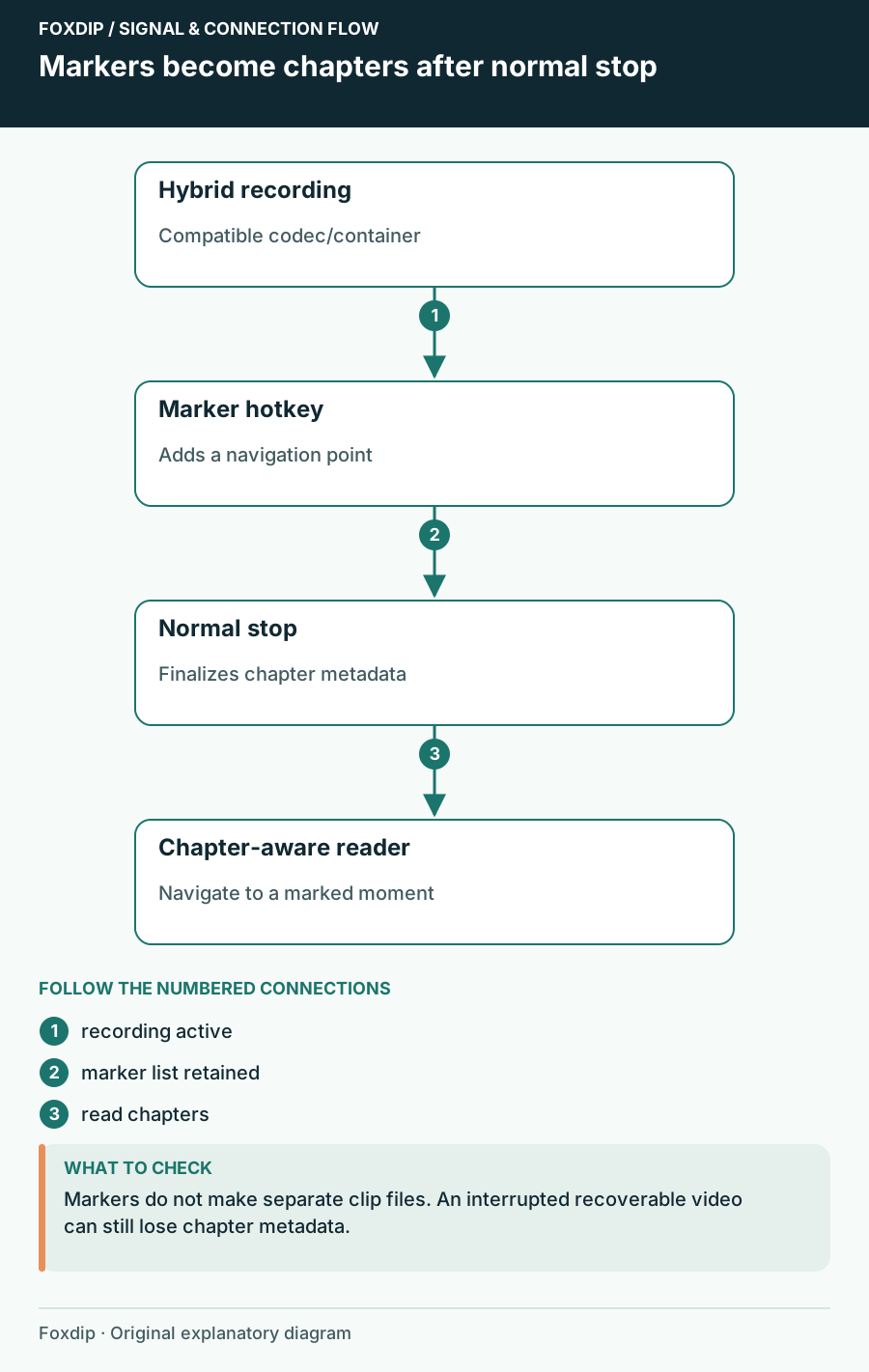
OBS Chapter Markers: Find Your Best Moments Later
Add a chapter marker hotkey in OBS, record in Hybrid MP4 or MOV and stop normally. Then jump straight to your highlights in your player or editor.
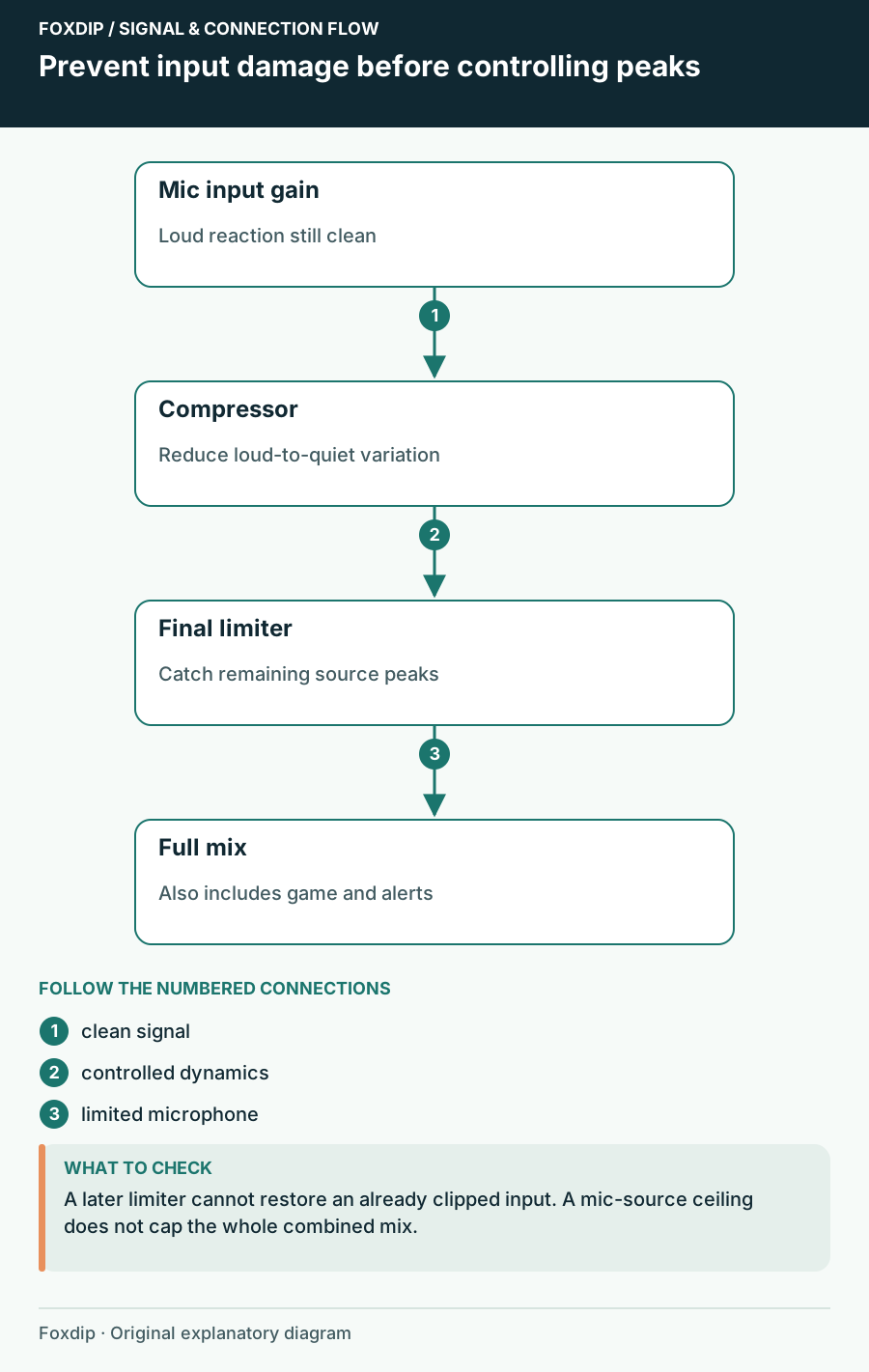
OBS Compressor Settings: Keep Loud Reactions From Clipping
Set your mic gain first, then add a compressor and a limiter in OBS, in that order. A quick shout test shows if loud moments stay clean on stream.
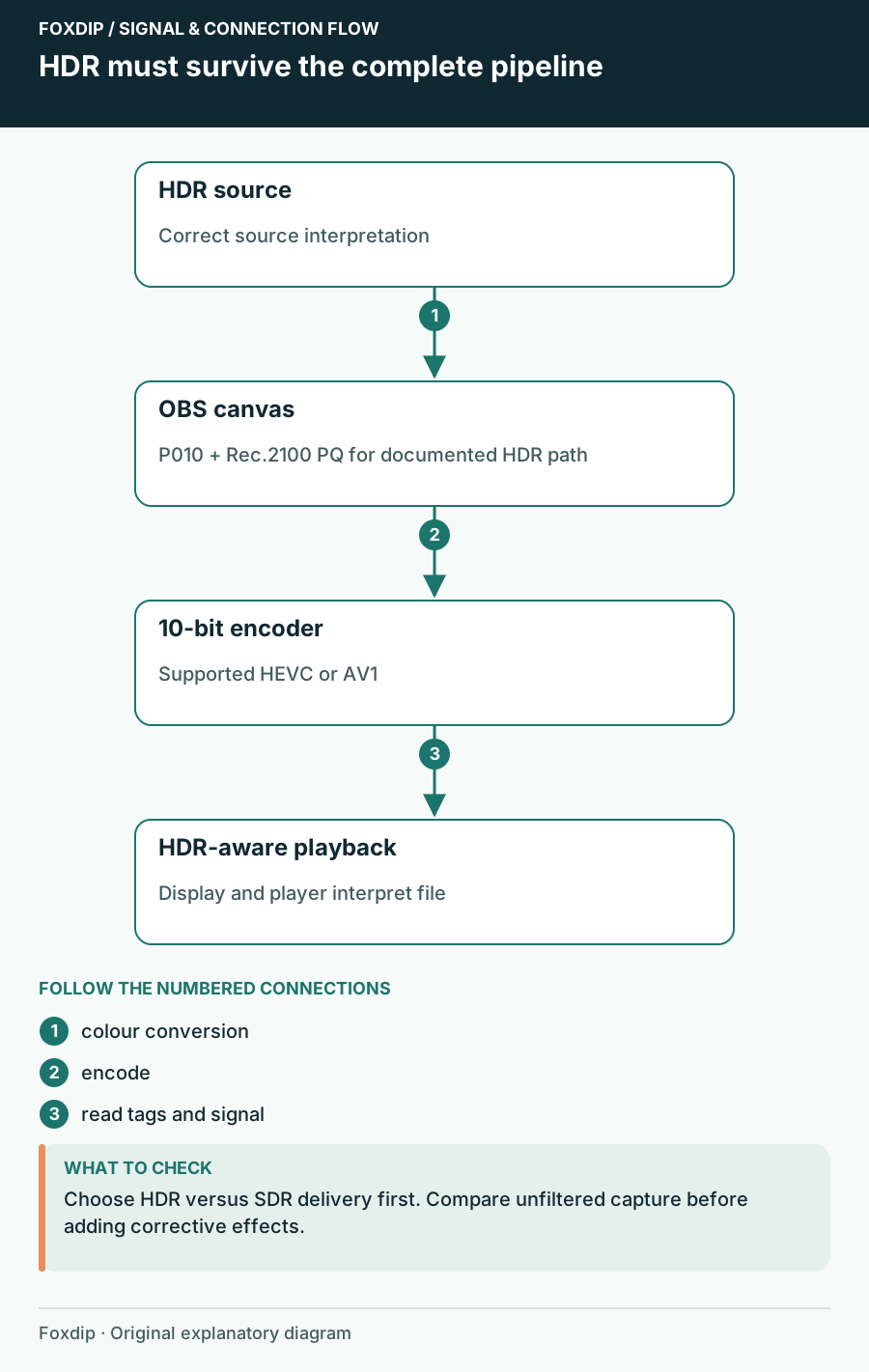
OBS HDR Recording Looks Washed Out? Here's Why
Grey, faded colours in your OBS recording usually mean HDR and SDR got mixed up. Here's how to fix it.
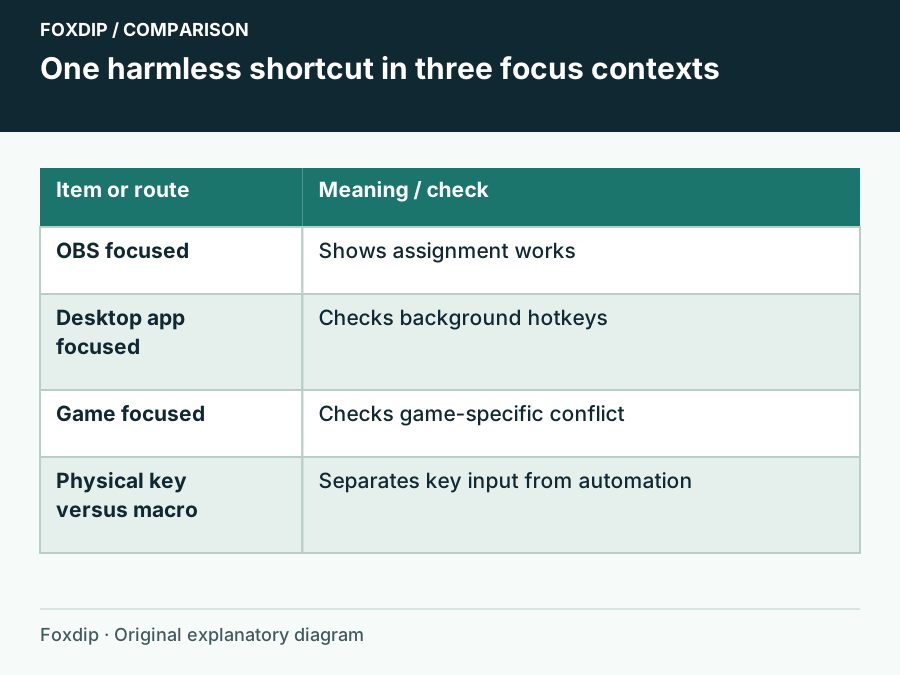
OBS Hotkeys Stop Working in Games: Check Focus and Conflicts
Compare the same shortcut in OBS, on the desktop and in the game before changing permissions.
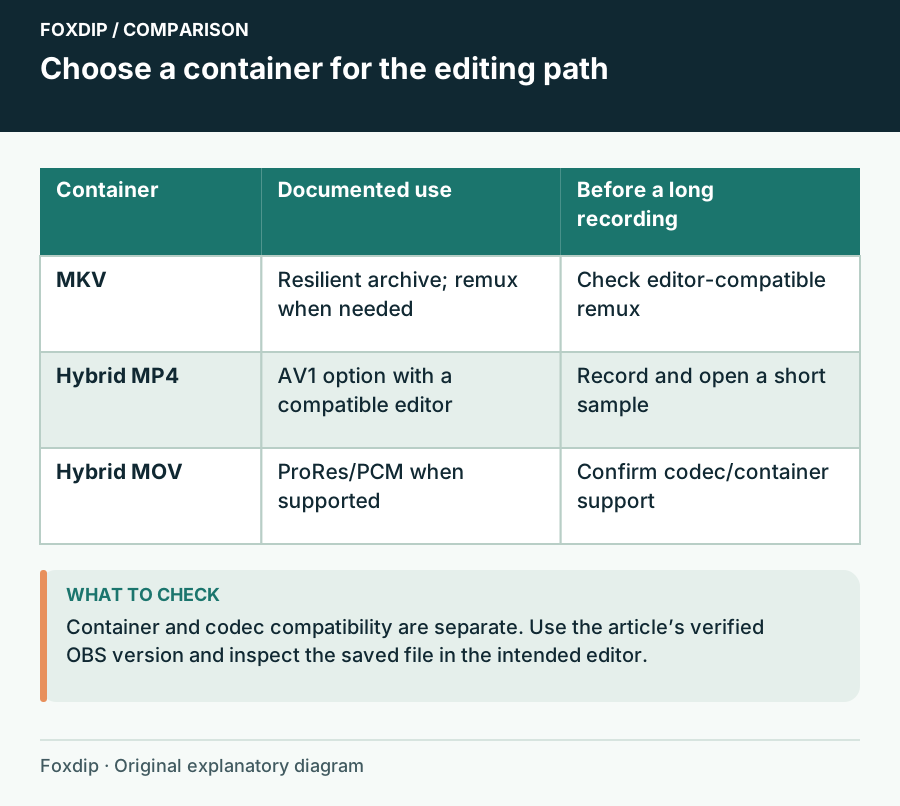
OBS Hybrid MP4 vs MKV: Which Recording Format to Pick
Hybrid MP4 survives a crash like MKV and opens in more editors. See when to keep MKV, when to switch, and the short test to run before a long recording.
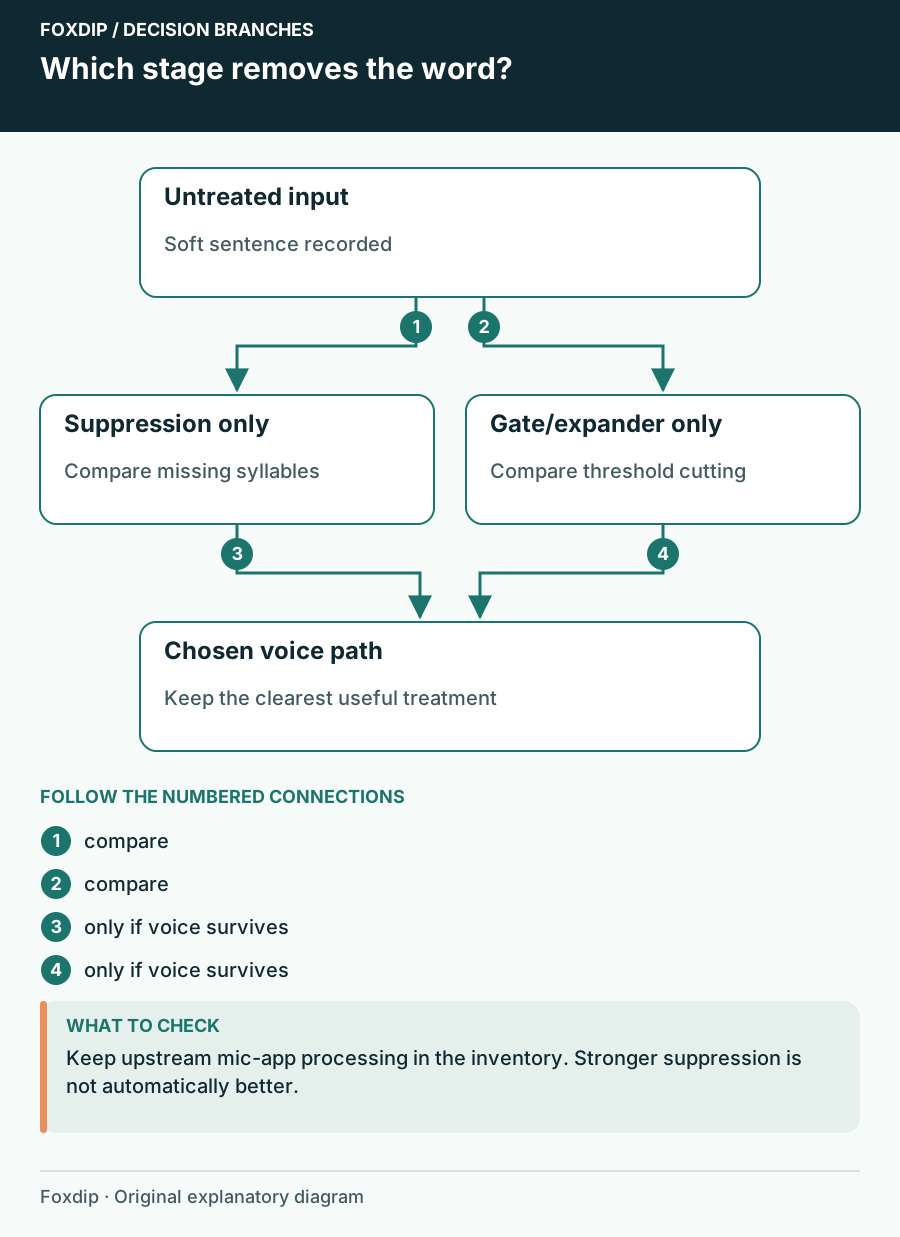
OBS Noise Suppression Cuts Off Words: Recover Your Voice
Find the processing stage removing syllables and choose a less destructive noise treatment.
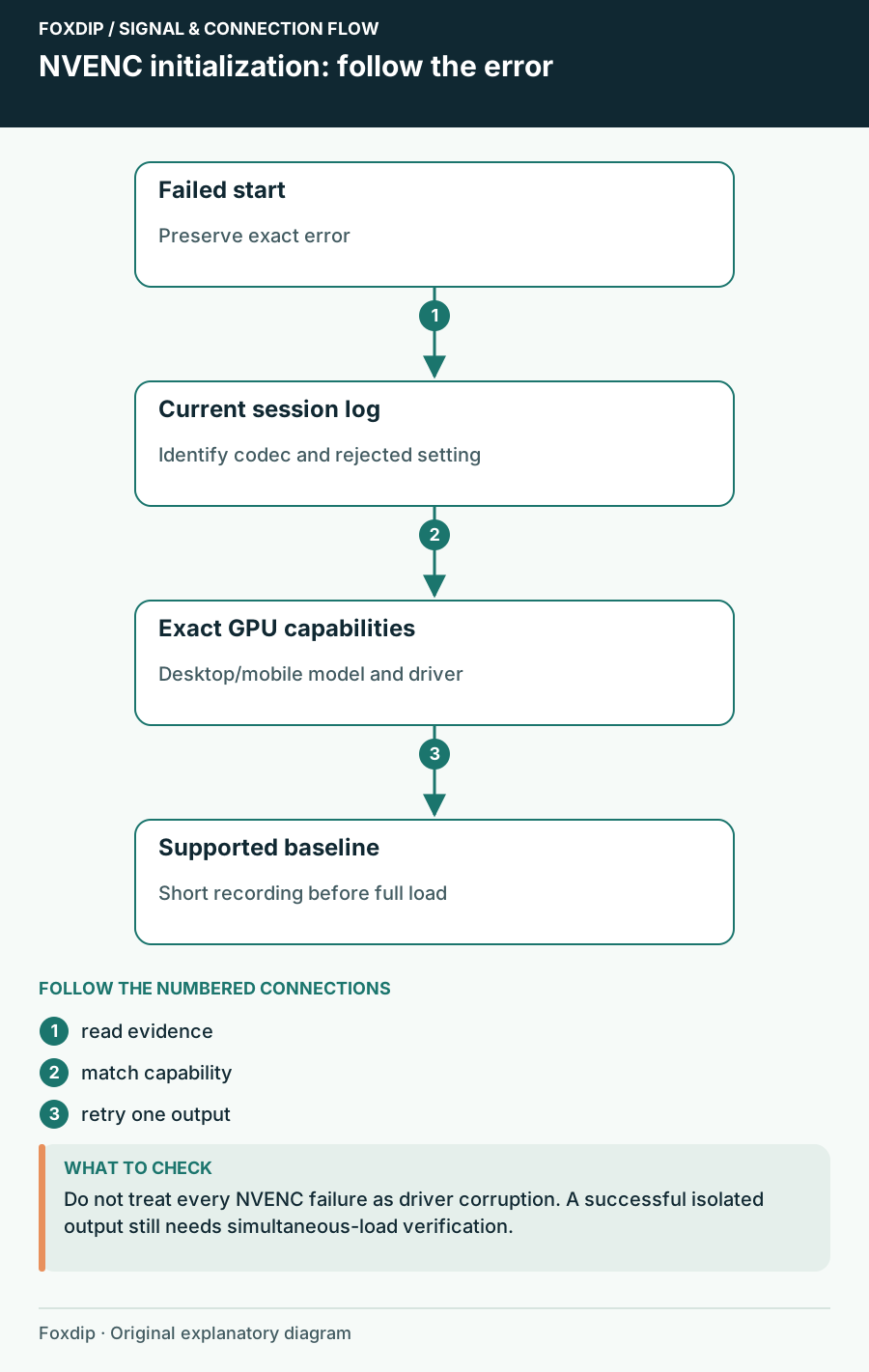
OBS NVENC Fails to Start Recording: Read the Specific Error
Match the failed codec and GPU capability before reinstalling software.
Keep going
with your setup.
Need to install a pack? The download guides will help. Looking for a character instead? Browse the collections and see what catches your eye.