
Get the stream working your way.
Get your sound into OBS, put a scene together and work out which graphics go where.
 LEARN SOMETHING.
MAKE IT YOURS.
Start with GG.
See how one emote changes at 28, 56 and 112 px, then keep it for your channel. No email or account needed.
Set up your digital pack.
Get the right reaction into the right slot.
Find your emote and badge exports, match them to your Twitch slots and check the small preview before moving to the next design.
Read the setup guidePut each graphic in the source it needs.
Add a static frame with Image, use Media Source for supplied video and check how the layout behaves when you switch scenes.
Read the setup guideMotion is a choice, not an automatic upgrade.
Compare PNG stills, GIF loops and the actual reactions in a pack, then choose a version your chat slot can use.
Read the setup guideGet all the ZIP parts, then open the artwork.
Find the download for your Etsy order, extract every part and sort out images, instructions and any files intended for editing.
Read the setup guideFor your next stream.
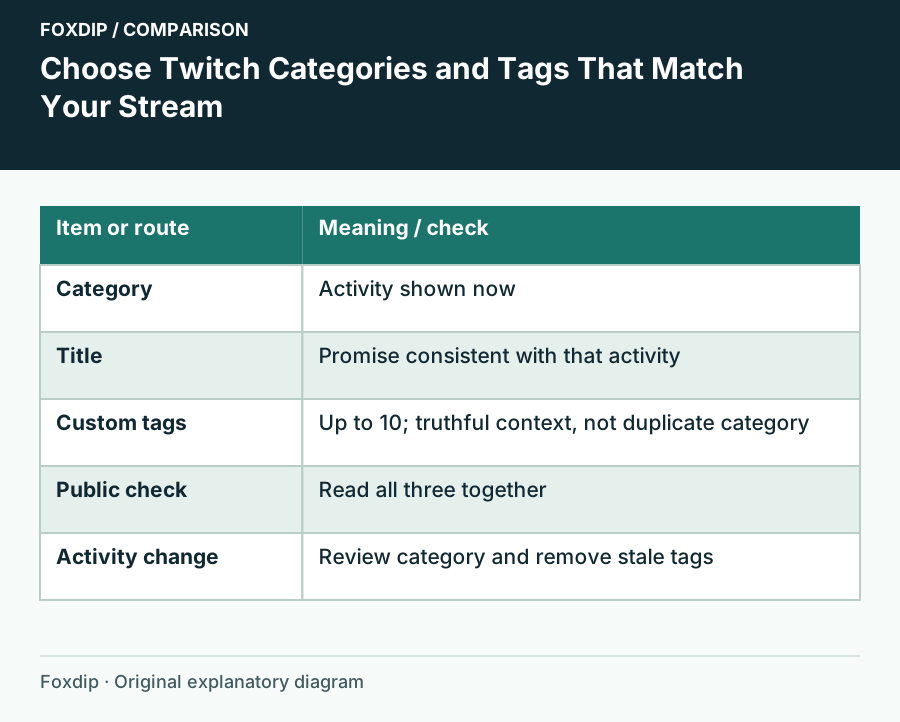
Choose Twitch Categories and Tags That Match Your Stream
Set an accurate activity category and a few informative tags, then update them when the broadcast changes.
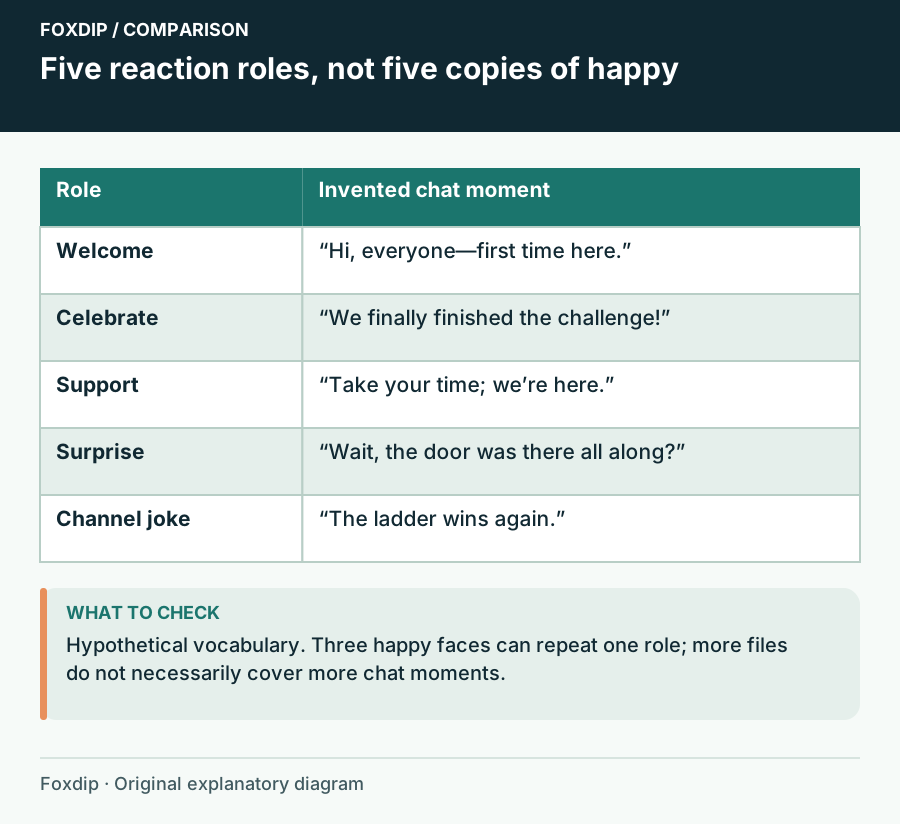
Choose Your First Emote Set Around What Your Chat Says
Build a first emote set with distinct jobs: greeting, celebration, support, surprise and a channel-specific joke.
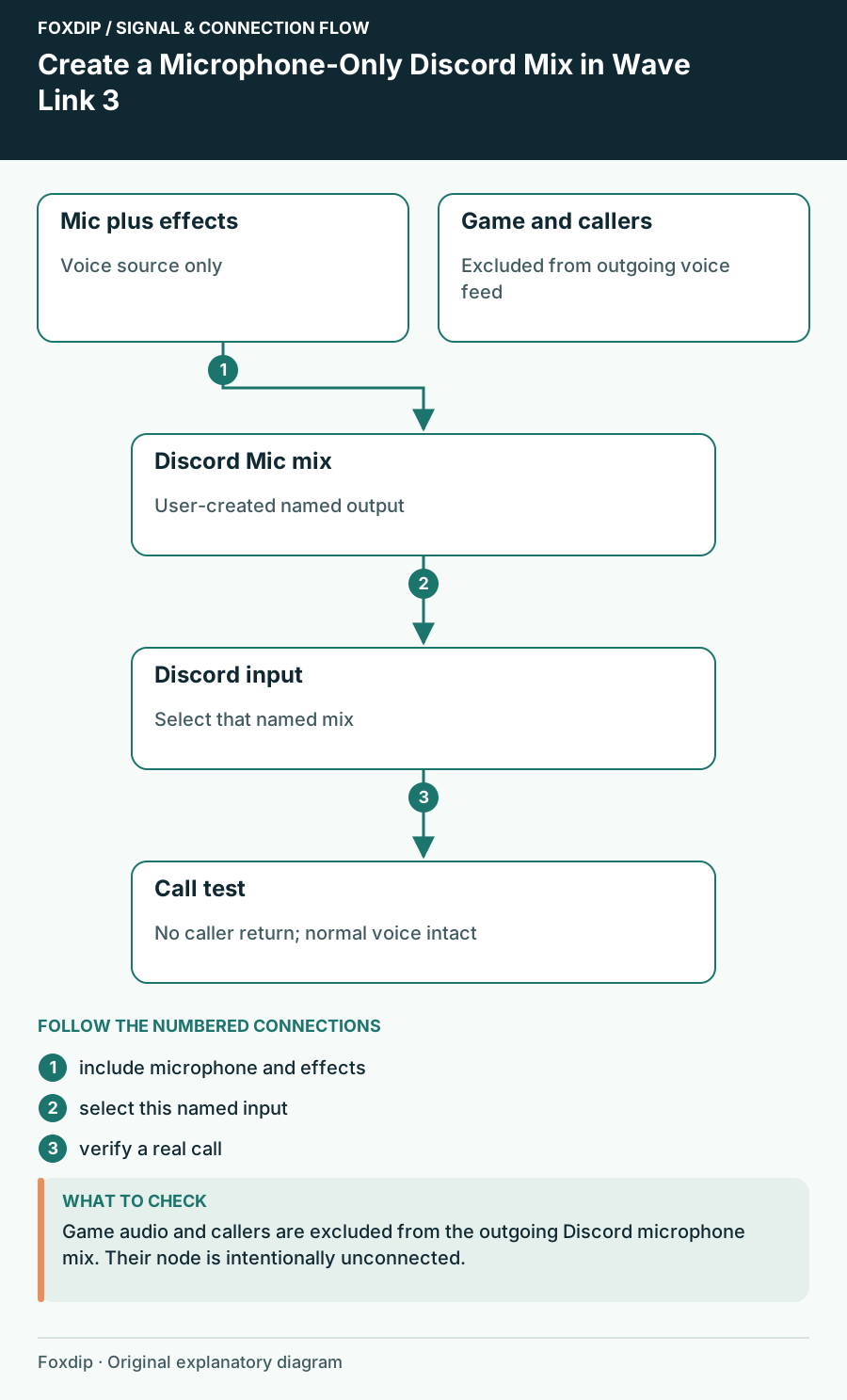
Create a Microphone-Only Discord Mix in Wave Link 3
Send your processed voice to Discord while keeping callers, game sound and the audience mix out of its microphone input.
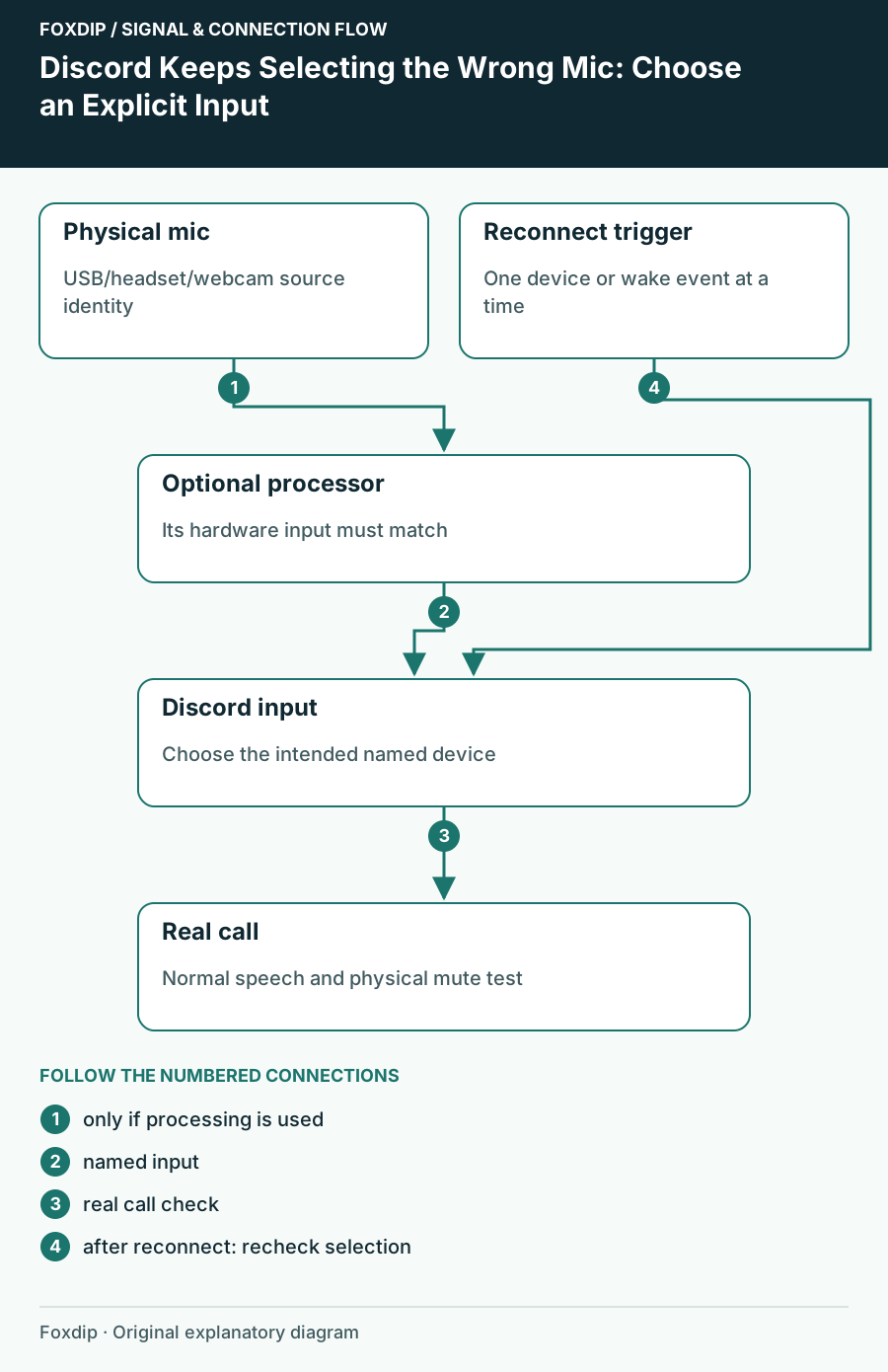
Discord Keeps Selecting the Wrong Mic: Choose an Explicit Input
Stop relying on an ambiguous default and trace whether the device changed in Discord, Windows or an audio mixer.
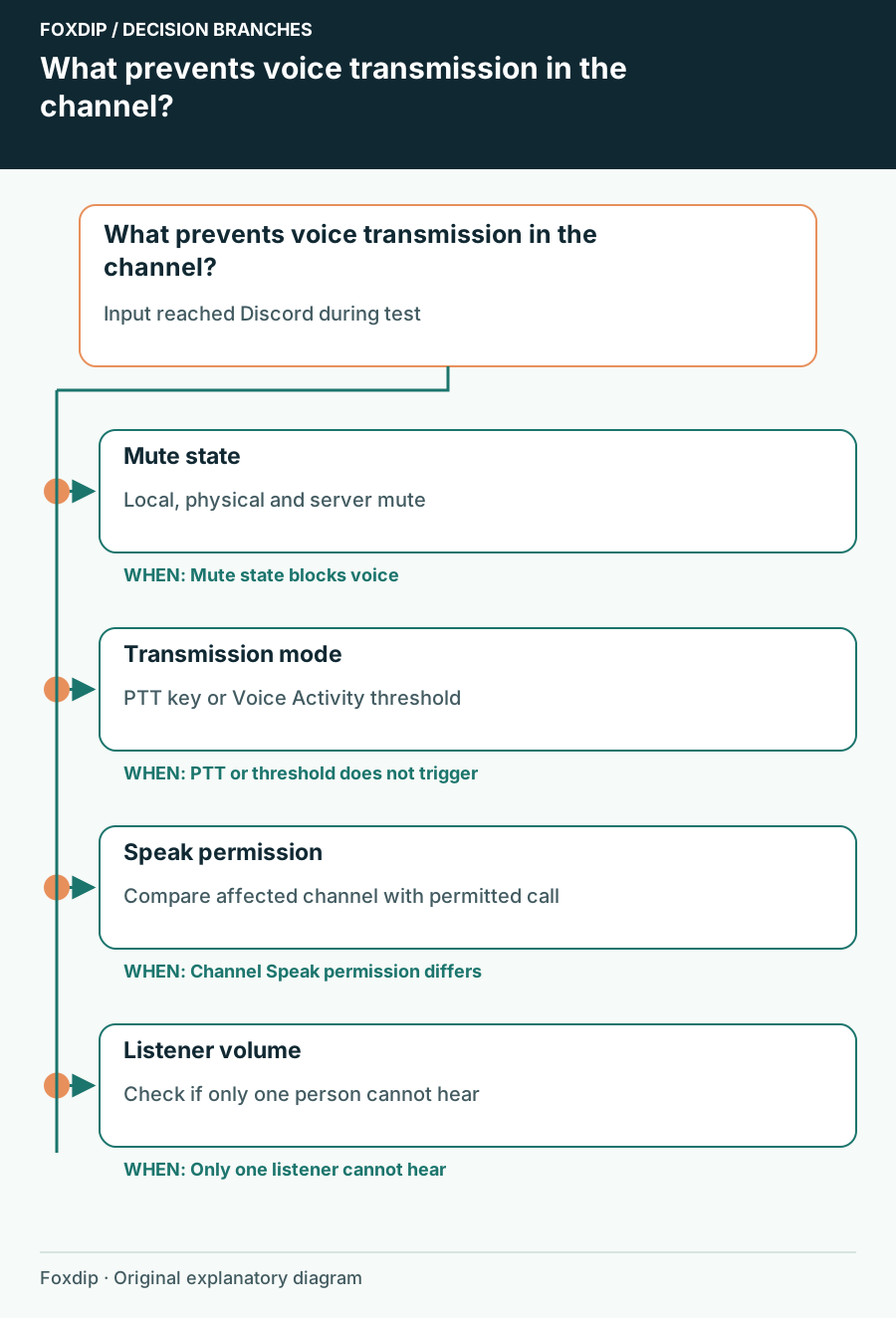
Discord Mic Test Works but Nobody Hears You in a Channel
Check transmission mode, mute state and channel permission after proving that Discord can receive your microphone.
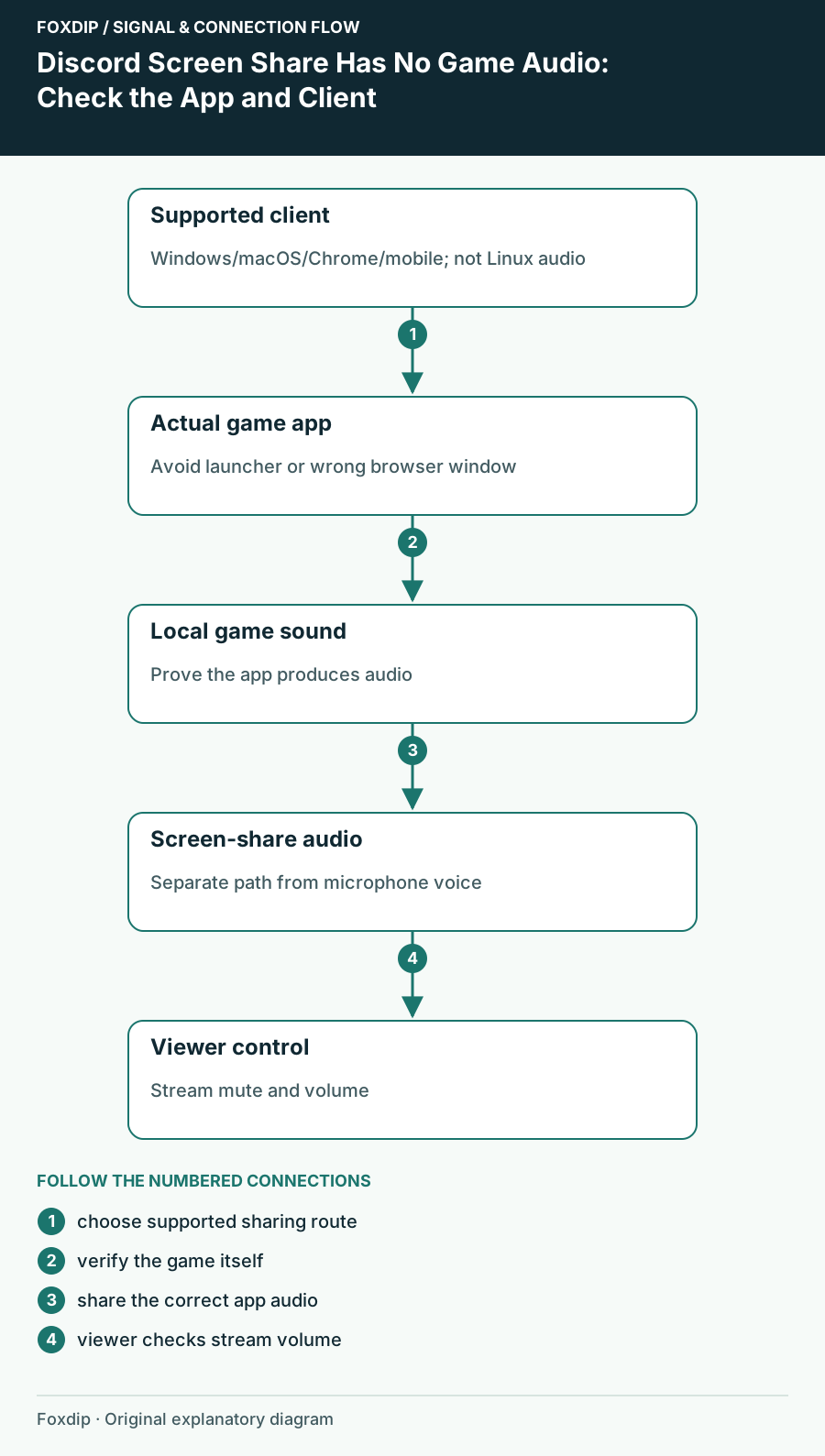
Discord Screen Share Has No Game Audio: Check the App and Client
Check audio-sharing support for your Discord client, select the game itself and verify sound from a viewer’s side.
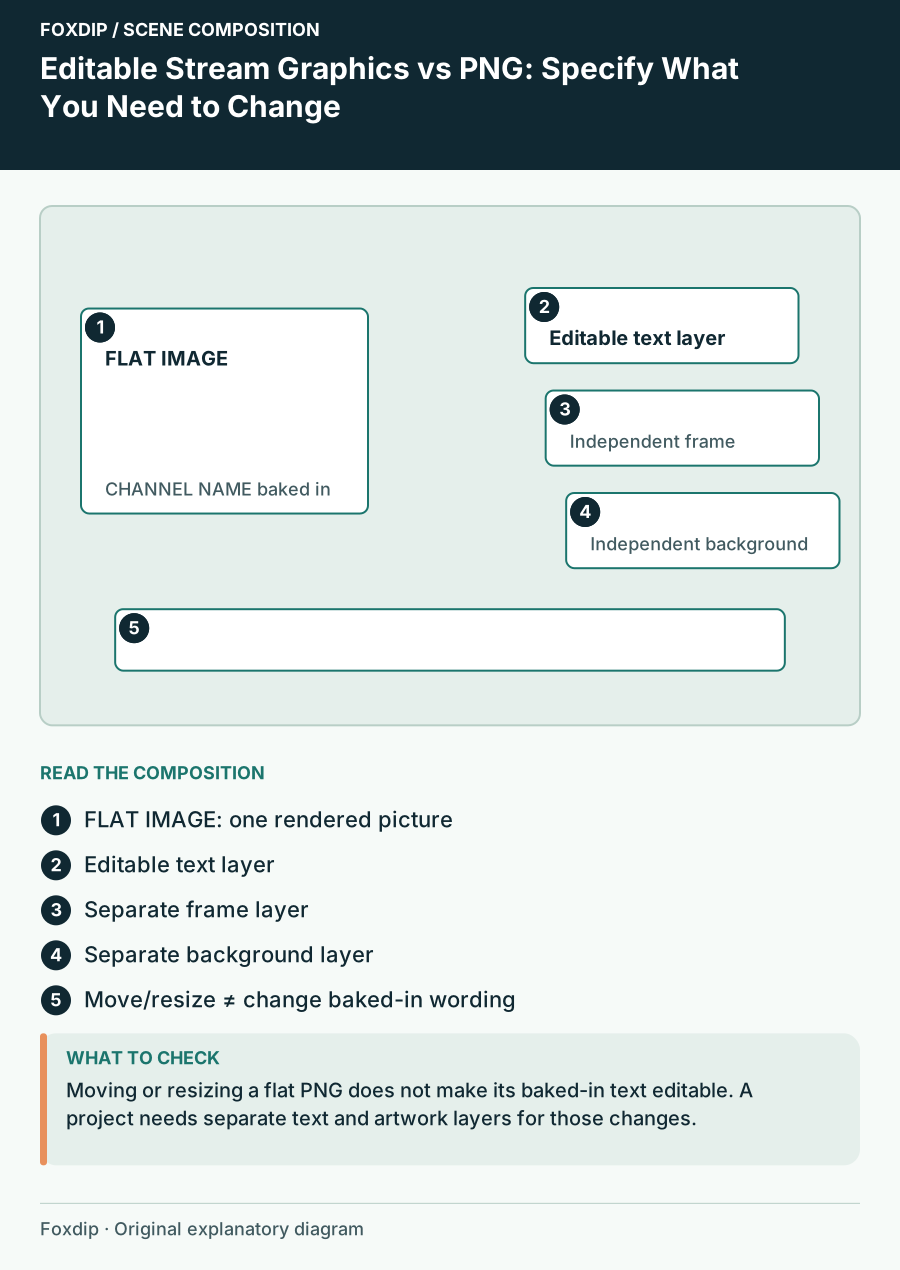
Editable Stream Graphics vs PNG: Specify What You Need to Change
Compare source templates and finished images by the exact edits you need: name, wording, colour, layout and animation.
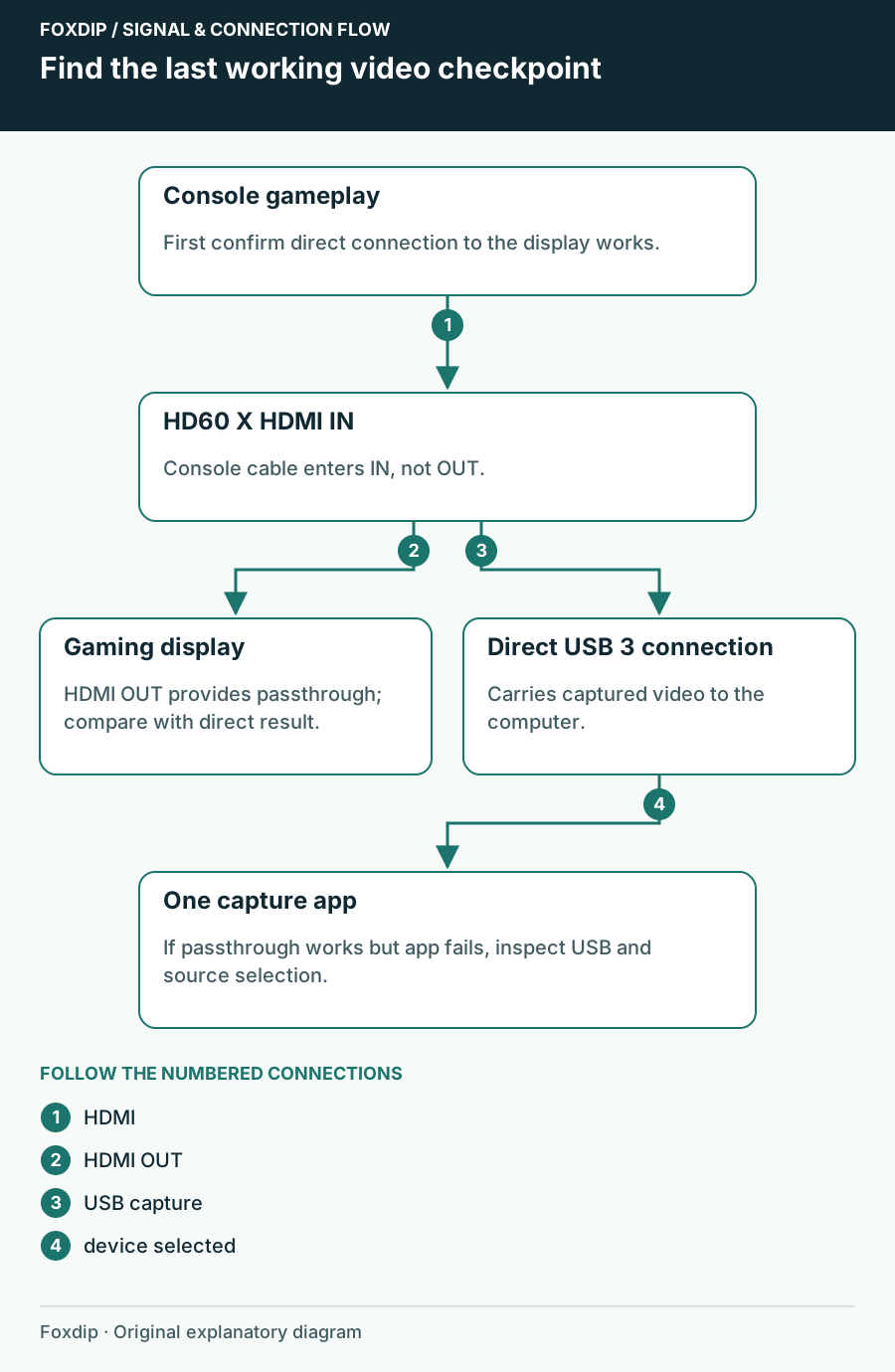
Elgato HD60 X Shows No Signal: Follow the HDMI Path
Find whether HD60 X loses the console signal, the passthrough picture or the USB preview, then test one connection at a time.
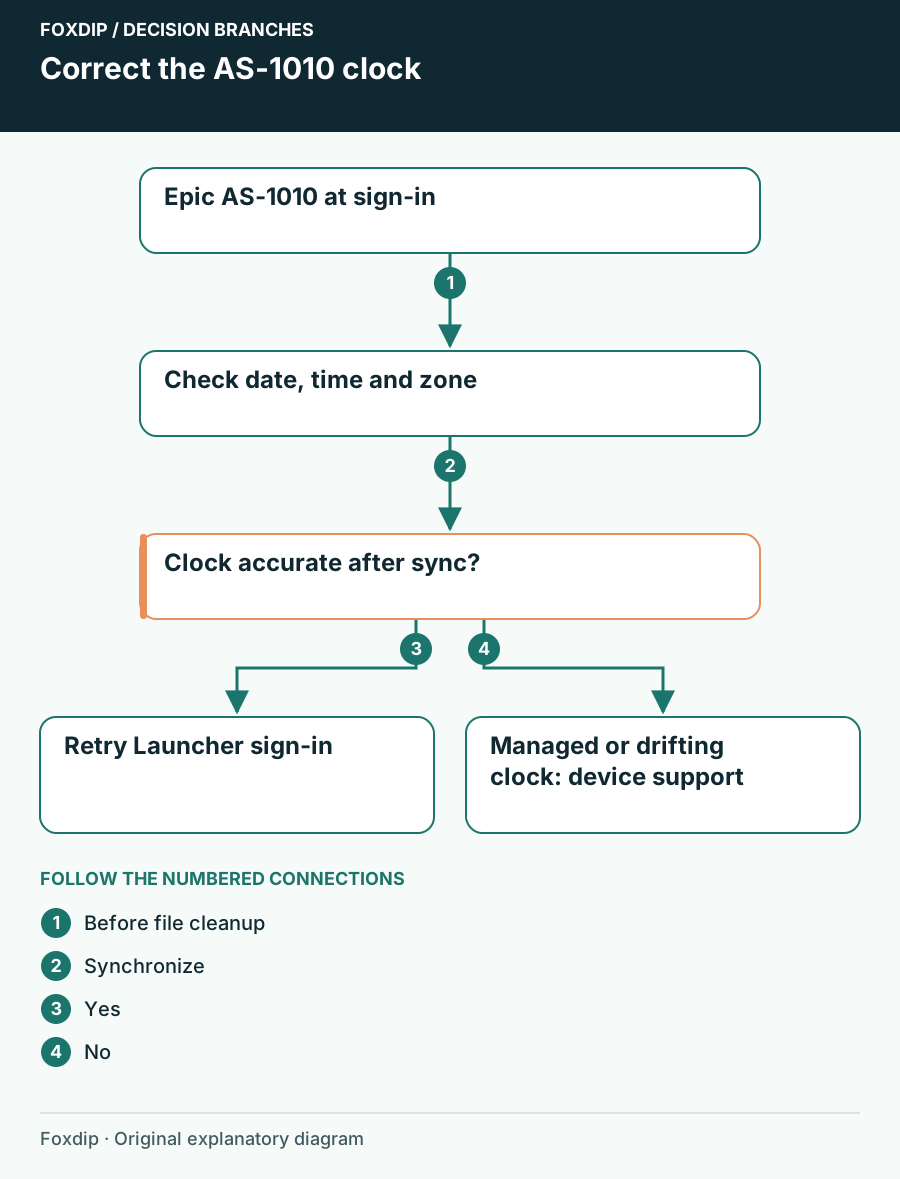
Epic AS-1010 at Sign-in: Check the Device Clock
Correct the Windows date, time and time zone when Epic AS-1010 blocks Launcher sign-in, then distinguish a clock issue from a different error.
Keep going
with your setup.
Need to install a pack? The download guides will help. Looking for a character instead? Browse the collections and see what catches your eye.