
What’s holding up your stream?
Get your voice into OBS, fit the camera inside its frame or figure out which file goes where. Pick the problem you’re trying to solve.
Start with the whole message.
A number on its own can send you down the wrong path. Match the game, app and platform before changing your setup.
Find the help for your setup.
Start with your app or exact device, then choose the symptom. Keep your model’s version notes close by.
Let’s get it working.
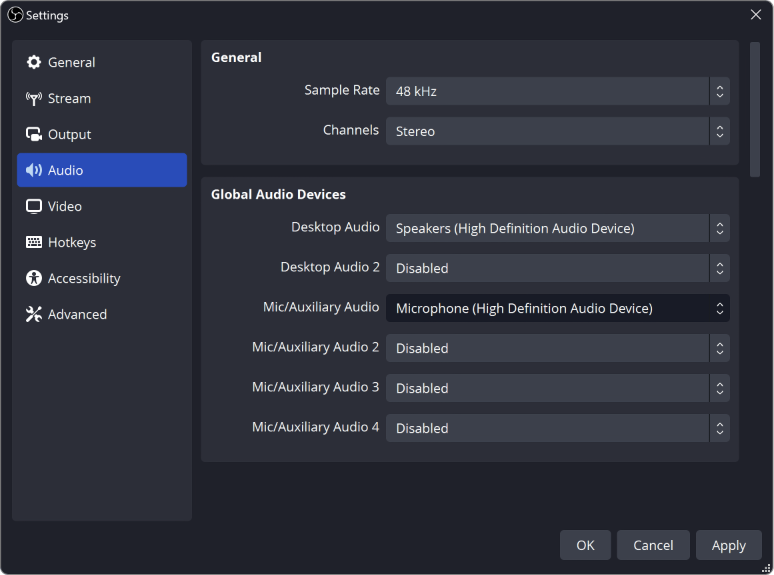
How to Test Your Mic in OBS Before Going Live
Record a short rehearsal with your mic, game and alerts, then play it back. Catch missing sound, a doubled voice or loud game audio before viewers do.
Stream Layout Readability: Can Viewers See What Matters?
Check your webcam, text and overlays in a small player. Keep game information visible and give each scene a clear focus.
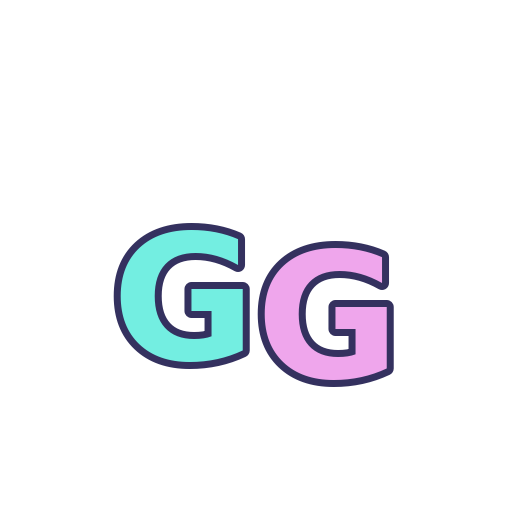
Will Your Animated Emote Be Readable at 28 px?
Preview the free GG emote at 28 px on light and dark backgrounds, then check whether each frame keeps the expression clear.
Free or Paid Stream Graphics? Buy for the Gap in Your Setup
A free reaction may be enough to get started. Here is when a matching pack earns its place, using GG and Neon Chat as a concrete comparison.
Inside an Emote ZIP: Find the File You Actually Need
Open the free GG download and see how one design becomes seven exports, where GIF and PNG belong, and which notes to keep with the artwork.
OBS Not Picking Up Your Mic? Here's How to Fix It
Your mic works everywhere except OBS? Check these in order: your computer's sound settings, mic permission, the device OBS uses, and the audio mixer.
Why Is My Audio Doubled in OBS? (Easy Fix)
Hearing your voice or game twice in OBS? Usually the same sound is being picked up two times. Here's how to find the extra one and turn it off.
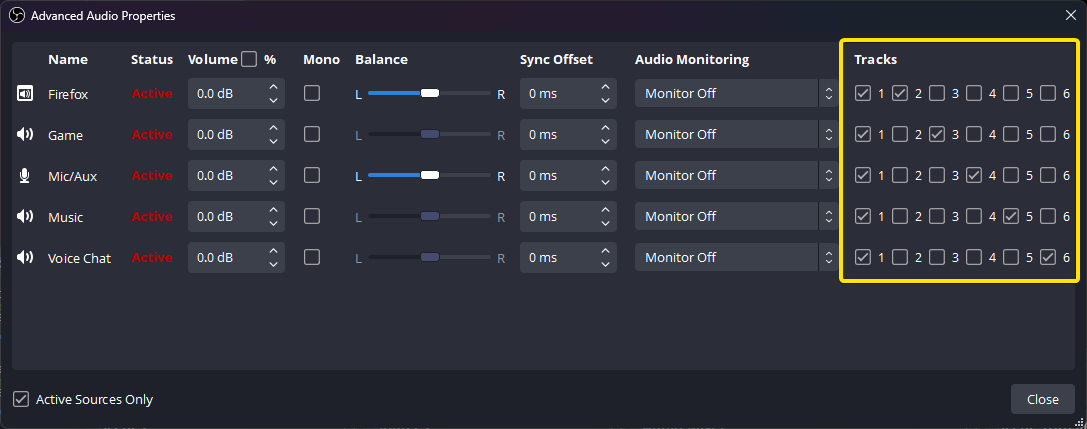
OBS Recording Has No Sound? Check Your Audio Tracks
The meters move but your OBS recording is silent? Follow the sound from your mic and desktop to the recorded track, then play the right track back.
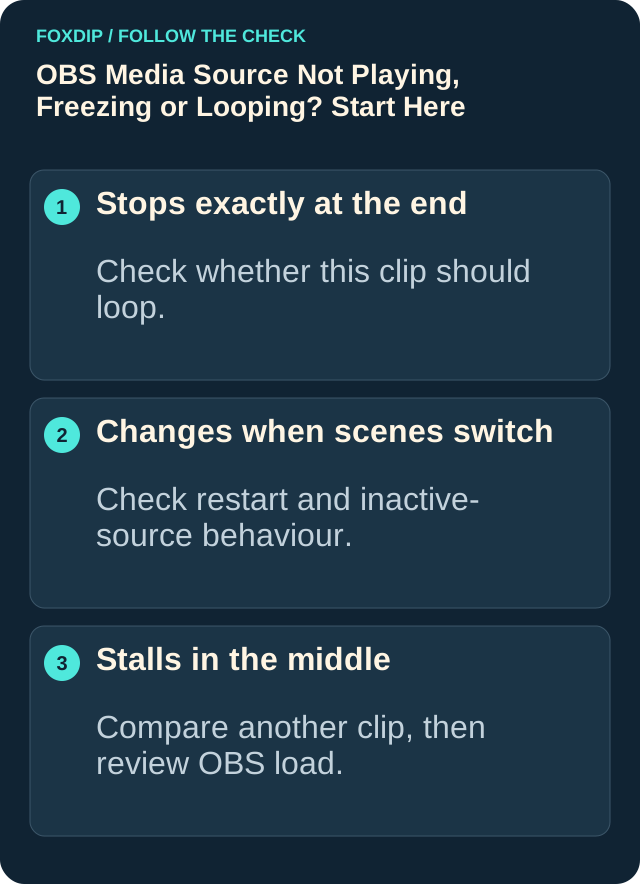
OBS Says "Media Source Is Not Playable"? Here's the Fix
Seeing "media source is not playable" in OBS? It usually means OBS can't open that file. Here's how to find out why and get your video playing.
Installation & download help.
Get the right reaction into the right slot.
Find your emote and badge exports, match them to your Twitch slots and check the small preview before moving to the next design.
Read the guide ↗SETUP GUIDEPut each graphic in the source it needs.
Add a static frame with Image, use Media Source for supplied video and check how the layout behaves when you switch scenes.
Read the guide ↗SETUP GUIDEMotion is a choice, not an automatic upgrade.
Compare PNG stills, GIF loops and the actual reactions in a pack, then choose a version your chat slot can use.
Read the guide ↗SETUP GUIDEGet all the ZIP parts, then open the artwork.
Find the download for your Etsy order, extract every part and sort out images, instructions and any files intended for editing.
Read the guide ↗