
Get the stream working your way.
Get your sound into OBS, put a scene together and work out which graphics go where.
 LEARN SOMETHING.
MAKE IT YOURS.
Start with GG.
See how one emote changes at 28, 56 and 112 px, then keep it for your channel. No email or account needed.
Set up your digital pack.
Get the right reaction into the right slot.
Find your emote and badge exports, match them to your Twitch slots and check the small preview before moving to the next design.
Read the setup guidePut each graphic in the source it needs.
Add a static frame with Image, use Media Source for supplied video and check how the layout behaves when you switch scenes.
Read the setup guideMotion is a choice, not an automatic upgrade.
Compare PNG stills, GIF loops and the actual reactions in a pack, then choose a version your chat slot can use.
Read the setup guideGet all the ZIP parts, then open the artwork.
Find the download for your Etsy order, extract every part and sort out images, instructions and any files intended for editing.
Read the setup guideFor your next stream.
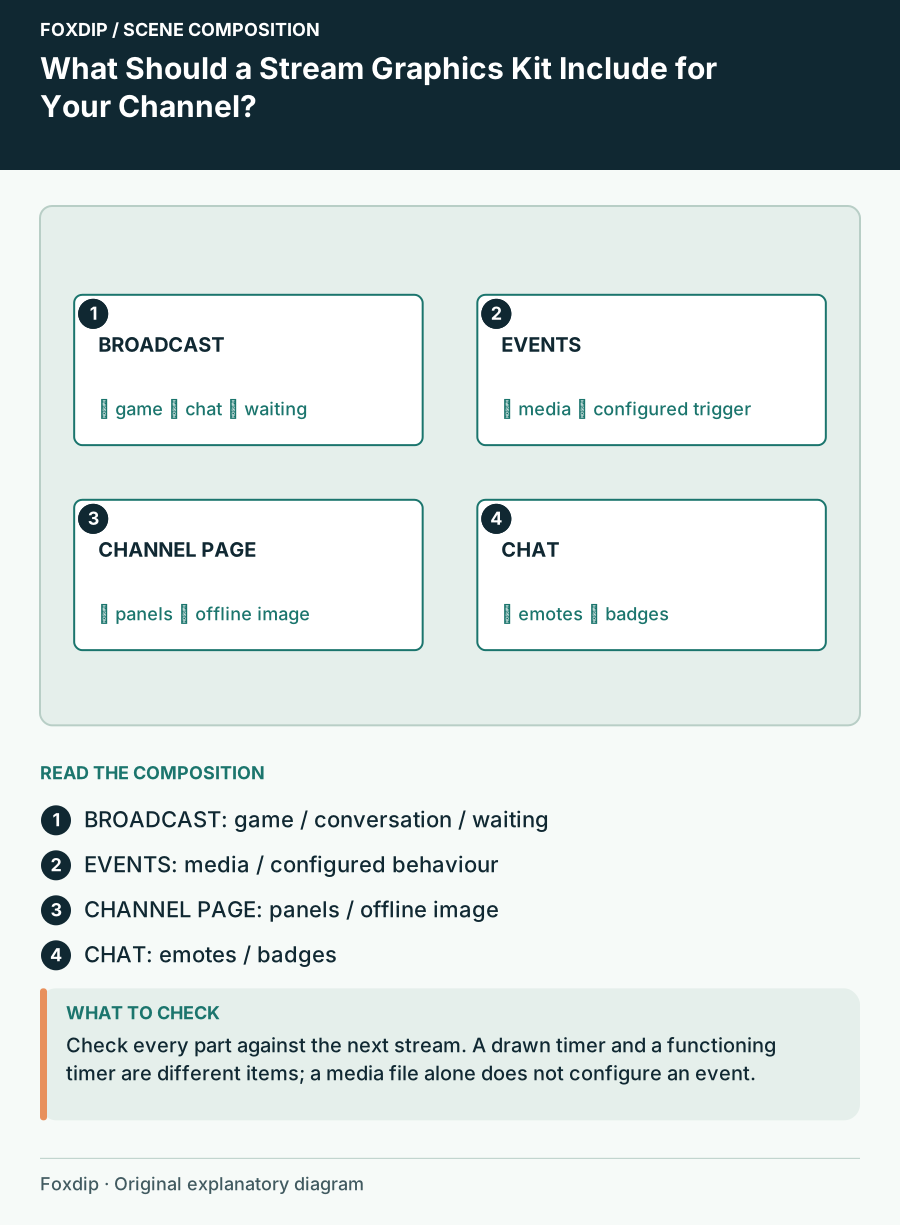
What Should a Stream Graphics Kit Include for Your Channel?
Build a coverage inventory for scenes, profile graphics and chat assets so a complete kit means complete for your stream.
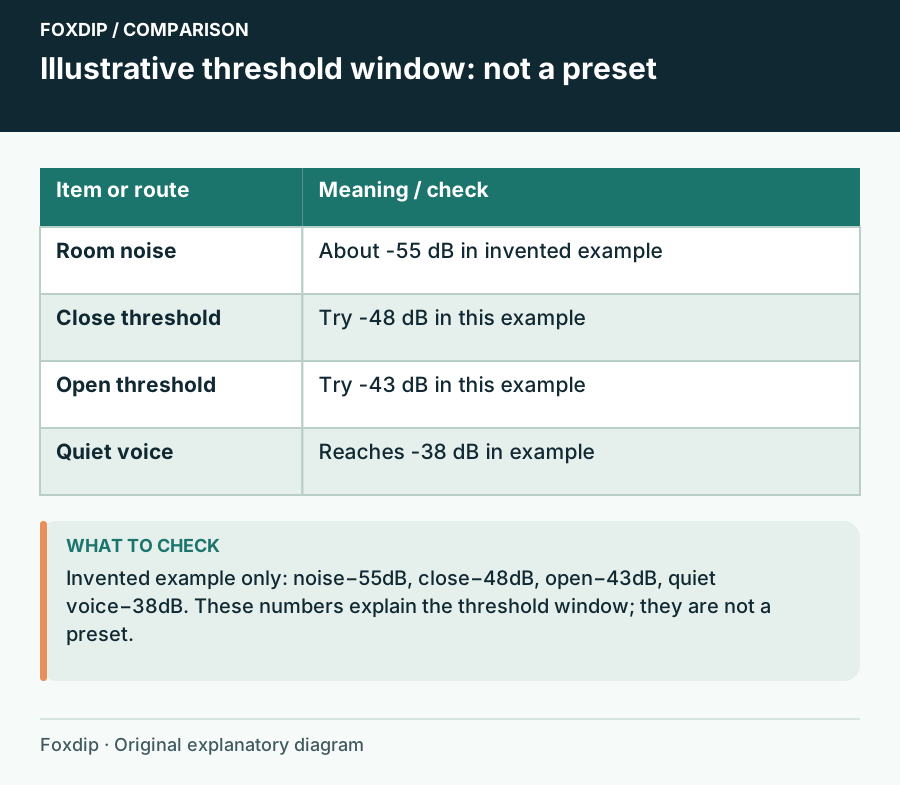
Your OBS Noise Gate Swallows Quiet Speech: Tune Both Thresholds
Use room noise and soft speech to set the gate instead of copying another streamer’s numbers.
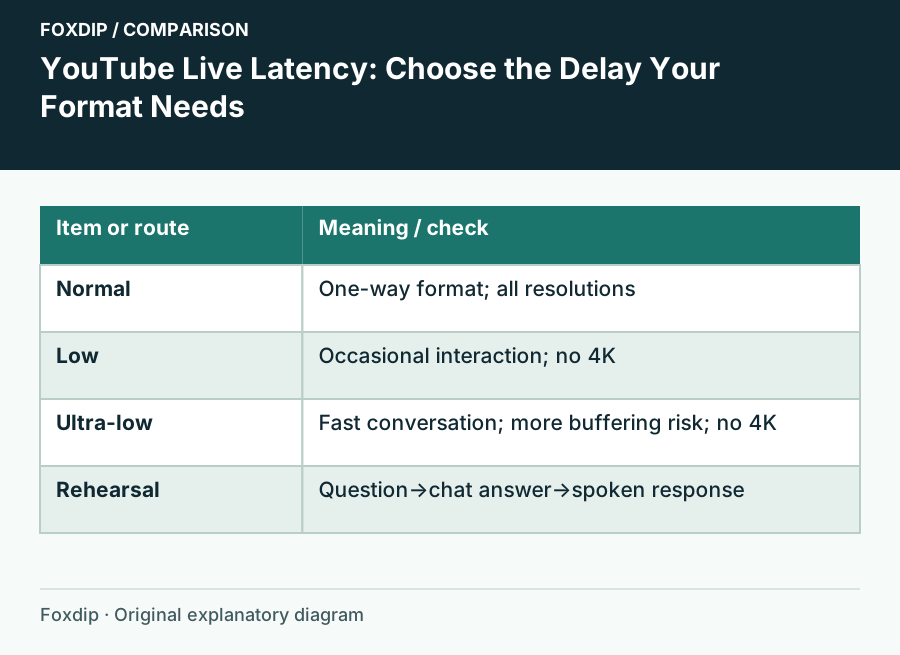
YouTube Live Latency: Choose the Delay Your Format Needs
Choose Normal, Low or Ultra-low latency for an encoder stream and rehearse the full viewer-response loop.
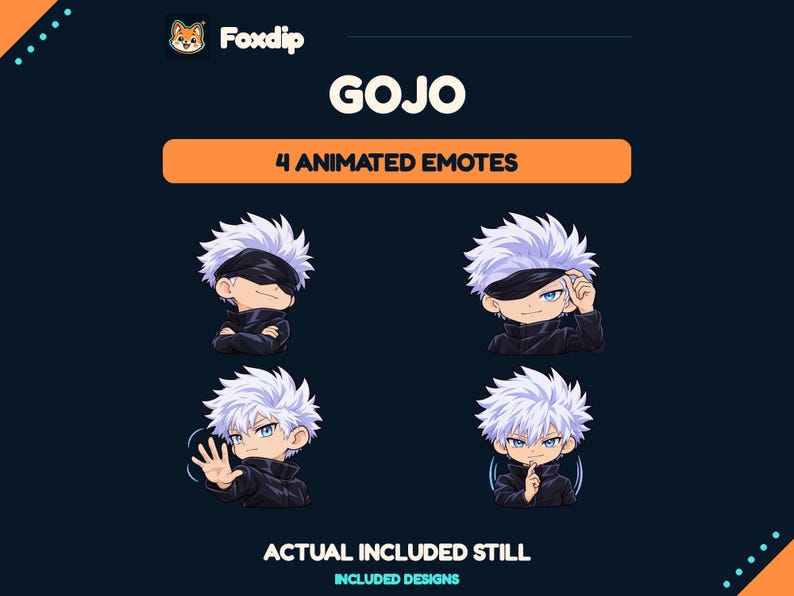
Best animated Twitch emotes from Foxdip: Gojo or Maomao?
Choose between Foxdip’s Gojo and Maomao reaction sets by the moments your chat needs, the files supplied and how to check a loop at small size.
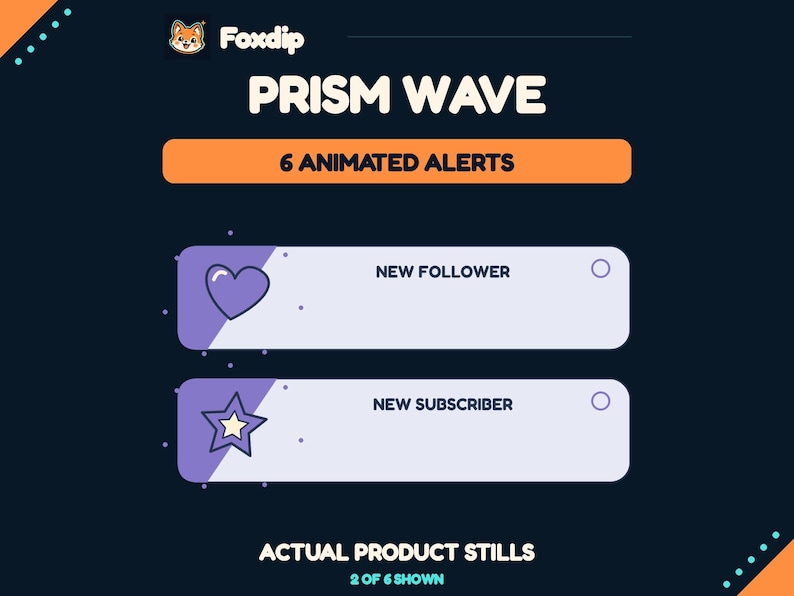
Best stream alerts from Foxdip: compare styles, events and setup
Compare Prism Wave, Botanical Bloom and Arcade Core by their event files, visual style, sound and the work your alert provider still needs to do.
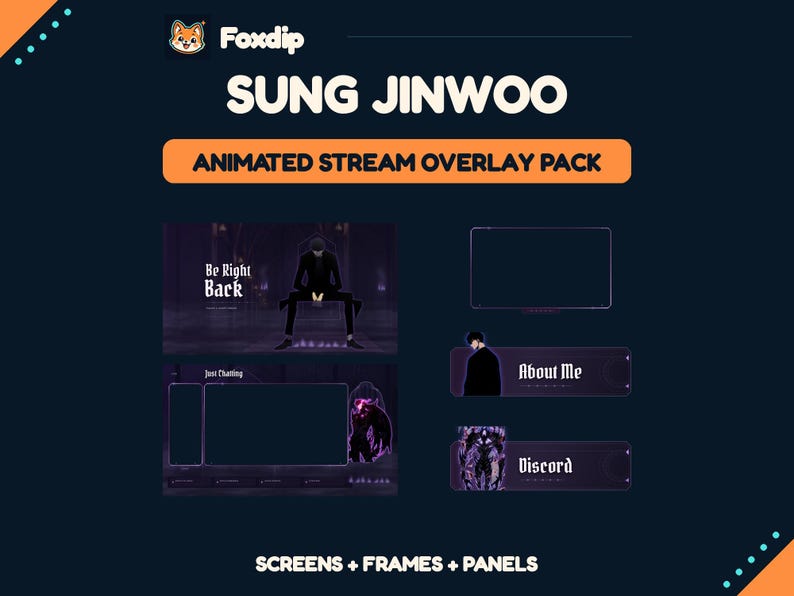
Best Twitch overlays from Foxdip: animated or static?
Compare the animated Sung Jinwoo pack with the static Fern & Fable kit by scene coverage, formats, alerts, and setup needs.
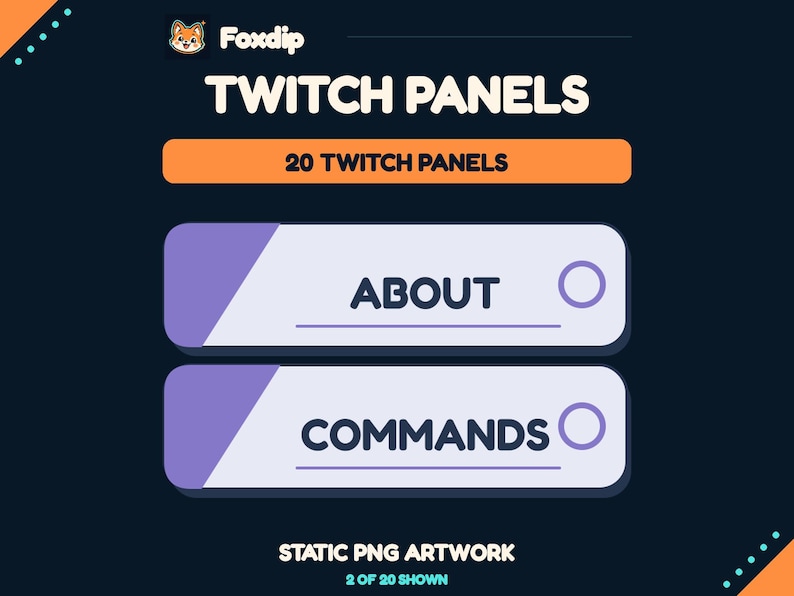
Best Twitch panels from Foxdip for a clearer channel page
Compare Prism Tabs, Botanical Tags, and Racing Stripe panels by style, included labels, file sizes, and fixed-text limitations.
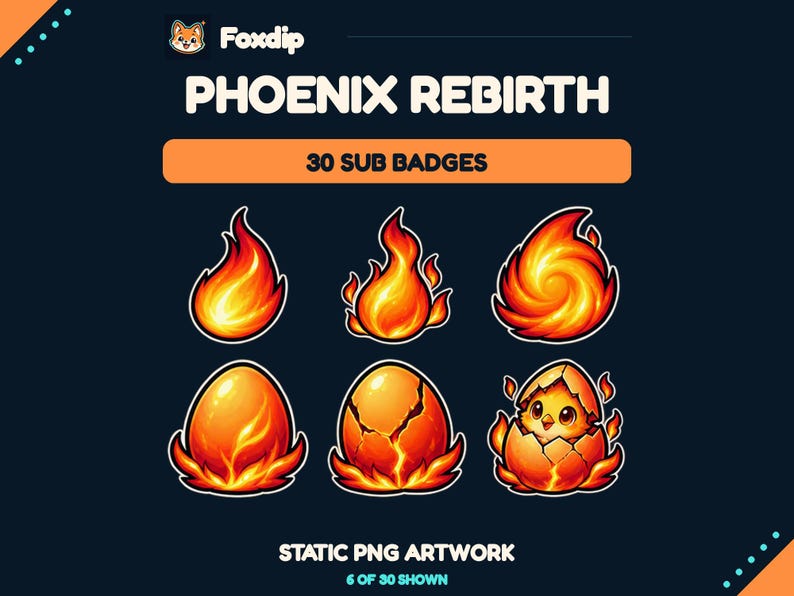
Best Twitch sub badges from Foxdip: choose a progression
Compare Phoenix Rebirth and Plant Growth subscriber badges by design library, small-size use, available slots, and included PNG exports.
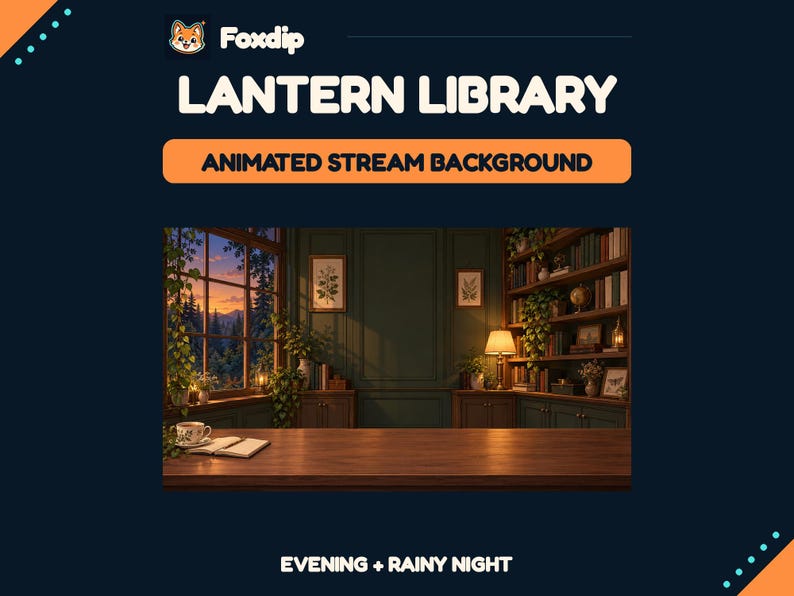
Best VTuber backgrounds from Foxdip for a cozy room
Compare Library, Cottage, and Loft backgrounds, including room layers, desk PNGs, animated loops, resolution, and excluded avatar tools.
Keep going
with your setup.
Need to install a pack? The download guides will help. Looking for a character instead? Browse the collections and see what catches your eye.