
Get the stream working your way.
Get your sound into OBS, put a scene together and work out which graphics go where.
 LEARN SOMETHING.
MAKE IT YOURS.
Start with GG.
See how one emote changes at 28, 56 and 112 px, then keep it for your channel. No email or account needed.
Set up your digital pack.
Get the right reaction into the right slot.
Find your emote and badge exports, match them to your Twitch slots and check the small preview before moving to the next design.
Read the setup guidePut each graphic in the source it needs.
Add a static frame with Image, use Media Source for supplied video and check how the layout behaves when you switch scenes.
Read the setup guideMotion is a choice, not an automatic upgrade.
Compare PNG stills, GIF loops and the actual reactions in a pack, then choose a version your chat slot can use.
Read the setup guideGet all the ZIP parts, then open the artwork.
Find the download for your Etsy order, extract every part and sort out images, instructions and any files intended for editing.
Read the setup guideFor your next stream.
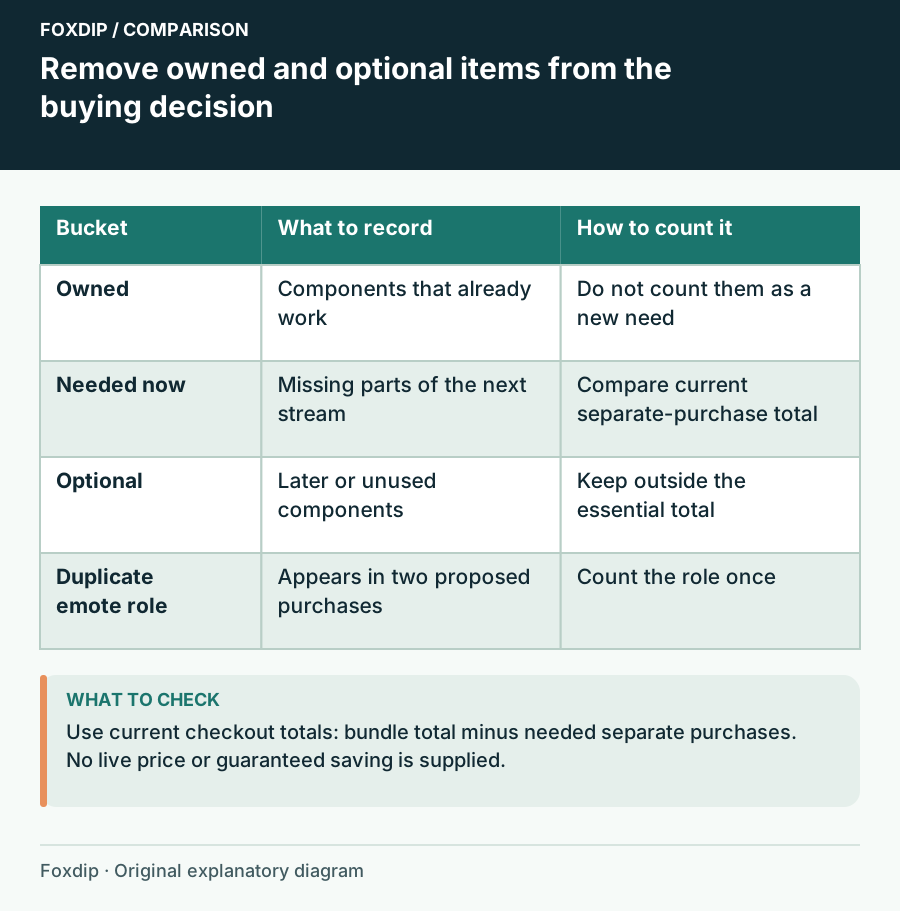
Streamer Bundle or Separate Packs? Compare the Parts You Need
Compare a graphics bundle with separate packs using ownership, required assets, duplicate content and the current checkout total.
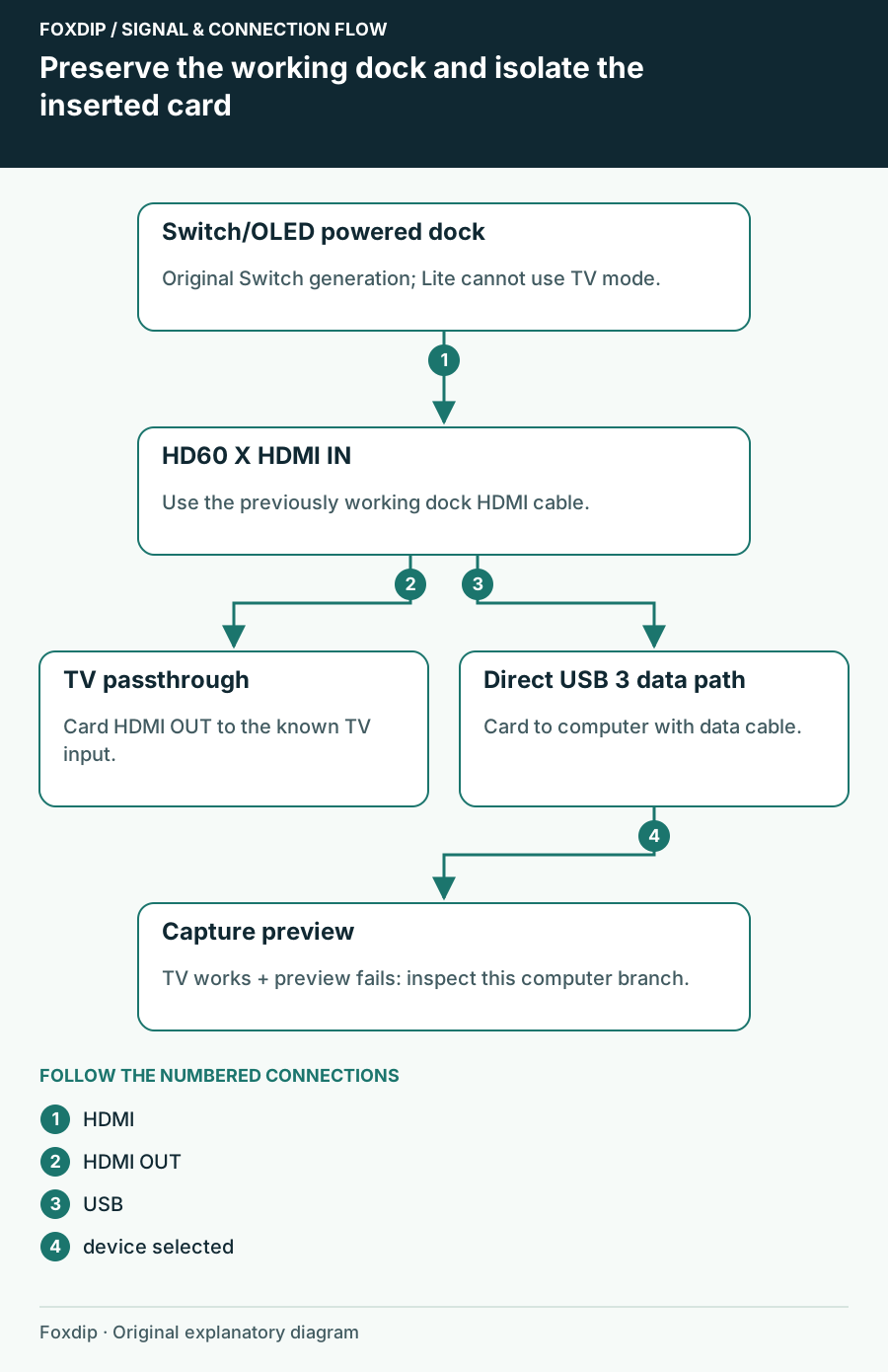
Switch Works on the TV but Not the Capture Card: Isolate the Added Link
Check an original Switch or OLED dock, HDMI direction and USB preview without confusing Switch Lite or Switch 2 requirements.
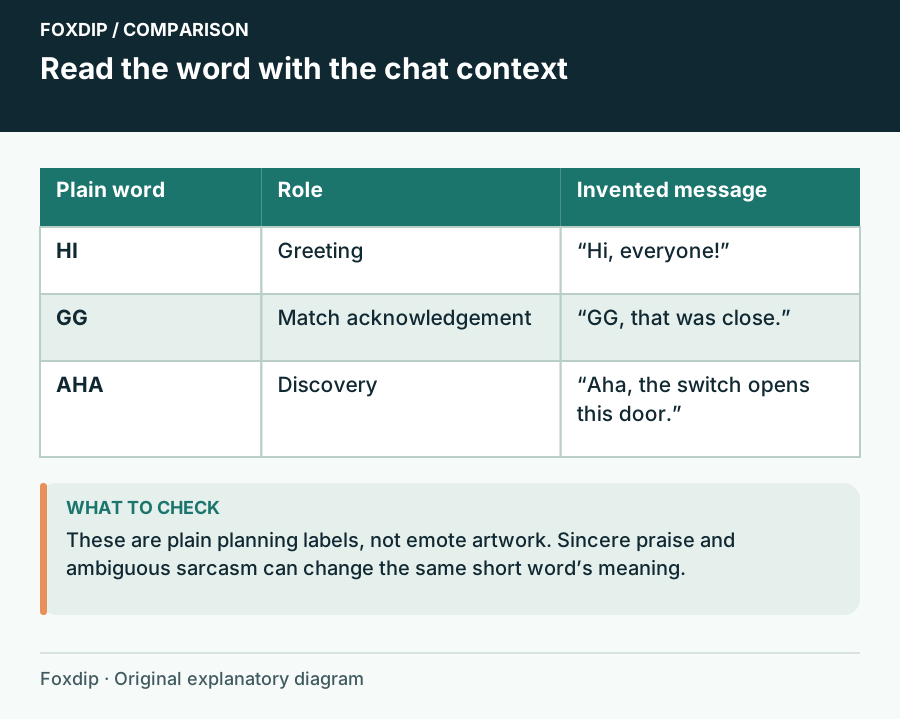
Text Emotes: Choose Words Your Chat Can Actually Use
Choose short text reactions by meaning, language and social context before comparing lettering styles.
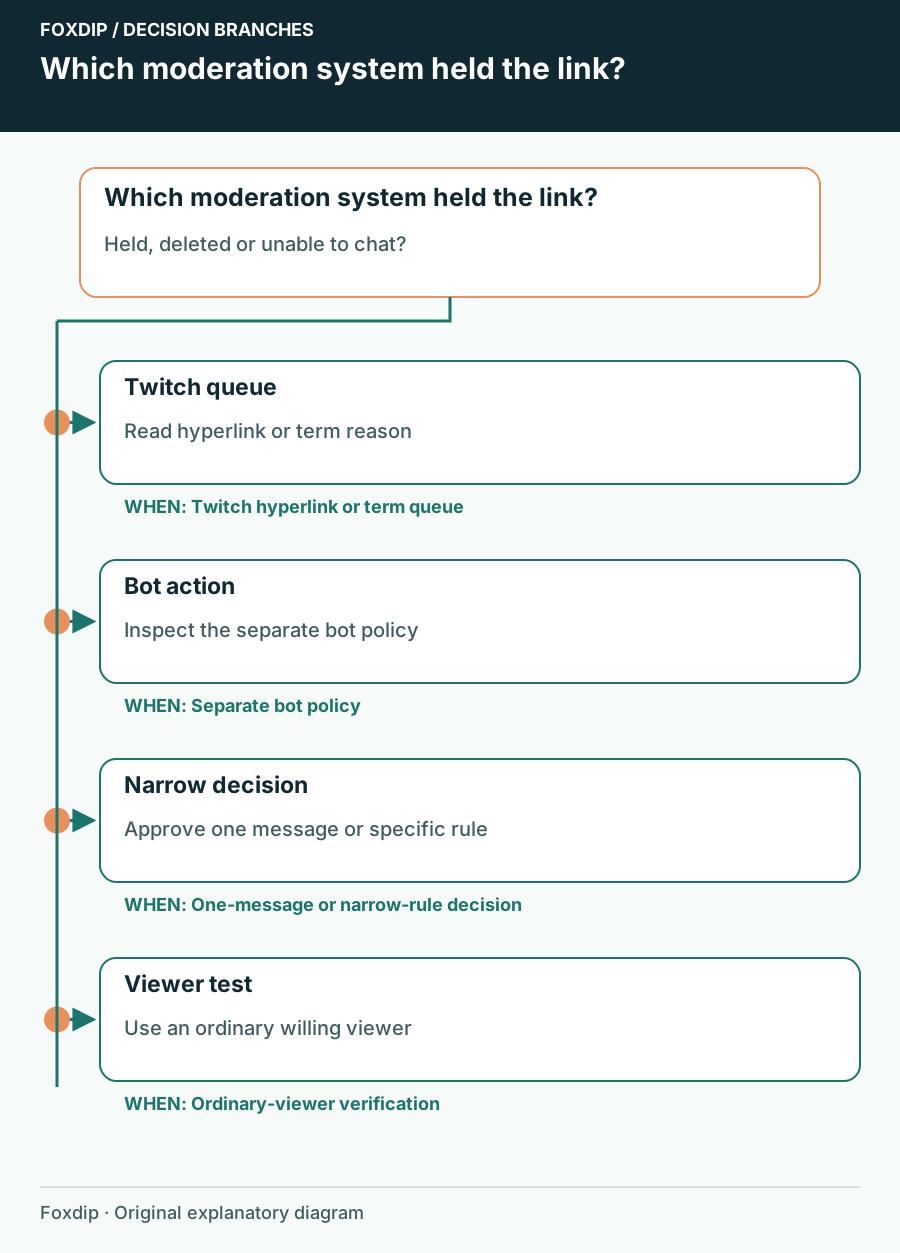
Twitch Chat Holds a Link: Follow the Moderation Reason
Identify whether Twitch AutoMod or a separate bot held a link, then approve only the message or rule you intend.
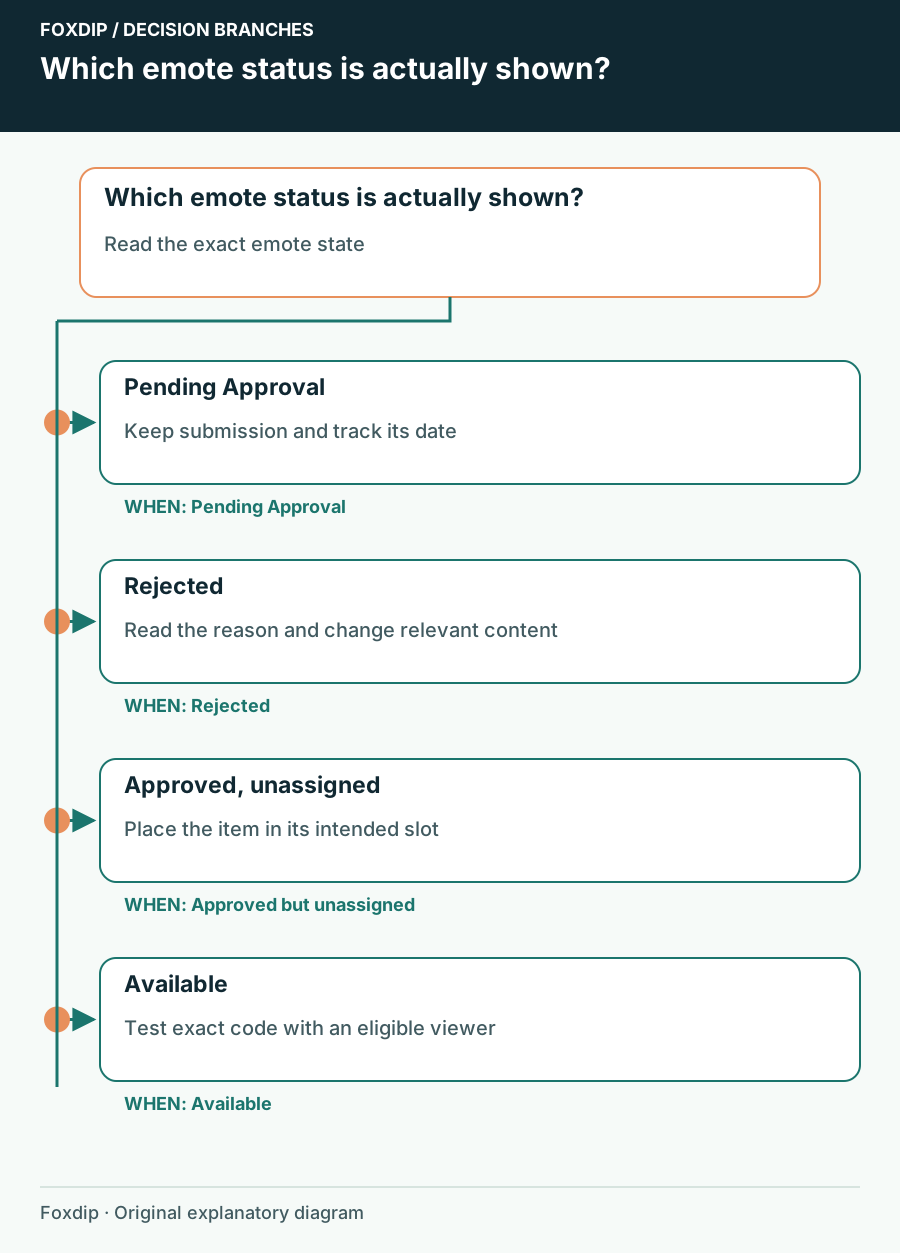
Twitch Emotes Pending Approval: Check Status Before Uploading Again
Identify a pending review, distinguish it from an unassigned emote and prepare the right information if you need support.
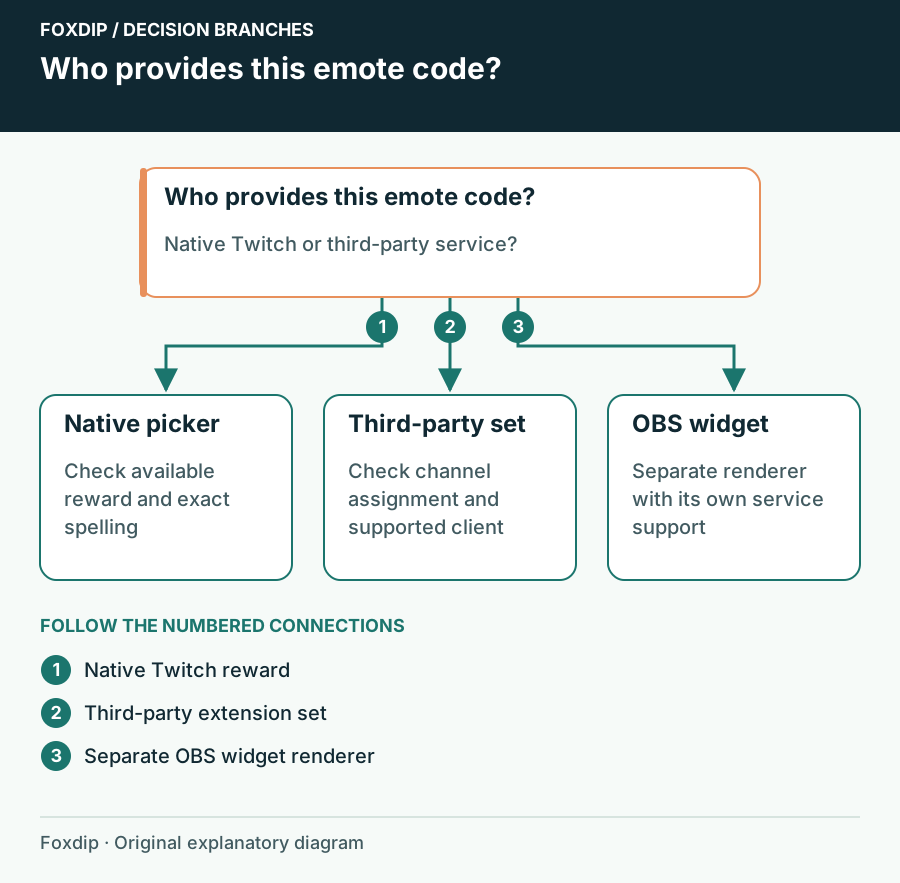
Twitch Emotes Show as Text: Native Reward or Browser Extension?
Find out which service owns the missing emote before changing Twitch rewards, extensions or chat overlays.
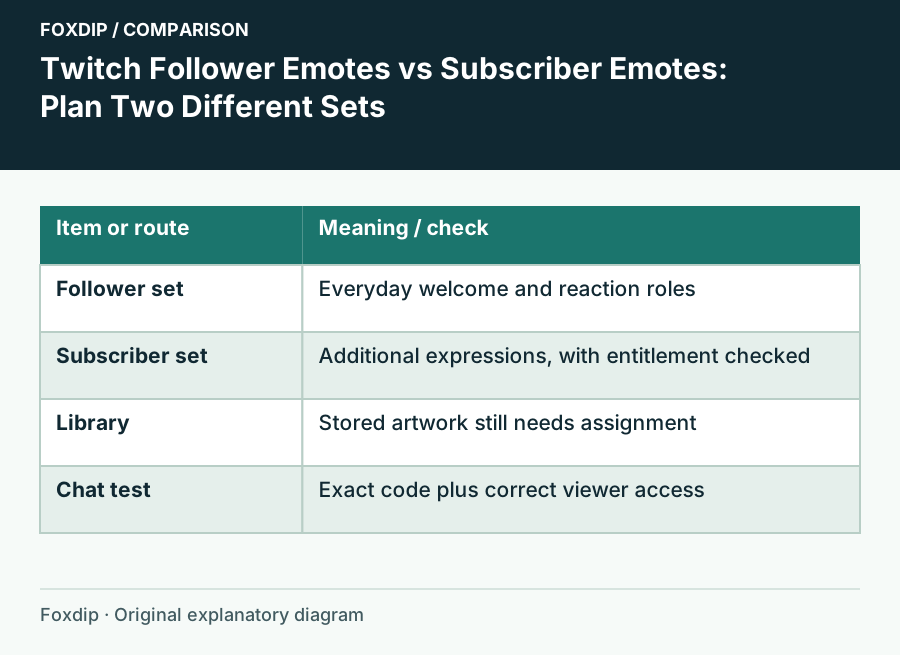
Twitch Follower Emotes vs Subscriber Emotes: Plan Two Different Sets
Choose which reactions belong in your free follower slots and which belong in a subscriber set, then check the viewer’s access.
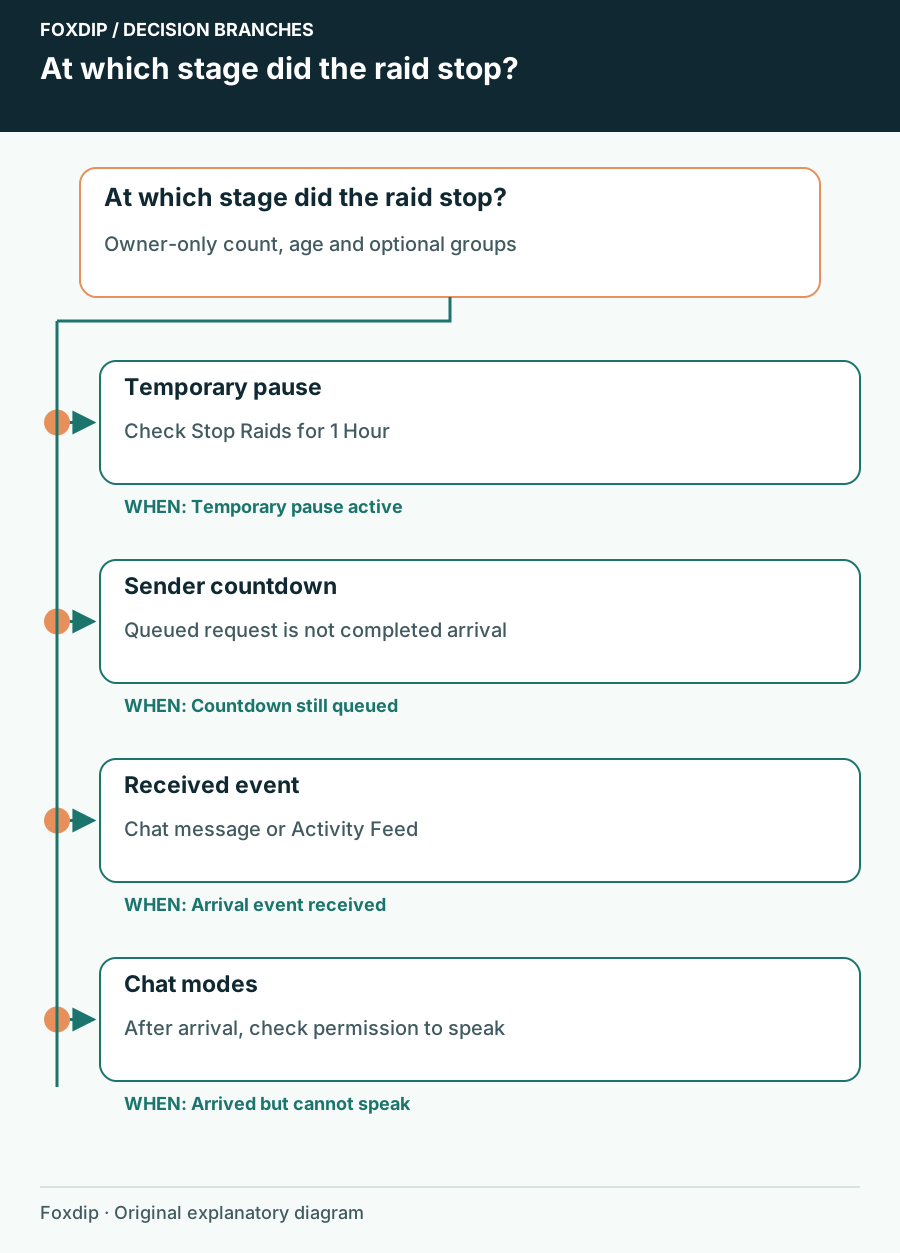
Twitch Raids Not Reaching You: Check Incoming Raid Controls
Separate an incoming raid restriction from the raid countdown or a chat restriction after viewers arrive.
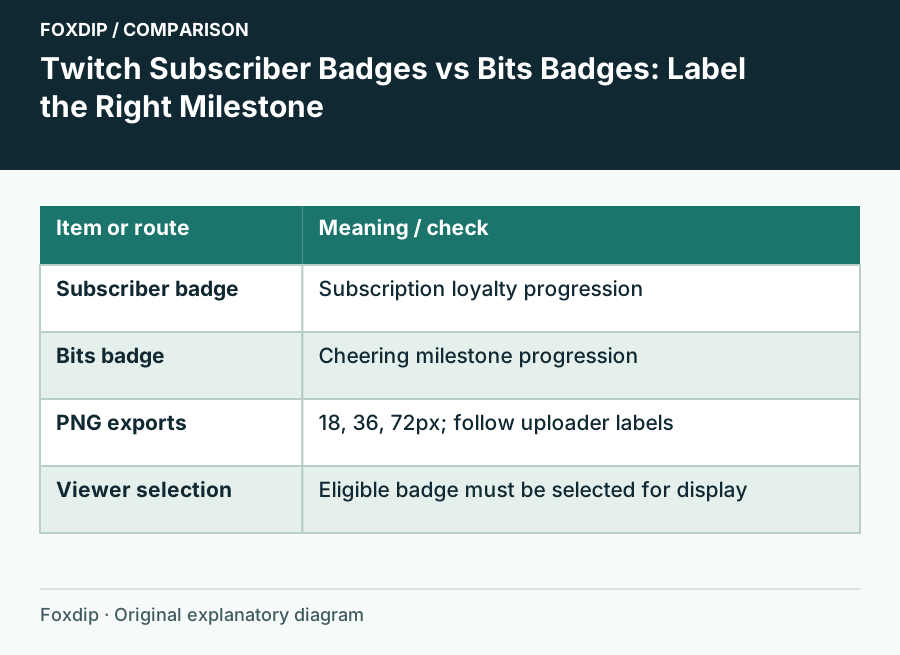
Twitch Subscriber Badges vs Bits Badges: Label the Right Milestone
Plan two readable badge progressions and upload each to its own Twitch reward system.
Keep going
with your setup.
Need to install a pack? The download guides will help. Looking for a character instead? Browse the collections and see what catches your eye.