
Get the stream working your way.
Get your sound into OBS, put a scene together and work out which graphics go where.
 LEARN SOMETHING.
MAKE IT YOURS.
Start with GG.
See how one emote changes at 28, 56 and 112 px, then keep it for your channel. No email or account needed.
Set up your digital pack.
Get the right reaction into the right slot.
Find your emote and badge exports, match them to your Twitch slots and check the small preview before moving to the next design.
Read the setup guidePut each graphic in the source it needs.
Add a static frame with Image, use Media Source for supplied video and check how the layout behaves when you switch scenes.
Read the setup guideMotion is a choice, not an automatic upgrade.
Compare PNG stills, GIF loops and the actual reactions in a pack, then choose a version your chat slot can use.
Read the setup guideGet all the ZIP parts, then open the artwork.
Find the download for your Etsy order, extract every part and sort out images, instructions and any files intended for editing.
Read the setup guideFor your next stream.
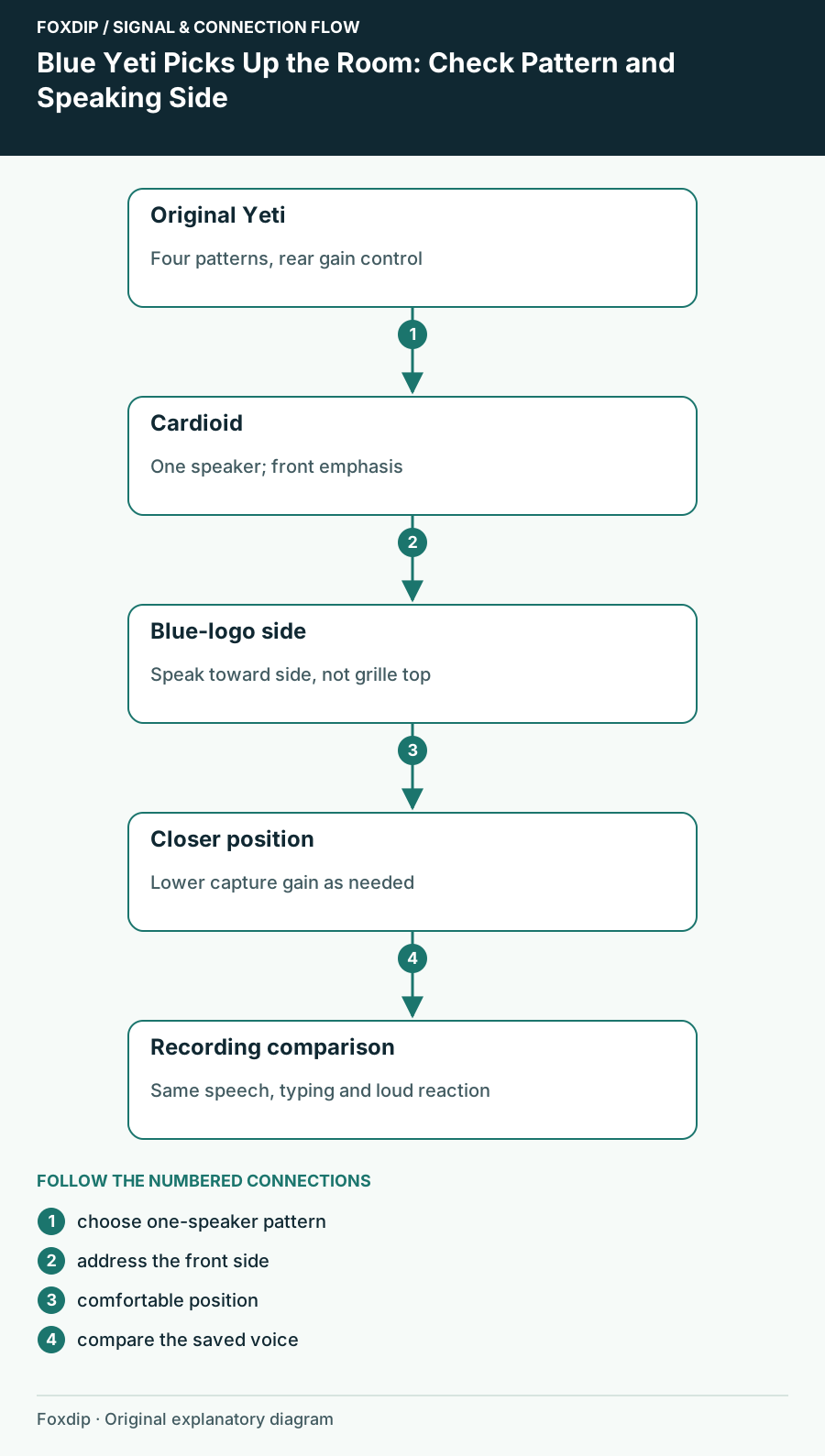
Blue Yeti Picks Up the Room: Check Pattern and Speaking Side
Set the original four-pattern Blue Yeti for one speaker and compare placement before adding stronger suppression.
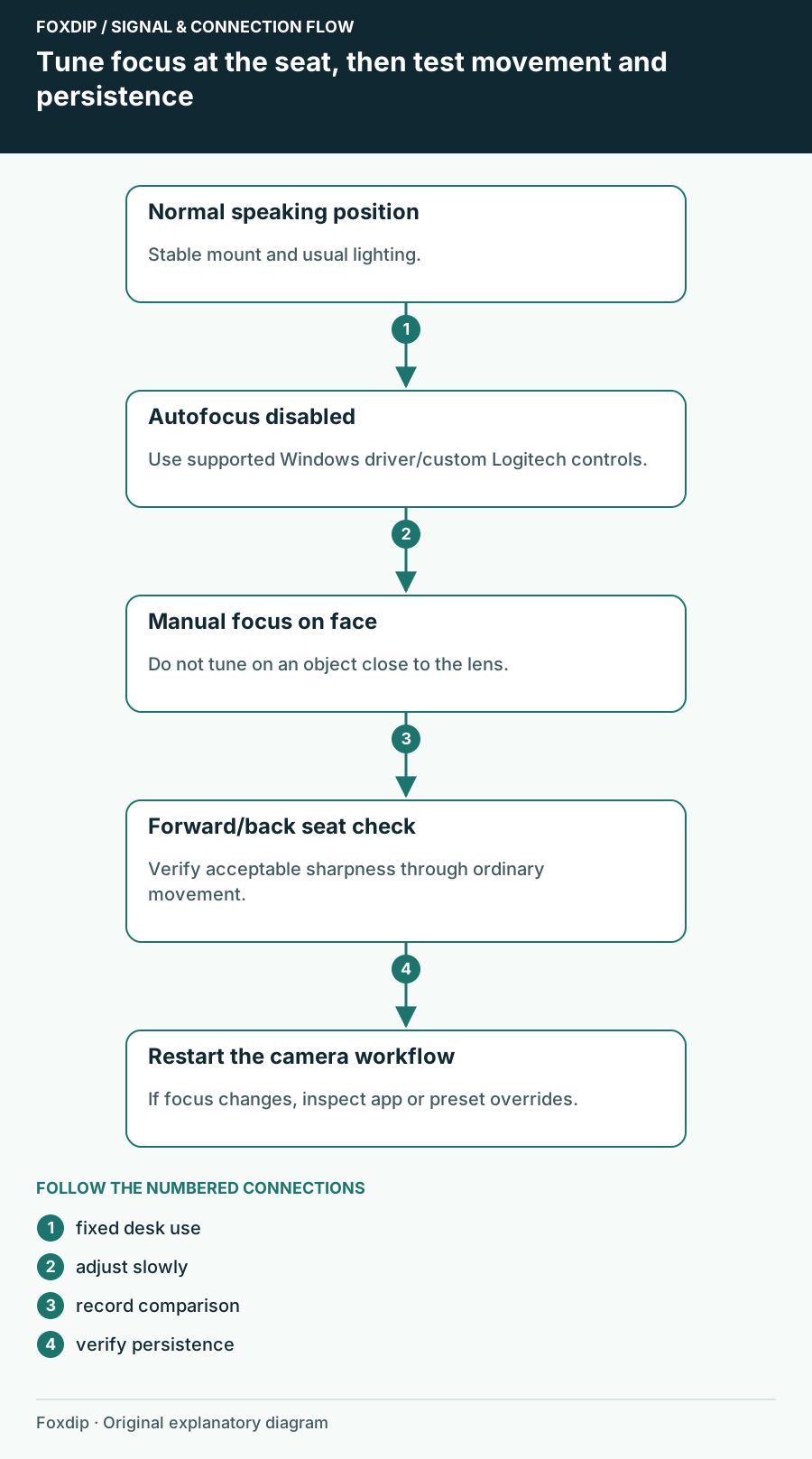
C920 Autofocus Keeps Hunting: Set Focus for Your Seat
Choose autofocus or a fixed focus for your actual speaking distance, distinguish motion blur, and verify the setting after OBS restarts.
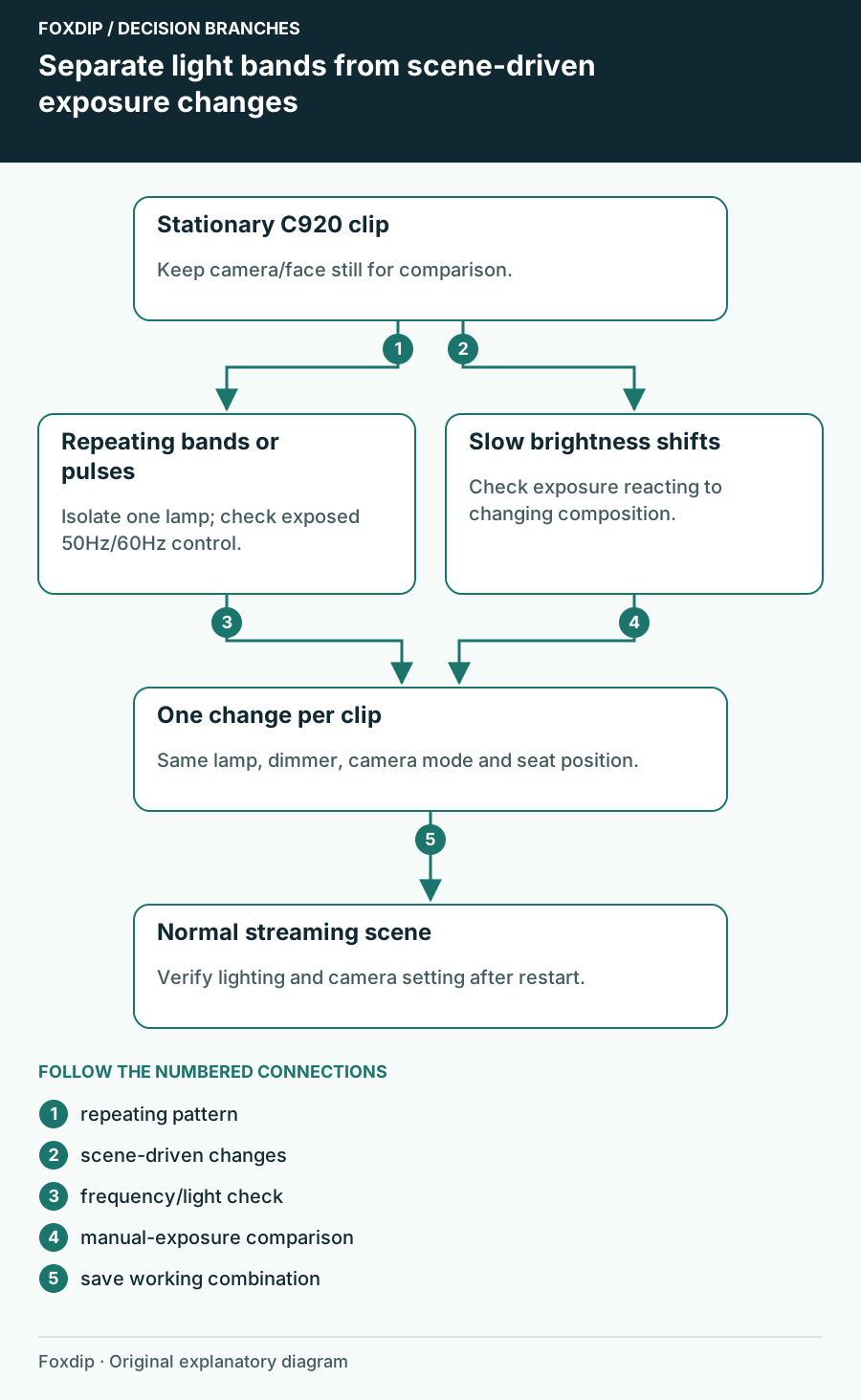
C920 Flickers Under Room Lights: Check the Lighting Frequency
Separate repeated light bands from automatic brightness changes, then check the C920 anti-flicker control and the lamp causing the symptom.
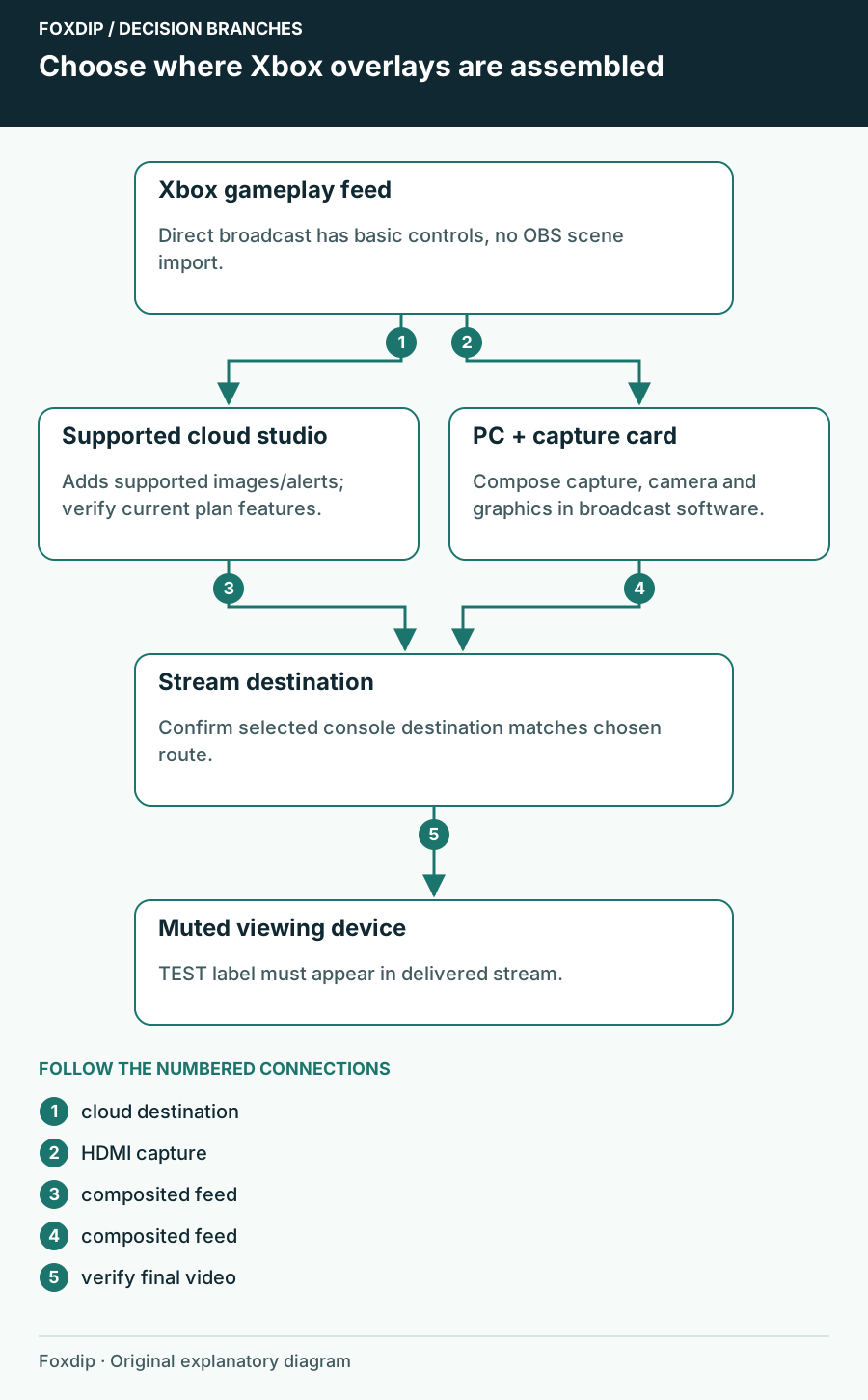
Can You Add Custom Overlays to a Native Xbox Stream?
Choose where Xbox stream graphics are composited: a supported cloud studio or a PC capture scene. Start with a single visible test image.
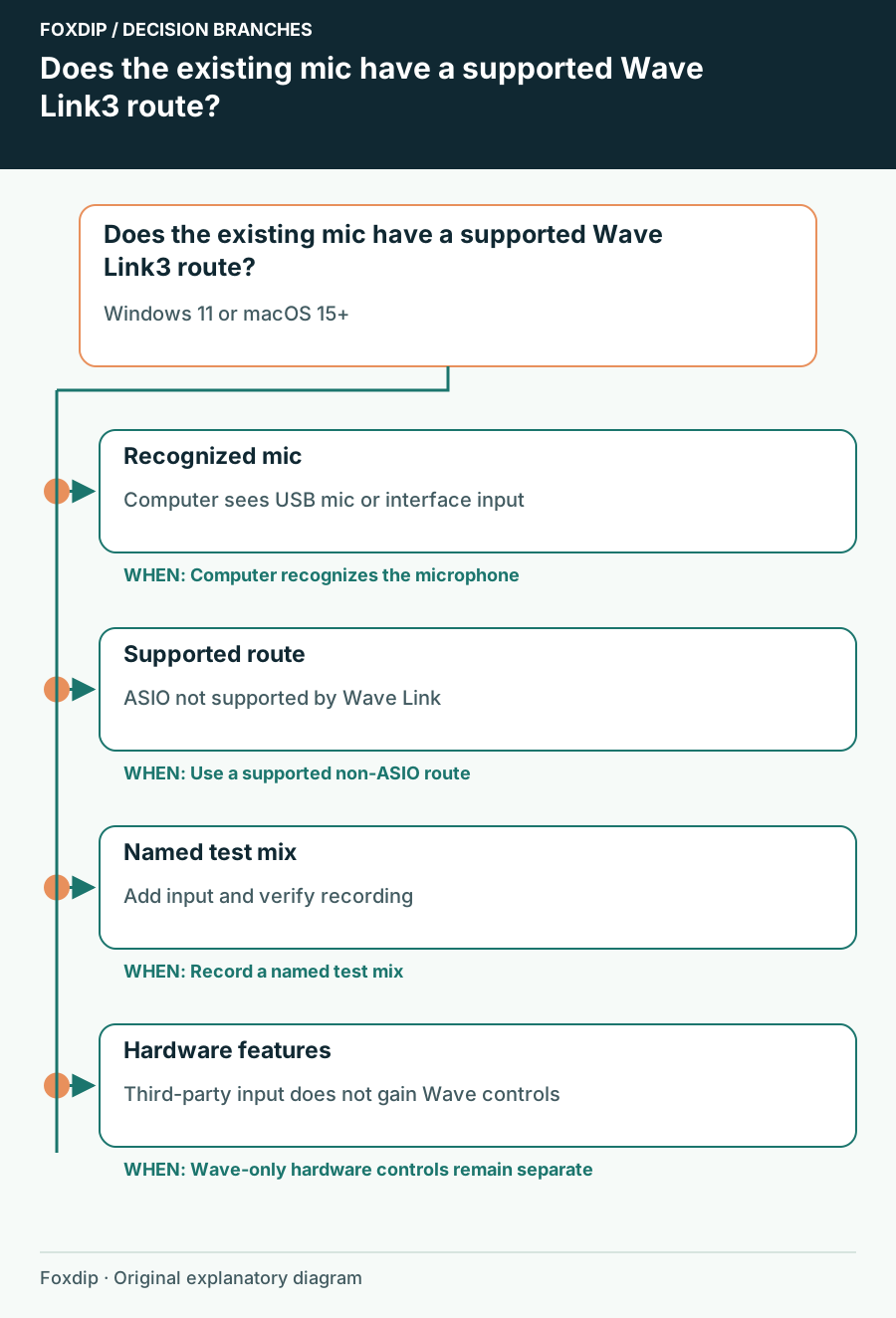
Can Your Existing USB Mic Work with Wave Link 3?
Check computer recognition, operating-system requirements and the difference between mixing support and hardware-specific controls.
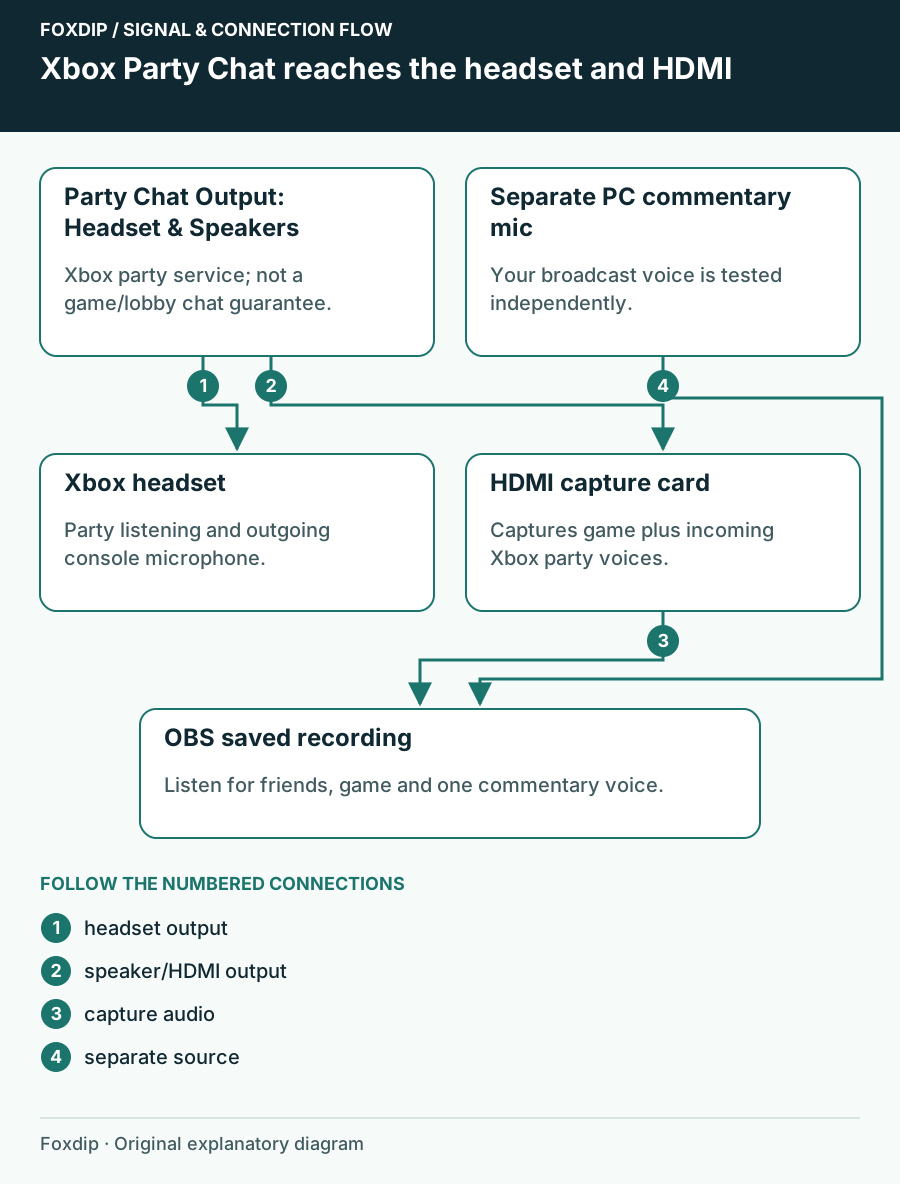
Capture Xbox Series X Party Chat While Using a Headset
Send Xbox party chat to HDMI as well as your headset, then separate your commentary and the game-chat limitation.
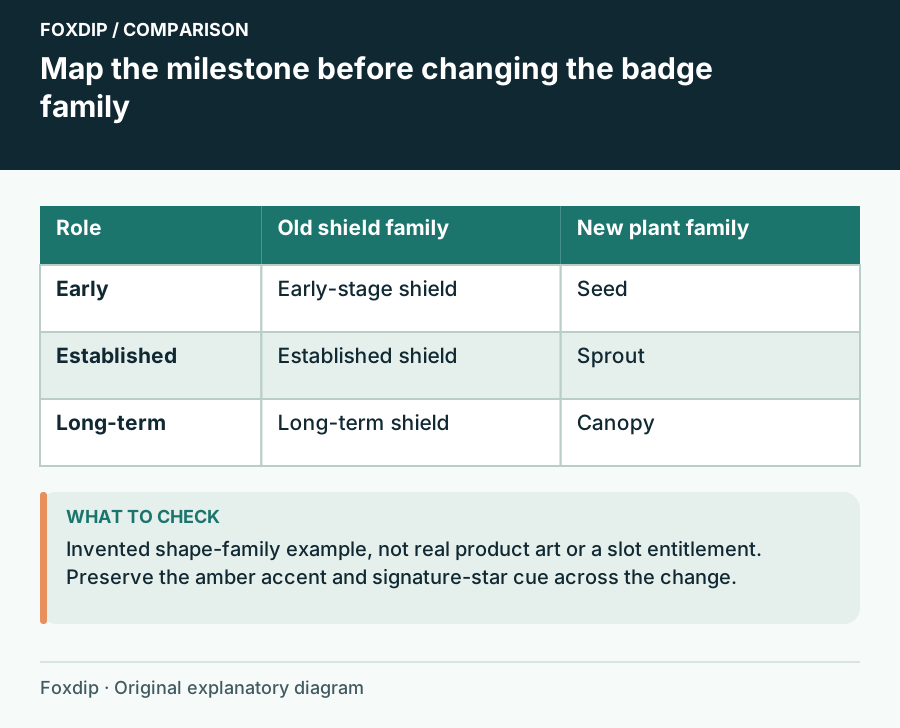
Change Subscriber Badges Without Erasing Familiar Milestones
Plan a badge redesign with an old-to-new mapping, a continuity rule and a preview of what returning subscribers will see.
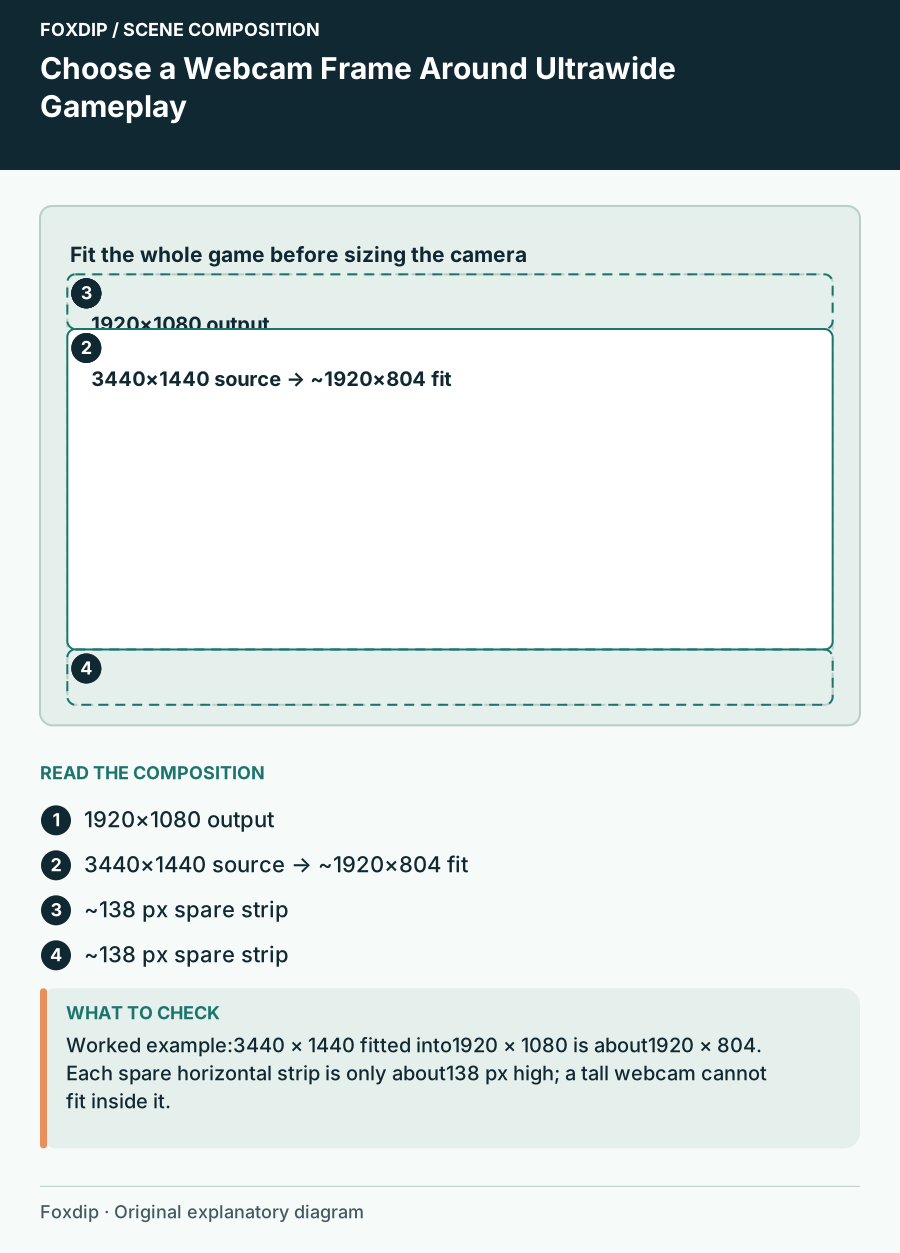
Choose a Webcam Frame Around Ultrawide Gameplay
Fit ultrawide game capture into a stream scene, use spare space deliberately and choose a camera frame that preserves the HUD.
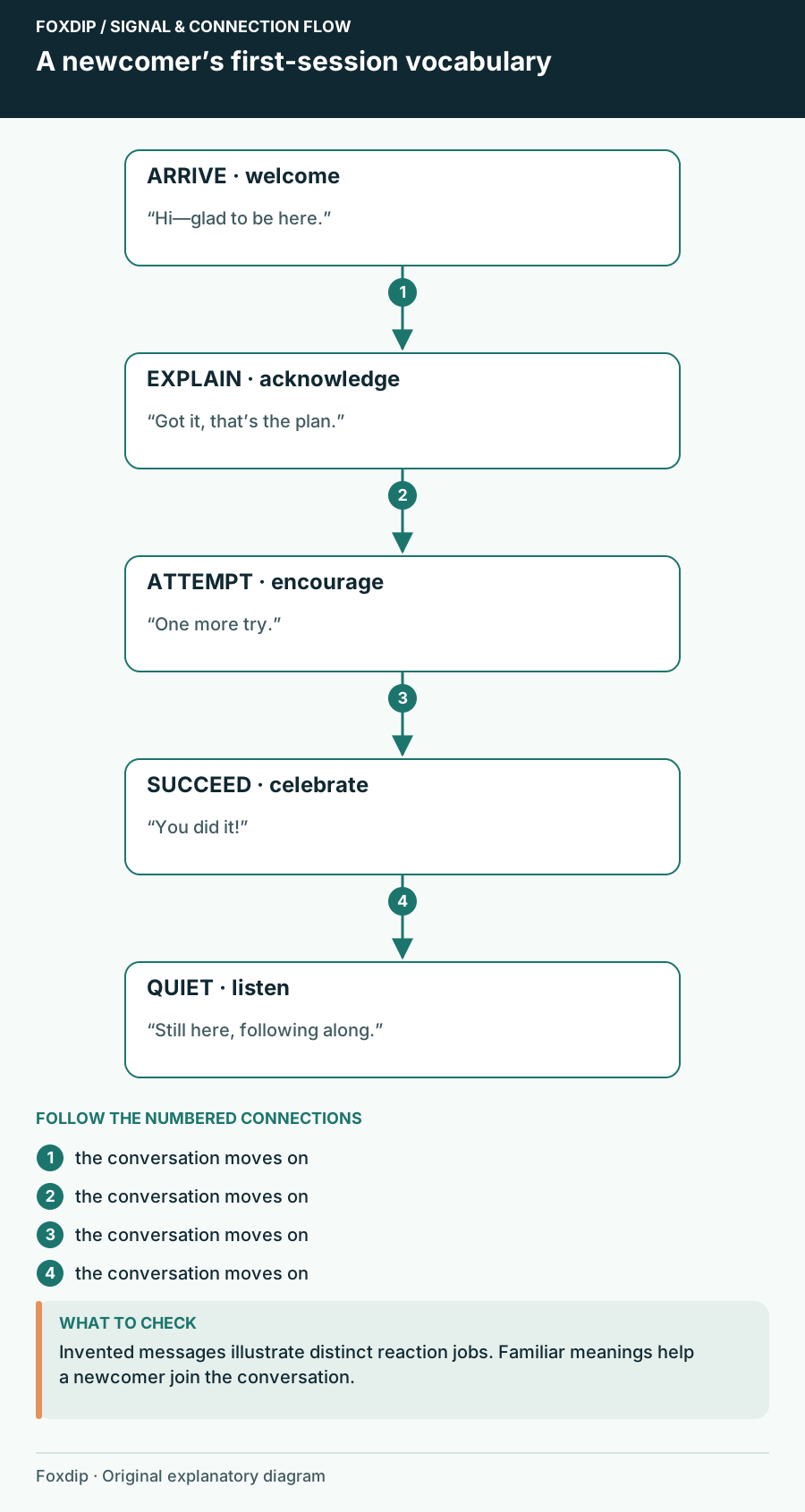
Choose Follower Emotes That Welcome People into the Conversation
Choose free follower reactions that make sense to a first-time viewer, with a worked five-role welcome vocabulary.
Keep going
with your setup.
Need to install a pack? The download guides will help. Looking for a character instead? Browse the collections and see what catches your eye.