
Get the stream working your way.
Get your sound into OBS, put a scene together and work out which graphics go where.
 LEARN SOMETHING.
MAKE IT YOURS.
Start with GG.
See how one emote changes at 28, 56 and 112 px, then keep it for your channel. No email or account needed.
Set up your digital pack.
Get the right reaction into the right slot.
Find your emote and badge exports, match them to your Twitch slots and check the small preview before moving to the next design.
Read the setup guidePut each graphic in the source it needs.
Add a static frame with Image, use Media Source for supplied video and check how the layout behaves when you switch scenes.
Read the setup guideMotion is a choice, not an automatic upgrade.
Compare PNG stills, GIF loops and the actual reactions in a pack, then choose a version your chat slot can use.
Read the setup guideGet all the ZIP parts, then open the artwork.
Find the download for your Etsy order, extract every part and sort out images, instructions and any files intended for editing.
Read the setup guideFor your next stream.
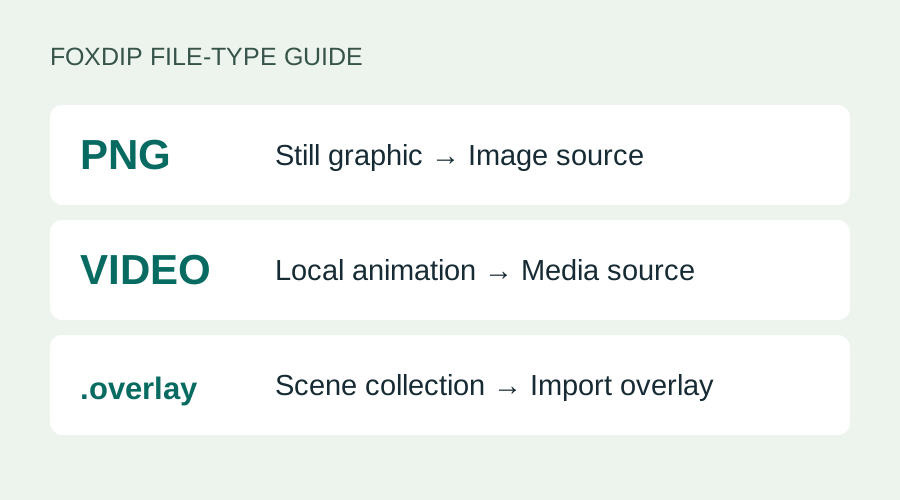
Add a PNG or Overlay to Streamlabs: Image or Media?
Your PNG won't show up in Import Overlay? Add still images as an Image source and videos as a Media source. Here's which file goes where, step by step.
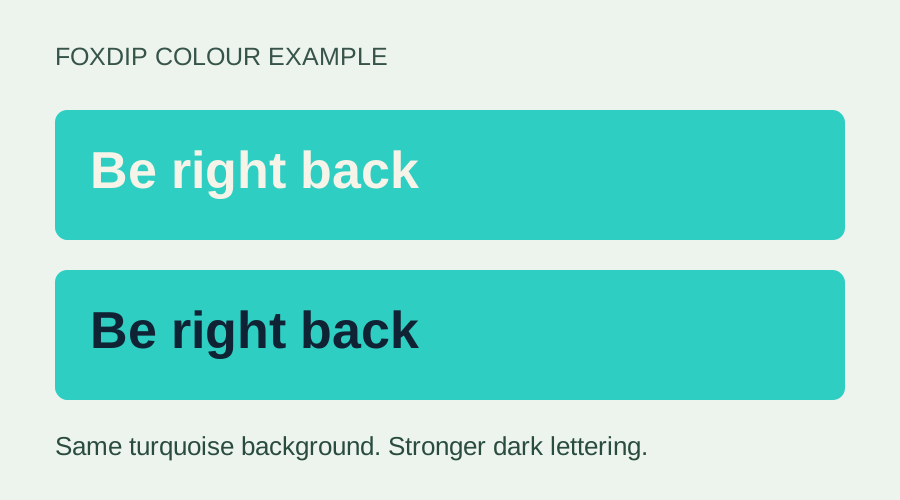
Make Overlay Text Easier to Read: A Colour Check
Check one label, compare its text and background colours, and use five worked palette examples to choose a stronger pair.
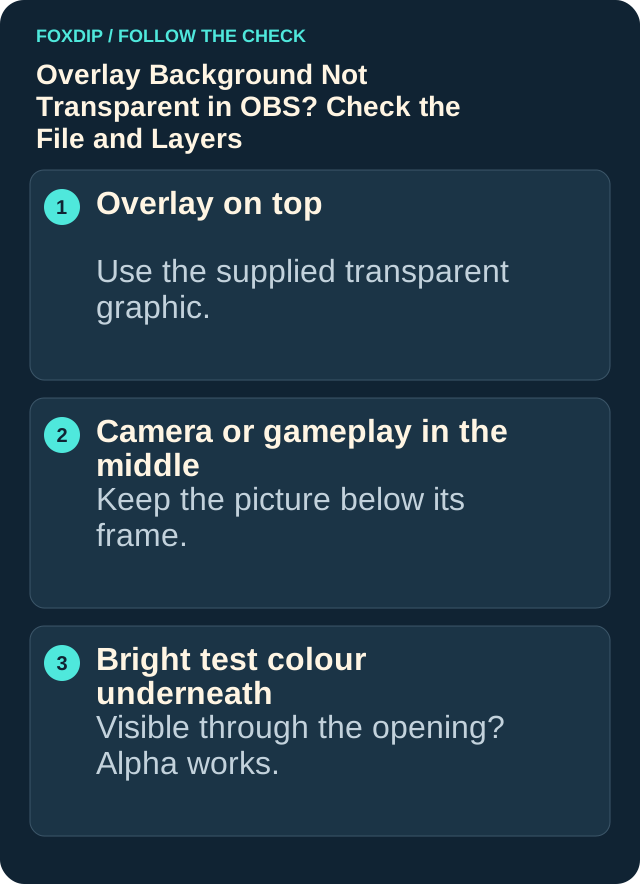
Overlay Background Black in OBS? Make It Transparent
Put a bright colour behind your overlay to see if transparency works, then fix the real cause: the wrong export, the source settings or a browser page.
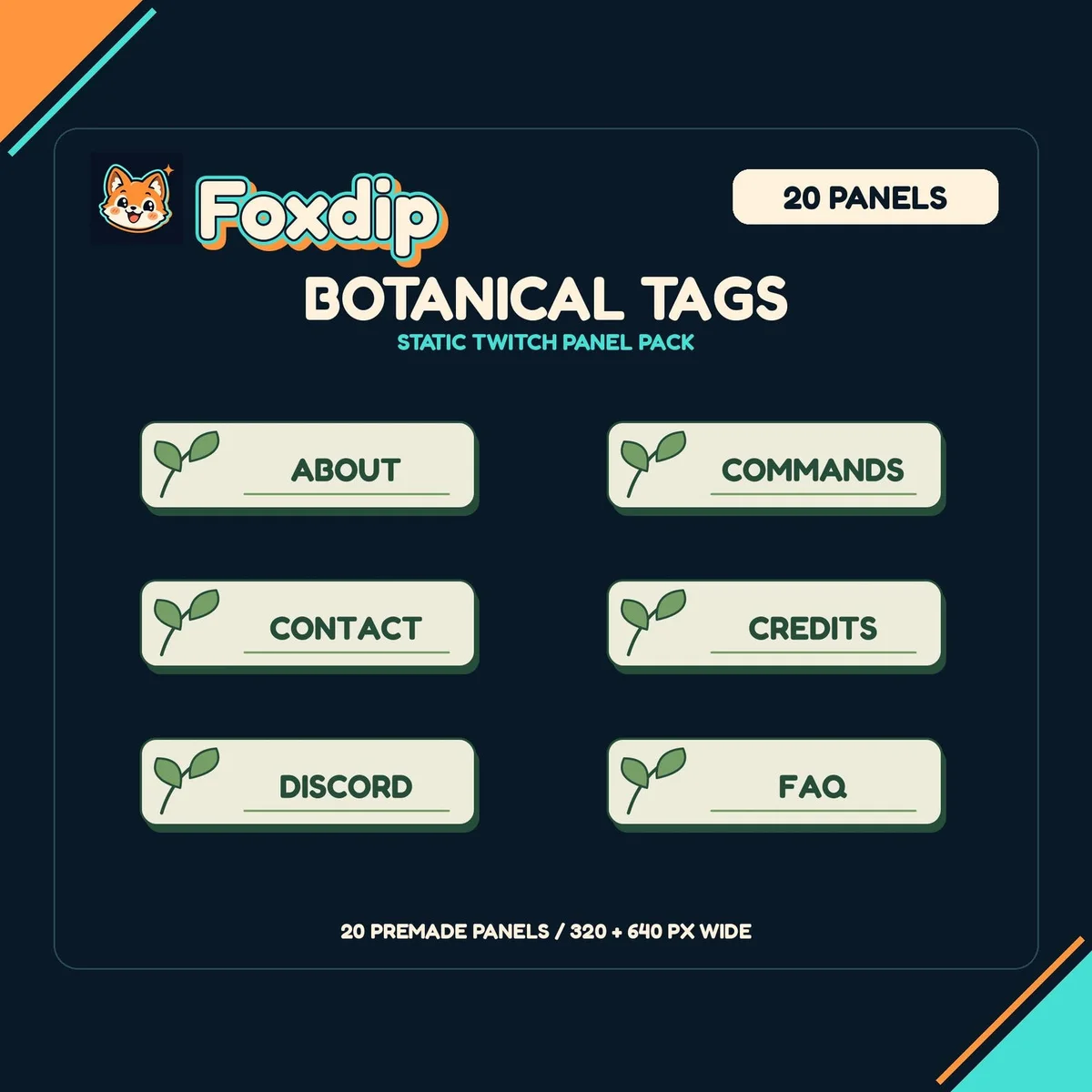
Set Up Twitch Panels People Can Read and Use
Write a clear About section, give your schedule a time zone and make every panel link land where you intended.
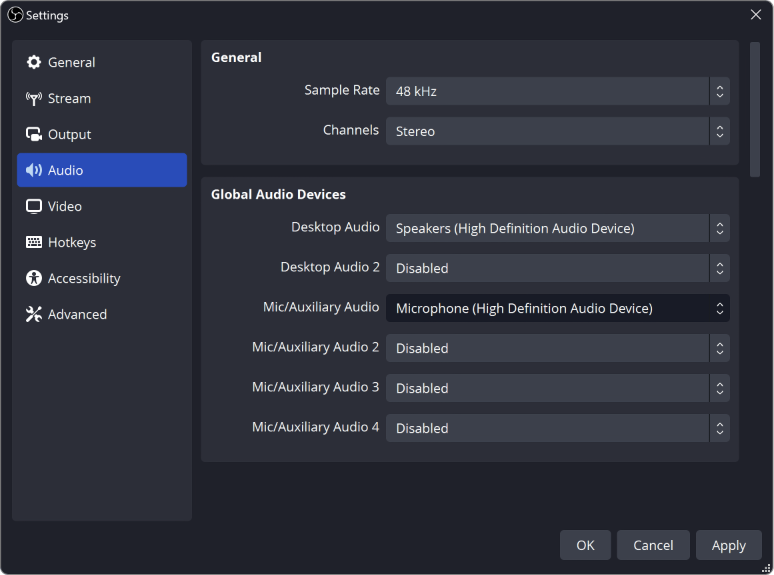
OBS Not Picking Up Your Mic? Here's How to Fix It
Your mic works everywhere except OBS? Check these in order: your computer's sound settings, mic permission, the device OBS uses, and the audio mixer.
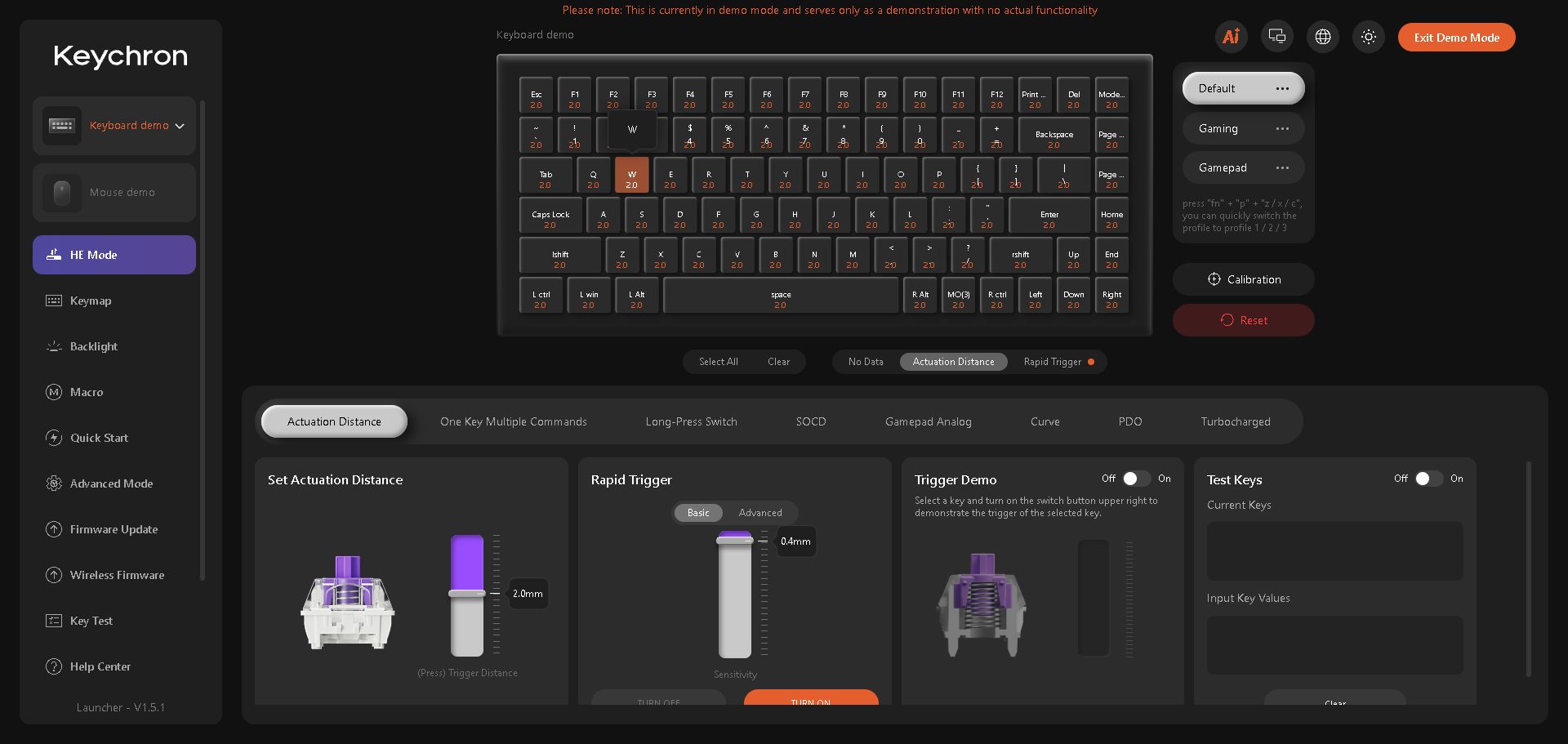
Keychron Q1 HE Too Sensitive? Fix Accidental Key Presses
Keys firing when you barely touch them? Raise the actuation point on the Q1 HE, one key at a time.
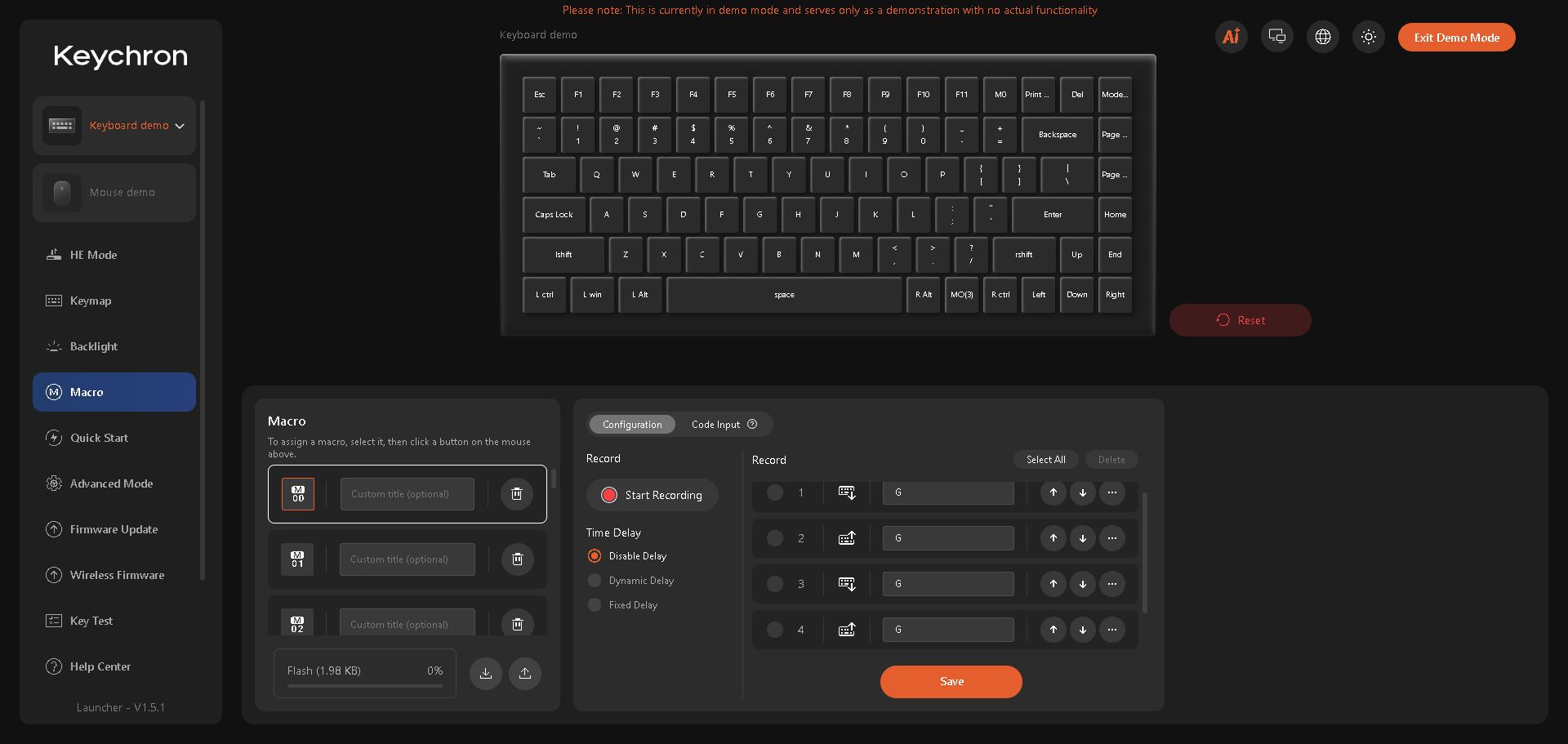
Q1 HE Macro Not Working? Match M0 to the Key You Press
Check the macro's slot, submitted content and key binding with a harmless text test before rebuilding a longer shortcut.
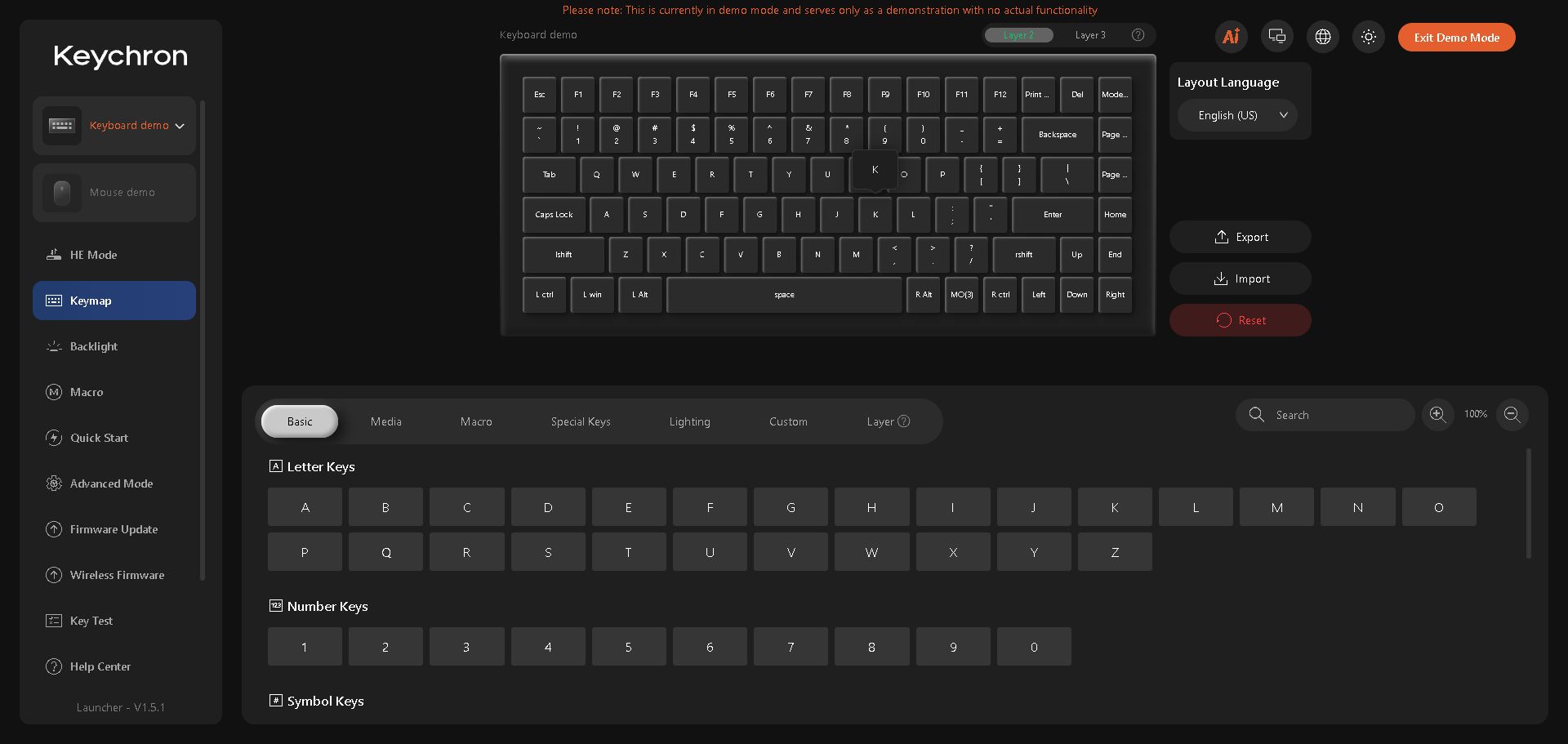
Q1 HE Remap Not Working? Check the OS and Fn Layer
Match the Mac/Windows switch to the layer you're editing, then trace the Fn key before replacing another binding.
Free or Paid Stream Graphics? Buy for the Gap in Your Setup
A free reaction may be enough to get started. Here is when a matching pack earns its place, using GG and Neon Chat as a concrete comparison.
Keep going
with your setup.
Need to install a pack? The download guides will help. Looking for a character instead? Browse the collections and see what catches your eye.