
Choose Prism Wave for lilac geometry, Botanical Bloom for leaf details or Arcade Core for pixel-art event media. Start with the events your channel actually supports, then choose the style. The media supplies the look; your alert provider handles account connections and automatic event triggers.
In this guide
Separate the artwork from the event system
These packs provide the visual media for an alert. Your chosen alert provider supplies event detection, viewer names, amounts, timing, and the overlay shown in your broadcast software. Buying the artwork doesn't connect accounts or make follower and subscriber events start firing.
If you already have a working alertbox and want new visuals, that distinction is useful: you can assess the files against your provider's upload and layout options. If you're starting from scratch, allow time to set up the alertbox as well. Neither pack contains a widget, one-click installation, or an installation service.
Compare the events and the setup
A larger event library helps only when you use those events. Prism Wave and Botanical Bloom both cover the same six-event set. Arcade Core covers twelve named event files and includes a local preview player; that still does not connect the files to a streaming account.
First choose the event you use most often. Compare its timing, name area and visibility over your actual scene. Once that one works, repeat the settings for the other events and their variations.
| Pack | Visual direction | Media and playback |
|---|---|---|
| Prism Wave | Pale cards and lilac geometric accents | Six silent five-second WebM animations and PNG stills. |
| Botanical Bloom | Leaves and softer green tones | The same six-event technical scope as Prism Wave. |
| Arcade Core | Pixel-art arcade hardware | Twelve silent six-second events, titled/textless WebM variants and a local/manual preview player. |
Prism Wave: lilac shapes for a geometric look
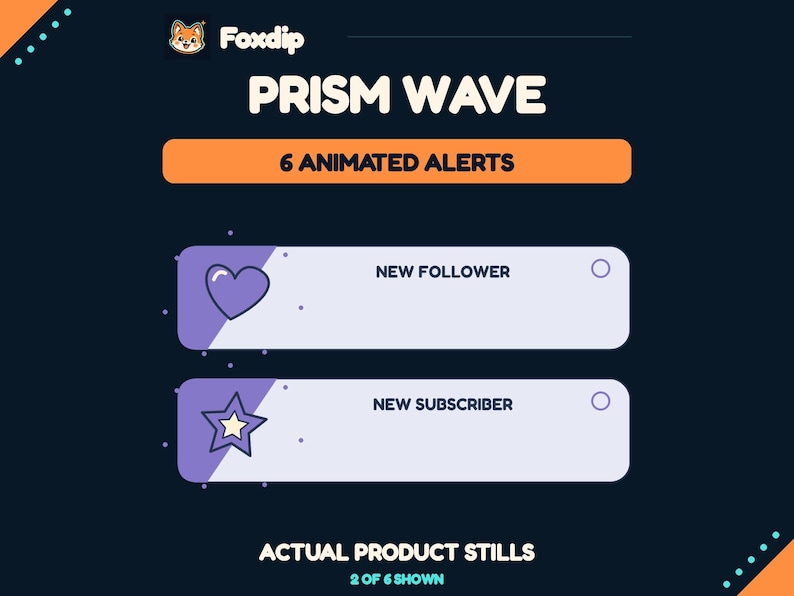
Prism Wave uses a pale alert card with lilac geometric accents. Its listing preview shows a heart icon for the follower example and a reserved area for a live viewer name. Consider it if those shapes and colours work with your existing overlay; the presentation name is an example, not baked-in personalisation for your channel.
The pack contains six transparent WebM animations and six static PNG stills. The events are Follower, Subscriber, Gifted Subs, Raid, Cheer, and Tip. Each animation lasts five seconds at 960×360 and 20fps. All media is silent.
 Animated
 Stream Alerts, Prism Wave
PNG · WEBMDownload
CA$5.48CAD
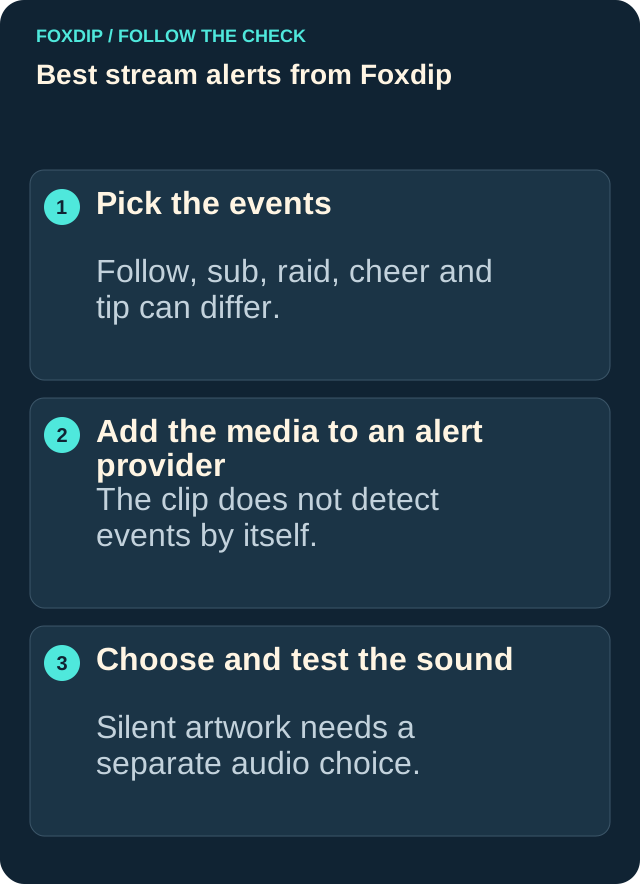
Illustration: compare these jobs before choosing your pack.
Image: Foxdip · original explanatory illustration
Open full-size image : Pick the events: Follow, sub, raid, cheer and tip can differ.. Add the media to an alert provider: The clip does not detect events by itself.. Choose and test the sound: Silent artwork needs a separate audio choice. (opens in a new tab)Botanical Bloom: green leaves for a plant-themed setup
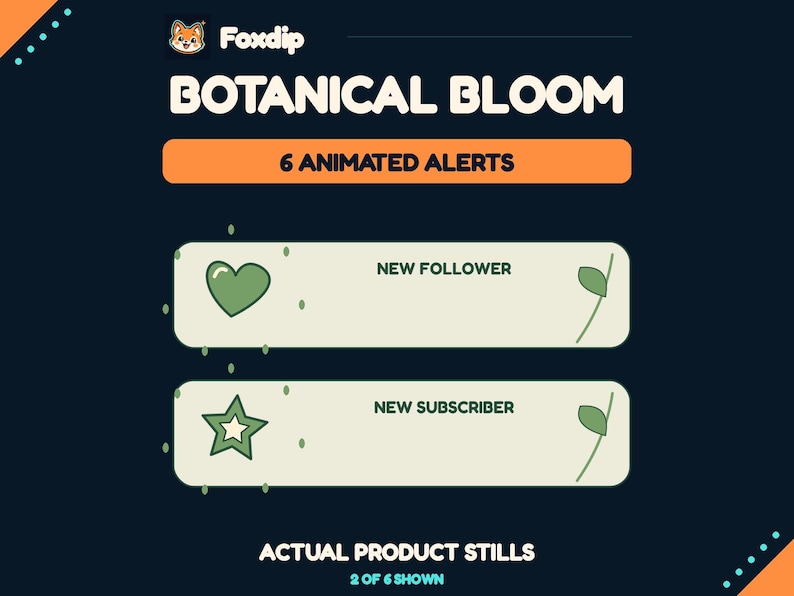
Botanical Bloom uses a pale green-toned card, leaf accents, and green illustrative details. It's the natural alternative here if your existing graphics use plants or a garden palette. Check it against your room and camera layout rather than assuming a botanical theme automatically matches every cozy channel.
Its technical contents match Prism Wave: six event animations, six PNG stills, five-second duration, 960×360 dimensions, 20fps, and no sound. The useful difference between these two packs is the visual style, not a larger event list or extra automation.
 Animated
 Stream Alerts, Botanical Bloom
PNG · WEBMDownload
CA$5.48CAD
Check name placement and the events you actually need
Look at where a long viewer name would sit and how the card would fit beside your camera or game interface. The name text needs to be positioned in your alert provider; it isn't generated by the WebM. Check your provider's event variations too, so a subscriber or gifted-sub variation doesn't retain unrelated default artwork.
The files include no audio. Keep alerts silent if that suits your stream, or supply a separate sound under its own licence. Don't assume the soundtrack from a shop preview is included. Also confirm that your account and chosen provider support the event types you want to use.
Set up one event, then test the whole set
StreamElements' official setup guide explains adding an AlertBox, replacing an event's media, and adjusting text layout and duration. Use your own provider's equivalent instructions if you use a different service. Keep the broadcast preview open while you check the placement and timing.
Configure one event
Extract the ZIP. In your provider's alert settings, upload the matching WebM for one event, position the live text in its reserved area, and set a duration that suits the five-second clip.
Look for: The provider preview combines the animation with its own event text.
Check every enabled alert
Use the provider's test tools and check the result in your broadcast preview. Repeat for each enabled event and variation, watching for cropped names, hidden artwork, unwanted defaults, or duplicate alerts.
Look for: You confirm the configured events in your own setup before using them live.
Choose by style, with the limitations clear
Choose Prism Wave for its lilac geometric treatment or Botanical Bloom for its green leaf details. Both are non-exclusive graphics for your own channels, including monetized streams. Neither includes editable templates, custom text, sounds, or a service subscription. Check Etsy for the current price and complete terms before purchasing; resale and redistribution of the files aren't permitted.
Arcade Core: a broader pixel-art event library
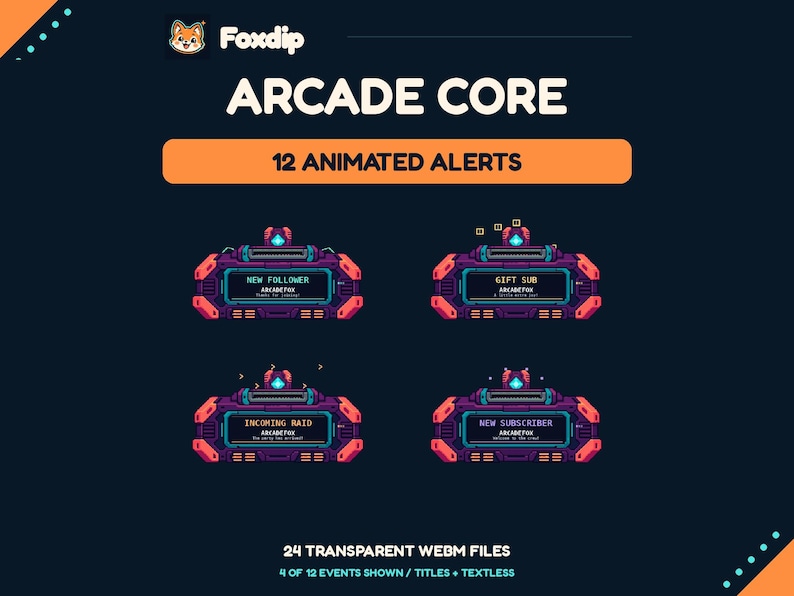
Arcade Core supplies twelve event designs as twenty-four transparent WebMs: one version with a fixed English event title and one textless version for each event. The original client files are 960×540, six seconds long and silent. Choose this set for the arcade style and event coverage, rather than expecting an automatic integration.
The included HTML player is useful for trying the media locally and placing sample text. The local widget has no account connection or automatic event listener. For live use, configure your provider’s event detection, text variables and one-shot playback. The first and last frames are transparent, so a still player view can look empty when the clip is not running.
 Animated
Arcade Core Animated Stream Alerts
PNG · WEBMDownload
CA$11.24CAD
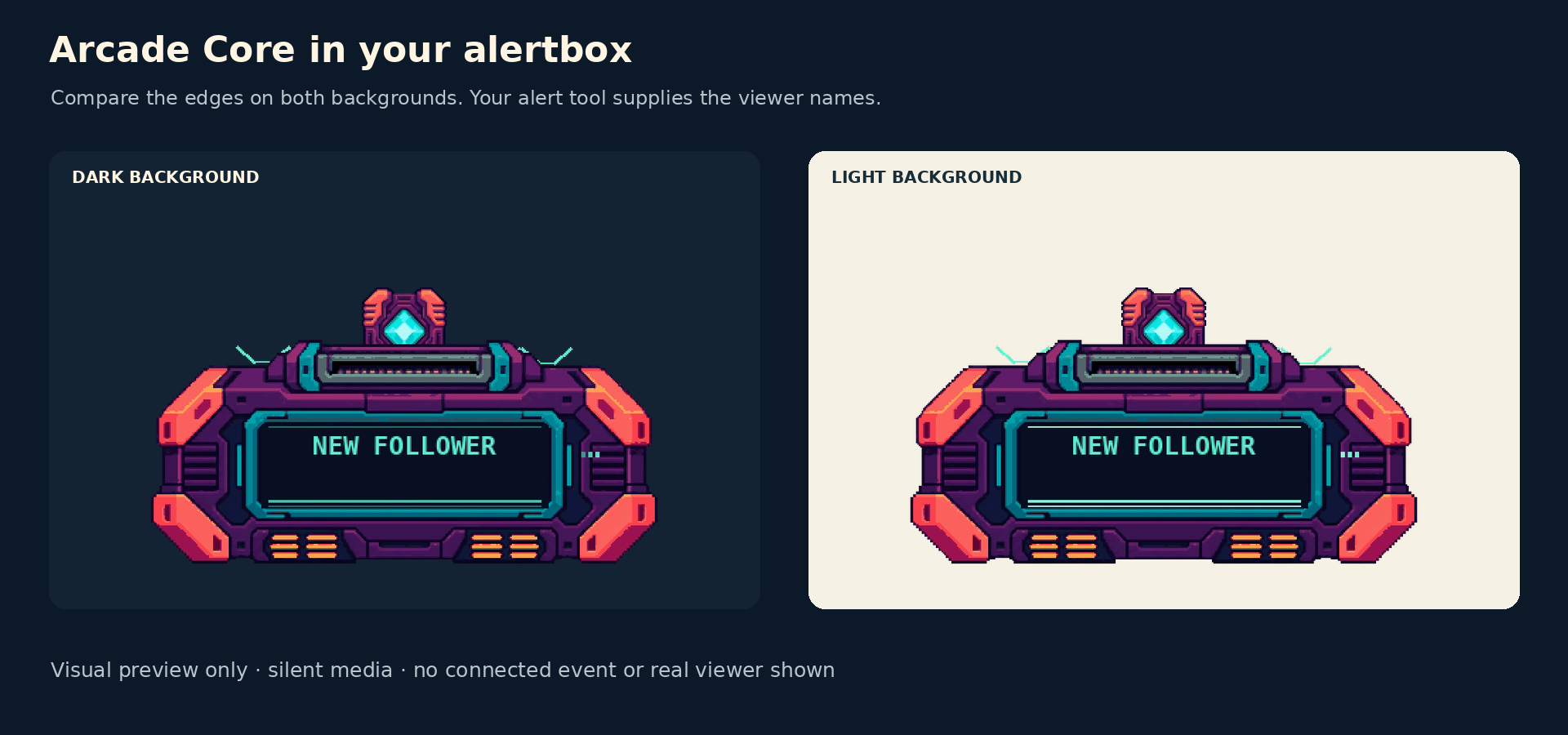
A frame from the original follower animation on two presentation backgrounds. This preview has no real viewer or live event.
Use the guide for your provider, then test one event in your broadcast preview. Install and troubleshoot alerts ↗
Sources & references
These are picks from the Foxdip collection, based on the supplied artwork, listed files and the uses explained above. Etsy confirms the current price and availability.
- Foxdip on Etsy — Prism Wave Stream Alerts ↗Checked 2026-10-23
- Foxdip on Etsy — Botanical Bloom Stream Alerts ↗Checked 2026-10-23
- StreamElements — Setting Up Twitch Alerts with StreamElements Overlays ↗Checked 2026-10-23
- OBS — Sources Guide ↗Checked 2026-10-23
- Foxdip — Arcade Core current listing ↗Checked 2026-10-27
Spotted something out of date? Let Alex know.
How we put our guides together ↗