
Choose Phoenix Rebirth if you want a fire-and-fantasy progression with 30 designs to select from. Choose Plant Growth if a shorter, botanical collection of 12 levels suits your channel. Both supply the three Twitch upload sizes plus larger PNG copies. Plan the sequence around the badge slots available on your channel, then pick the designs that make each stage feel distinct.
In this guide
Start with your available milestones
Check the subscriber badge slots your Twitch account currently provides before deciding how many designs you need. Then choose a sequence with differences you can recognise at small chat size. You don't have to use every supplied level, and a numbered file doesn't prescribe a subscription duration.
Look for a clear change in shape, detail, or silhouette across the stages you select. Review the smallest exports as well as the large preview: those are the files your viewers will see beside their chat messages.
A visual progression or a library of icons?
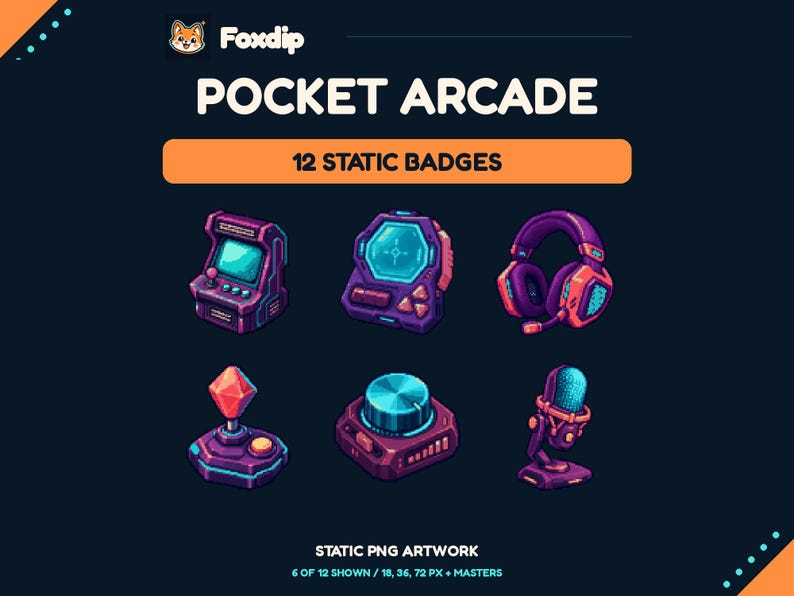
Phoenix Rebirth is the stronger fit when you want a theme that develops through many stages. Plant Growth offers a shorter botanical sequence. Pocket Arcade takes a different approach: it is a set of independent gaming objects, so the order is yours to invent.
If you choose independent objects, make the milestones feel deliberate. Pick the designs you can tell apart at 18 px and write down your mapping before uploading. Do not assume that a pack of twelve objects represents twelve membership ages in a fixed order.
 Static PNG
Pocket Arcade Badges
PNGDownload
CA$5.99CAD
| Need | Consider | Why |
|---|---|---|
| A long fantasy sequence | Phoenix Rebirth | 30 progressing designs give you more stages to choose from. |
| A shorter botanical sequence | Plant Growth | 12 levels keep the same plant theme. |
| Different gaming objects | Pocket Arcade | 12 independent designs; you assign their order yourself. |
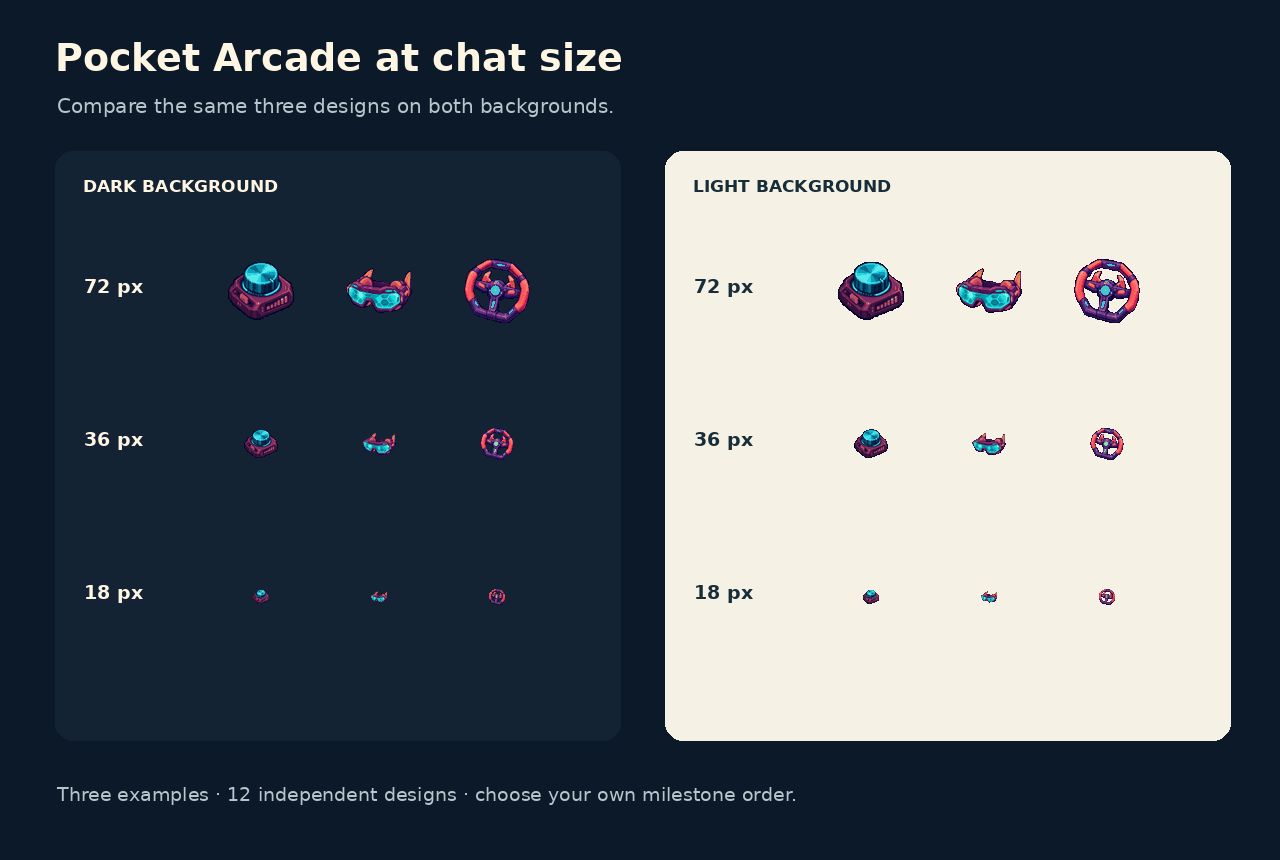
Three original Pocket Arcade designs at their supplied sizes. Open the image at its original size for the pixel-size comparison; the page may scale it to fit.
Choose the slots your account actually offers, then assign a design to each one. Plan your milestone mapping ↗
Phoenix Rebirth: a larger library of 30 designs
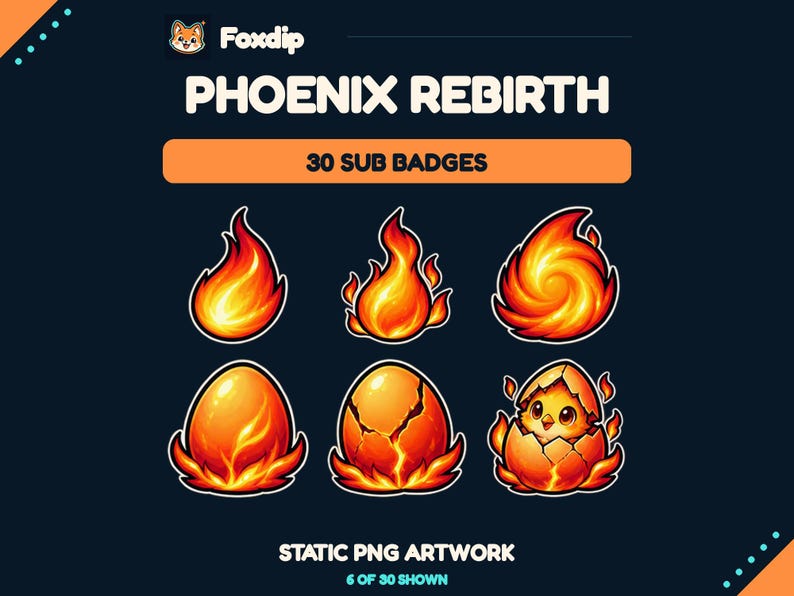
Phoenix Rebirth offers an ember-to-phoenix progression across 30 distinct static designs. Consider it if you want a fire or fantasy motif and plenty of stages from which to build your own sequence. You can choose a subset that suits the slots you have instead of needing to assign all 30.
The ZIP contains 120 transparent PNGs: each design at 18, 36, and 72px, plus a larger 512px copy. That means 90 Twitch-size files and 30 large exports, not 120 unique designs. Files are numbered Level_01 to Level_30 and organised by resolution.
All customer badge files are static. A listing video may animate the way the designs are presented, but it doesn't mean the download includes animated badges. There are no editable vector files or personalised changes included.
 Static PNG
Phoenix Rebirth Twitch Sub Badges
PNGDownload
CA$3.24CAD
Illustration: compare these jobs before choosing your pack.
Image: Foxdip · original explanatory illustration
Open full-size image : Choose the milestone sequence: Plan the slots available on your channel.. Compare small silhouettes: Each stage should still look different.. Count designs, then sizes: Four sizes of one badge remain one design. (opens in a new tab)Plant Growth: a shorter 12-level collection
Plant Growth is the more focused choice if a plant theme fits your channel and you prefer a shorter set to arrange. It includes 12 original badge levels and 48 transparent PNG files at 18, 36, 72, and 512px. As with Phoenix, the large copies aren't additional levels or extra Twitch slots.
Choose between these sets primarily by theme and the amount of design choice you want. Phoenix provides a 30-design library; Plant Growth provides 12 levels. Both are finished static assets with a setup guide, so neither is an editable badge builder or a custom design service.
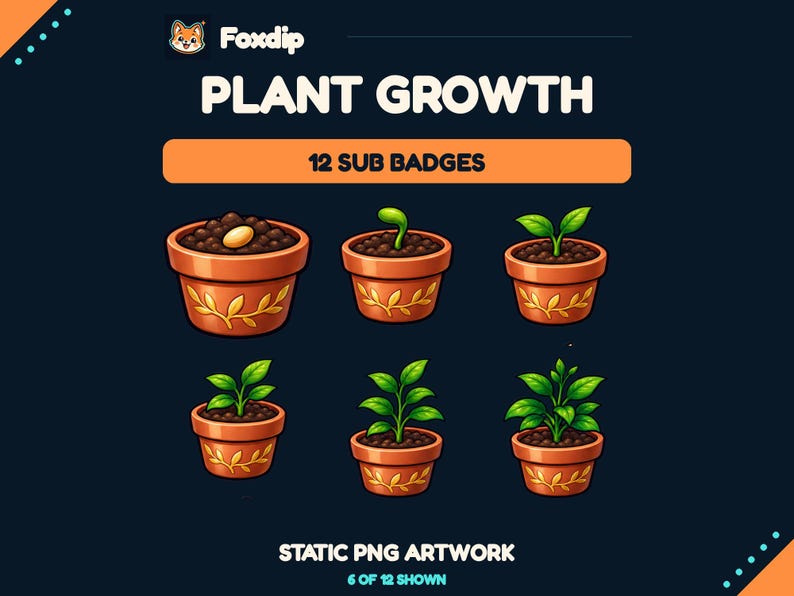 Static PNG
Twitch Sub Badges, Plant Growth
PNGDownload
CA$3.28CAD
| Included | Phoenix Rebirth | Plant Growth |
|---|---|---|
| Distinct designs | 30 | 12 |
| PNG files in total | 120 | 48 |
| Sizes per design | 18, 36, 72, and 512px | 18, 36, 72, and 512px |
| Animation | Static PNGs | Static PNGs |
Map designs to milestones yourself
Twitch's subscriber badge guidance calls for matching PNG images at 18×18, 36×36, and 72×72. Keep the three sizes of a chosen design together when assigning it. The supplied 512px version is a larger artwork copy, not one of those three upload sizes.
Before replacing an existing sequence, note which design currently belongs to each milestone. Decide whether you want to preserve a familiar early badge or introduce a complete new progression. The pack's numbered order can help organise your options, but your channel's milestone mapping remains your choice.
Plan the sequence
Check the available subscriber badge slots in Twitch, choose one design for each milestone you want to change, and record the matching level numbers.
Look for: You have a deliberate sequence rather than a folder of unused options.
Upload matching sizes
Extract the ZIP and follow Twitch's subscriber badge settings to upload each selected design in 18, 36, and 72px. Review the preview before saving.
Look for: Each milestone uses the same design across its three required sizes.
Review the licence and current listing
Phoenix's licence permits non-exclusive use as subscriber badges on one channel, including monetized streams. Plant Growth permits use on your own channels, including monetized streams. Both prohibit asset resale and redistribution; other customers can purchase the same designs.
Check the current Etsy price, licence, and exact contents before checkout. Choose Phoenix if you want a broad fantasy progression to select from, or Plant Growth if a shorter botanical set fits the identity you've already built.
Sources & references
These are picks from the Foxdip collection, based on the supplied artwork, listed files and the uses explained above. Etsy confirms the current price and availability.
- Foxdip on Etsy — Phoenix Rebirth Twitch Sub Badges ↗Checked 2026-10-23
- Foxdip on Etsy — Plant Growth Twitch Sub Badges ↗Checked 2026-10-23
- Twitch — Subscriber Badge Guide ↗Checked 2026-10-23
- Foxdip — Pocket Arcade current listing ↗Checked 2026-10-27
Spotted something out of date? Let Alex know.
How we put our guides together ↗