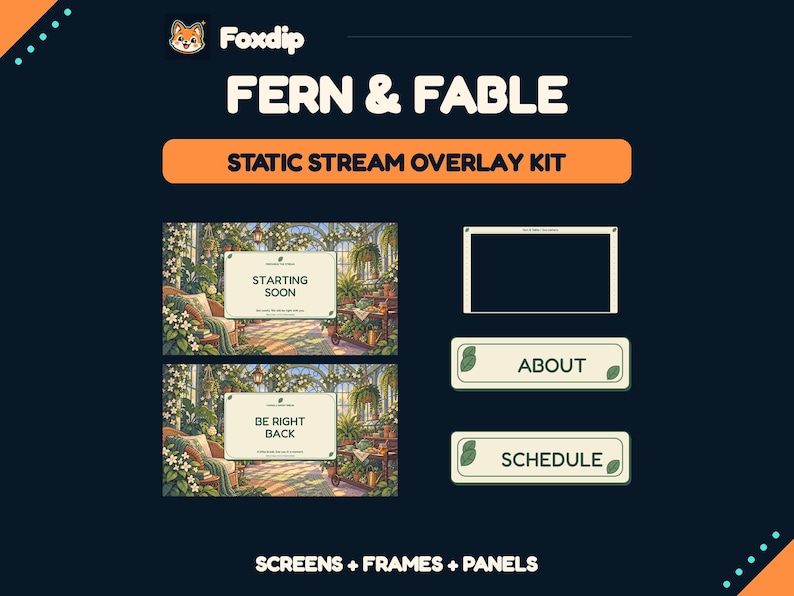
A complete kit should cover the places you actually use. List your scenes, camera needs, profile graphics and chat assets, then check the bundle against that list; the word complete is not a standard set of contents.
In this guide
Map the places your audience sees
Begin with a normal stream from arrival to departure. You may need a waiting scene, gameplay, conversation, a break and an ending. Outside the broadcast, visitors may see an offline banner and About panels. Chat emotes and loyalty badges serve another part of the experience. Put each surface on your own inventory.
You do not need a separate illustrated file for every surface. One background with independent status text can support several waiting states. A gameplay scene might use only a small camera frame. The purpose of the inventory is to expose gaps, not to make your channel imitate the longest product contents list.
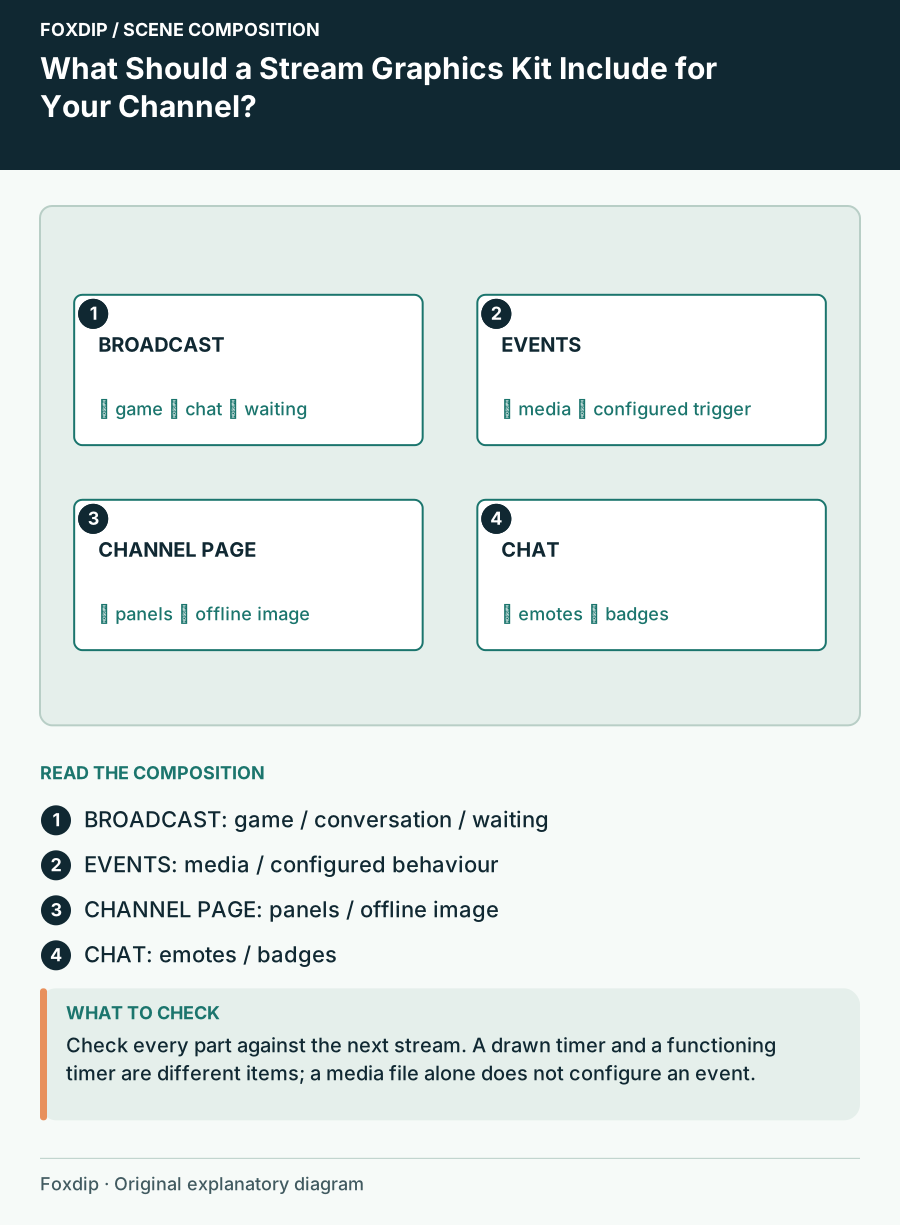
Original Foxdip scene plan. Positions illustrate this example; check the actual game or camera view.
Specify what each scene must accommodate
Write the real content beside the scene name. Gameplay needs a game capture area and room around its important information. Conversation needs a camera or avatar, perhaps chat and a topic card. A craft stream may need a large overhead view. A scene called Just Chatting in a pack does not prove its composition suits your content.
For a solo variety channel, a reasonable example is one minimal game layout, one large-camera conversation layout and three status states. If you frequently host guests, add a two-person layout. If you rarely appear on camera, a bundle dominated by webcam frames may be less useful than a smaller set of adaptable backgrounds.
Check deliverables in four categories
Compare working designs rather than adding every file variant together. Different sizes, colour options and still versions may be valuable, but they are not additional scene types. Keep an explicit missing column so you can see whether a smaller purchase plus assets you own covers the same needs.
Also separate art from functionality. A painted chat rectangle does not create a live chat feed. An illustrated countdown does not necessarily include a working timer. OBS uses different source types for images, media and web content, so confirm how each promised component reaches the scene.
| Category | Examples to inventory | Important distinction |
|---|---|---|
| Broadcast scenes | Game, conversation, waiting | Composition versus background only |
| Event elements | Alerts, transitions | Media versus configured behaviour |
| Channel page | Panels, offline image | Separate from stream output |
| Chat identity | Emotes, badges | Distinct designs versus size variants |
Check adaptability before paying for breadth
Look for text language, blank versions, camera opening shapes and whether the artwork is static or animated. If you regularly change your schedule or event theme, independent labels can matter more than twenty additional finished screens. If you want a fixed illustrated setting, finished art may suit you well.
Ask whether existing assets overlap with the bundle. Standalone emotes can sometimes also appear in a larger collection; confirm that from the product description rather than buying both automatically. List required software and any hosted widget dependencies too. A kit can cover the design while leaving installation and account connections to you.
Define the minimum kit you can launch with
Highlight the pieces required for your next stream and leave optional additions unmarked. You may be ready with a game scene, a readable break message and the channel-page information viewers need. Add a more elaborate conversation layout when conversation becomes a real part of your schedule.
When considering our shop, compare that minimum inventory with each current Etsy listing and licence. Purchase through the linked shop using its current terms; do not treat an old comparison price as guaranteed. The useful meaning of complete is that you can run your planned show without discovering a missing essential halfway through setup.
Sources & references
Foxdip editorial design advice with platform behavior grounded in the linked official documentation. Layout dimensions and palettes are worked examples, not platform requirements.
- OBS: Sources Guide ↗Checked 2026-10-27
Spotted something out of date? Let Alex know.
How we put our guides together ↗