
Pick Gojo for four confident, dramatic reactions, including Infinity and Domain Expansion. Pick Maomao for four everyday chat moments: a quiet hello, a judging look, taking notes, and laughter. Both collections include animated GIFs and matching PNG stills in prepared Twitch and Discord sizes. The main choice is which expressions you'll actually use with your community.
In this guide
Start with reactions, then check the animation
Write down the moments you want to cover: greeting someone, celebrating a win, reacting to a mistake, laughing, or quietly watching. Compare those needs with the named reactions in each collection. Four expressions that suit your community are a better fit than four you choose only because you like the character.
Watch the listing's animated preview as well as its still images. Check whether the expression remains clear at chat size and whether the movement suits your channel's pace. A presentation background in a listing isn't necessarily part of the transparent emote file; both collections here exclude preview backgrounds and sample presentation graphics.
| Collection | Four reactions | Platform exports | ZIP downloads |
|---|---|---|---|
| Gojo | Limitless Confidence; Six Eyes; Infinity; Domain Expansion | 112/56/28px Twitch GIFs; 128px Discord GIFs | 2 |
| Maomao | Quiet Hello; Judging You; Taking Notes; Can't Stop Laughing | 112/56/28px Twitch GIFs; 128px Discord GIFs | 4 |
Which set covers your chat?
For a first set, Maomao is the easier choice if you need a greeting as well as commentary and laughter. Gojo suits a channel where confident wins and dramatic responses already make sense. Neither set needs to cover every possible feeling; a single well-used reaction earns its place.
Look at what you already have before buying a bundle. Both collections also have individual listings for the same artwork. A bundle is useful when you want its full reaction mix, while a single can fill one specific gap.
| What you need | Start with | Reason |
|---|---|---|
| A greeting and conversational reactions | Maomao | Quiet Hello sits alongside judgement, note-taking and laughter. |
| Confident wins and dramatic responses | Gojo | The four named reactions share that tone. |
| One missing reaction | The matching individual listing | Avoid duplicating designs you already own. |
| A file to try before committing | Free GG sample | Check chat-size display with a real download, then inspect the selected product’s own preview. |
Want a file to look at before choosing a character set? Try the free GG sample ↗
Keep browser zoom at 100%, then watch a complete loop. Preview an emote on both backgrounds ↗
Gojo: for confident wins and dramatic reactions
The Gojo collection has four animated reactions: Limitless Confidence, Six Eyes, Infinity, and Domain Expansion. Consider it if confident, knowing, or serious reactions fit your community better than a general greeting set. These names and the listing previews should guide your choice; the collection doesn't include additional emotions just because it has many exports.
You receive 20 transparent GIFs and 20 matching transparent PNG stills. Each reaction has a 512px master, Twitch manual-upload sizes at 112, 56, and 28px, and a separate 128px Discord export. The download is split into two ZIP files. The same reactions are also offered individually, so buying the pack and those singles duplicates the artwork.
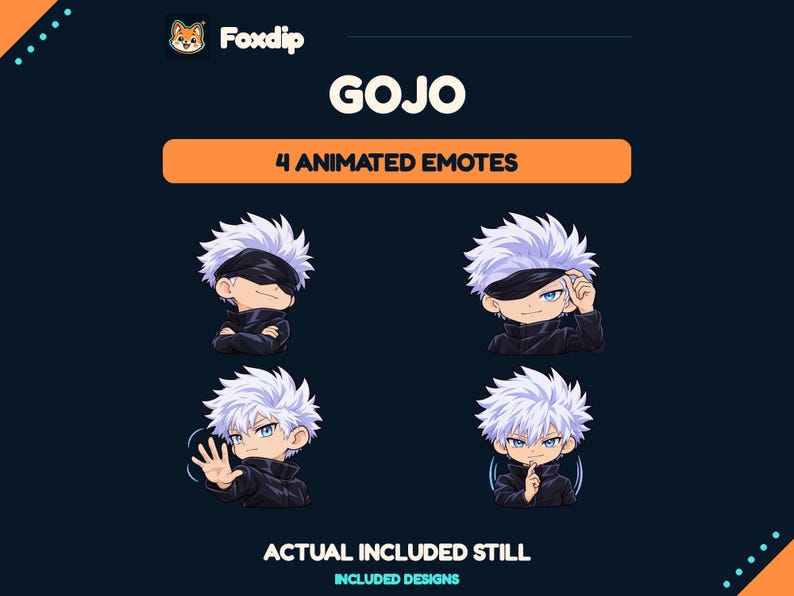 Animated
Gojo Animated Emote Pack
GIF · PNGDownload
CA$10.97CAD
Illustration: compare these jobs before choosing your pack.
Watch the reactions at chat size.
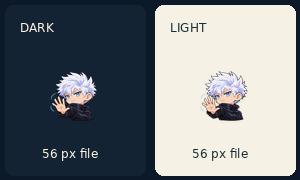
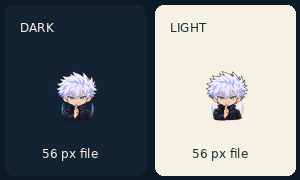
These previews use the actual 56 px exports on both backgrounds. Open a loop to watch it; the still above it comes from the matching PNG file.
Limitless Confidence
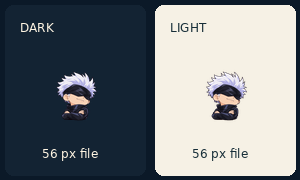
Watch the loop
The animation is replaced by a still when your device requests reduced motion.
Six Eyes
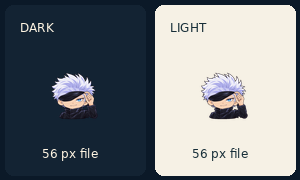
Watch the loop
The animation is replaced by a still when your device requests reduced motion.
Infinity
Watch the loop
The animation is replaced by a still when your device requests reduced motion.
Domain Expansion
Watch the loop
The animation is replaced by a still when your device requests reduced motion.
The page may scale the preview to fit your screen. Check the original supplied 28 px export before uploading the pack to chat.
Maomao: for greetings, commentary, and laughter
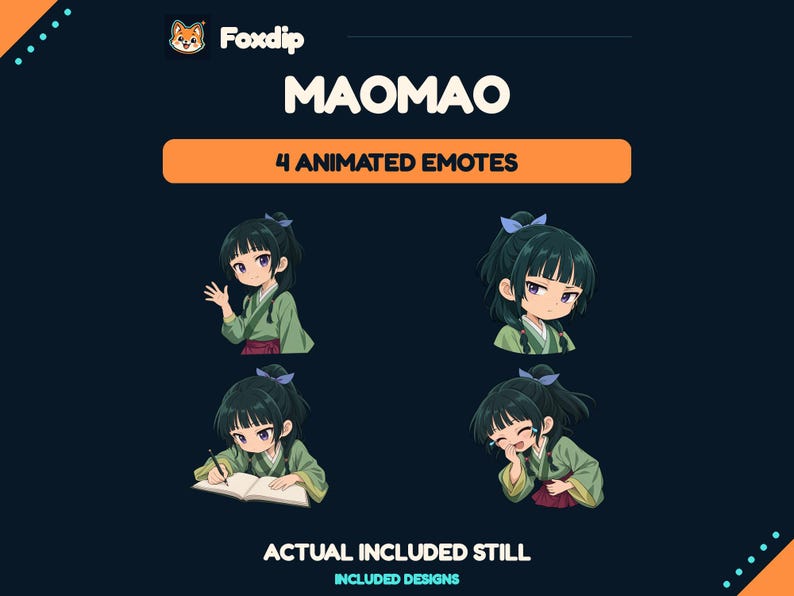
Maomao covers Quiet Hello, Judging You, Taking Notes, and Can't Stop Laughing. It's the stronger fit of these two collections if you want a greeting plus reactions for observing and responding to chat. Choose it for that mix rather than treating either character collection as a universal starter kit.
It also contains four distinct reactions, delivered as 20 transparent GIFs and 20 matching PNG stills across the same five sizes. This collection uses four ZIP downloads, one per reaction. Its individual listings contain the same designs, so check what you already own before choosing the bundle.
 Animated
Maomao Animated Emote Pack
GIF · PNGDownload
CA$10.97CAD
Watch the reactions at chat size.
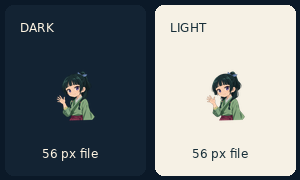
These previews use the actual 56 px exports on both backgrounds. Open a loop to watch it; the still above it comes from the matching PNG file.
Quiet Hello
Watch the loop
The animation is replaced by a still when your device requests reduced motion.
Judging You
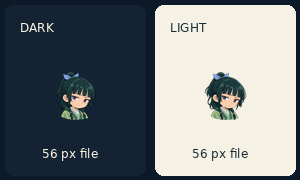
Watch the loop
The animation is replaced by a still when your device requests reduced motion.
Taking Notes
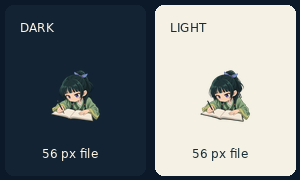
Watch the loop
The animation is replaced by a still when your device requests reduced motion.
Can’t Stop Laughing
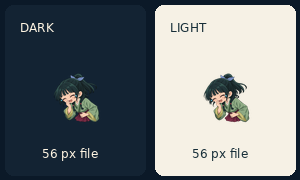
Watch the loop
The animation is replaced by a still when your device requests reduced motion.
The page may scale the preview to fit your screen. Check the original supplied 28 px export before uploading the pack to chat.
Use the platform exports, not the large master
Both listings specify a manual Twitch workflow: turn off auto-resize and upload the matching 112, 56, and 28px GIFs to an animated emote slot. The 128px GIF is the Discord version. The 512px file is a larger master for reference, not the direct platform emoji upload.
The listed Twitch GIF exports have at most 60 frames and are below 512KB each; the Discord GIF exports are below 256KB. File preparation doesn't grant upload access, subscriptions, or extra slots. Check your account's available animated slots and Twitch's current requirements before purchasing.
Check your available slots
Open your channel's emote management area and confirm you can add animated emotes. Decide which four reactions would replace or complement your existing set.
Look for: You know whether you can use the files and which reactions you need.
Download and match the sizes
After purchase, extract every ZIP for the collection. Follow its setup guide and use the Twitch_Manual sizes for Twitch or the 128px GIF for Discord.
Look for: You select the prepared platform exports rather than an oversized reference master.
Check the licence and the current Etsy offer
Both collections are non-exclusive, unofficial fan art. They don't transfer character or franchise rights and aren't endorsed by the respective rights holders. They aren't custom commissions or editable source files.
Use is limited by each collection's terms, including no resale, sharing, or redistribution of the assets. Check the current Etsy listing for its price, download contents, and licence before checkout. Choose Gojo for its confident reaction set or Maomao for its greeting-and-commentary mix; buying both is optional, not a requirement for a complete channel.
Check the version your chat will see
Start with the 28 px export on a dark background. Can you identify the reaction without enlarging it? Repeat on a light background and watch the loop all the way back to its beginning. A dramatic large preview can hide a face or letter that disappears in the small file.
The free GG download is a separate sample, not a preview of Gojo or Maomao. Use it to learn what you want to inspect, then open the current animated preview for the collection you are considering.
Already have a file that the platform rejects? Follow the file and account checks. Troubleshoot an animated emote upload ↗
Give it a run in chat.
Try the free GG emote, or bring your own PNG or GIF to the preview. Look at the smallest size first and watch the whole loop.
Dark chat Illustrative preview



Light chat Illustrative preview
Sources & references
These are picks from the Foxdip collection, based on the supplied artwork, listed files and the uses explained above. Etsy confirms the current price and availability.
- Foxdip on Etsy — Gojo Animated Emote Pack ↗Checked 2026-10-23
- Foxdip on Etsy — Maomao Animated Emote Pack ↗Checked 2026-10-23
- Twitch — Animated Emotes ↗Checked 2026-10-23
- Twitch — Emote Formatting & Instant Emote Upload Requirements ↗Checked 2026-10-23
- Foxdip — GG sample exported-file manifest ↗Checked 2026-10-18
Spotted something out of date? Let Alex know.
How we put our guides together ↗