
Choose Prism Tabs for pale lilac geometry, Botanical Tags for green leaf details, or Racing Stripe for dark angled panels with coral accents. Each set includes the same 20 headings in two PNG sizes, so your choice comes down to style. Start with the labels you need for your schedule, rules, and links, then build a consistent channel page around them.
In this guide
Plan the information before choosing the graphics
Write the content visitors should find quickly: who you are, when you're live, how chat works, and where your main links lead. You may only need a few panels at first. A twenty-panel pack gives you a library of headings; it doesn't mean you should publish twenty sections with little useful information under them.
These sets contain finished image labels. Your descriptions and links still need to be entered in Twitch. A panel labelled Discord doesn't create a server link, and a Schedule image doesn't keep your hours up to date. Choose a layout you can maintain after the visual refresh.
| Set | Visual style | Shared contents |
|---|---|---|
| Prism Tabs | Pale lilac cards, diagonal accents, outlined circles | 20 labels; 40 PNGs at 320×100 and 640×200 |
| Botanical Tags | Pale green cards and leaf details | 20 labels; 40 PNGs at 320×100 and 640×200 |
| Racing Stripe | Dark angled panels and coral stripes | 20 labels; 40 PNGs at 320×100 and 640×200 |
Fixed labels or a heading you can edit?
Choose a finished panel pack when its headings, language and style already fit your page. The three sets below give you twenty coordinated labels, so you can select what you need and keep the rest for later.
If you want a different phrase, another language or only a few headings, start with Quiet Signal’s six free SVG panel sources. You can edit those for your own channel. The ready-made paid PNG packs here are finished artwork; a larger PNG does not turn fixed lettering into editable text.
| Need | Finished panel pack | Quiet Signal free sources |
|---|---|---|
| A coordinated inventory | 20 headings in each selected paid set | Six headings. |
| Use as supplied | 320×100 and 640×200 PNGs | 320×100 and 640×200 PNGs. |
| Change the wording | Text is fixed in the selected PNG packs | Edit the supplied SVG and re-export. |
| Keep the page useful | Add your own descriptions and links | Add your own descriptions and links. |
Use them when a short editable set covers the job. Try the free panel sources ↗
Give each heading one clear purpose before adding more sections. Write your panel descriptions ↗
Prism Tabs: pale lilac cards and simple shapes
Prism Tabs combines pale cards with lilac diagonal accents and outlined circles. It's our pick here if you want a light geometric style with the same treatment across information and social-link panels. Compare the real preview with your banner and overlay palette before deciding.
The pack has 20 finished labels in two sizes, giving you 40 transparent PNG files. The larger export isn't a different label or an editable version. If you already use Prism-themed alert artwork, compare the previews together, but don't assume the panel purchase includes any alerts.
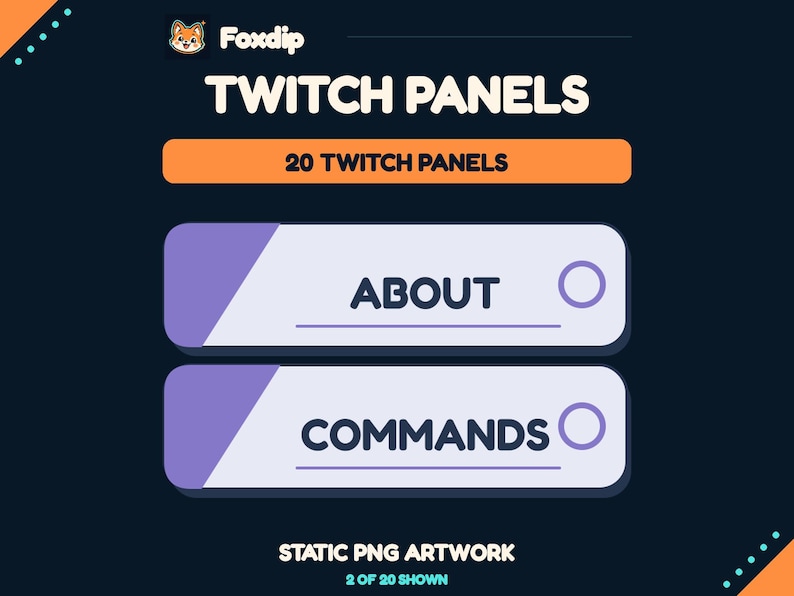 Static PNG
Twitch Panels, Prism Tabs
PNGDownload
CA$3.83CAD
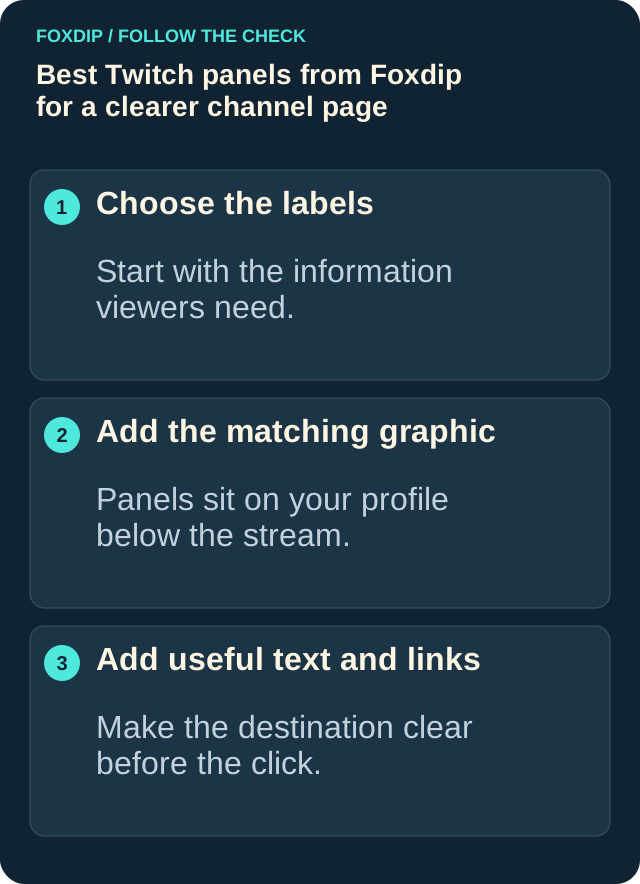
Illustration: compare these jobs before choosing your pack.
Botanical Tags: green leaves and a softer palette
Botanical Tags uses pale green-toned labels with leaf details. Consider it for a plant-themed page or alongside a garden-style stream setup. The labels cover the same functions as Prism Tabs, so this is a visual choice rather than an upgrade in the number of sections you can create.
It supplies the same 20 labels at 320×100 and 640×200, for 40 PNGs. A setup guide and non-exclusive streaming-use licence are included. You still write your own page content and supply the links.
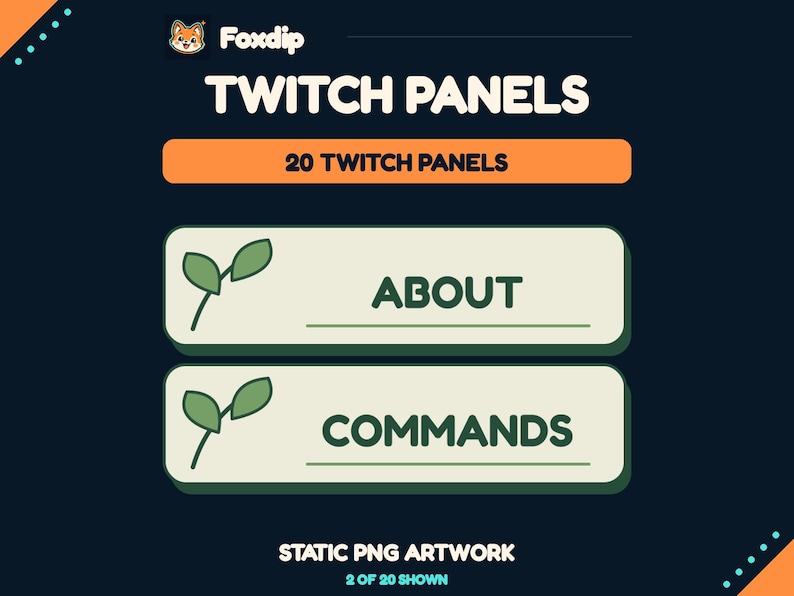 Static PNG
Twitch Panels, Botanical Tags
PNGDownload
CA$3.83CAD
Racing Stripe: dark panels with a coral accent
Racing Stripe uses dark angled panels, light outlines, and coral stripes. It's the strongest stylistic contrast among these three choices. Consider it if your channel already uses darker, sharper graphics, then check whether the contrast works with the other elements on your page.
Its contents are identical in scope: 20 finished panels, each in the two supplied dimensions. You aren't choosing between different label inventories or software features. Choose the style that supports your existing identity rather than paying for another set just to get the same headings.
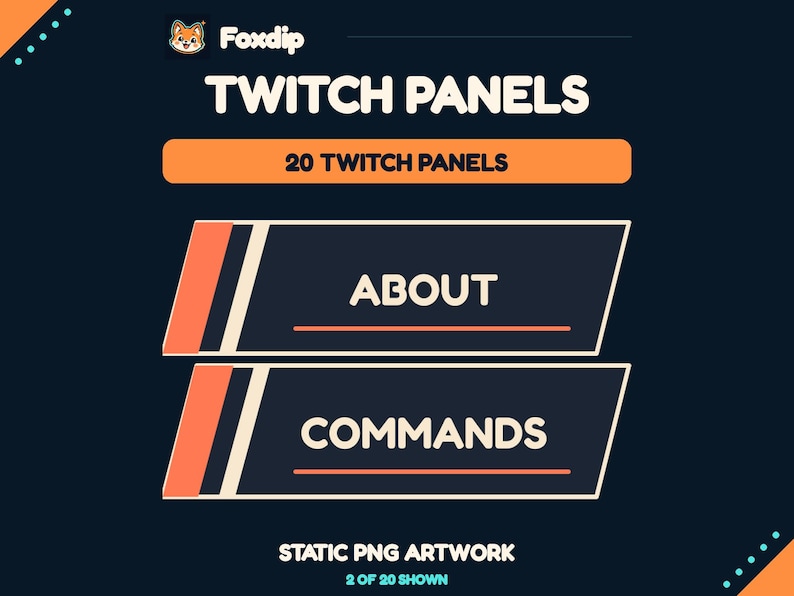 Static PNG
Twitch Panels, Racing Stripe
PNGDownload
CA$3.83CAD
Check the labels and fixed text before buying
All three sets include About, Schedule, Rules, Socials, Support, FAQ, Specs, Contact, Commands, Links, Subscribe, Credits, Games, Goals, Merch, Wishlist, Discord, YouTube, Instagram, and Tips. The visible wording is part of the artwork. Custom text, personalisation, editable templates, and installation services aren't included.
Use the supplied 320px-wide files for Twitch panel upload, as the product instructions specify. The 640px-wide versions are larger copies, not a reason to replace the platform-ready size. If you need a different language or a heading outside this list, these finished packs may not cover that requirement.
Upload a few useful panels and check their links
Twitch's official panel guide explains adding an image, image link, and description through Edit Panels on your channel page. Extract your download first and choose the labels you actually need. Keep the written description useful even when the heading image is already clear.
Build and review the page
Enable Edit Panels on your channel page, add a chosen 320px PNG, enter its destination link and description, then save and check the result as a visitor. Repeat only for sections you have useful content for.
Look for: Visitors can read the information and follow the intended links.
Choose one consistent set
Pick Prism Tabs for lilac geometry, Botanical Tags for leaves and green tones, or Racing Stripe for a darker angled design. Each permits non-exclusive use on your own channels, including monetized streams, with no resale or redistribution. Check the current Etsy price and full terms before checkout. None gives you exclusive branding; other creators can buy the same set.
Check the link as well as the image
Open the page as a visitor after you save a panel. Click the image and check the destination. A link can look perfectly at home beneath a matching heading while sending people to an old invite or the wrong account.
Review Schedule when your hours change, Rules when your chat policy changes and Support when the destination changes. Matching graphics help the page feel consistent; current information makes it worth visiting.
Sources & references
These are picks from the Foxdip collection, based on the supplied artwork, listed files and the uses explained above. Etsy confirms the current price and availability.
- Foxdip on Etsy — Prism Tabs Twitch Panels ↗Checked 2026-10-23
- Foxdip on Etsy — Botanical Tags Twitch Panels ↗Checked 2026-10-23
- Foxdip on Etsy — Racing Stripe Twitch Panels ↗Checked 2026-10-23
- Twitch — How to Edit Info Panels ↗Checked 2026-10-23
- Foxdip — Quiet Signal original files ↗Checked 2026-10-27
Spotted something out of date? Let Alex know.
How we put our guides together ↗