
Choose the Sung Jinwoo pack if you want animated scenes, violet portal effects, and a coordinated Solo Leveling theme. Choose Fern & Fable if you prefer a static greenhouse setting with finished screens, a webcam frame, and panels. Jinwoo covers more scene types and includes an alert widget; Fern & Fable keeps the package focused on 13 ready-made PNG graphics.
In this guide
Choose your scene coverage before your theme
List what you actually show: Starting Soon, gameplay, Just Chatting, breaks, ending, and your offline channel image. Mark the places where you need a camera frame or room for chat. This keeps you from buying a striking waiting screen while overlooking the layout you use for most of the stream.
Then decide which parts should move. You can use an animated opening and a restrained gameplay scene, or keep the whole setup static. Neither format is inherently right for every stream. Compare the supplied files and your willingness to configure them, rather than assuming animation means a one-click installation.
Choose the setup you’ll actually finish
Choose the static Fern & Fable kit if you want a short file list and fixed English wording you can drop into a few scenes. Choose the animated Jinwoo set when the visual theme is the reason you are buying and you are comfortable configuring more components.
If neither style feels right yet, start with the free Quiet Signal kit. It gives you a frame, four static screens and a few panel headings, so you can work out your layout before committing to a different look.
| Decision | Sung Jinwoo | Fern & Fable | Quiet Signal free kit |
|---|---|---|---|
| Movement | Animated effects and layouts; mostly static character illustrations | Static | Static |
| Ready screens | Starting, BRB, Ending, Offline plus chat layouts | Four screens | Four screens |
| Camera frame | Animated frame | Static transparent PNG frame | Static transparent PNG frame |
| Alerts | Five media alerts and a configured-by-you StreamElements widget | Not included | Not included |
| Editing | Included banner-name tool; code edits for further composition changes | Finished PNG graphics with fixed English text | Editable SVG sources and finished PNGs |
You can keep the free kit for as long as it fits your channel. See the free starter kit ↗
Sung Jinwoo: an animated setup with several scene types
The Sung Jinwoo 'Violet Gate' pack suits a Solo Leveling-themed channel that wants dark violet portals, dungeon scenery, and shadow-army artwork. It includes three animated waiting screens, a static Offline screen, animated Just Chatting and Intermission layouts, a transparent gameplay overlay, and an animated webcam frame.
The wider set includes eight panels, five animated alerts, a banner with a blank version and username tool, plus a StreamElements alert widget and composition files. Main scenes and overlays are 1920×1080. Formats include PNG and transparent WebM, with MP4 versions of the three waiting screens. Videos run at 30fps and are silent.
The effects animate, while character illustrations are mostly static. Banner-name export uses the included tool in Chrome or Edge; other composition changes require editing supplied code files. Choose this pack if you want that theme and are prepared to follow its setup instructions, not because you expect every visual element to be a moving character.
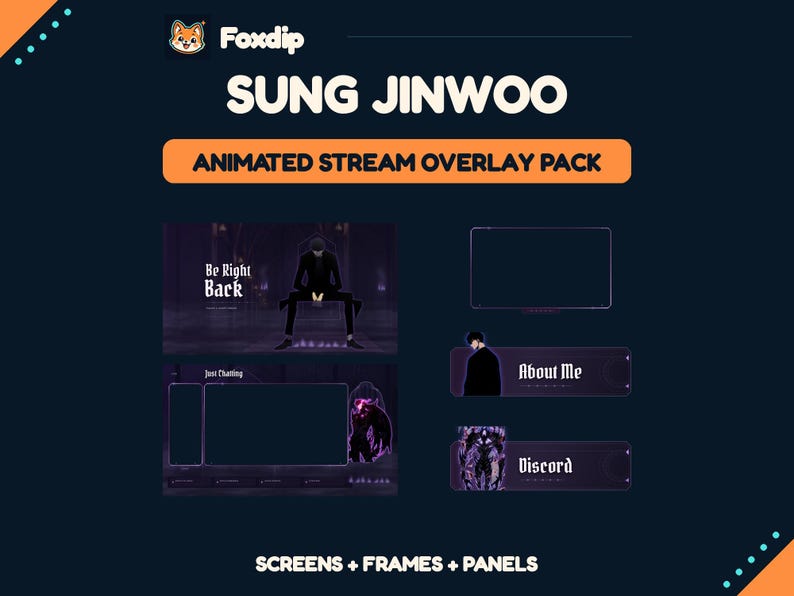 Animated
 Sung Jinwoo Twitch Overlay Pack, Solo Leveling Screens, Alerts & Panels
MP4 · PNG · WEBMDownload
CA$5.58CAD
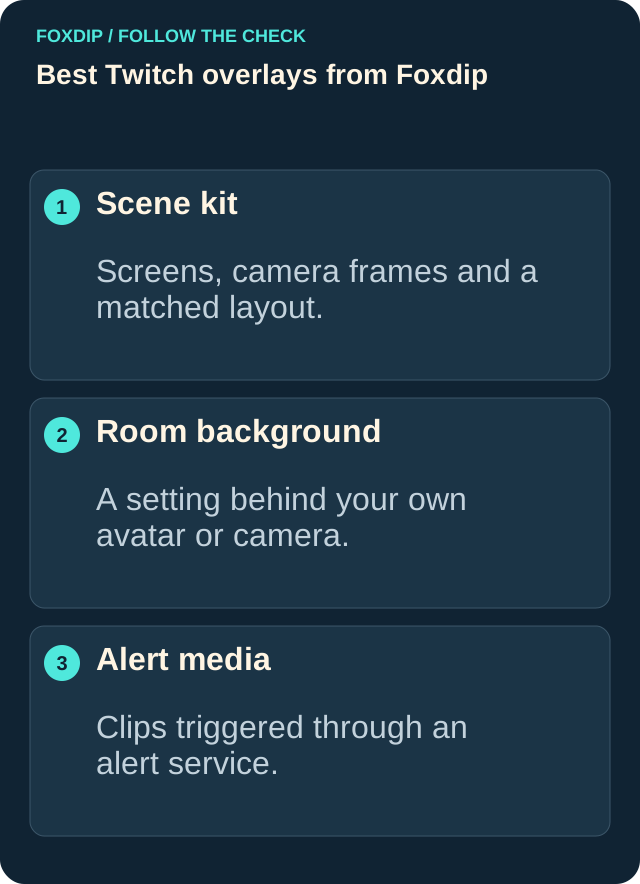
Illustration: compare these jobs before choosing your pack.
Fern & Fable: finished static graphics for a cozy channel
The Greenhouse Tea kit takes a different approach: 13 finished PNG graphics with plants, afternoon tea, and garden light. You get four 1920×1080 screens, one transparent webcam frame, and eight channel panels. It's a focused choice if you need opening, break, ending, and offline artwork with a matching camera border.
The frame is 1280×720 with a 1152×648 clear camera opening. The panels are 320×100. All text is fixed in English. There are no animated files, alerts, countdown, music, editable templates, or scene-import file. Use the included setup guide to add the graphics to your scenes.
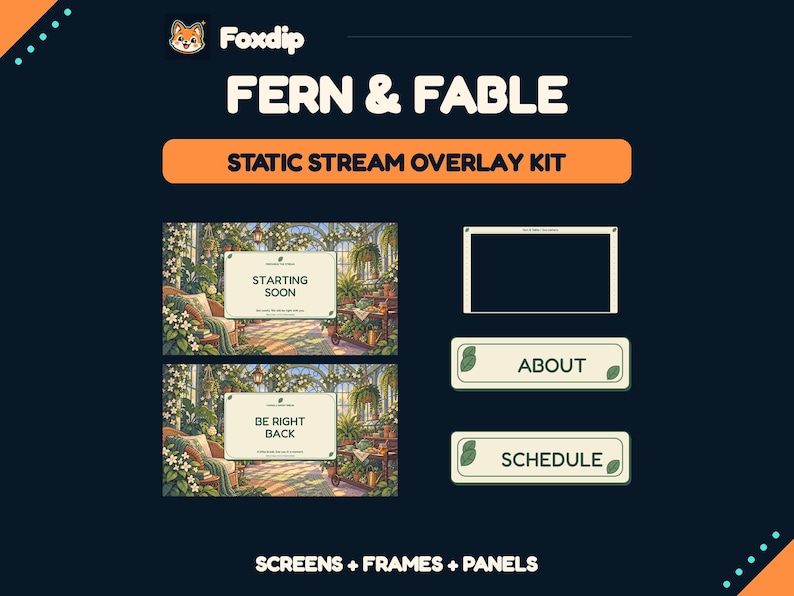 Static PNG
Greenhouse Tea Stream Overlay Kit
PNGDownload
CA$3.83CAD
Compare what you'll still need to supply
Both choices need your own camera footage, gameplay, and chat. The static kit also needs a separate alert solution if you want event notifications. The Jinwoo pack includes alert assets and a StreamElements widget, but you still upload the videos and configure its fields for live names and amounts.
In OBS, PNG artwork belongs in an Image Source and video artwork can use a Media Source. Keep transparent frames above the camera or game they surround. Review every scene with your actual content visible: a composition that looks clear in the shop preview can need different positioning around your own game interface.
| Feature | Sung Jinwoo | Fern & Fable |
|---|---|---|
| Main format | Animated WebM and PNG; MP4 waiting screens | 13 static PNG graphics |
| Screens and layouts | 3 animated waiting screens; static Offline; Just Chatting and Intermission layouts | 4 static screens |
| Alerts | 5 animated alerts plus StreamElements widget | Not included |
| Panels | 8 panels | 8 panels |
| Personalisation | Banner username export tool; code files for other composition edits | Fixed English text; no editable templates |
Make one scene work before building the rest
Extract all of the downloads and follow the pack's included instructions. Start with your most-used scene, then check camera placement, readable text, and whether important gameplay information remains visible. Preview your alert setup separately before relying on it during a broadcast.
Build a representative scene
Add the relevant image or media file in OBS, place your own content behind its transparent areas, and check it at the output size you use.
Look for: You can see whether the chosen layout fits your real camera, chat, and gameplay.
Choose the format and terms that fit
Choose Jinwoo for the themed animated scene set and its more involved configuration. Choose Fern & Fable for a smaller static greenhouse kit with fixed text. Neither is a custom design service. Check the current Etsy price and product-specific licence before purchasing; the static kit permits your own monetized channels but prohibits resale or file sharing. Review Jinwoo's current terms and included licence for its usage scope.
Compare one real scene, not the cover alone
Put your camera and the part of the game you need to see into a rough scene first. Then compare the frame opening, the space for chat and the amount of decoration. A larger kit is not a better fit if it covers the information you watch while playing.
Keep the first installation small: one opening screen, one camera scene and one break. Add the other pieces after you have recorded those three. This makes a source-order mistake easier to find and gives you a layout you can use immediately.
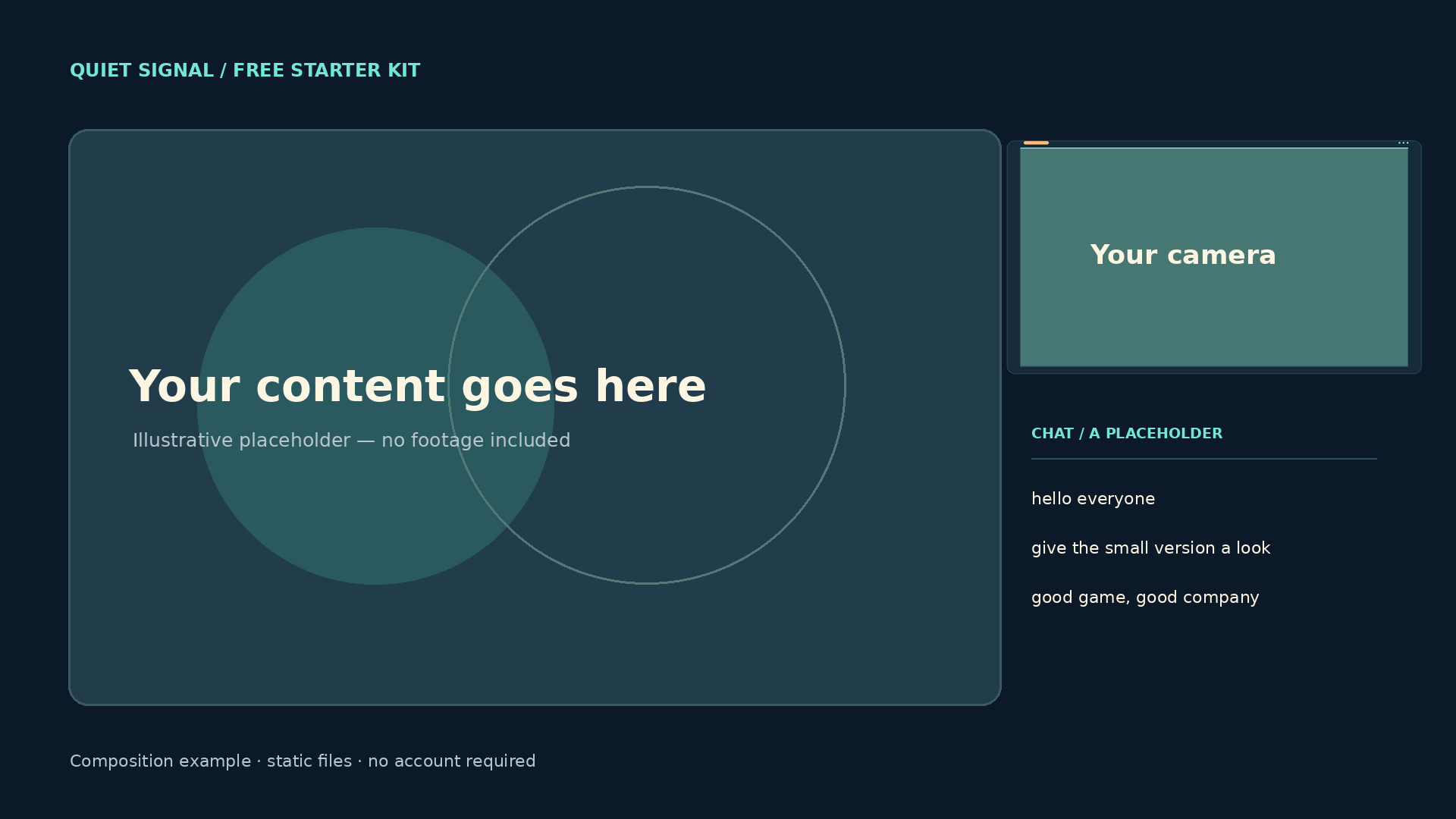
Quiet Signal composition example. You provide the footage, camera and chat; the labelled placeholders are for planning.
Use the dimensions of your own content rather than a universal HUD template. Plan your camera and protected areas ↗
Sources & references
These are picks from the Foxdip collection, based on the supplied artwork, listed files and the uses explained above. Etsy confirms the current price and availability.
- Foxdip on Etsy — Animated Sung Jinwoo Twitch Overlay Pack ↗Checked 2026-10-23
- Foxdip on Etsy — Greenhouse Tea Stream Overlay Kit ↗Checked 2026-10-23
- OBS — Media Sources ↗Checked 2026-10-23
- OBS — Image Sources ↗Checked 2026-10-23
- Foxdip — Quiet Signal file list ↗Checked 2026-10-27
Spotted something out of date? Let Alex know.
How we put our guides together ↗