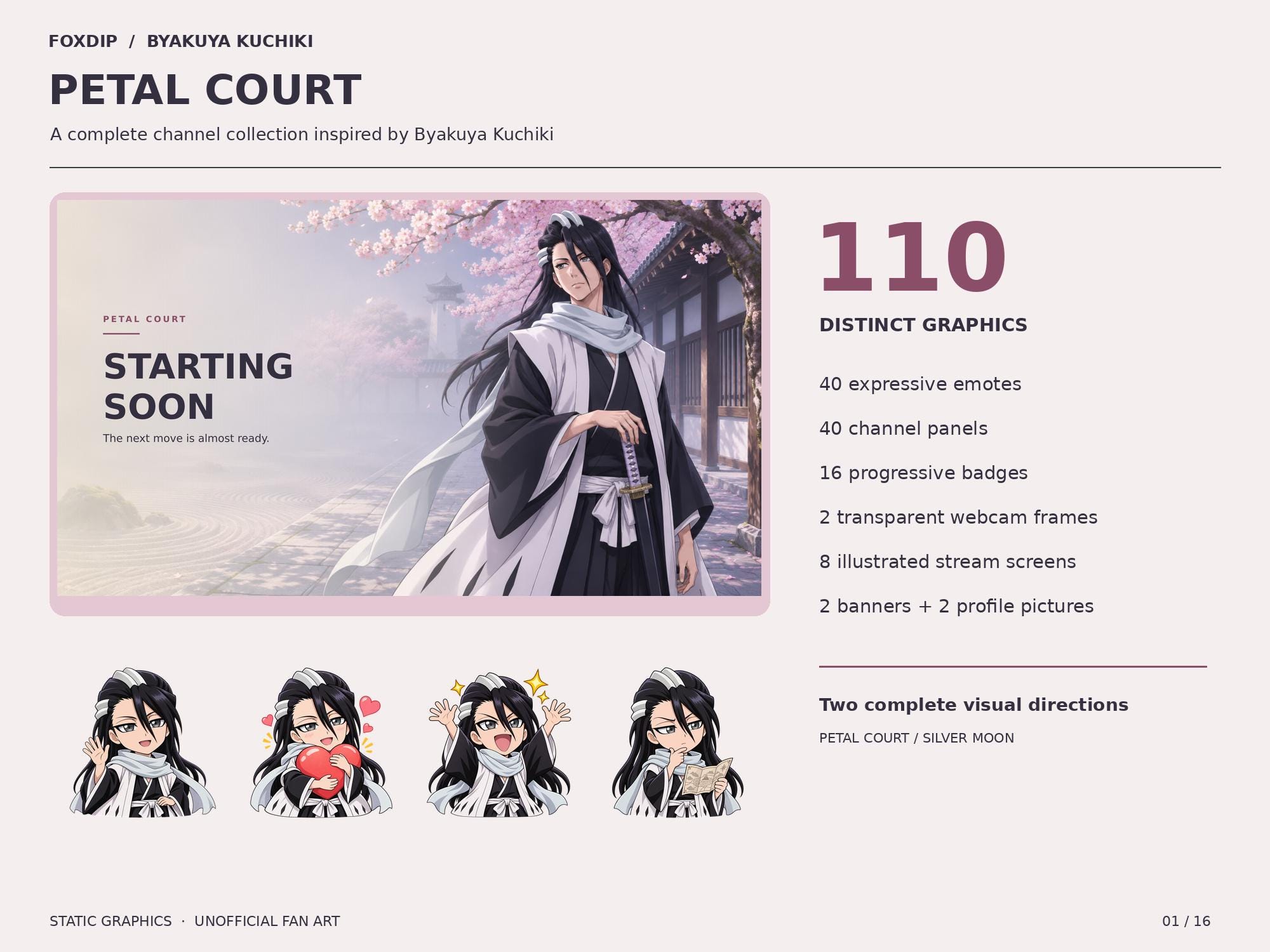
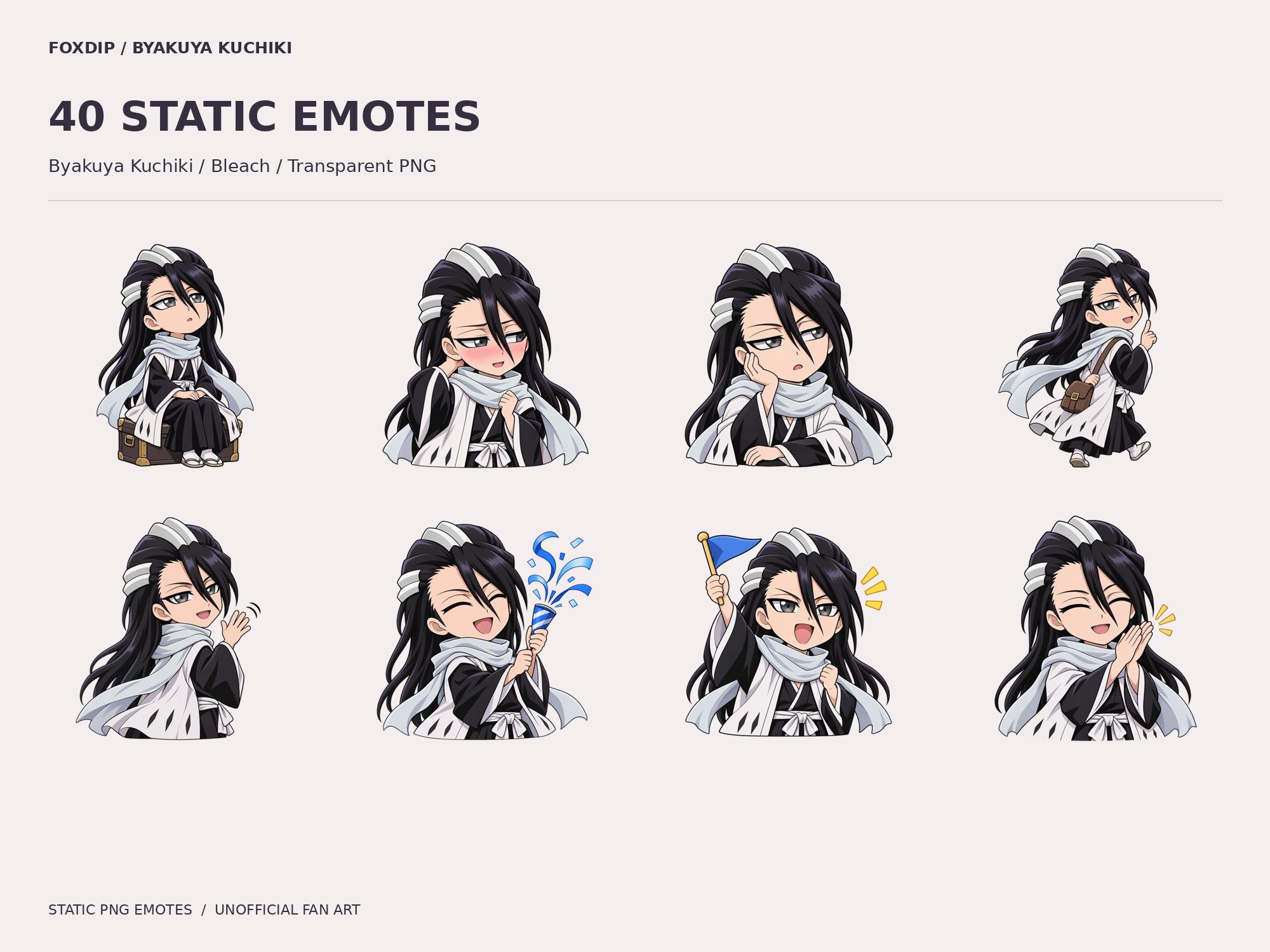
Compare the total cost of filling your remaining gaps, not the advertised number of files. A bundle earns its place when enough of its relevant parts are missing from your setup; separate packs can be better when you already own most of it.
In this guide
Make an ownership list before a shopping list
Open the folders you already use and note which jobs are covered: chat reactions, badges, camera frame, waiting screens, panels and alerts. Mark assets that are technically present but no longer suitable. This separates an actual gap from the desire for a broader visual refresh.
Then write the requirements for your next stream. A creator who needs only panels and badges should compare those pieces with a bundle’s current total, rather than treating extra scene files as automatic savings. A new channel that needs most of the coordinated set has a different starting point. Both decisions can be sensible.
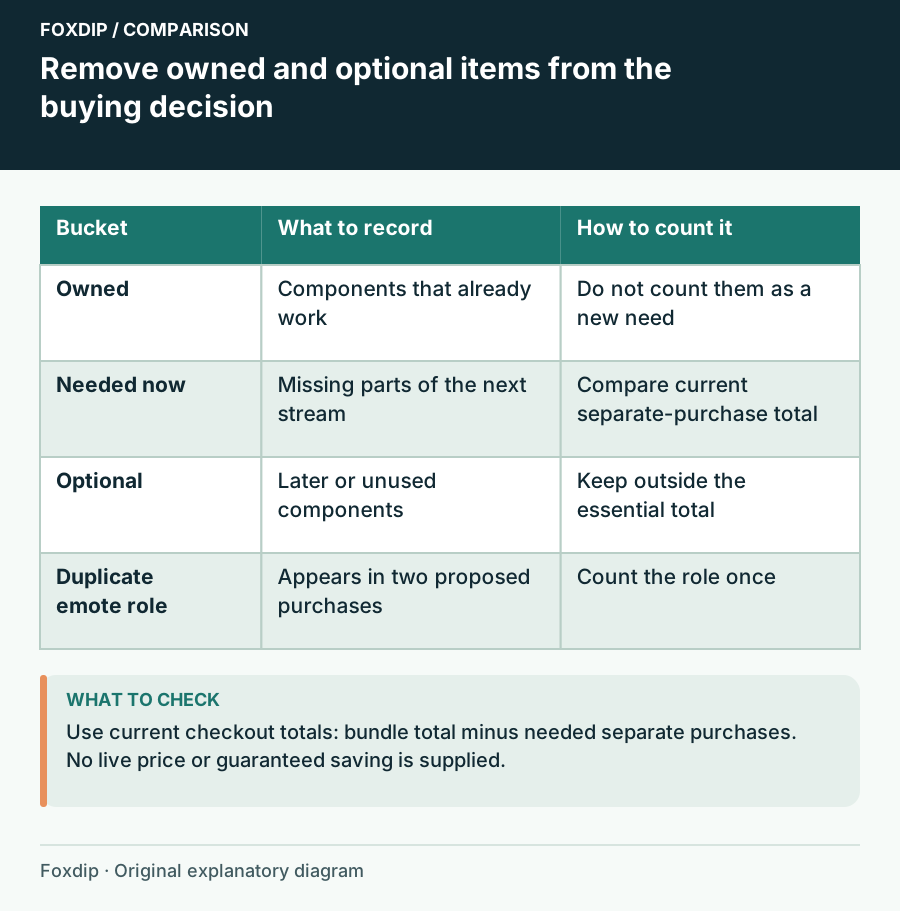
Original Foxdip schematic. Follow the labelled checks alongside the guide.
Count designs and functions separately
A product may count several sizes of one illustration, several moods of one room or both an animation and its still version. Those variants can be valuable, but compare them as variants. A file total is not a count of distinct reactions, layouts or supported event types.
Use the product descriptions to identify overlap. If a standalone emote set also appears in a bundle, mark it as the same content unless the listing explains a difference. Do not assume that similar previews are duplicates, either. Record the design names and stated inclusions so your comparison can be checked before checkout.
| Component | Already owned? | Needed now? | Count toward decision? |
|---|---|---|---|
| Subscriber badges | Yes, suitable | No | Only if replacing them |
| Channel panels | No | Yes | Compare required panel set |
| Five extra waiting variants | No | No | Optional value only |
| Matching emotes | Maybe bundled elsewhere | Check | Resolve overlap first |
Use current checkout totals on the same basis
Open the active listings you are considering and record the date, currency and current price shown to you. Compare the bundle with only the separate packs needed to cover your list. Keep taxes and any checkout-specific differences visible rather than mixing a shop preview price with a final total.
You can express the comparison as: bundle total minus the total of needed separate purchases. A positive result means the bundle costs more for this particular need; a negative result means it costs less. That calculation does not value optional art, future use or your preference for matching pieces. Add those considerations separately instead of hiding them inside a supposed saving.
Price the setup effort in plain terms
A coordinated collection can reduce visual matching work, but a broad bundle may include tools you do not need or configuration you do not want to learn. List remaining tasks: add images, configure a widget, create labels, fit camera openings or export edited text. Choose based on the workflow you can complete.
OBS distinguishes image, media and browser sources, which is one reason a bundle of artwork and a configured alert package are different purchases. Confirm compatible software and instructions for the components you plan to use. Do not count a widget as useful value if it belongs to a service you do not intend to use.
Choose for the next useful milestone
If the bundle covers the launch you are preparing and the current total works for you, coordinated extras may be welcome. If you need one specific repair, buy the small part that solves it and keep the working pieces. Neither choice needs to become a claim about the best value for every streamer.
Save the comparison with the purchase date and licence information. Prices and contents can change, so a later shopping decision should start from current listings again. When using Foxdip product pages, follow the linked Etsy listing for the purchase and its terms. Your final reason should name the gaps covered, not merely a large discount or file count.
Sources & references
Foxdip editorial design advice with platform behavior grounded in the linked official documentation. Layout dimensions and palettes are worked examples, not platform requirements.
- OBS: Sources Guide ↗Checked 2026-10-27
Spotted something out of date? Let Alex know.
How we put our guides together ↗