
Read the held-message reason and check Block Hyperlinks, blocked URL terms and bot rules before changing the URL.
Identify whether Twitch AutoMod or a separate bot held a link, then approve only the message or rule you intend.
In this guide
Before you start
- Moderator or owner access to the relevant queue/settings.
- The original full URL and message context.
Read the moderation event before rewriting the link
A link that does not appear in chat may be held for review rather than lost. Ask the sender what notification they received and inspect the moderation queue. Twitch’s Block Hyperlinks control can send link-containing messages to AutoMod for a moderator decision. That is different from a browser refusing to load the destination.
Keep the original URL intact while diagnosing it. Adding spaces, replacing dots or using a shortener can make the destination harder to review and may look like an attempt to evade moderation. A legitimate link should have a clear reason to be shared and a destination moderators can assess.
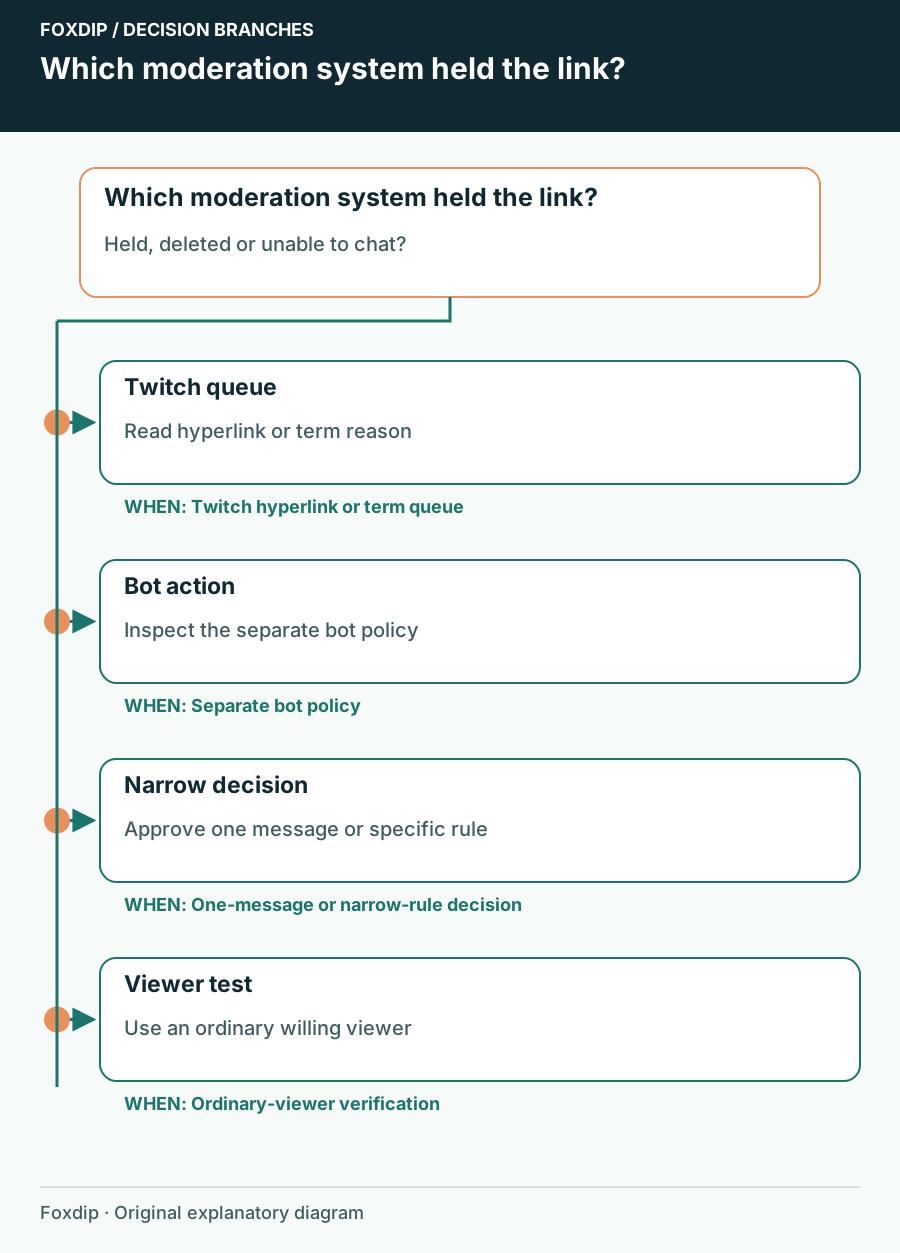
Original Foxdip schematic. Follow the labelled checks alongside the guide.
Identify which system acted
Check whether the action is recorded by Twitch or by your channel’s moderation bot. A bot may remove a message after it appears, while Twitch may hold it before normal viewers see it. Both can be active. Record the visible reason and the bot name if one responds, rather than treating all link moderation as one setting.
If there is no held event, compare whether the sender can post a harmless text message. A follow-duration requirement or another channel mode can prevent participation before link-specific rules even matter. Don’t loosen link rules to address a room-wide chat restriction.
Approve the individual message when that is enough
For a one-off legitimate link, a moderator review is often the smallest useful action. Examine the domain, the message context and whether the destination is appropriate for the channel. Approving that message doesn’t require enabling unrestricted links for the entire audience.
Open the held item
Find the message in the moderation queue and read the reason attached to it.
Look for: You know whether this is a hyperlink hold or another content decision.
Inspect the destination
Check the full URL and context before approving; decline suspicious or unwanted destinations.
Look for: The decision is based on the actual destination.
Retest once if needed
If the original message expired or was deleted, ask the sender to post the approved link once after the review.
Look for: You can confirm the intended message appears without a spam burst.
Change the narrowest rule that matches your policy
Channel owners can inspect Block Hyperlinks and their blocked or permitted terms. Twitch’s AutoMod guidance distinguishes an exact URL from an entire domain when entering a link-like term. Think through that scope before saving: permitting one page and permitting all future pages on a site are different decisions.
Blocked URL terms can still send a link to the review queue even when the general hyperlink toggle is off. If Twitch settings look correct, inspect the bot’s own link policy through that bot’s documented controls. Don’t grant the bot broader permissions as a speculative fix.
Rehearse with a normal viewer account
Moderators and other privileged roles can be exempt from some chat restrictions. A successful message from the owner therefore doesn’t show what an ordinary viewer will experience. Ask a willing viewer to try one agreed safe URL and report the exact result.
Keep a brief moderation note explaining what was approved and why. If you changed a rule only for an event, restore it afterward. The goal is a predictable route for legitimate links that matches the channel’s policy, with moderators able to see why a message was stopped.
Sources & references
Based on the official documentation linked beside the relevant sections. Follow the checks on your own setup; no hardware measurements or account tests are claimed.
- Twitch — Setting Up Moderation ↗Checked 2026-10-27
- Twitch — How to Use AutoMod ↗Checked 2026-10-27
Spotted something out of date? Let Alex know.
How we put our guides together ↗