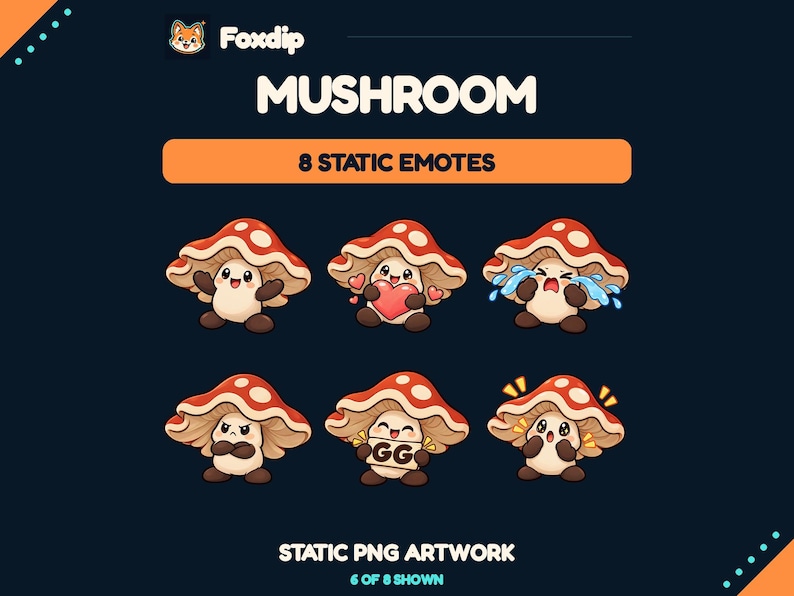
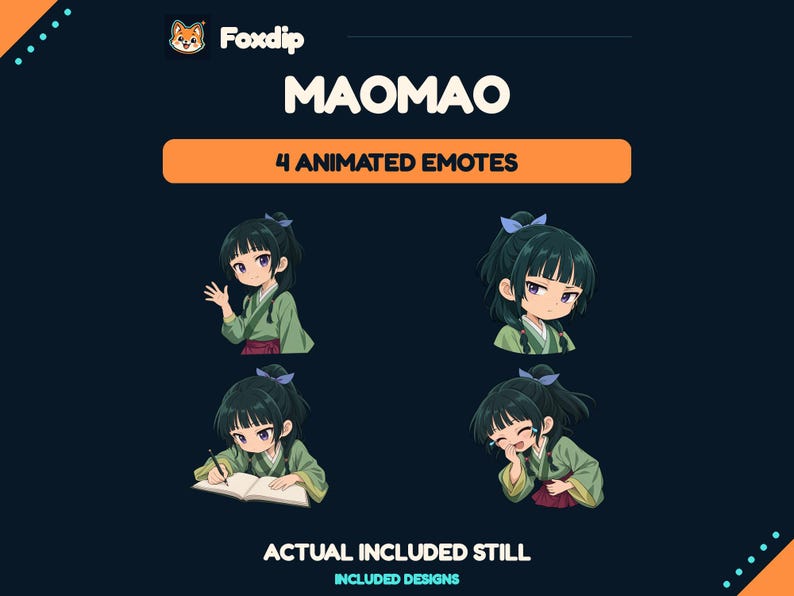
Start with the messages people repeat, then choose one recognisable reaction for each job. A small set with different meanings gives chat more to say than several versions of the same happy face.
In this guide
Listen for five different moments
Write down the moments you want chat to answer: someone arrives, a difficult run succeeds, something goes wrong, a viewer shares good news, and the stream pauses for a quiet activity. Use your own recent messages or imagine a normal session. Do not choose ten expressions merely because they share a character. The set needs a vocabulary before it needs a matching box.
For a relaxed building stream, that vocabulary might be hello, well done, a gentle oops, encouragement and tea break. For a competitive channel, replace tea break with an exaggerated surprised reaction. These are examples, not mandatory slots. Keep the language familiar enough that a new viewer can understand at least part of the set without a long explanation.
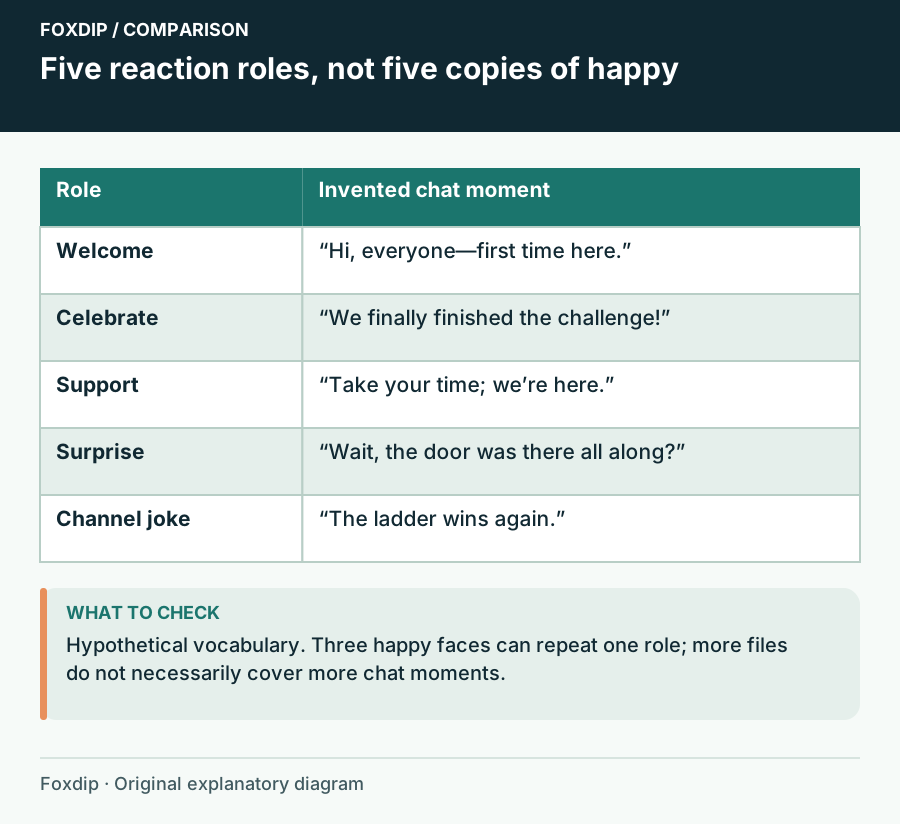
Original Foxdip schematic. Follow the labelled checks alongside the guide.
Give each design a separate job
Lay candidate designs in a row and finish the sentence “I would send this when…” for each. If three answers are “something good happened,” decide whether you really need all three. A cheering pose, grateful heart and relieved exhale can share positive emotion while answering different moments. Five slightly different smiles may be harder to explain.
Include one low-intensity reaction. Not every chat message needs fireworks. A nod, small wave or listening expression can work during conversation, while an excited celebration suits a big event. Put the strongest contrast between neighbouring choices in the emote picker: open hands versus folded arms, a face versus a word, or a rounded shape versus a wide gesture.
Try a sample session before choosing
Create a short imaginary chat transcript and place the candidates beside it. Include a viewer saying hello, a missed jump, a successful finish and a personal thank-you. Ask whether one choice naturally fits each message. You are checking usefulness, rather than whether every piece looks attractive when enlarged.
If one moment has no good response, identify the missing role before buying another pack. You may already have enough celebration art and need only a welcome reaction. Keep a note of duplicate roles across products you own. Different file sizes and still versions of the same design do not add new emotional choices.
| Chat moment | Reaction role | What separates it |
|---|---|---|
| A viewer arrives | Welcome | A visible wave or greeting |
| A difficult section ends | Celebration | An open, energetic silhouette |
| Someone needs encouragement | Support | A calm gesture rather than victory |
Check where the designs will live
Look at the emote slots available in your actual Twitch dashboard before making the final list. Keep the artwork choice separate from technical approval: a useful reaction still needs files that meet the destination requirements. Twitch distinguishes standard image emotes from animated uploads; owning an animation does not create an animated slot.
Save one chosen master and its supplied upload variants together, using a role name such as welcome or support in your inventory. Leave the original downloaded filenames intact in a backup folder. That makes future swaps easier and helps you avoid uploading the large shop preview instead of the artwork intended for chat.
Introduce the vocabulary naturally
Use a new reaction when its moment happens. A welcome emote can appear as you greet chat; encouragement belongs beside a difficult attempt. A short explanation is enough for a channel joke. If the meaning requires a paragraph every time, keep it as an optional extra rather than your only way to express a common emotion.
After several streams, note which roles feel missing and which choices remain confusing. Treat quiet use as a reason to investigate, not proof that viewers dislike the illustration. The name may be hard to remember or the relevant moment may not have occurred. Add or replace one role at a time so the set can become familiar.
Sources & references
Foxdip editorial design advice with platform behavior grounded in the linked official documentation. Layout dimensions and palettes are worked examples, not platform requirements.
- Twitch: Emote Formatting & Instant Emote Upload Requirements ↗Checked 2026-10-27
Spotted something out of date? Let Alex know.
How we put our guides together ↗