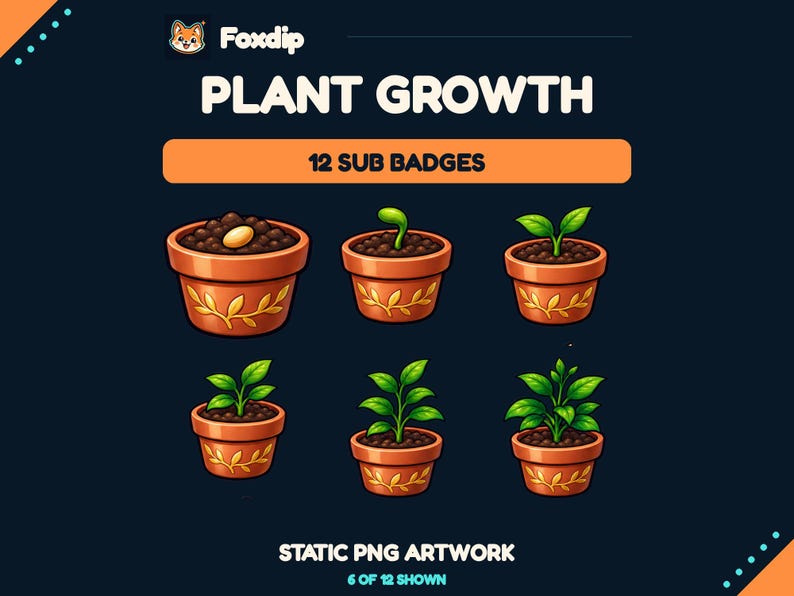
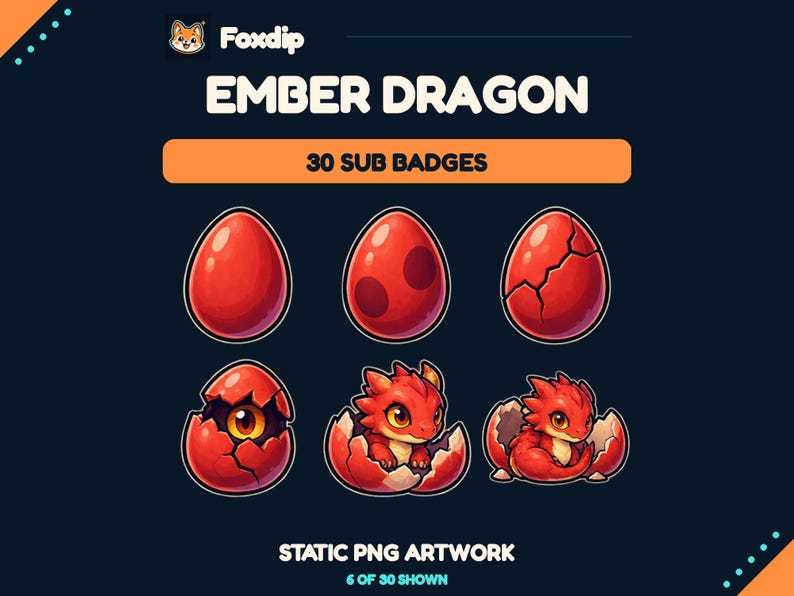
Map every current milestone to its replacement before uploading. Preserve a recognisable trait for long-time supporters, then review the whole sequence in chat rather than treating each new badge as an isolated picture.
In this guide
Record the sequence people already recognise
Create a two-column inventory of the badge milestones available in your dashboard and the design currently assigned to each. Save a local reference image and keep the original files. This is a redesign record, not a subscriber export; you do not need personal information about viewers to plan it.
Write down what currently signals progression. It may be a growing plant, a brighter crystal or a changing silhouette. Also note any design the community refers to by name. A long-time supporter might recognise a crown shape more readily than a number. You can preserve that trait while changing the wider channel theme.
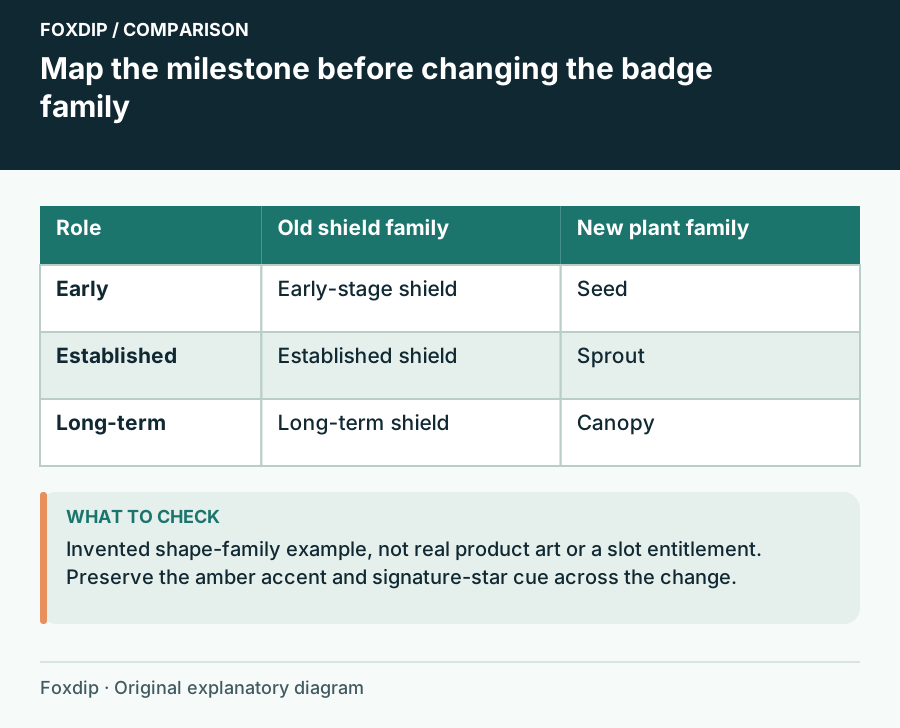
Original Foxdip schematic. Follow the labelled checks alongside the guide.
Choose a continuity rule
Use one rule across the redesign: preserve the main shape, keep the colour family, or retain a signature detail at the most familiar stages. Avoid trying to preserve every old element if that prevents the new sequence from working. A recognizable leaf notch or small star can be enough.
For example, an old copper-to-gold shield progression could become a seed-to-tree progression while keeping the same amber accent. The early seed stays simple; the later tree gains a broad canopy. If supporters value the old shield itself, you may prefer a new shield drawing instead. Ask what the badge represents before deciding which pixels must survive.
Build the old-to-new map
Place the old and proposed designs beside each milestone in a working sheet. Check that neighbouring stages differ in shape as well as shade. A redesign can accidentally make a later badge look less developed than an earlier one. Review it as a sequence, and keep any skipped designs in the archive rather than forcing them into the channel.
Twitch ties subscriber badges to subscription tenure and the available milestone slots. Your artwork mapping does not alter that platform history. Use the milestones shown for your channel rather than assigning durations from a pack’s numbered filenames. A file named Level_12 is an artwork label until you give it a place.
| Current role | Continuity choice | New visual distinction |
|---|---|---|
| Early support | Keep amber accent | Small seed silhouette |
| Established support | Repeat leaf notch | Open sprout silhouette |
| Long-term support | Keep signature star | Broad tree canopy |
Preview the transition as a conversation
Make a private chat mockup showing three stages beside invented usernames. Compare the old and new rows at the same display scale. Tell yourself the story in one sentence: “Your support now grows from seed to canopy.” If that sentence does not match the visual order, revise the art selection before upload.
Prepare a short announcement with a side-by-side reference image if you want to introduce the change. Explain which traits you kept and why. Avoid presenting a redesign as a reset of anyone’s support. You are changing the visual language, so make it easy for returning viewers to recognise their place in it.
Keep a rollback record and finish the cutover
Save the approved mapping with the date and the matching export files for each stage. Upload carefully, compare the dashboard assignments with the sheet, and inspect the result when available. If a design is wrong or unclear, your record tells you exactly which artwork to restore instead of rebuilding the sequence from memory.
Keep the previous set archived even after the new badges settle in. The redesign may expose an overlooked stage or a file mismatch. Once corrected, update the reference sheet so your next seasonal change or broader rebrand starts from an accurate baseline. The result should be a coherent new sequence that still acknowledges the history people associate with your channel.
Sources & references
Foxdip editorial design advice with platform behavior grounded in the linked official documentation. Layout dimensions and palettes are worked examples, not platform requirements.
- Twitch: Subscriber Badge Guide ↗Checked 2026-10-27
Spotted something out of date? Let Alex know.
How we put our guides together ↗