
Send the team a short plan before going live: what tonight’s stream is, who handles requests and when to escalate. A shared password does not belong in that plan.
In this guide
Start with tonight, not the entire channel history
A moderator joining a quiet building stream needs different context from one joining a crowded tournament watch party. State the format, the expected breaks and anything unusual tonight. “We are testing two new rewards after round one” is more useful than a long archive of every past decision.
Name the lead contact and one backup. Agree on a private backchannel that the team already has permission to use. Do not publish internal contact information in a public command or panel, and do not put a stream key or shared login in the handover.
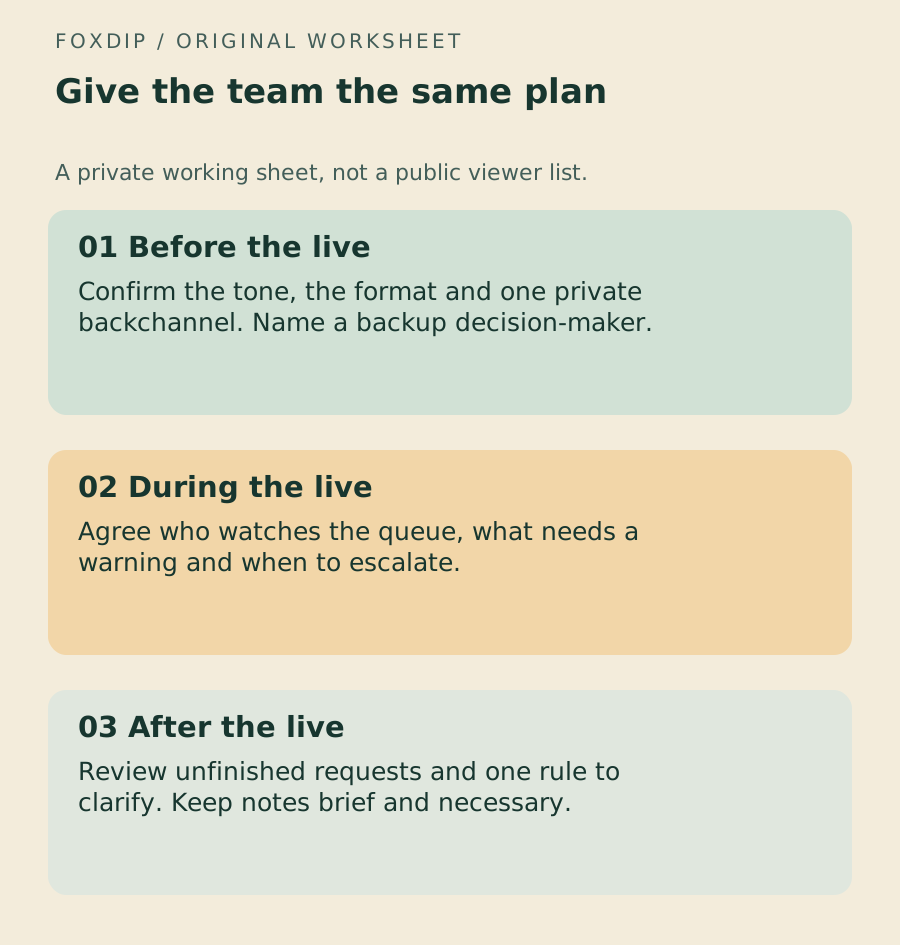
Original Foxdip worksheet. The examples are planning prompts, not a software screenshot or a measured result.
Edit the Markdown copy and share it only with the intended team. Download the moderator handover ↗
Give one example of a borderline call
Rules such as “be respectful” need a little context. Write one example of allowed disagreement and one example that should be interrupted. That gives moderators a common reference when chat moves faster than a policy document can be read.
Twitch recommends discussing AutoMod preferences with your moderation team. Describe the kind of held message the streamer wants reviewed, not a secret list of personal information. Use the platform’s actual moderation controls for actions; the worksheet records your judgement, it does not grant anyone a role.
Check access without expanding it for convenience
Before the live, confirm that each helper is in the intended channel and can reach the controls their existing role needs. A moderator, editor and business manager are different roles. Do not hand out a broader role merely because someone cannot find one button.
Keep one queue owner for custom rewards and one escalation route for uncertain cases. A second moderator can cover a break, but both should know who currently owns the queue. Otherwise a request can be completed twice or missed while everyone assumes someone else is watching.
Write a response ladder the team can use
Agree which situations call for a reminder, a warning or timeout, and immediate action. Include the point at which a moderator should alert the streamer instead of continuing an argument in public chat. Keep the ladder consistent with the platform’s rules and the channel’s published expectations.
The worksheet leaves those choices blank. They depend on your channel and the situation; Foxdip cannot decide them from an anonymous example. Brief moderators on the agreed approach before giving them a busy moment to interpret it.
Keep the post-stream note small
End with unfinished requests, one confusing rule and one thing that worked. If an incident needs a note, record the time, action and follow-up owner. Avoid duplicating whole chat histories or collecting personal details when the platform’s moderation history already supplies the necessary context.
Set a review or deletion date for private notes. A handover should make the next stream easier to run; it should not become a permanent file on every viewer.
Check whether the team had time to fulfil what the menu offered. Review the reward menu ↗
Sources & references
The steps follow the linked platform documentation. Practice downloads and planning examples are original Foxdip resources.
- Twitch — Setting Up Moderation for your Channel ↗Checked 2026-10-27
- Twitch — How to Use AutoMod ↗Checked 2026-10-27
Spotted something out of date? Let Alex know.
How we put our guides together ↗