
Offer a few rewards you can fulfil at predictable moments. Price alone will not control interruptions: define a cooldown, a per-stream limit and what happens when you are busy.
In this guide
Write the promise before the price
“Choose my next game” sounds simple until the requested game is not installed. “Choose one of these two prepared backgrounds at the next break” is narrower, but everybody can see whether you delivered it. Start with that kind of promise.
For each custom reward, write what the viewer chooses, when you will act and which choices are unavailable. Keep private information out of a required text response: Twitch notes that these responses appear in chat. A public prompt should not ask for an email address, an address or an account password.
Use a small menu as a starting point
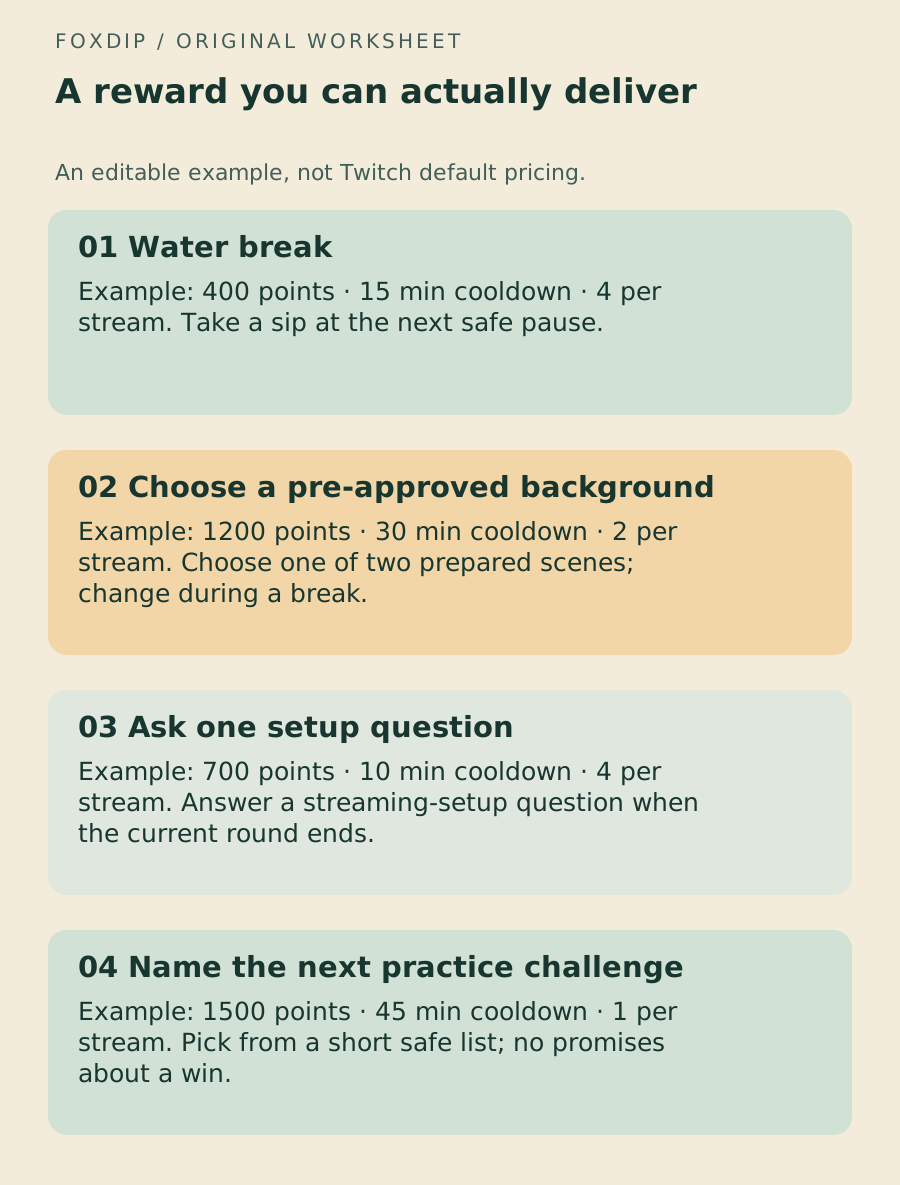
The example below is a planning exercise. Its prices and limits are invented editorial choices, not Twitch defaults or a forecast of engagement. Adjust them for the length and pace of your own stream.
Choose one low-interruption reward, one visual choice and one question or challenge. If all three demand immediate attention, the menu is already asking too much of the same person.
| Example reward | Example cost | Limit and timing |
|---|---|---|
| Water break | 400 points | 15 min cooldown; 4 per stream. Take a sip at the next safe pause. |
| Choose a pre-approved background | 1200 points | 30 min cooldown; 2 per stream. Choose one of two prepared scenes; change during a break. |
| Ask one setup question | 700 points | 10 min cooldown; 4 per stream. Answer a streaming-setup question when the current round ends. |
| Name the next practice challenge | 1500 points | 45 min cooldown; 1 per stream. Pick from a short safe list; no promises about a win. |
The ZIP includes Markdown, JSON and the practice licence. Download the editable reward menu ↗
Give the queue a ceiling
Twitch documents cooldown, per-stream and per-user limits for custom rewards, with live-only conditions for those controls. Use the controls available on your reward, and check their current wording before saving. Smart Costs are described for default rewards; do not assume they will price every custom idea for you.
Work backwards from time. If a reward takes about a minute of attention and you can spare three such pauses, allowing twenty redemptions creates a promise you cannot keep. Start with the number you can deliver, then choose a cost that suits your community. That is a capacity decision, not an attempt to extract the maximum number of points.
Decide what counts as completed
Assign someone to watch the queue. A moderator can alert you to an outstanding request, but should not have to guess whether you honoured it. Use a visible result or a short acknowledgement so the team can close the loop.
Do not skip the request queue for something you might miss. Twitch’s guide describes completion, rejection/refunds and pausing redemptions. If you cannot fulfil a request, handle it through that platform flow rather than quietly leaving it pending. Pause a reward when its required scene, game or participant is unavailable.
Review interruptions, not just redemption counts
After the stream, note which rewards were used, which ones interrupted an important moment and whether anything remained in the queue. Change one thing for the next session: the wording, one limit or the fulfilment window.
Keep rewards that feel natural in the stream even if they are redeemed less often. A calmer menu that you reliably honour builds a better habit than a wall of options nobody can manage.
Name the queue owner and the break timing in the handover. Give the moderator team the same plan ↗
Sources & references
The steps follow the linked platform documentation. Practice downloads and planning examples are original Foxdip resources.
- Twitch — Channel Points Guide for Creators ↗Checked 2026-10-27
- Twitch — Making the Most of Channel Points ↗Checked 2026-10-27
Spotted something out of date? Let Alex know.
How we put our guides together ↗