
Alerts and widgets
Tell the artwork, the alert service and the OBS source apart. Test one part at a time.
Which part stopped working?
A graphic file supplies the look. The alert service supplies the event. OBS brings the result into your scene. Test those three parts separately before replacing your artwork.
Understand the file and the widget ↗Let’s get it working.
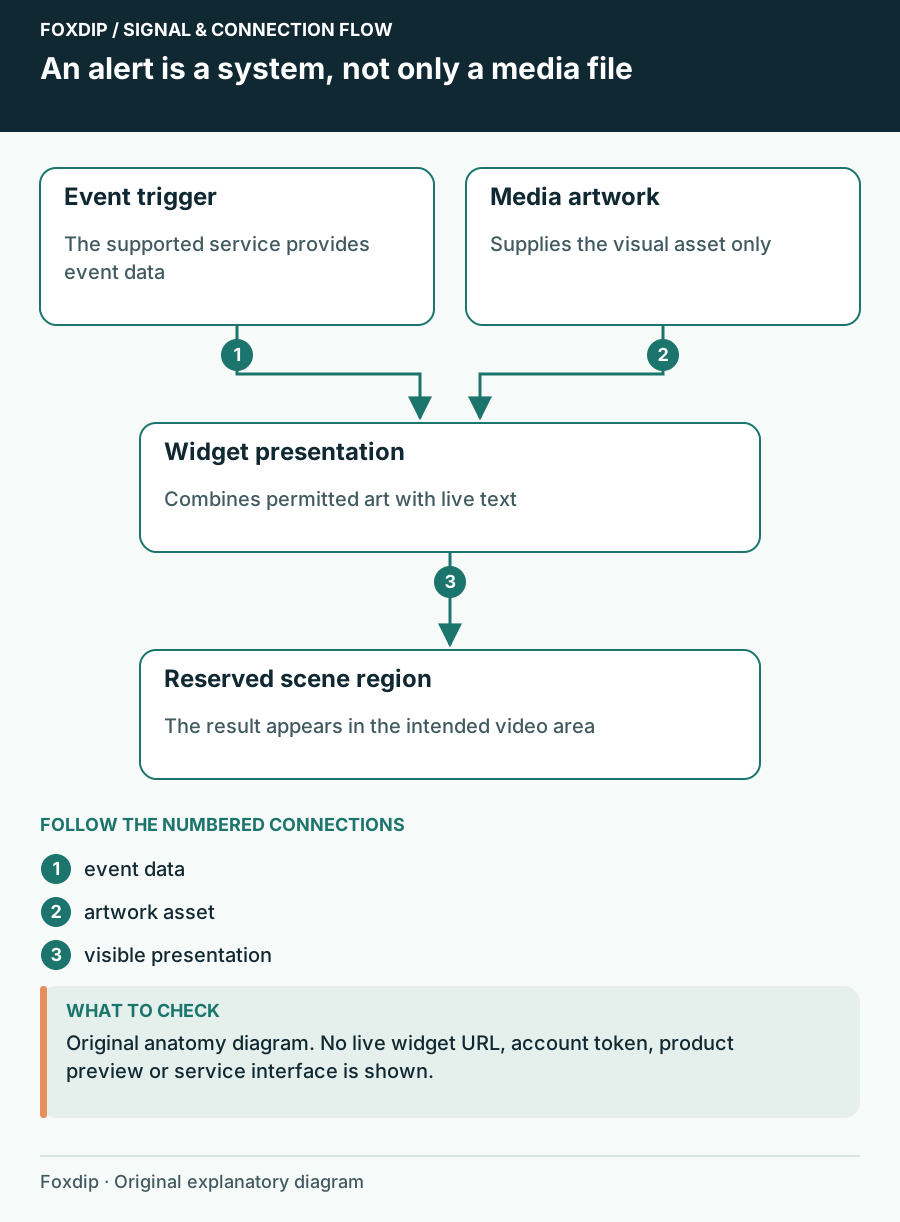
Animated Alert File vs Alert Widget: Know Which Part You Need
Understand the difference between an animation asset, a configured event widget and the remaining setup in your streaming software.
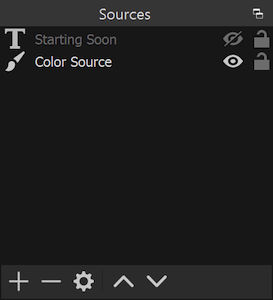
Stream Alerts Play Twice? Separate Events, Sources and Sound
Work out whether the duplicate is in the event feed, the visible overlay or only the audio before removing anything.
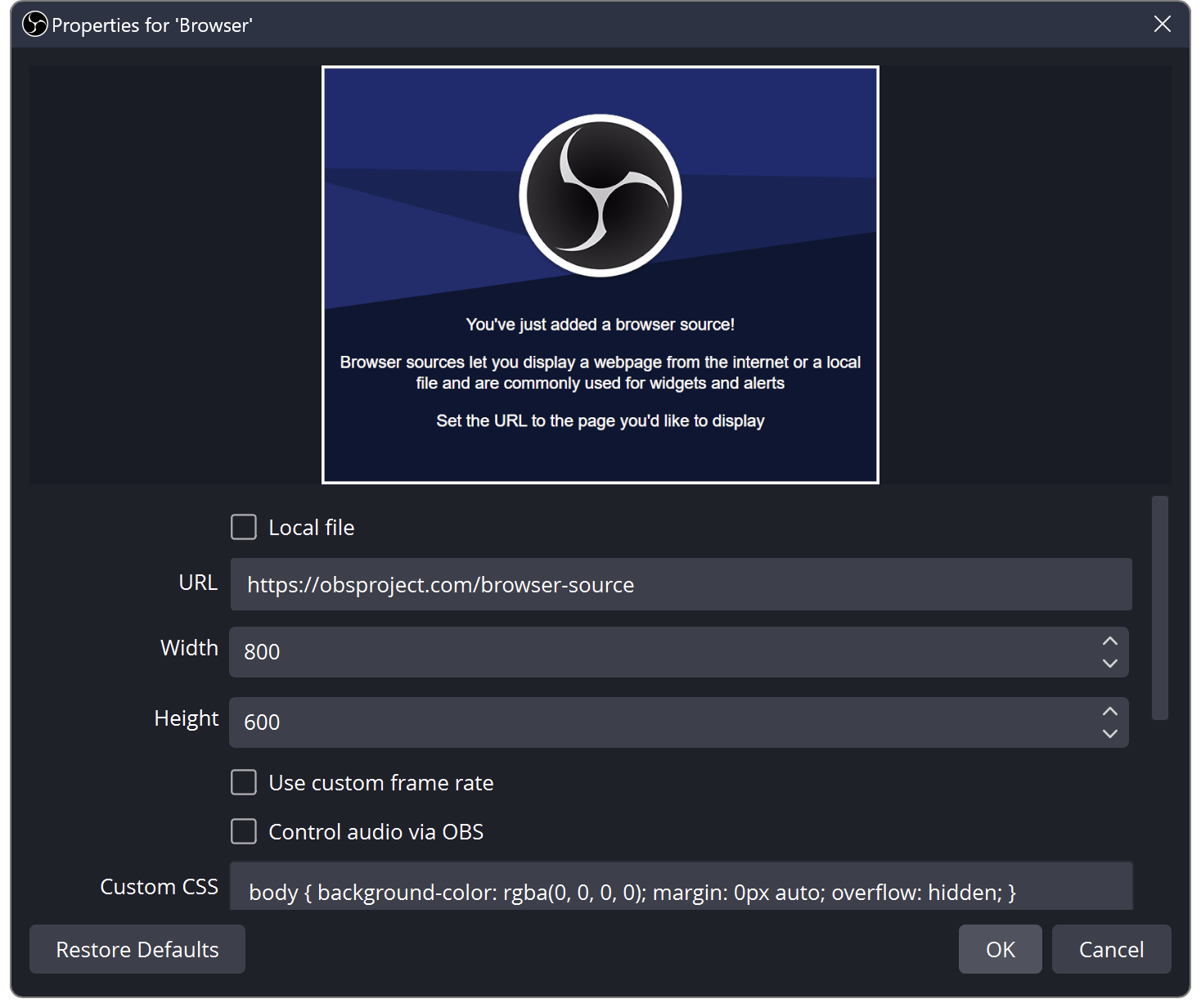
StreamElements Overlay Blank in OBS? Check the Browser Source
Compare the overlay editor with OBS, then check the copied URL, viewport and visible source order.
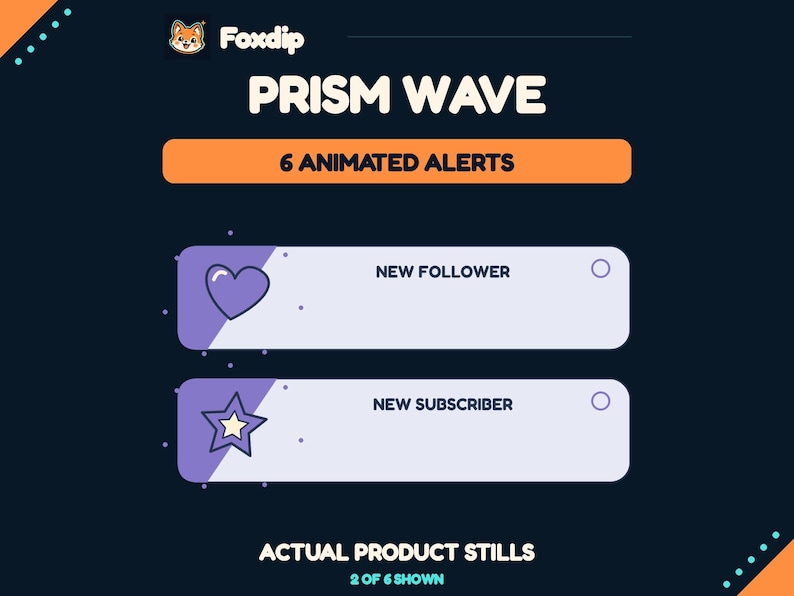
Best stream alerts from Foxdip: compare styles, events and setup
Compare Prism Wave, Botanical Bloom and Arcade Core by their event files, visual style, sound and the work your alert provider still needs to do.