
Clips and editing
Keep the recording, choose a moment and make an export you can actually use.
Keep the original. Make a short version.
Start with a copy of your recording. Pick one moment, choose the crop, check the captions and watch the exported file from start to finish. The guides below include small practice files so you can follow along.
Prepare the recording first ↗Let’s get it working.
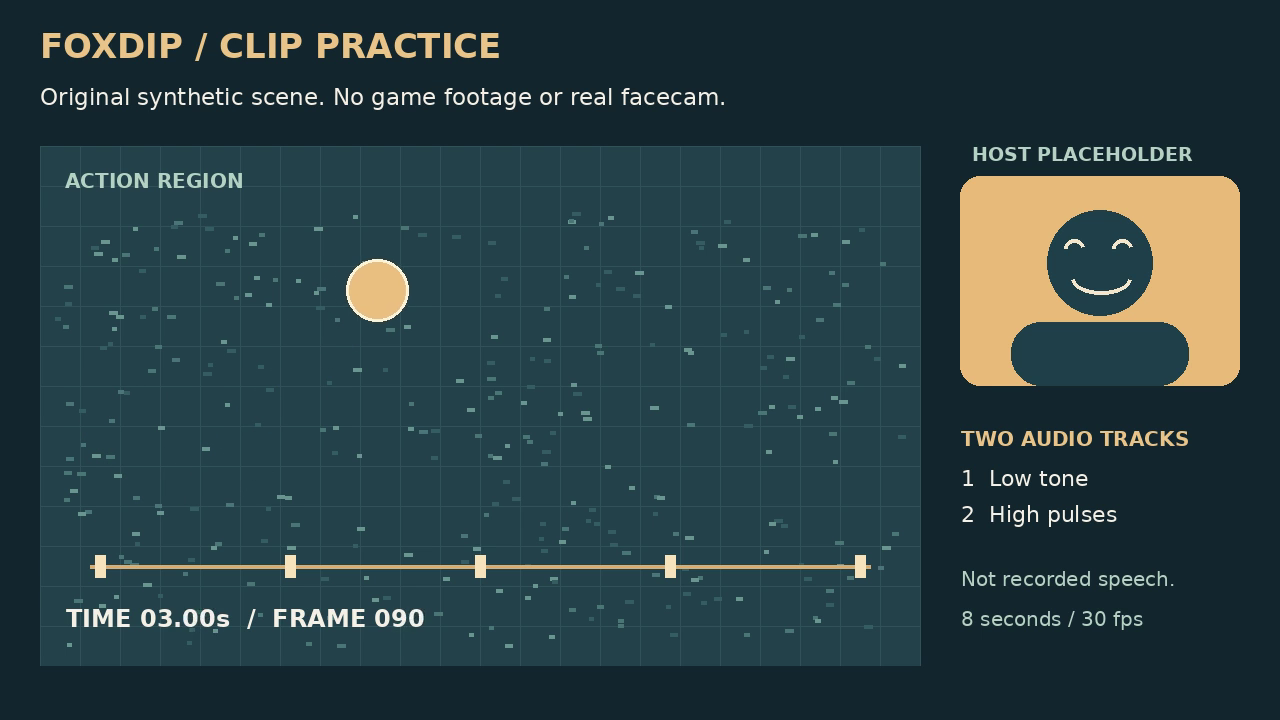
Turn a Landscape Stream Clip into a Vertical Video
Compare a centre crop with a two-region layout using the same downloadable clip, then make a portrait export you can actually inspect.
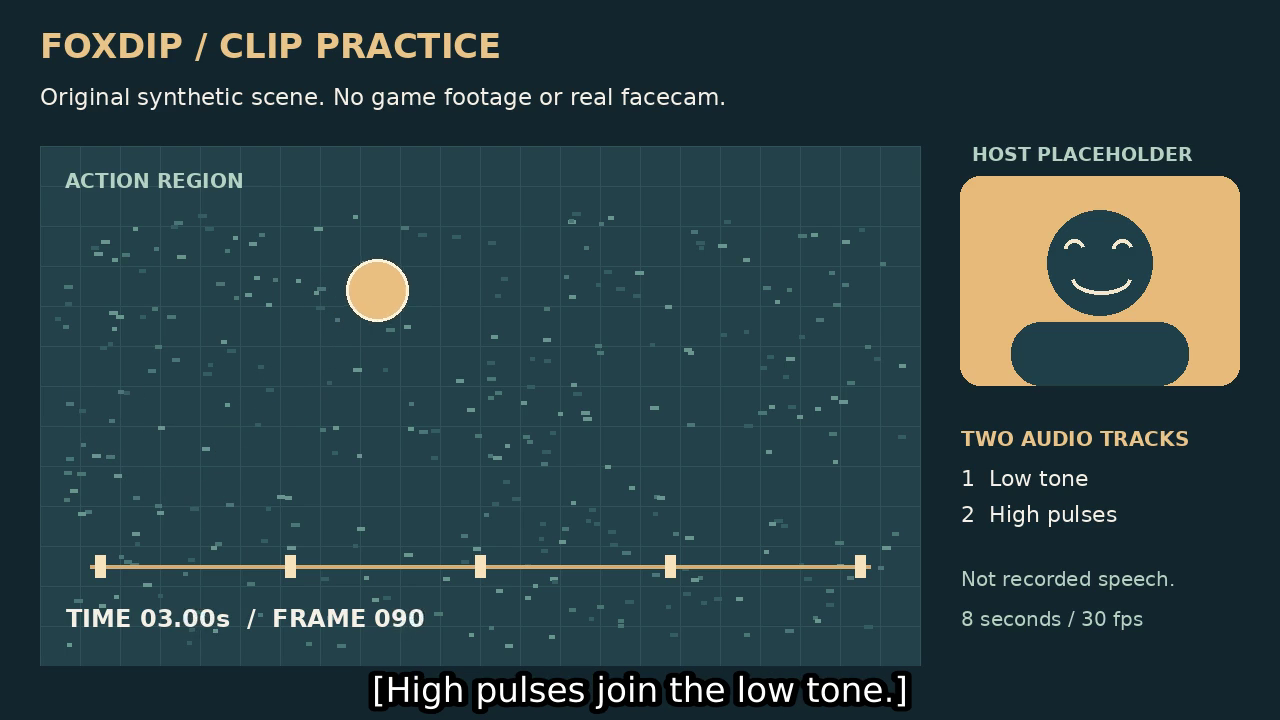
SRT Subtitles or Burned-In Captions: Which Should You Export?
Try both versions of one clip. See what stays editable, what viewers can switch off and what must be rendered again.
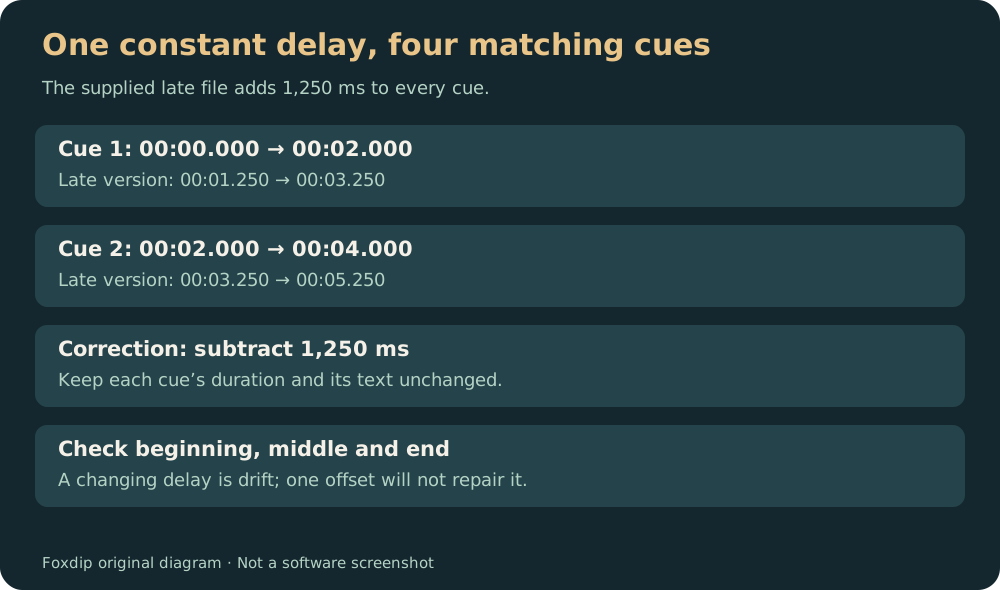
Fix a Constant Subtitle Delay Without Rewriting Every Cue
Use a deliberately late SRT file to practise one offset, then check the beginning, middle and end for drift.
Create a Clip Thumbnail from a Frame You Actually Recorded
Extract one frame from a short clip, check it small and keep the image separate from the source video.
Export a Stream Clip: Compare Quality and File Size
Compare two real encodes of one eight-second clip, then choose a result for your own destination instead of copying a universal preset.
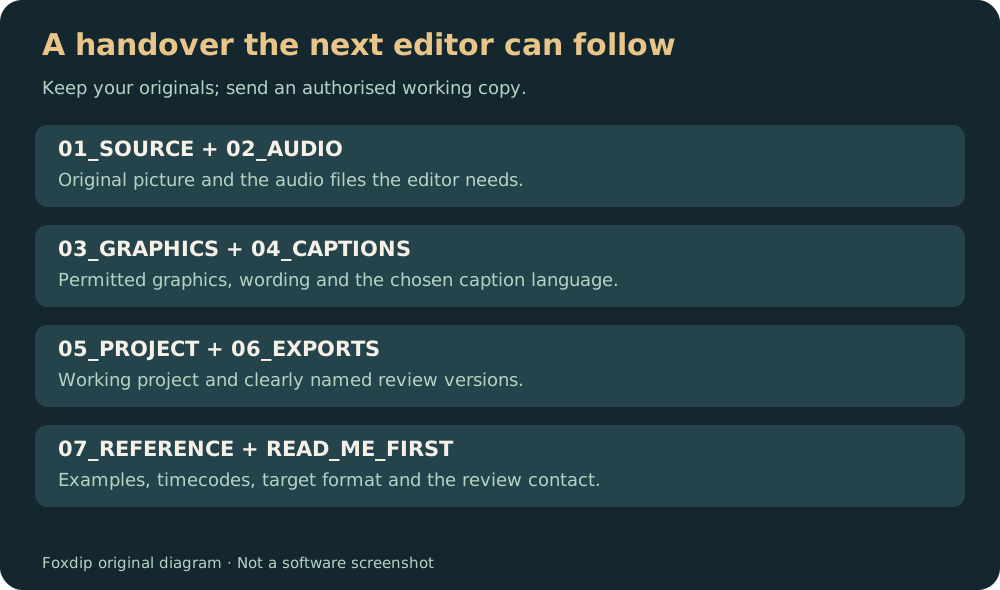
Prepare a Stream Recording Folder for an Editor
Use a downloadable folder template, matching media names and a short brief so the next editor can start with the right files.