
Start streaming, one check at a time
A short route through your microphone, OBS scene, recording check and chat graphics.
Your first four checks
- Get a microphone signal into OBS. Confirm the input before adding effects.
- Make and listen to a local recording. Separate monitoring from what the audience receives.
- Build a test scene. Keep source order and readable text in view.
- Check your chat graphics. Preview the actual file at a small size.
Save a copy of your scene collection before making changes. You’ll have something familiar to return to if a setting takes you sideways.
One job at a time.
Your first live
Get a mic signal, build one scene and listen to a short recording before you go live.
Build a test scene ↗Better sound
Follow the voice and game signals to the recording tracks. Fix one route before adding filters.
Follow your audio ↗Make it look like you
Choose the reactions and screens you need, try the files, then decide what deserves a place.
Plan your graphics ↗Something broke
Keep the exact model or full error message. Start with the symptom you can reproduce.
Find your device or app ↗Before you hit live.
Work through your setup, then listen to a short recording. Use the linked guide whenever a check needs more work.
- Check source order ↗
- Find a missing microphone ↗
- Track down doubled audio ↗
- Follow the recording check ↗
- Check your layout ↗
- Set up your scene graphics ↗
Your ticks are saved in this browser. No account needed. Start a fresh check for your next stream.
Let’s get it working.
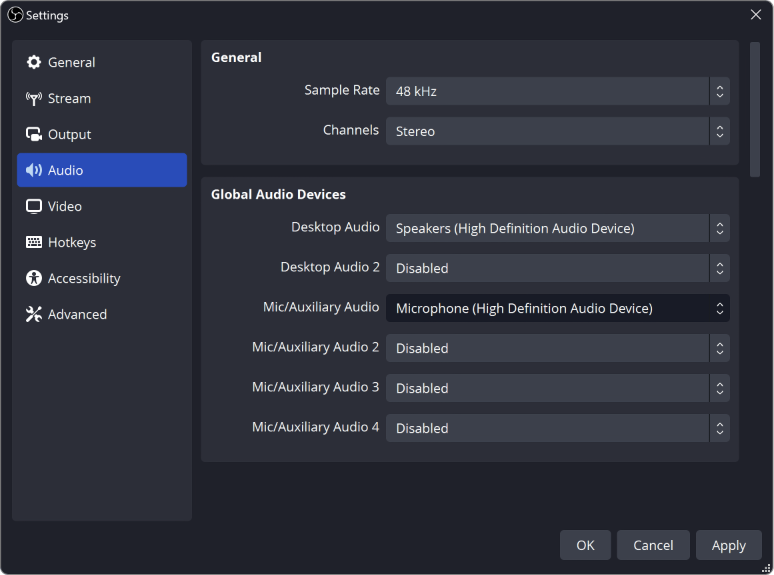
How to Test Your Mic in OBS Before Going Live
Record a short rehearsal with your mic, game and alerts, then play it back. Catch missing sound, a doubled voice or loud game audio before viewers do.
OBS Not Picking Up Your Mic? Here's How to Fix It
Your mic works everywhere except OBS? Check these in order: your computer's sound settings, mic permission, the device OBS uses, and the audio mixer.
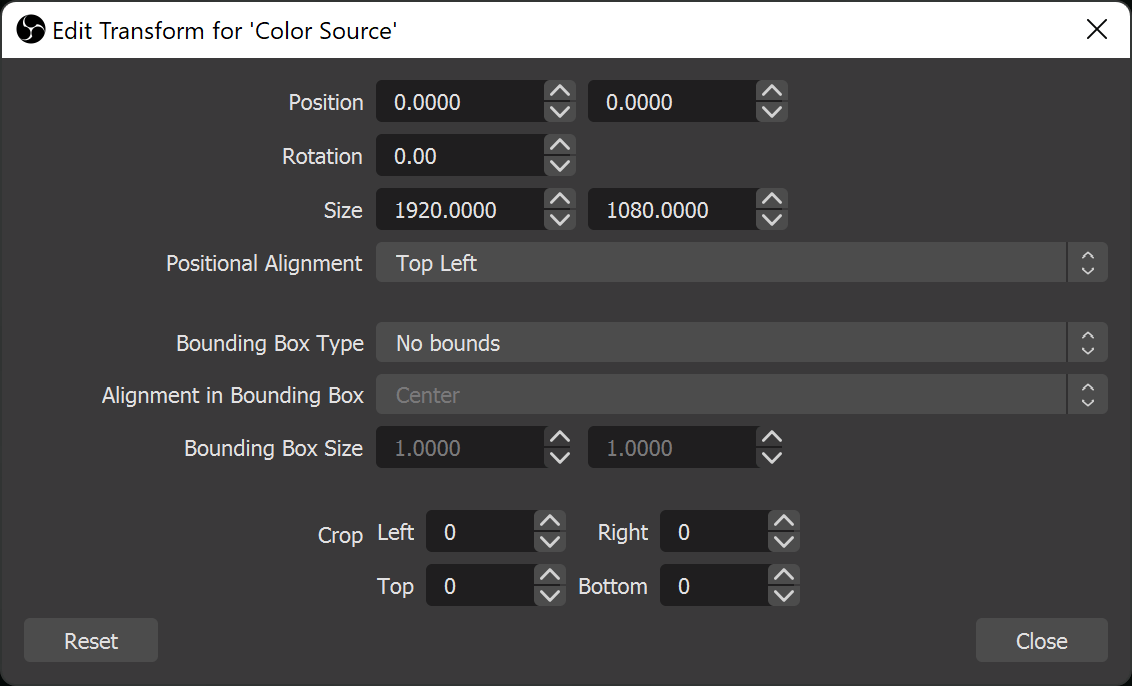
Stream Layout Readability: Can Viewers See What Matters?
Check your webcam, text and overlays in a small player. Keep game information visible and give each scene a clear focus.

Will Your Animated Emote Be Readable at 28 px?
Preview the free GG emote at 28 px on light and dark backgrounds, then check whether each frame keeps the expression clear.
Installation & download help.
Get the right reaction into the right slot.
Find your emote and badge exports, match them to your Twitch slots and check the small preview before moving to the next design.
Read the guide ↗SETUP GUIDEPut each graphic in the source it needs.
Add a static frame with Image, use Media Source for supplied video and check how the layout behaves when you switch scenes.
Read the guide ↗