FOXDIP / STREAMING TUTORIALS

Scene layouts and visual styles

Try a composition for a game, two hosts or a creative stream. Keep the subject and the useful information visible.

READ & TRY

Let’s get it working.

How we write our guides ↗
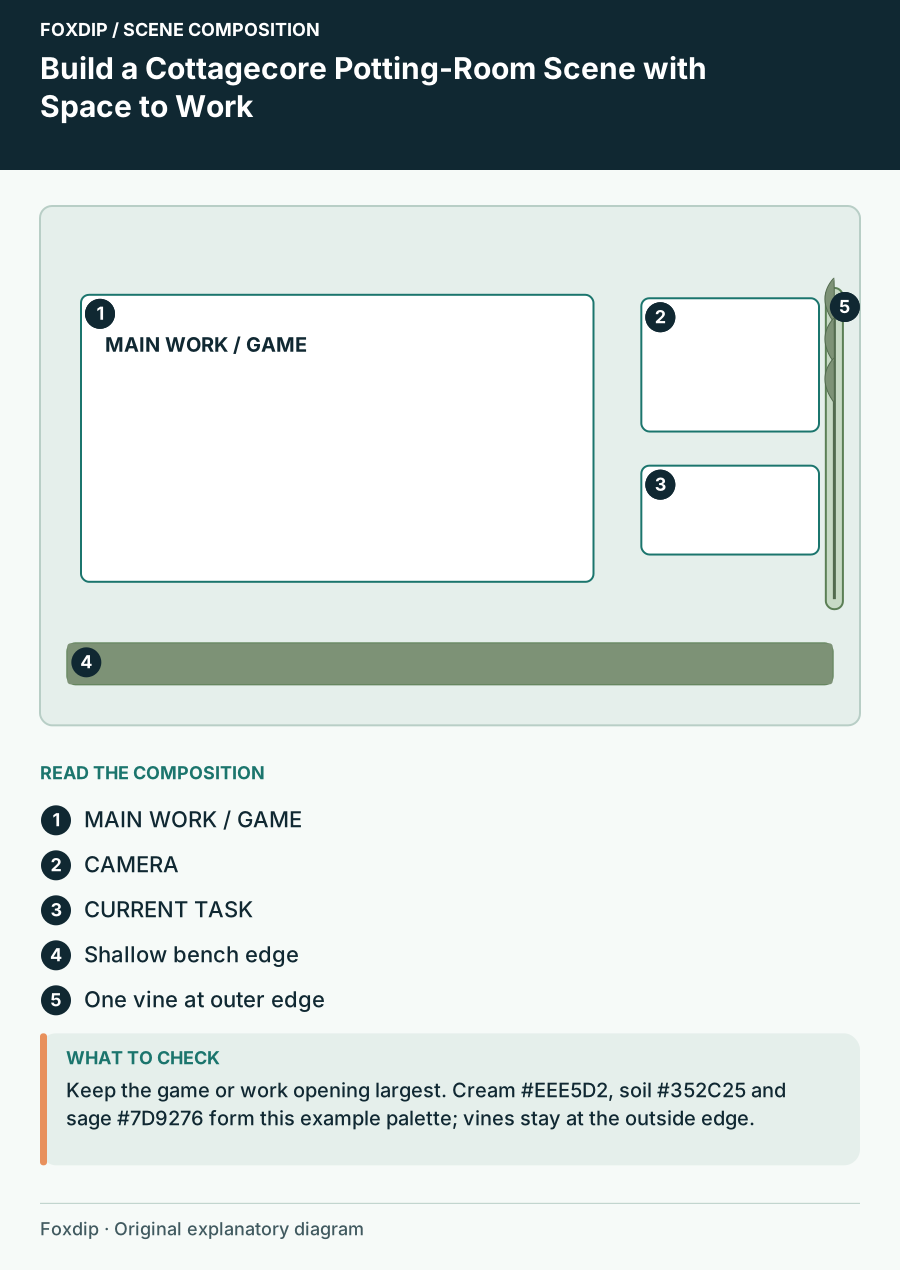
Build a Cottagecore Potting-Room Scene with Space to Work. Positioned regions: MAIN WORK / GAME, CAMERA, CURRENT TASK, Shallow bench edge, One vine at outer edge.
Design & inspiration

Build a Cottagecore Potting-Room Scene with Space to Work

Compose a cottagecore scene around a potting-room setting, with a clear work surface, restrained plant details and readable labels.
5 min read ·Oct 26, 2026
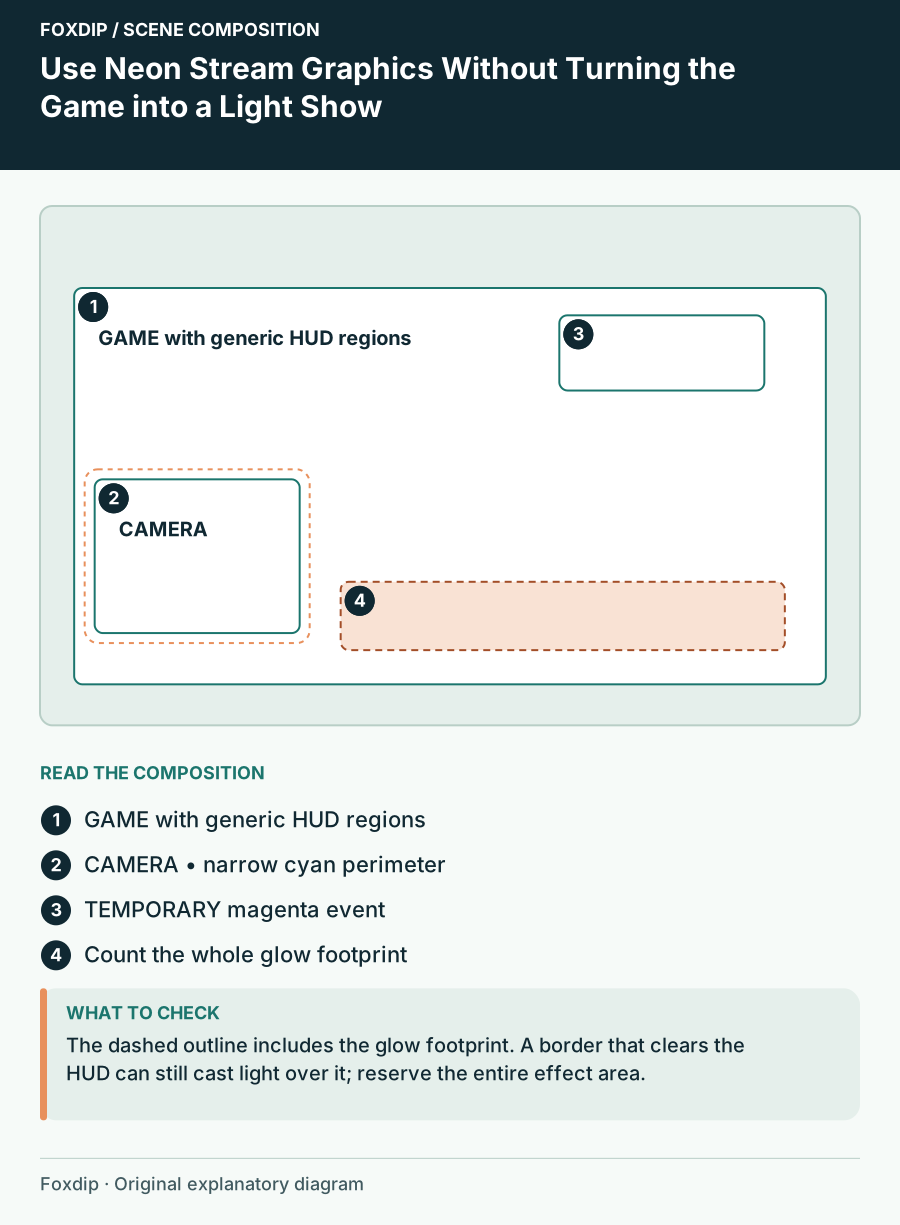
Use Neon Stream Graphics Without Turning the Game into a Light Show. Positioned regions: GAME with generic HUD regions, CAMERA • narrow cyan perimeter, TEMPORARY magenta event, Count the whole glow footprint.
Design & inspiration

Use Neon Stream Graphics Without Turning the Game into a Light Show

Build a cyberpunk scene with a dark structural frame, a single bright accent and motion reserved for meaningful events.
5 min read ·Oct 26, 2026
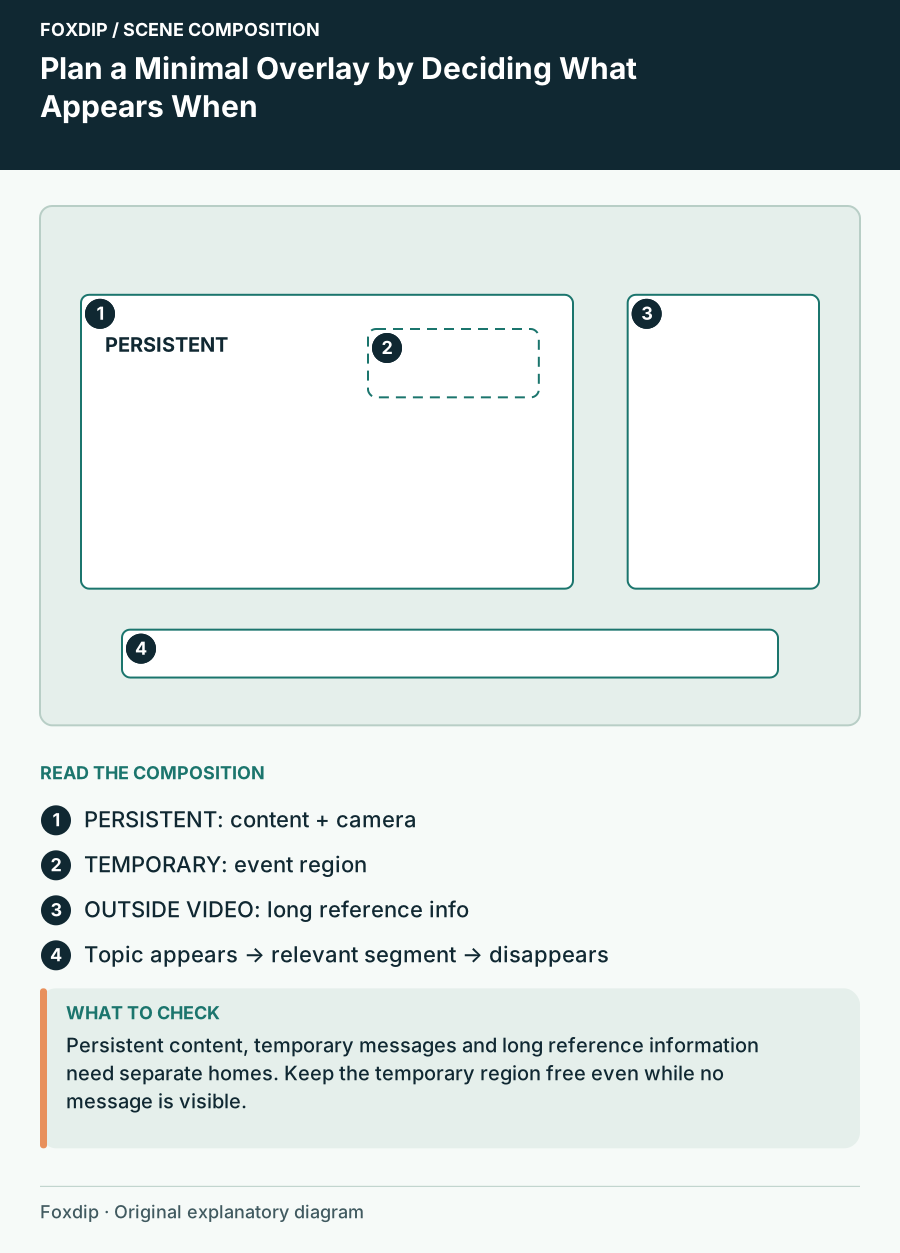
Plan a Minimal Overlay by Deciding What Appears When. Positioned regions: PERSISTENT: content + camera, TEMPORARY: event region, OUTSIDE VIDEO: long reference info, Topic appears → relevant segment → disappears.
Design & inspiration

Plan a Minimal Overlay by Deciding What Appears When

Create a restrained stream layout by separating permanent information, temporary events and details that belong outside the video.
5 min read ·Oct 26, 2026
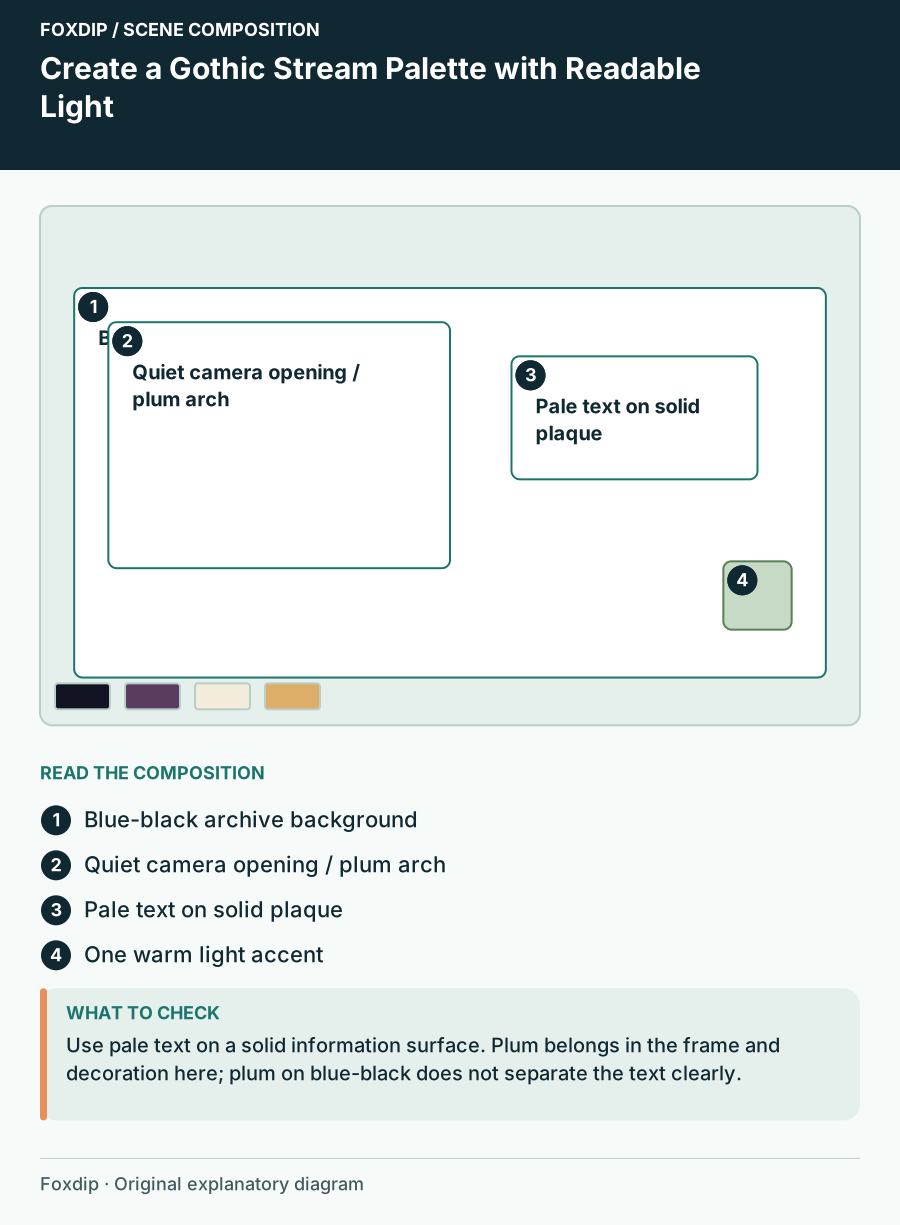
Create a Gothic Stream Palette with Readable Light. Positioned regions: Blue-black archive background, Quiet camera opening / plum arch, Pale text on solid plaque, One warm light accent.
Design & inspiration

Create a Gothic Stream Palette with Readable Light

Compose a mystical or gothic scene with dark framing, a controlled light source and text that stays distinct from illustrated texture.
5 min read ·Oct 26, 2026
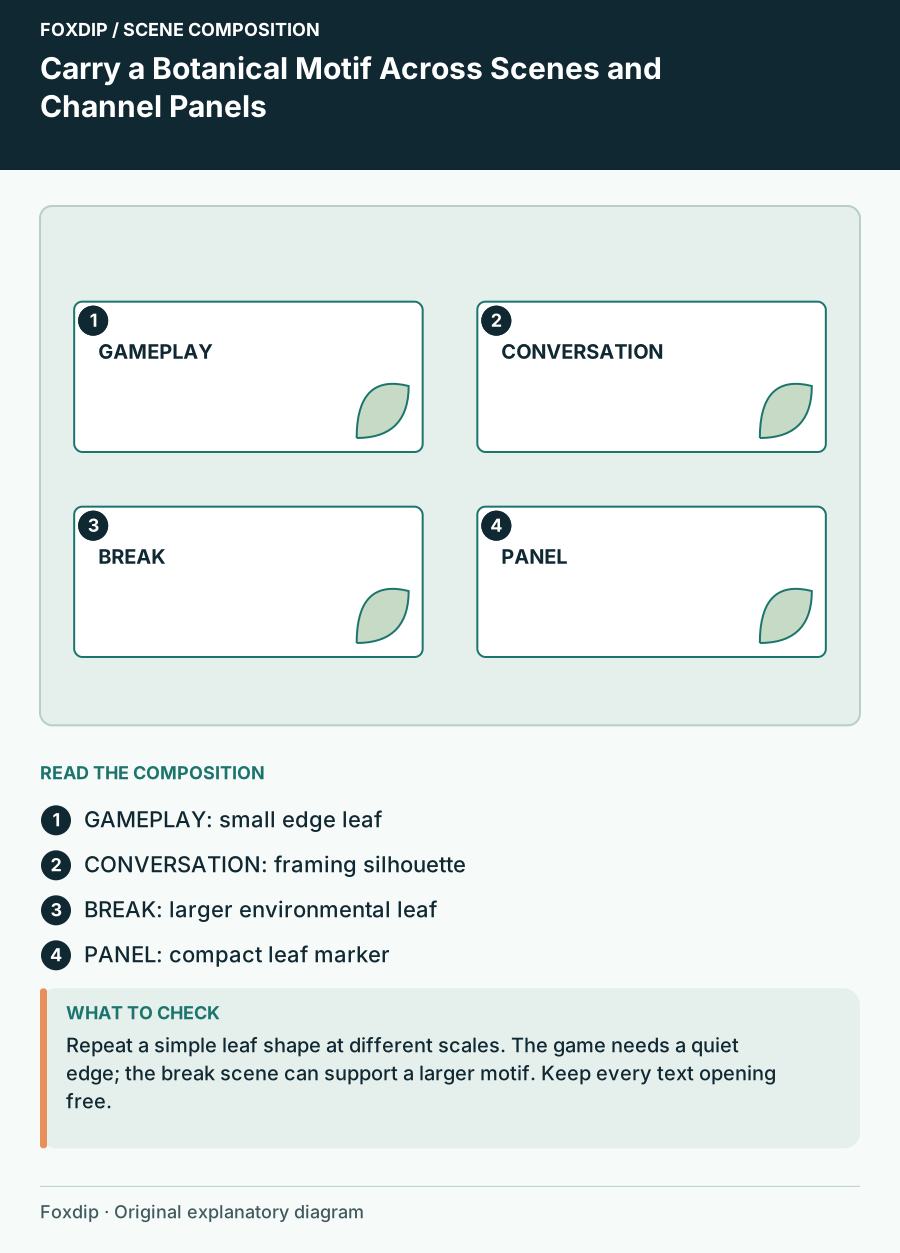
Carry a Botanical Motif Across Scenes and Channel Panels. Positioned regions: GAMEPLAY: small edge leaf, CONVERSATION: framing silhouette, BREAK: larger environmental leaf, PANEL: compact leaf marker.
Design & inspiration

Carry a Botanical Motif Across Scenes and Channel Panels

Unify botanical graphics through repeated leaf shape, scale, edge treatment and colour without repeating a whole illustration everywhere.
5 min read ·Oct 26, 2026
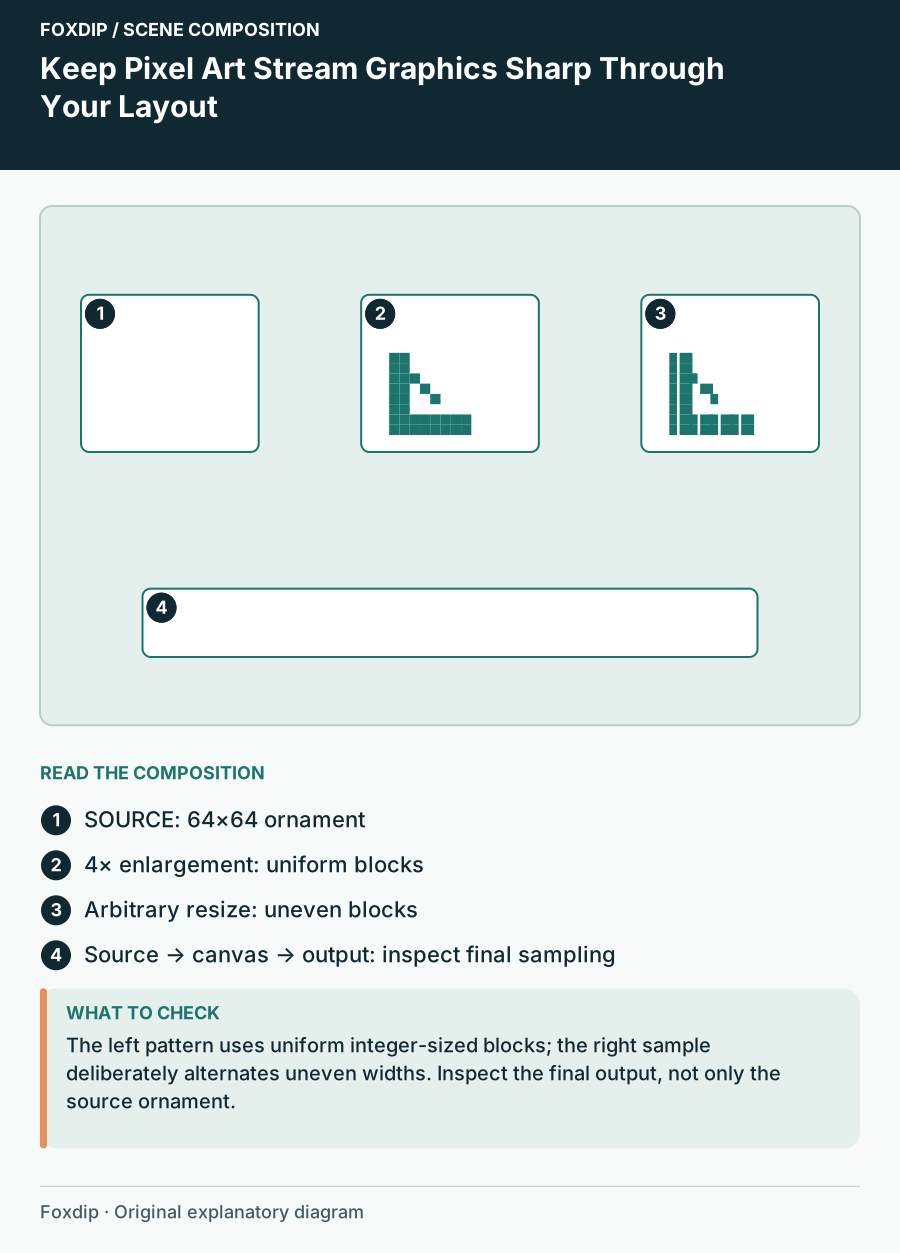
Keep Pixel Art Stream Graphics Sharp Through Your Layout. Positioned regions: SOURCE: 64×64 ornament, 4× enlargement: uniform blocks, Arbitrary resize: uneven blocks, Source → canvas → output: inspect final sampling.
Design & inspiration

Keep Pixel Art Stream Graphics Sharp Through Your Layout

Plan pixel-art source scale, border dimensions and final output so uneven resizing does not change the style.
5 min read ·Oct 26, 2026
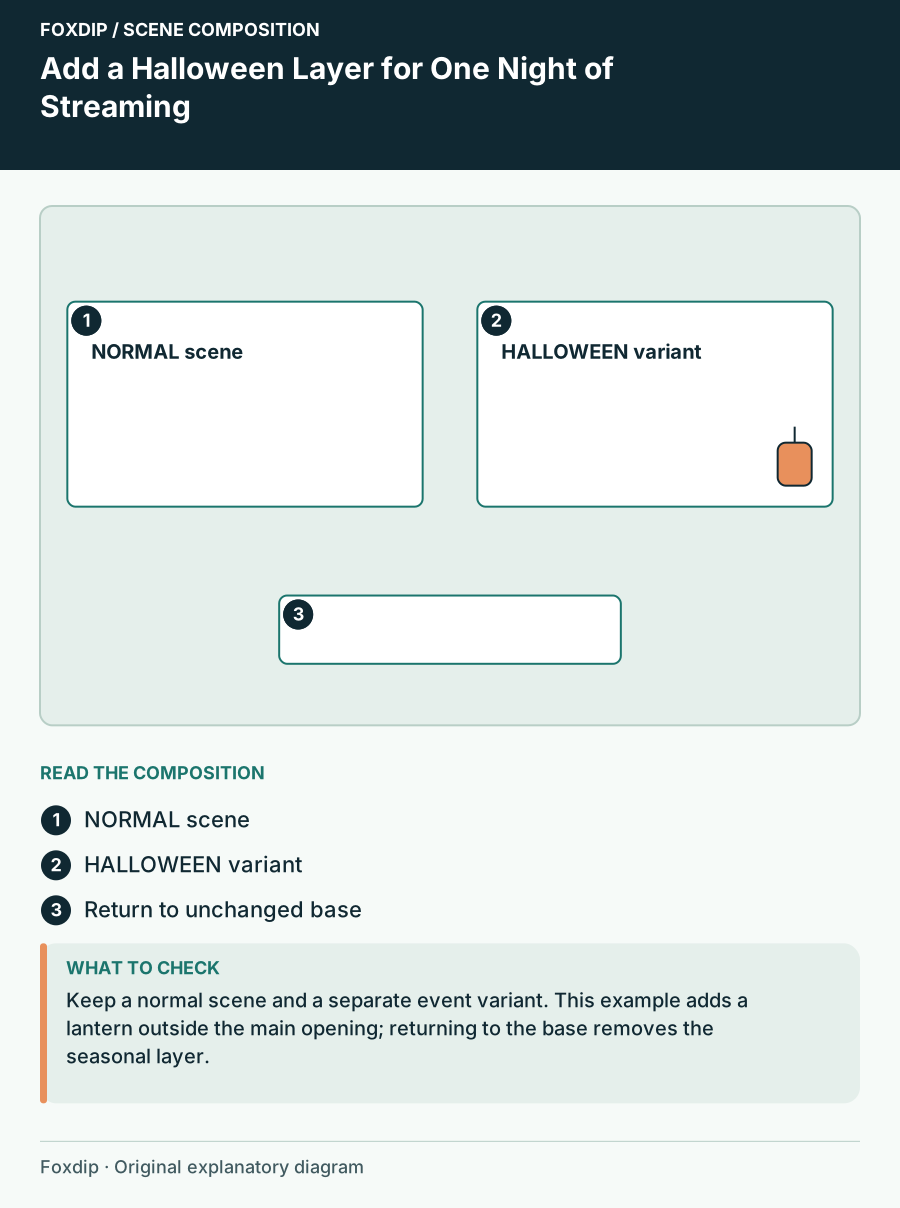
Add a Halloween Layer for One Night of Streaming. Positioned regions: NORMAL scene, HALLOWEEN variant, Return to unchanged base.
Design & inspiration

Add a Halloween Layer for One Night of Streaming

Create a reversible Halloween scene variant with one focal prop, event copy and an overlay that leaves the regular programme intact.
5 min read ·Oct 26, 2026
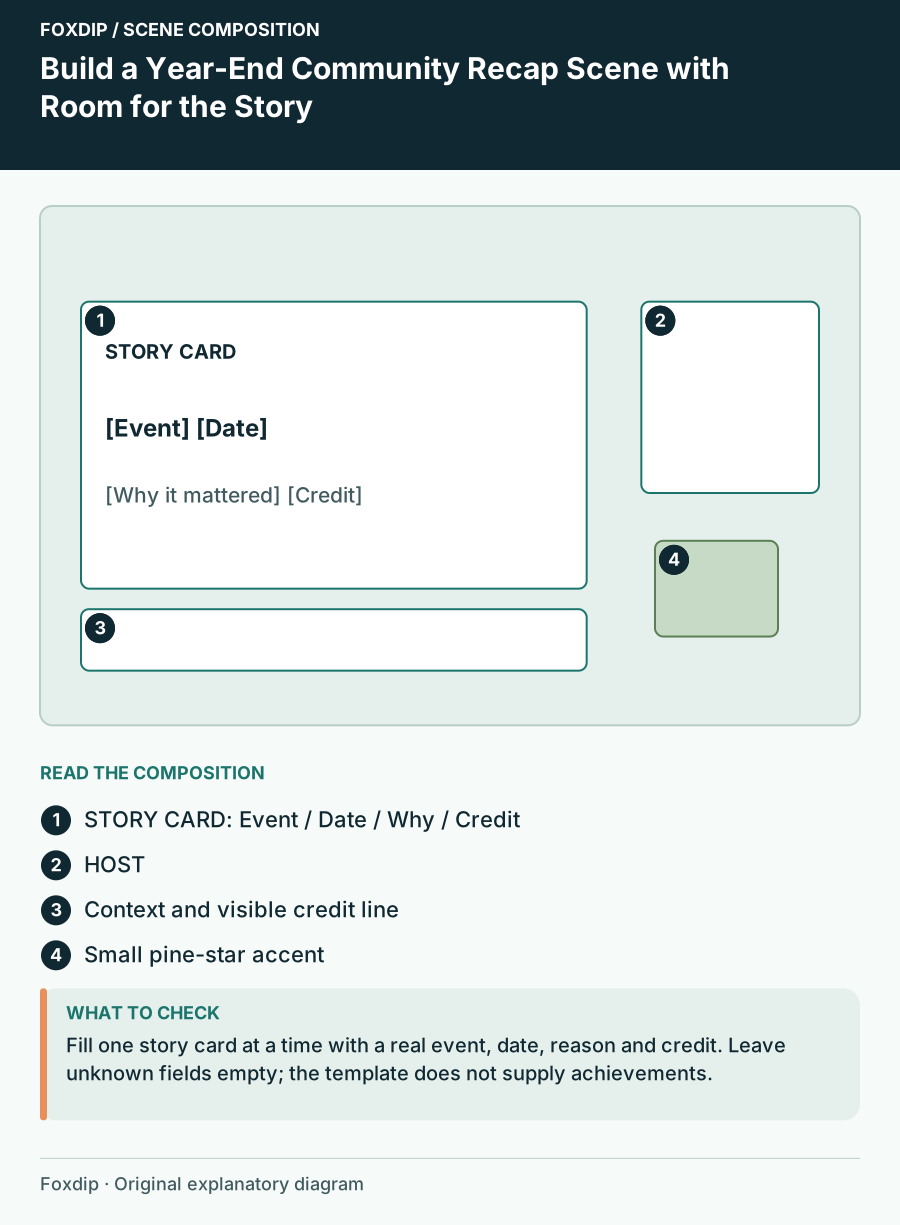
Build a Year-End Community Recap Scene with Room for the Story. Positioned regions: STORY CARD: Event / Date / Why / Credit, HOST, Context and visible credit line, Small pine-star accent.
Design & inspiration

Build a Year-End Community Recap Scene with Room for the Story

Plan a holiday-season recap scene with one milestone at a time, dates, credits and a return to the regular conversation layout.
5 min read ·Oct 26, 2026
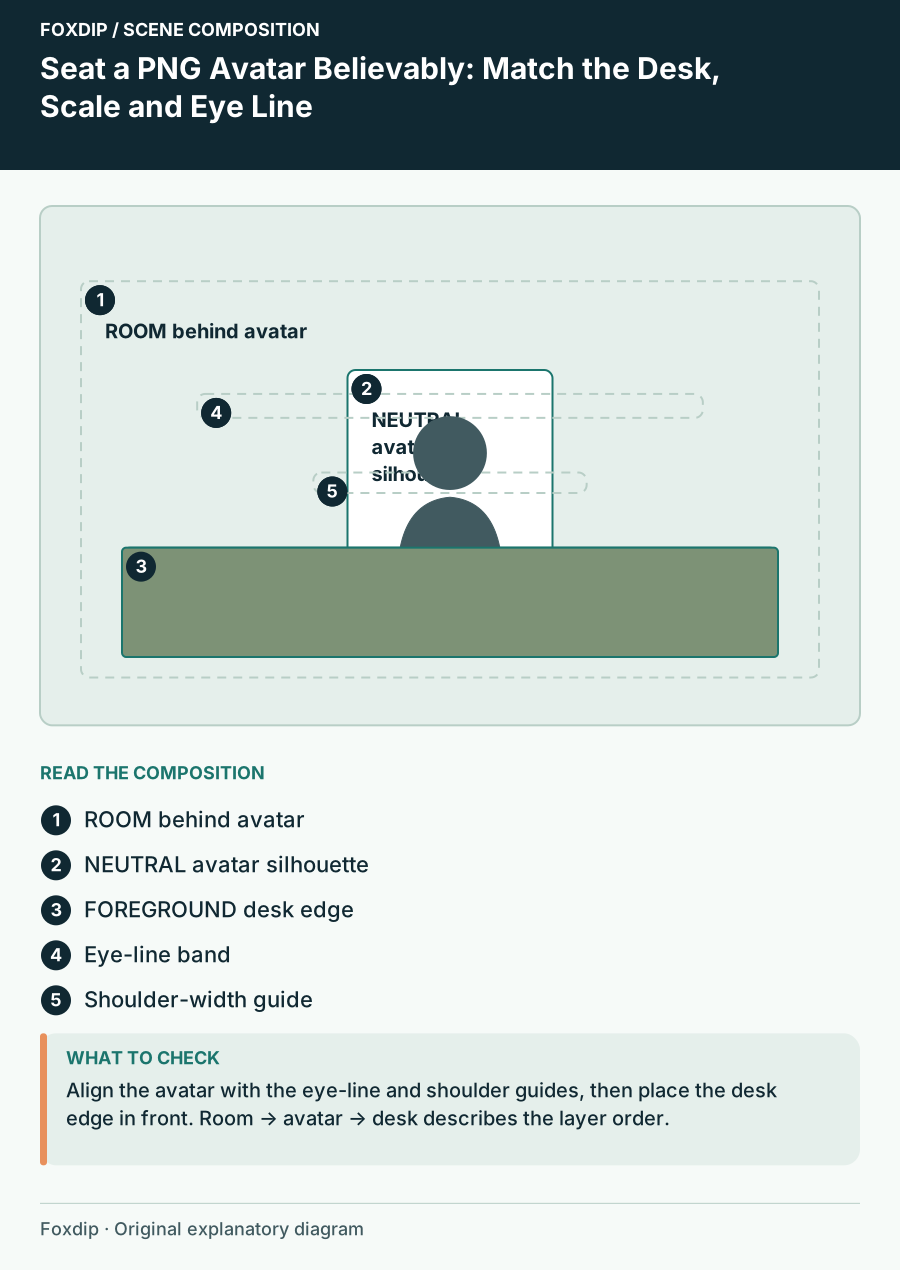
Seat a PNG Avatar Believably: Match the Desk, Scale and Eye Line. Positioned regions: ROOM behind avatar, NEUTRAL avatar silhouette, FOREGROUND desk edge, Eye-line band, Shoulder-width guide.
Design & inspiration

Seat a PNG Avatar Believably: Match the Desk, Scale and Eye Line

Calibrate a seated avatar scene with desk-height anchors, proportional scale and occlusion checks rather than guessing placement.
5 min read ·Oct 26, 2026
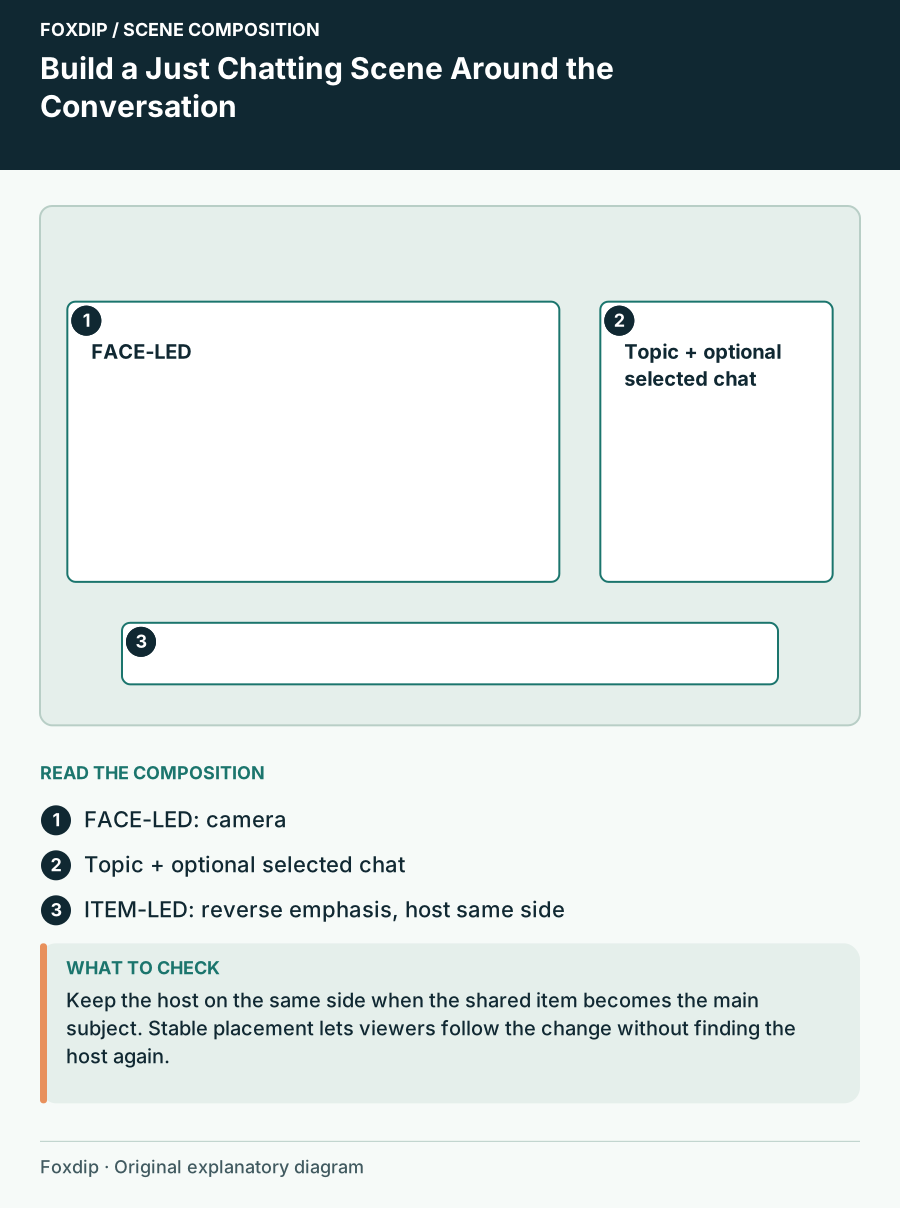
Build a Just Chatting Scene Around the Conversation. Positioned regions: FACE-LED: camera, Topic + optional selected chat, ITEM-LED: reverse emphasis, host same side.
Design & inspiration

Build a Just Chatting Scene Around the Conversation

Arrange a large camera, short topic card and optional shared item so a conversation scene can change focus without losing context.
5 min read ·Oct 26, 2026
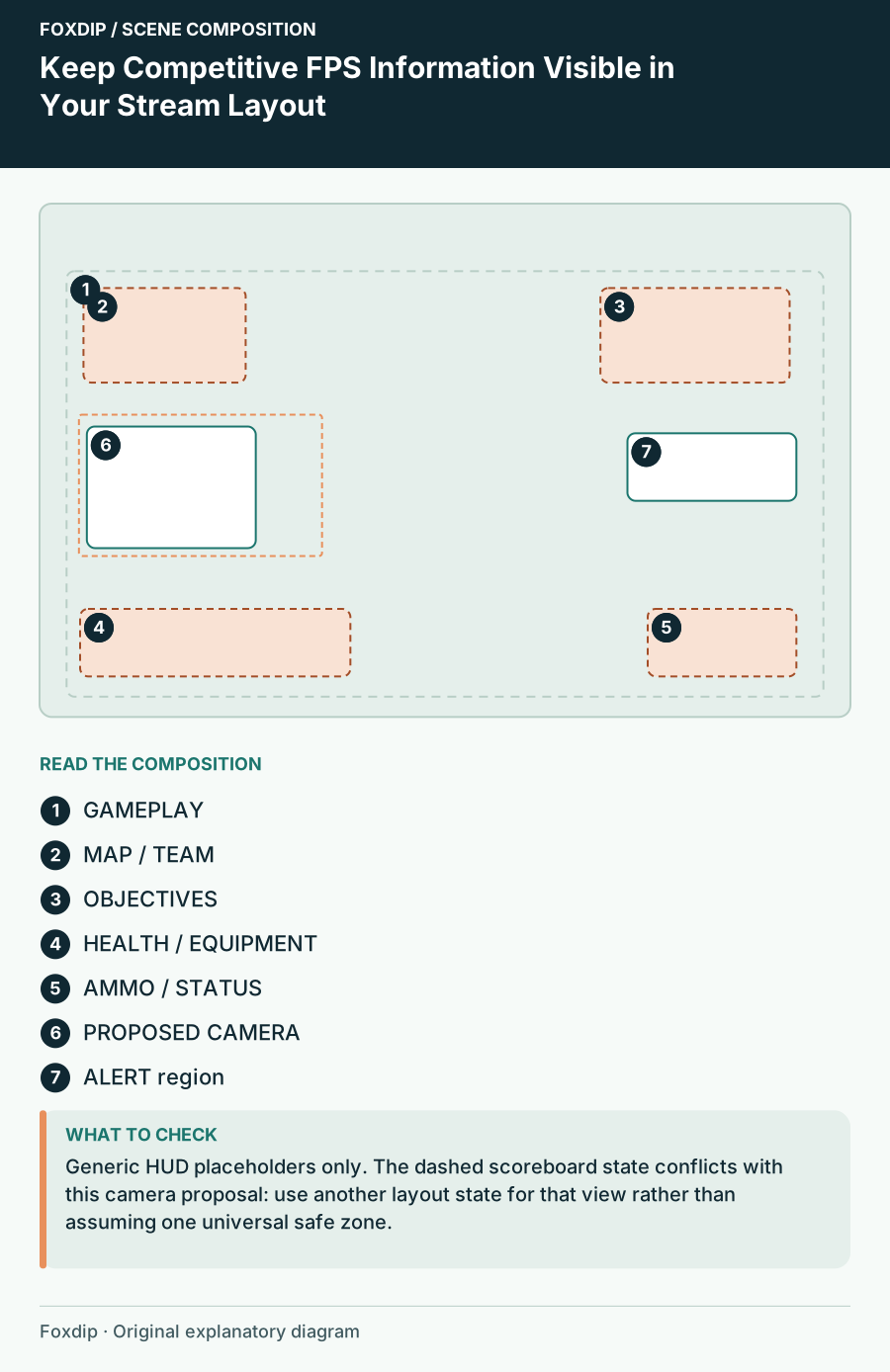
Keep Competitive FPS Information Visible in Your Stream Layout. Positioned regions: GAMEPLAY, MAP / TEAM, OBJECTIVES, HEALTH / EQUIPMENT, AMMO / STATUS, PROPOSED CAMERA, ALERT region.
Design & inspiration

Keep Competitive FPS Information Visible in Your Stream Layout

Build a game-specific HUD map before placing camera, alerts and labels over competitive gameplay.
5 min read ·Oct 26, 2026
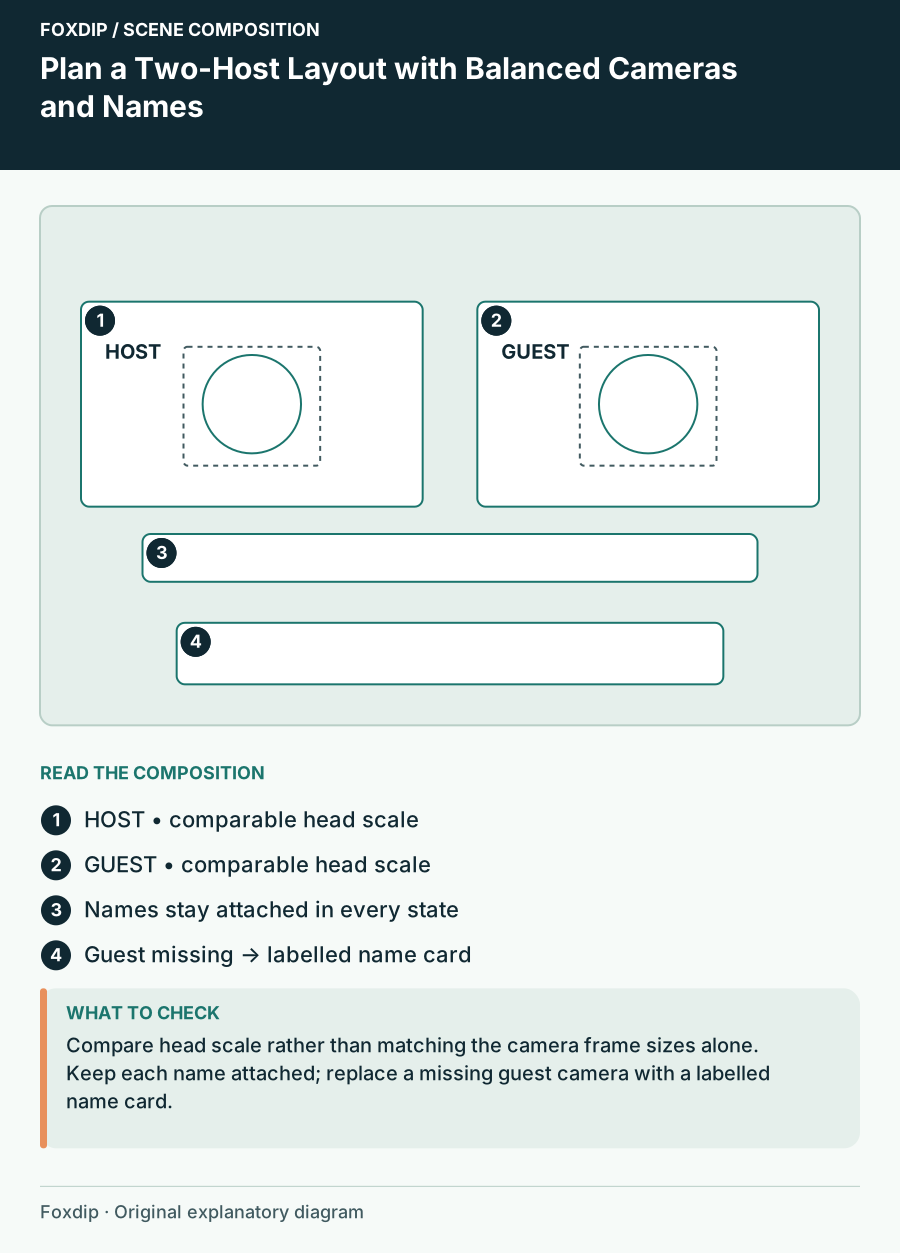
Plan a Two-Host Layout with Balanced Cameras and Names. Positioned regions: HOST • comparable head scale, GUEST • comparable head scale, Names stay attached in every state, Guest missing → labelled name card.
Design & inspiration

Plan a Two-Host Layout with Balanced Cameras and Names

Compose a two-person stream with comparable head size, clear identity labels, shared content and a fallback for one missing camera.
5 min read ·Oct 26, 2026
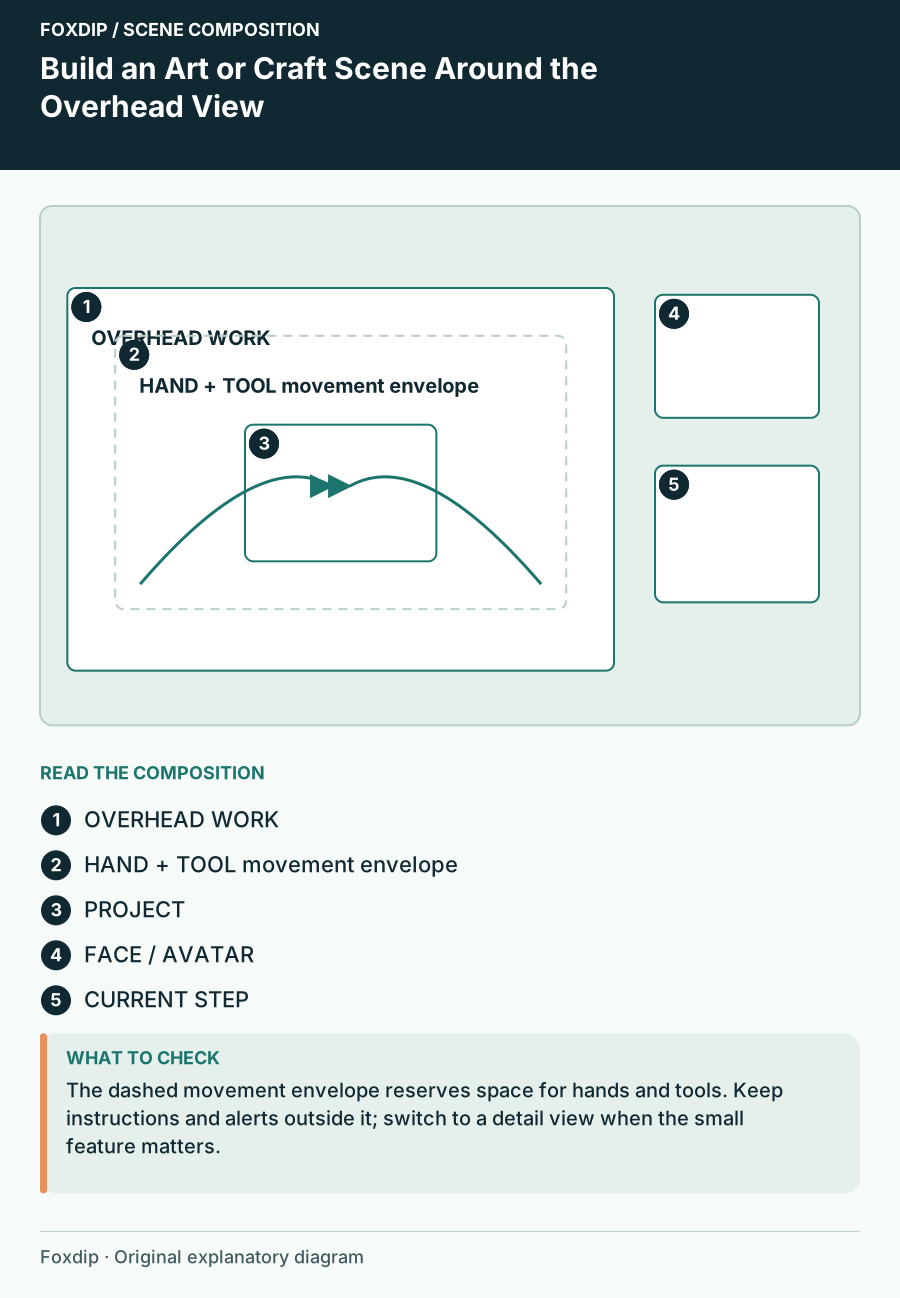
Build an Art or Craft Scene Around the Overhead View. Positioned regions: OVERHEAD WORK, HAND + TOOL movement envelope, PROJECT, FACE / AVATAR, CURRENT STEP.
Design & inspiration

Build an Art or Craft Scene Around the Overhead View

Compose an overhead making stream with room for hands, tools and the finished object, plus a separate view for close detail.
5 min read ·Oct 26, 2026
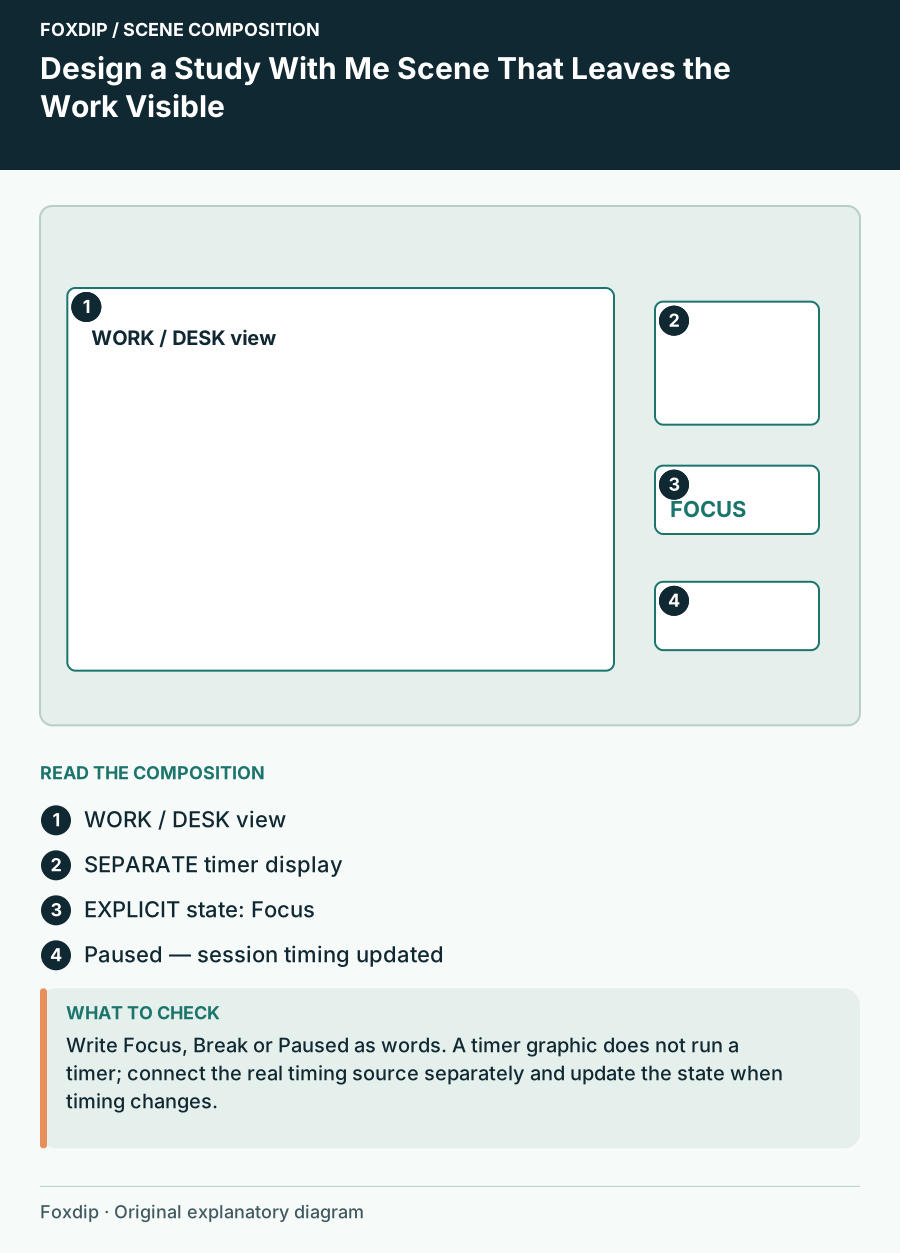
Design a Study With Me Scene That Leaves the Work Visible. Positioned regions: WORK / DESK view, SEPARATE timer display, EXPLICIT state: Focus, Paused — session timing updated.
Design & inspiration

Design a Study With Me Scene That Leaves the Work Visible

Arrange a focus stream with a visible work area, understandable timer states and a quiet information hierarchy.
5 min read ·Oct 26, 2026
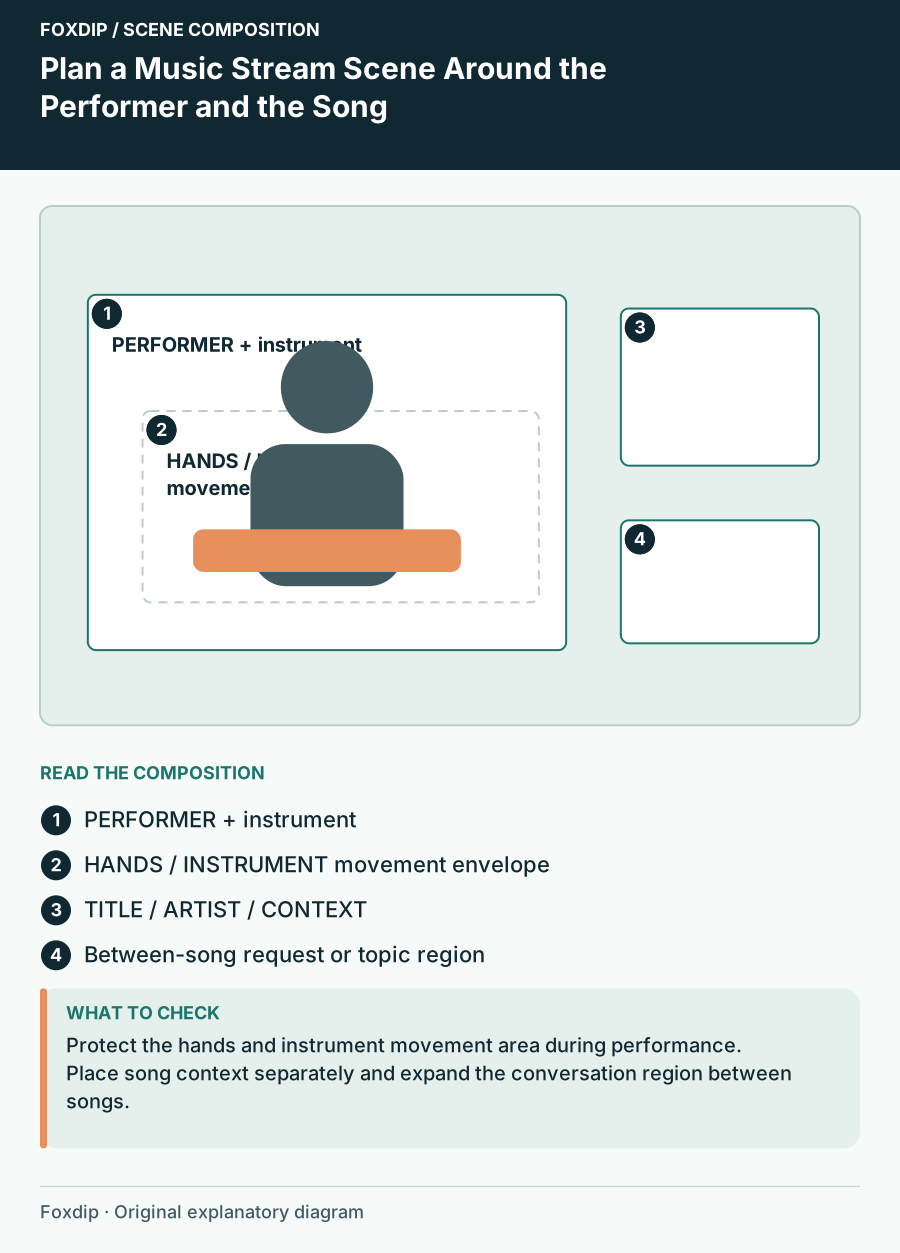
Plan a Music Stream Scene Around the Performer and the Song. Positioned regions: PERFORMER + instrument, HANDS / INSTRUMENT movement envelope, TITLE / ARTIST / CONTEXT, Between-song request or topic region.
Design & inspiration

Plan a Music Stream Scene Around the Performer and the Song

Arrange a live music scene with room for the instrument, readable song information and deliberate performance and conversation states.

5 min read ·Oct 26, 2026