
Good questions.
Better next streams.
Audio gremlins, crowded desks, chat reactions and the occasional platform update. Find something that helps with the stream you’re building.
 LEARN SOMETHING.
MAKE IT YOURS.
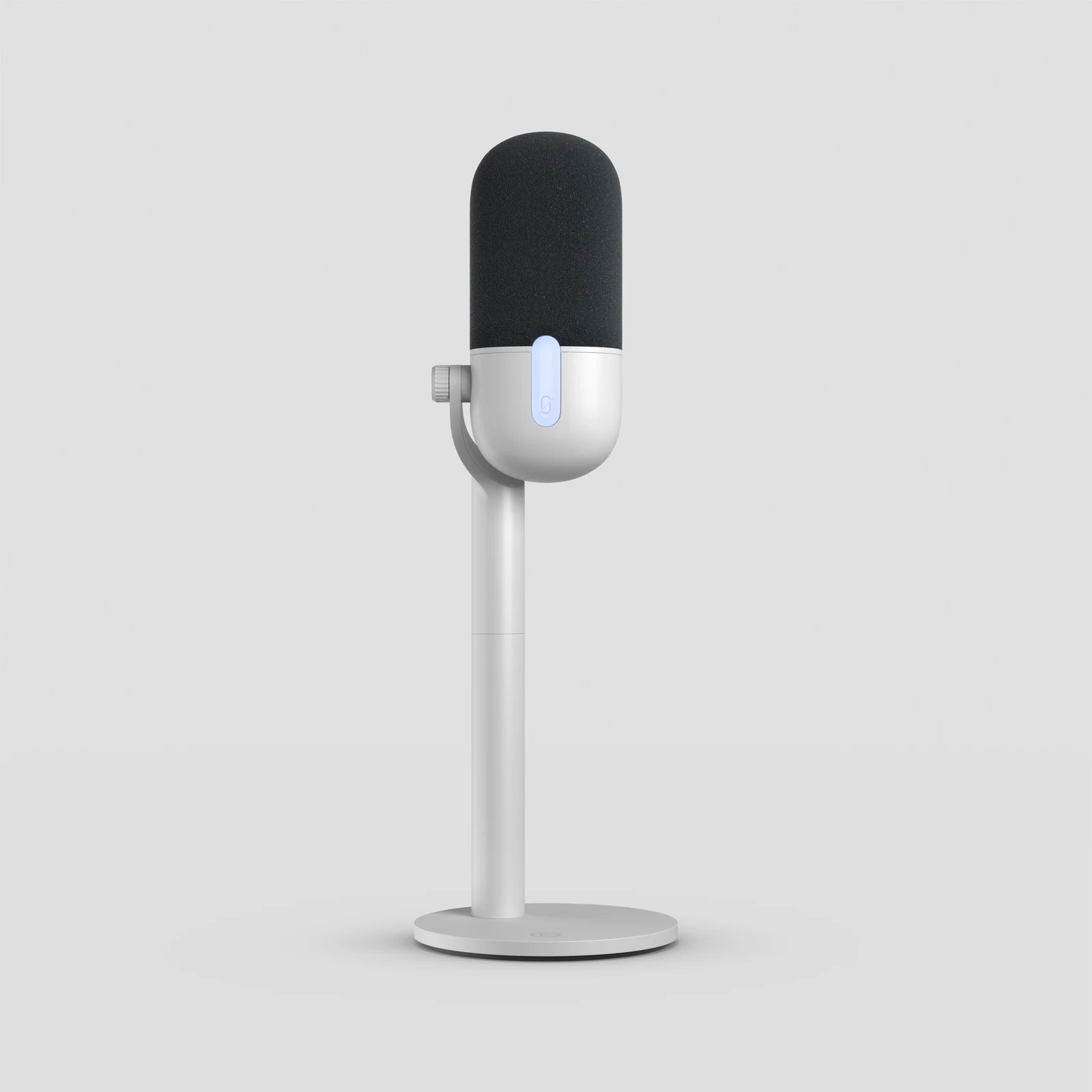
USB Streaming Microphones for a Small Desk: Which One Fits?
Wave Neo, NT-USB Mini or MV6 Gen 2? Compare stand size, speaking position and connections before a new microphone crowds your desk.
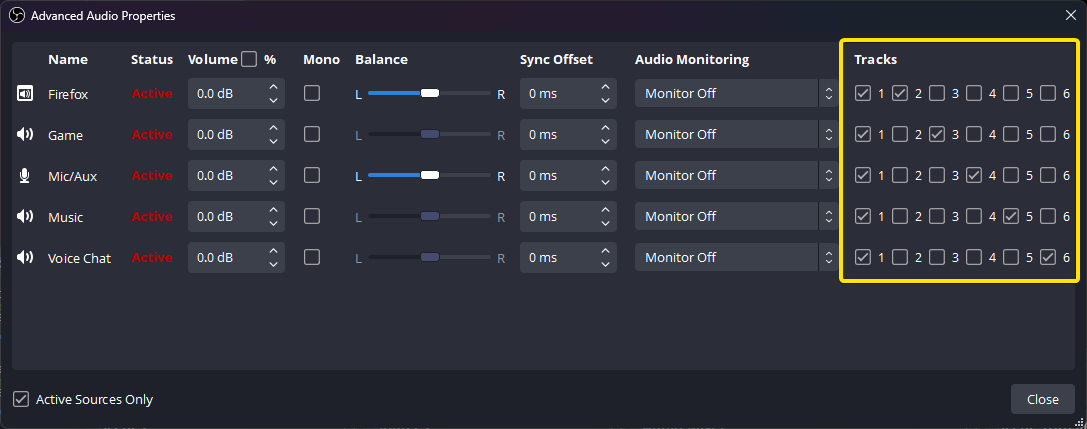
Direct Monitoring vs OBS Monitoring: Why Your Headphones Sound Different
Find out which microphone path you’re hearing, remove an unwanted doubled voice and check what OBS actually records.
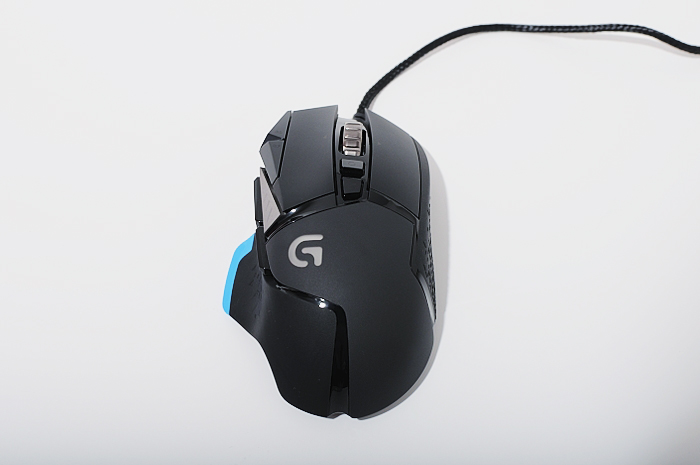
G502 Proteus Core Wheel Spins Freely? Check the Mode Button
Find the original G502’s wheel-mode button, compare the two modes and separate a free-spinning wheel from scrolling that fails to register.
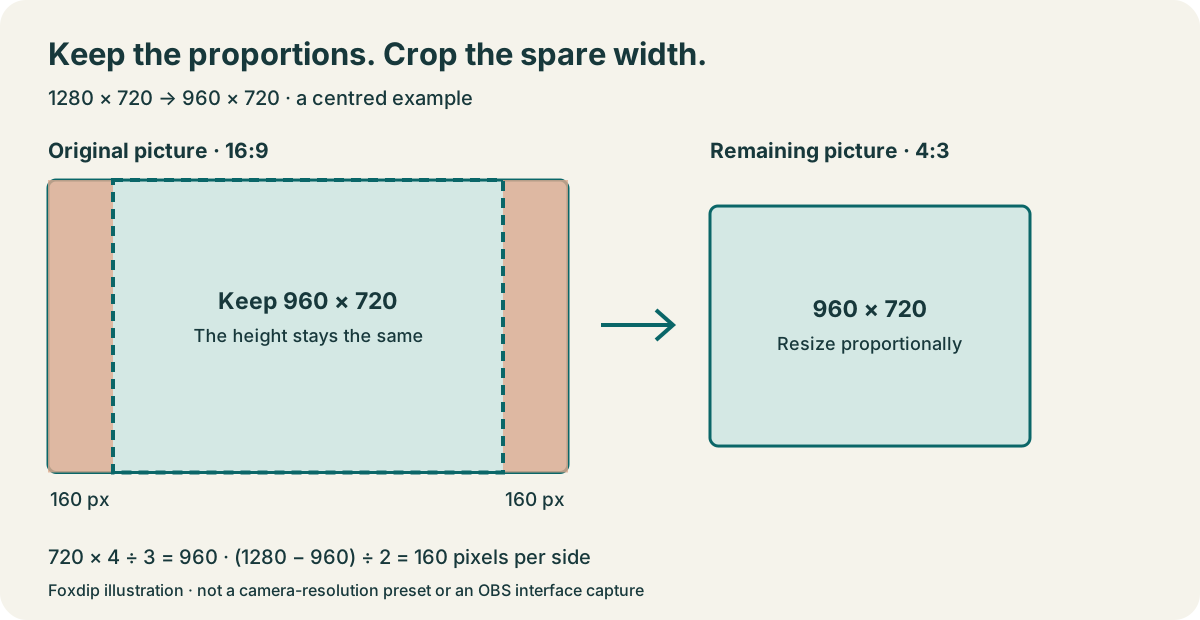
How to Crop Your Webcam in OBS (Without Stretching It)
The quick way to crop your webcam in OBS: hold Alt (Option on Mac) and drag the edge. Here's how to keep your face from looking stretched.
Microphone Distance and Placement: Find Your Speaking Position
Find the right side of your microphone, choose a starting distance for that model and compare recordings while you sit, speak and play normally.
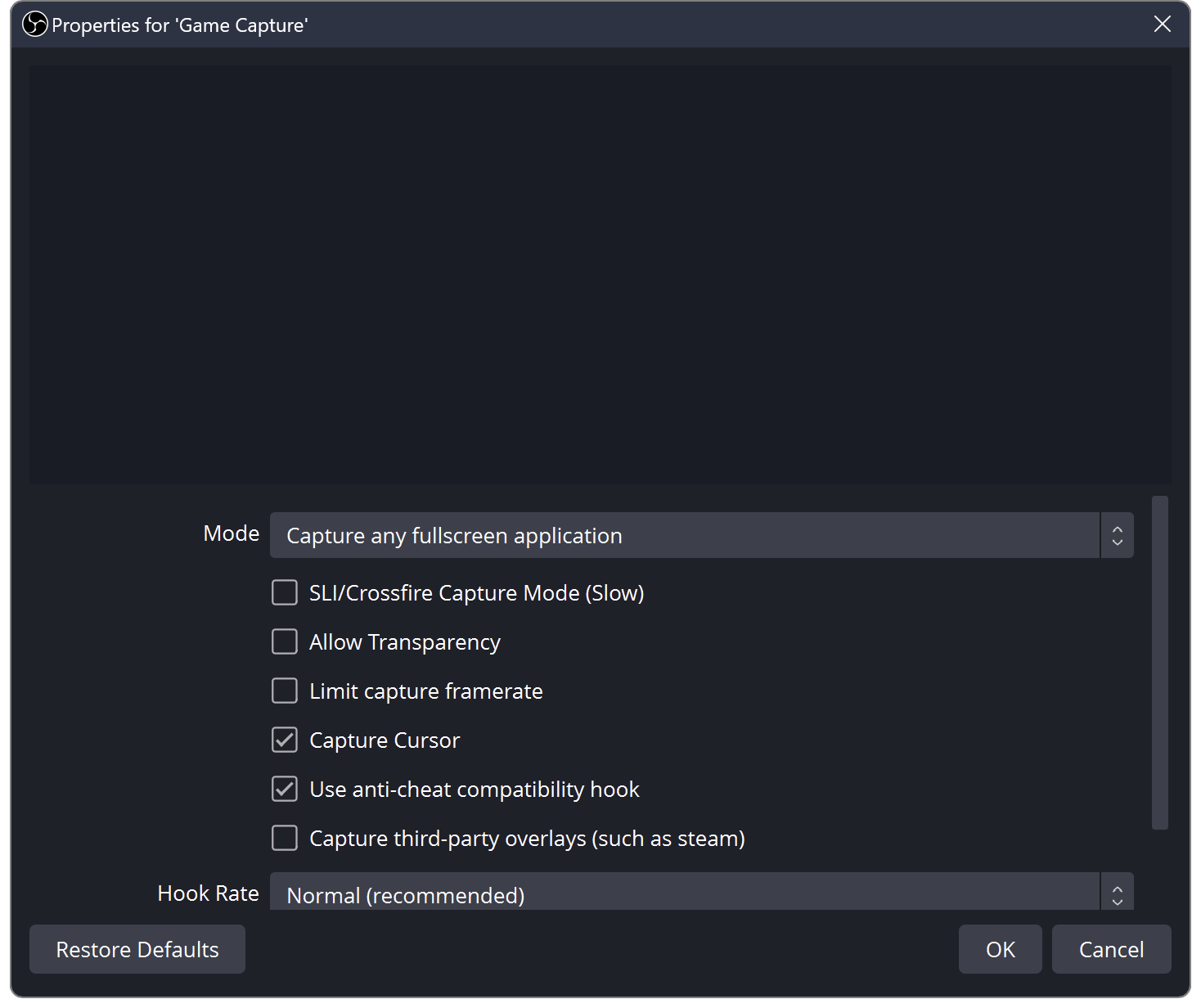
OBS Black Screen? How to Fix Game, Window and Display Capture
OBS shows black instead of your game or screen? Try these quick checks for Windows and Mac.
OBS Recording Has No Sound? Check Your Audio Tracks
The meters move but your OBS recording is silent? Follow the sound from your mic and desktop to the recorded track, then play the right track back.
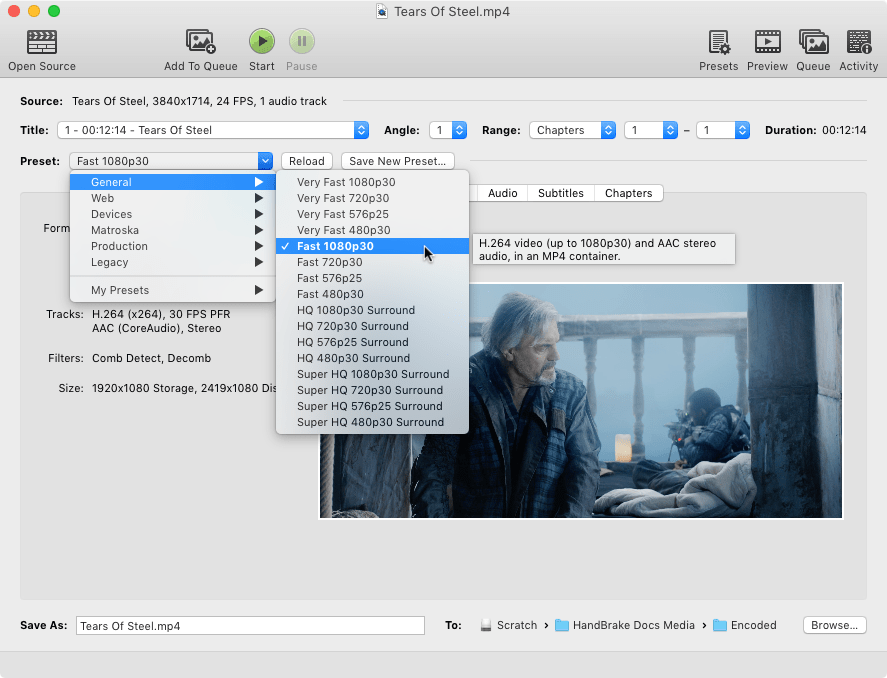
OBS Recording Too Large? Make a Smaller Copy in HandBrake
Keep your original recording, adjust a sharing copy in small steps, and check a short preview before converting the whole session.
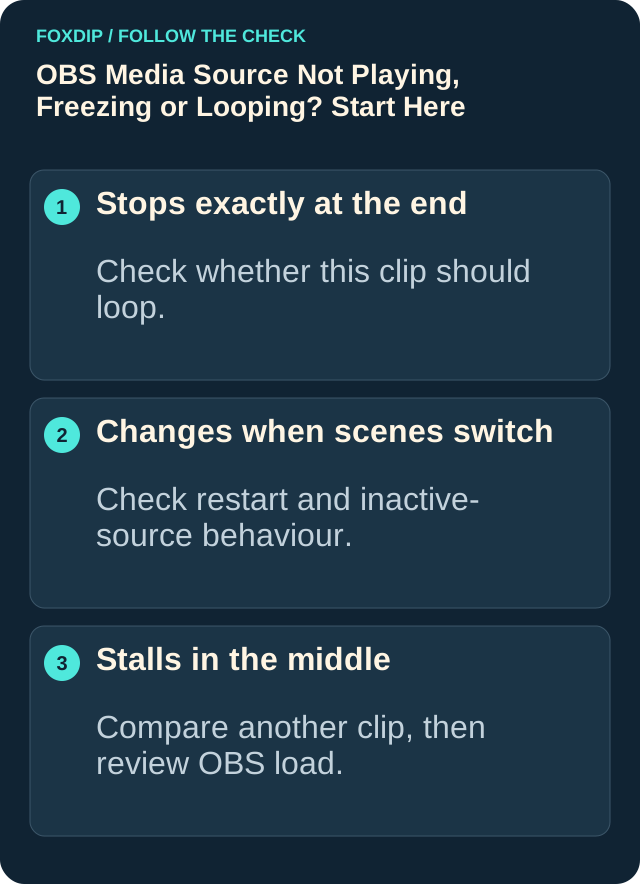
OBS Says "Media Source Is Not Playable"? Here's the Fix
Seeing "media source is not playable" in OBS? It usually means OBS can't open that file. Here's how to find out why and get your video playing.
Keep going
with your setup.
Need to install a pack? The download guides will help. Looking for a character instead? Browse the collections and see what catches your eye.