
Good questions.
Better next streams.
Audio gremlins, crowded desks, chat reactions and the occasional platform update. Find something that helps with the stream you’re building.
 LEARN SOMETHING.
MAKE IT YOURS.
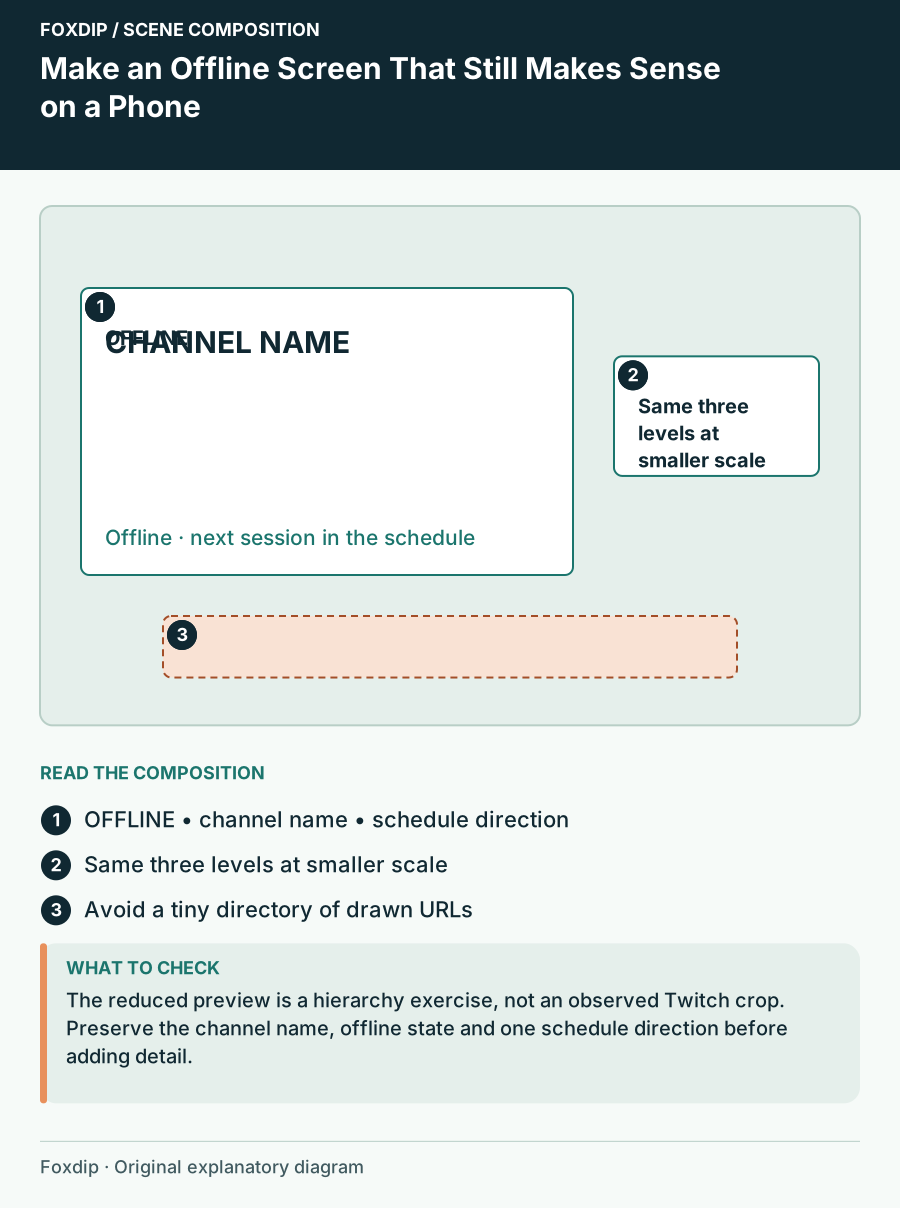
Make an Offline Screen That Still Makes Sense on a Phone
Design an offline channel image around one status, a recognisable channel identity and a reliable next step.
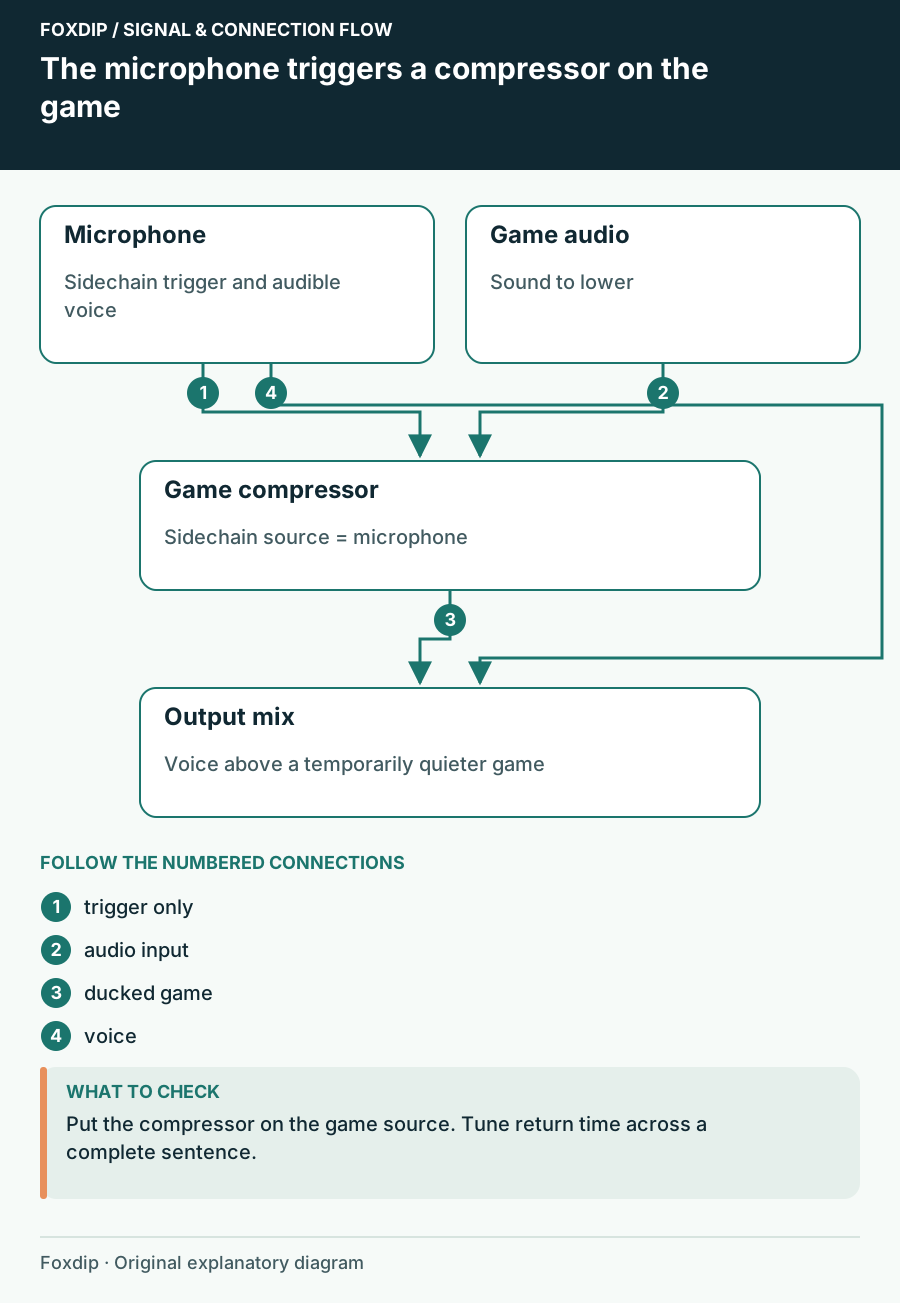
Make Game Audio Duck When You Speak in OBS
Use the microphone as a sidechain trigger and keep the game audible between phrases.
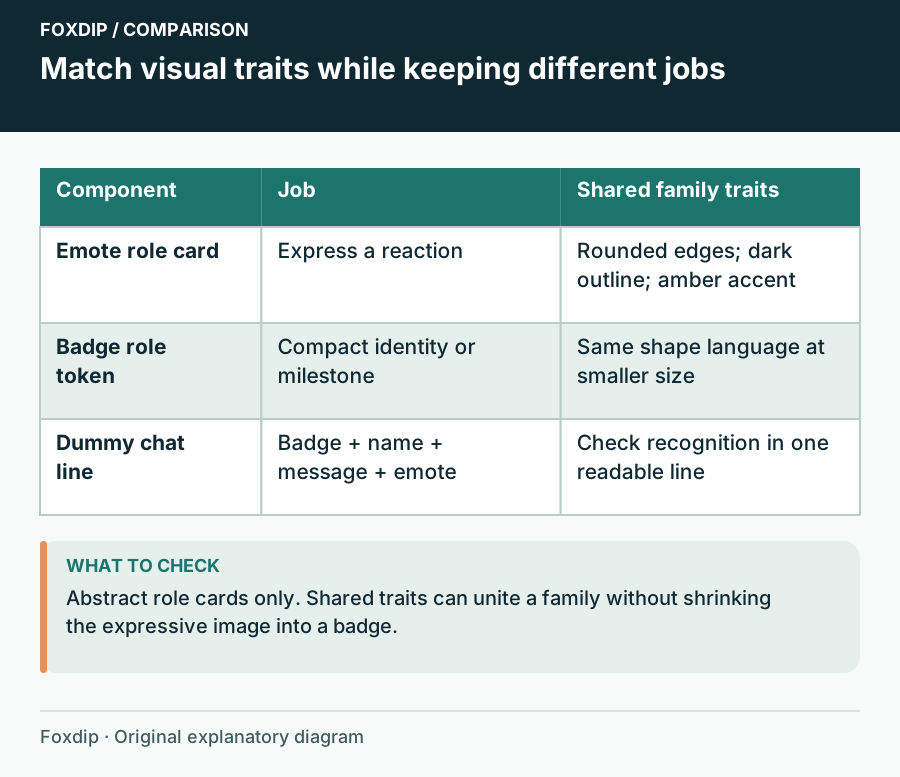
Match Emotes and Badges Without Repeating the Same Drawing
Connect expressive emotes and tiny loyalty badges with shared colour, material and shapes while giving each a separate role.
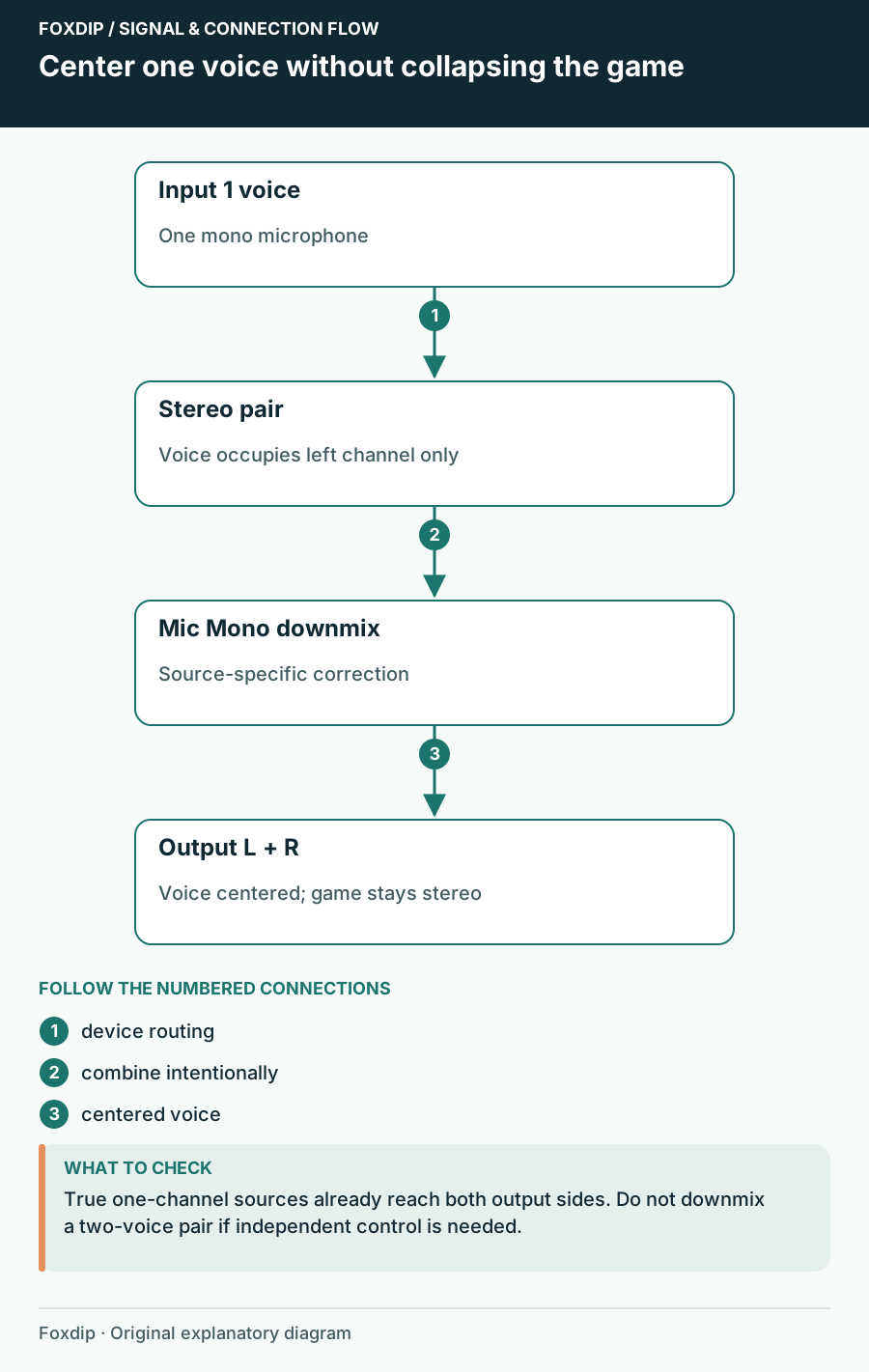
Mic Only in One Ear in OBS? Here's the Fix
If your voice only comes out of the left side, one checkbox in OBS fixes it. Your game sound stays stereo.
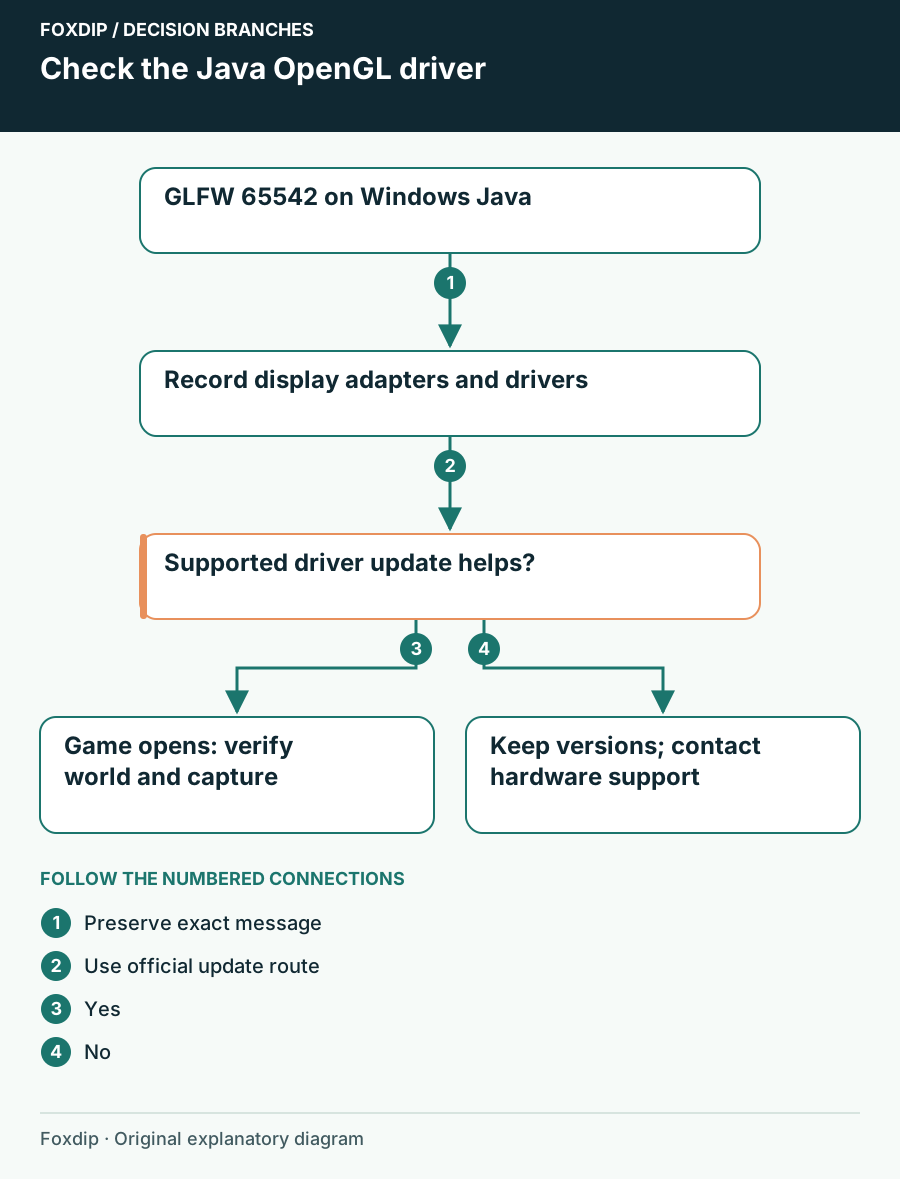
Minecraft GLFW 65542: Check the Windows Graphics Driver
Match GLFW 65542 to Minecraft Java Edition’s OpenGL message, identify the display adapter and use the supported Windows or manufacturer driver route.
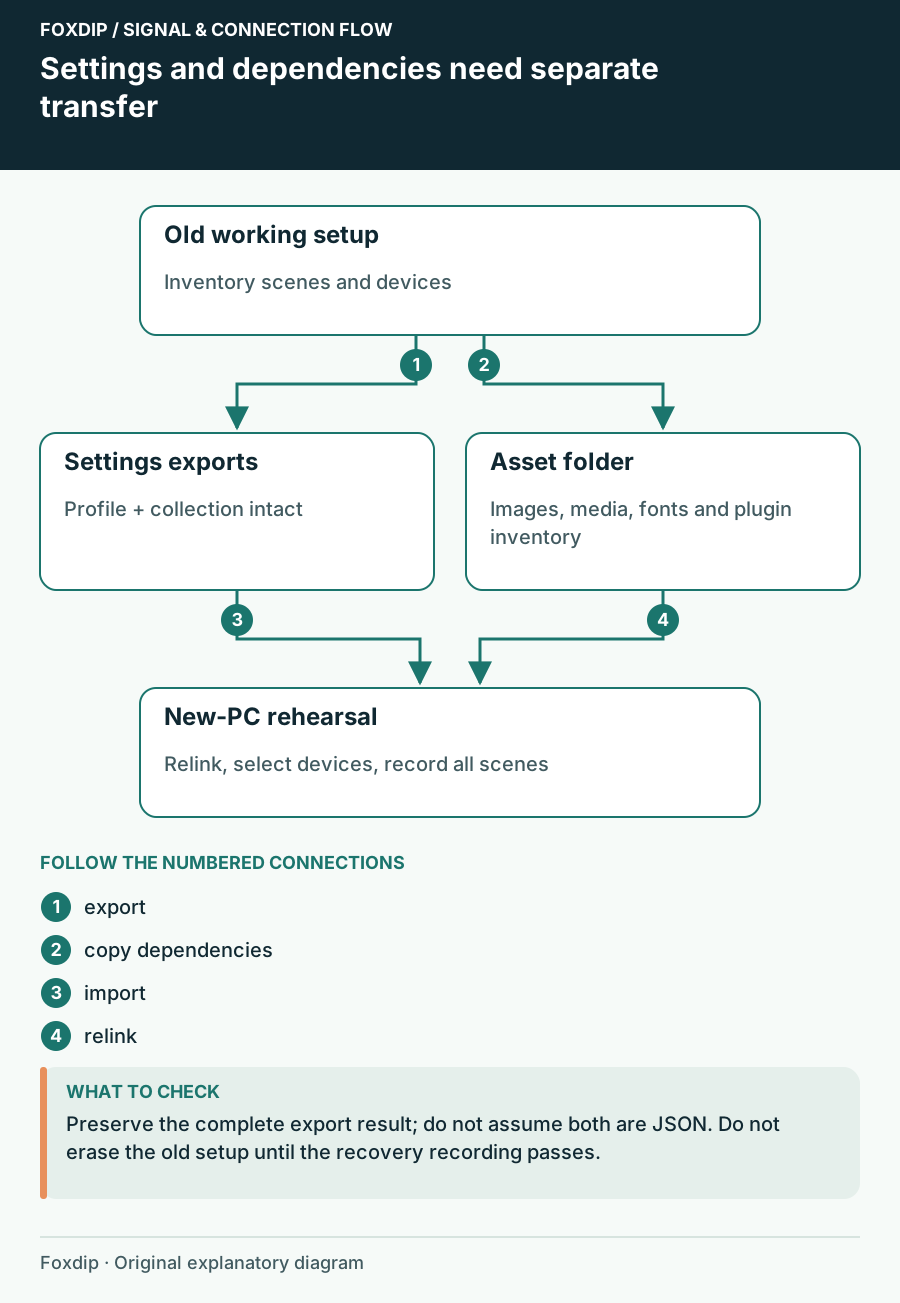
Move OBS to a New PC or Drive Without Losing Anything
Export your OBS profile and scene collection, copy the images and videos they use, then relink them on the new PC so no source shows up missing.
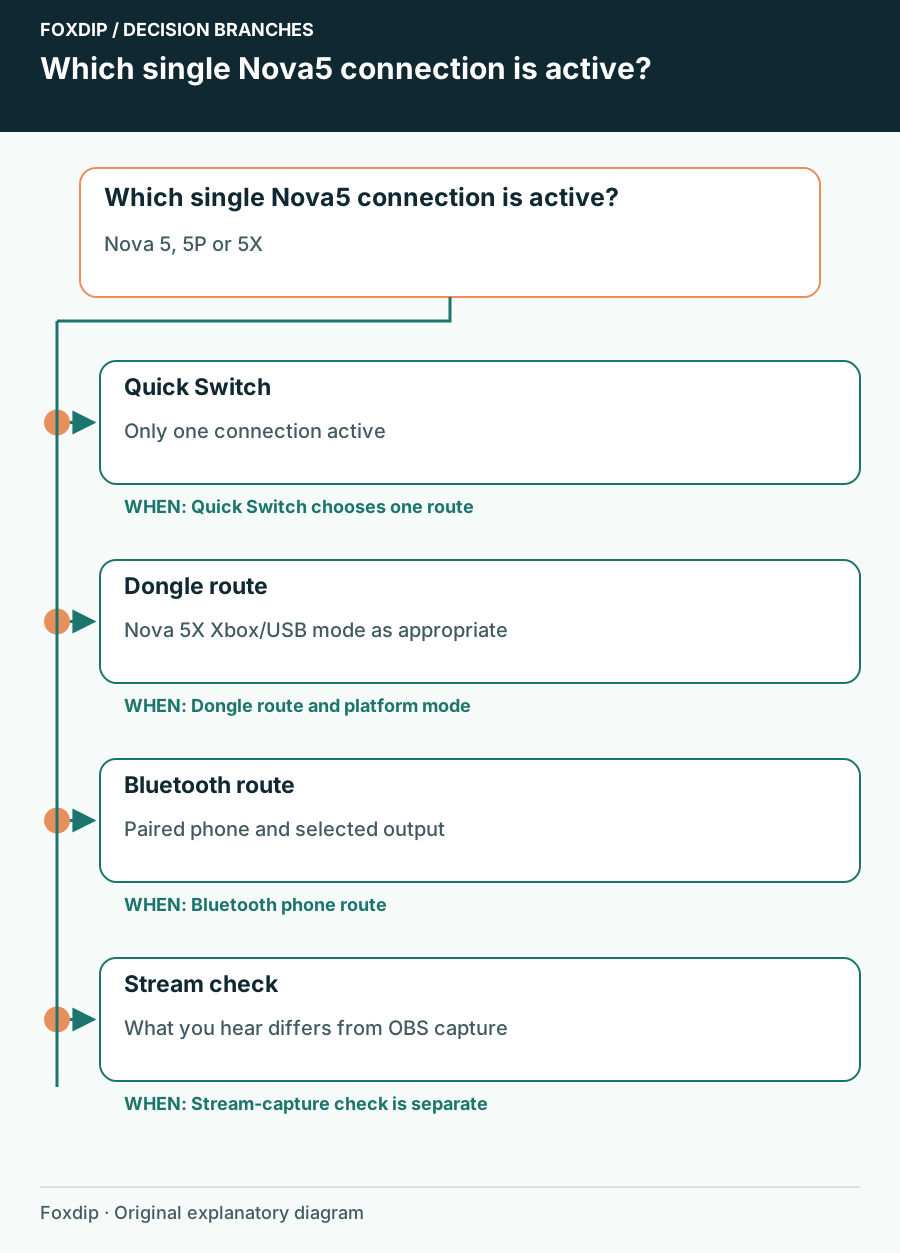
Nova 5 Bluetooth or Dongle: Check Which Connection Is Active
Identify the active Nova 5 connection before repairing a headset that may simply be listening to the other device.
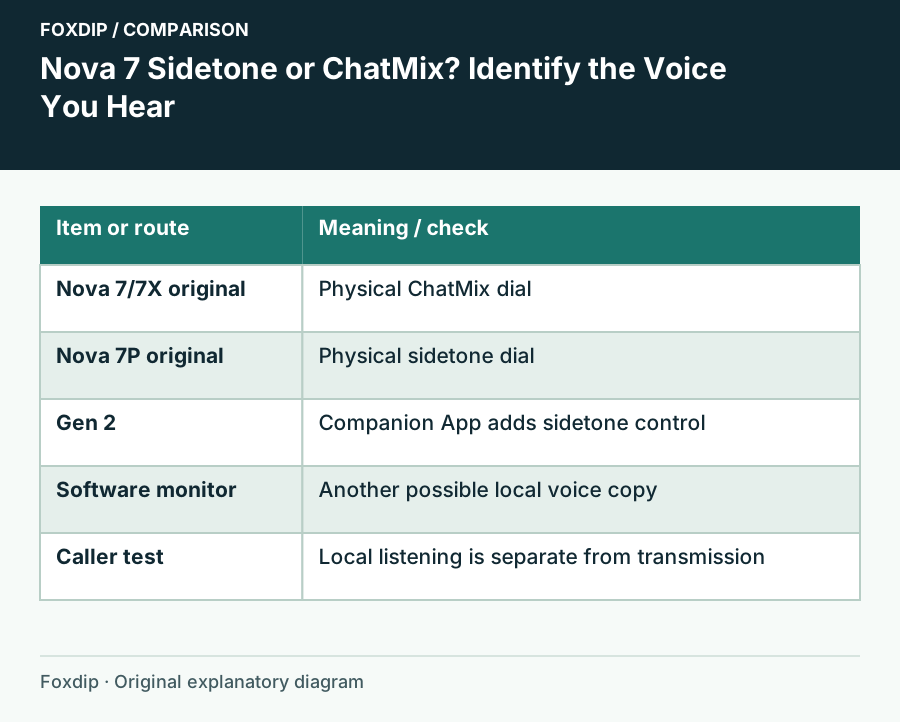
Nova 7 Sidetone or ChatMix? Identify the Voice You Hear
Separate local mic monitoring from game/chat balance and remove only the unwanted copy of your voice.
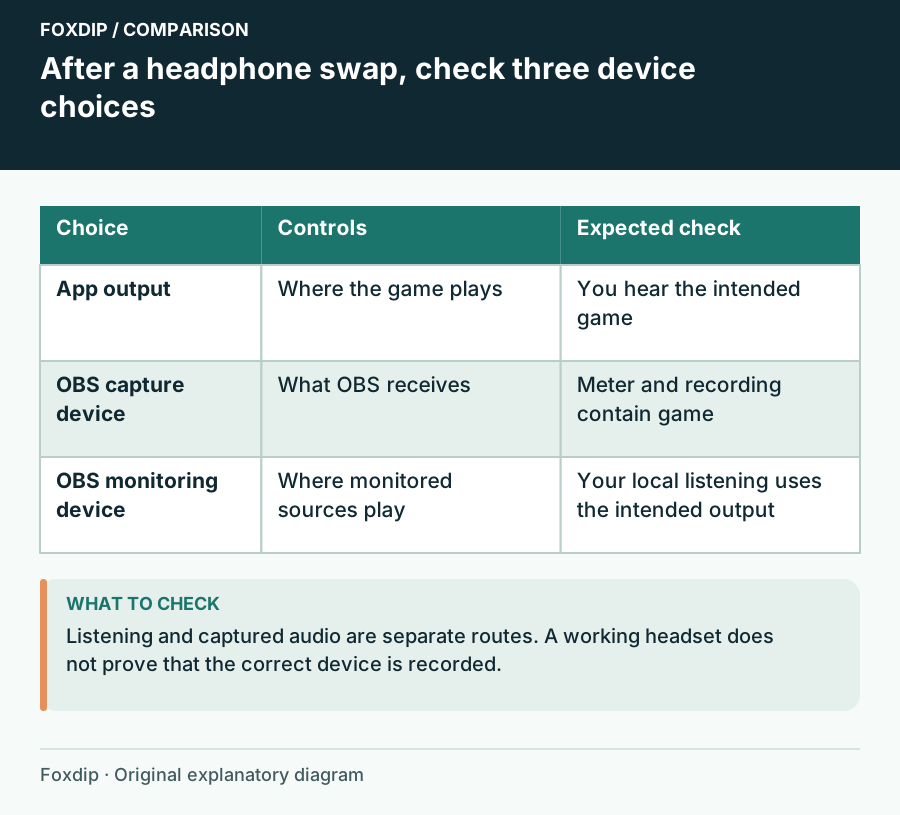
OBS Audio Disappears After You Change Headphones
Follow Windows playback, device capture and OBS monitoring as three separate choices.
Keep going
with your setup.
Need to install a pack? The download guides will help. Looking for a character instead? Browse the collections and see what catches your eye.