
Good questions.
Better next streams.
Audio gremlins, crowded desks, chat reactions and the occasional platform update. Find something that helps with the stream you’re building.
 LEARN SOMETHING.
MAKE IT YOURS.
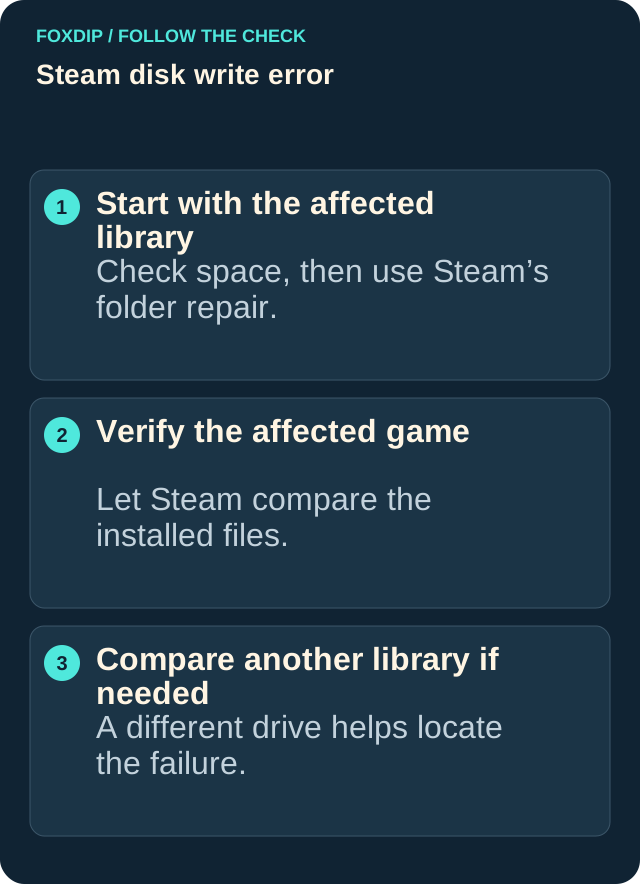
Steam disk write error: repair the affected library
Use Steam's library repair and file verification tools, then isolate the drive if an installation still fails with a disk write error.
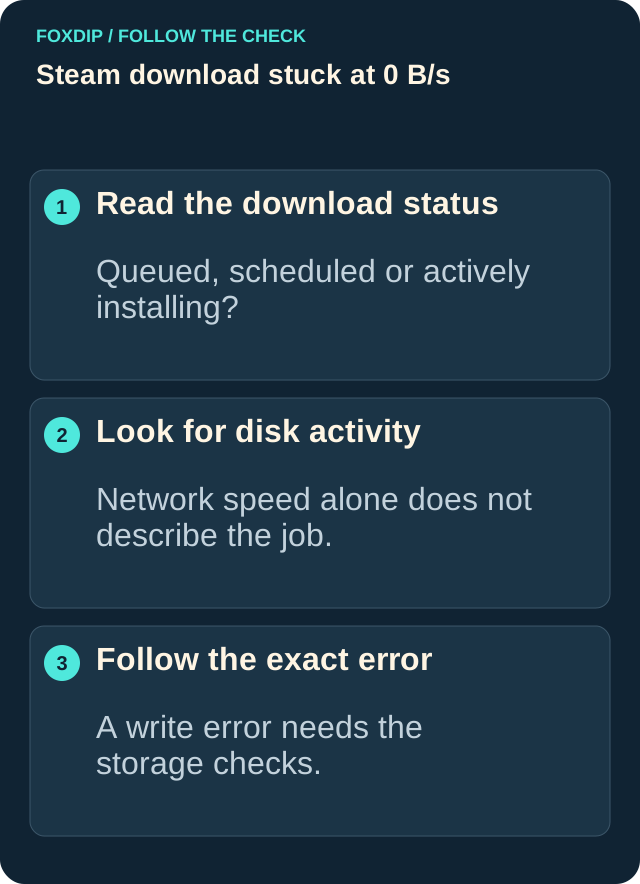
Steam Download Stuck at 0 B/s? Try These Fixes
Steam download sitting at 0 B/s? It's often just waiting in line or paused while you play. Here's what to check first, and what to do if it's really stuck.
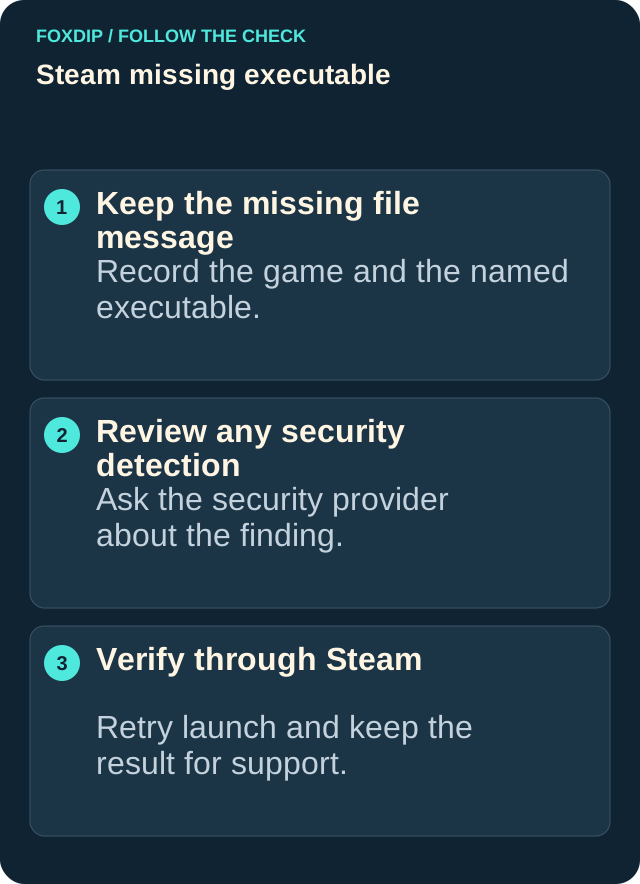
Steam missing executable: restore the game safely
Check a blocked or missing game file, verify the installation, and collect the right details if Steam still can't launch the game.
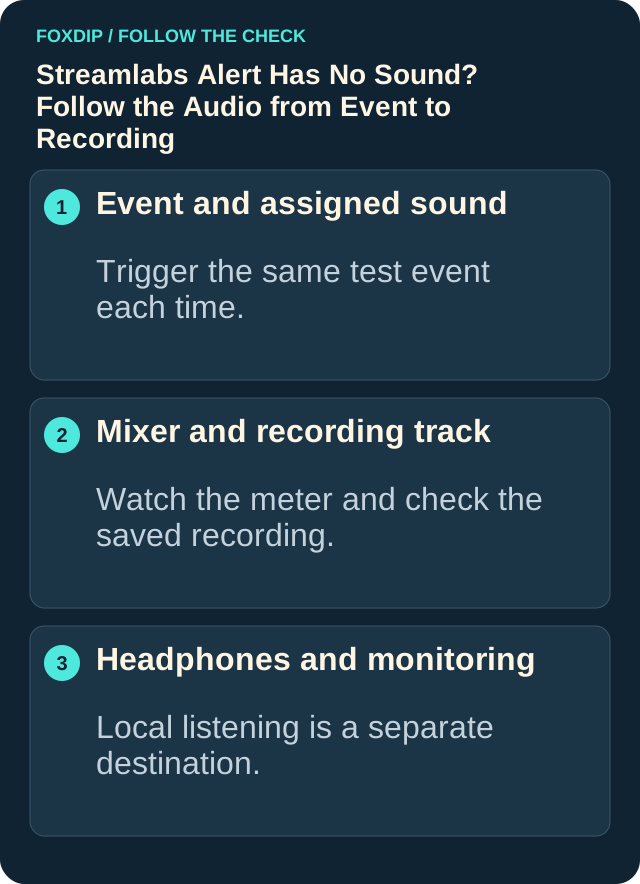
Streamlabs Alert Has No Sound? Follow the Audio from Event to Recording
Fix a silent Streamlabs alert by checking the event sound, variations, source routing, monitoring and output tracks. Test the saved mix before going live.
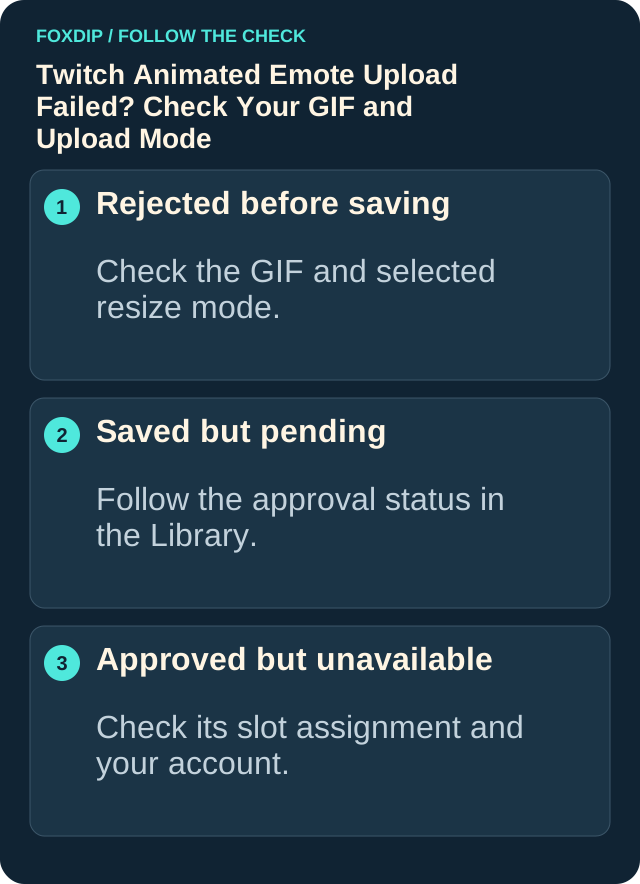
Twitch Animated Emote Not Working or Upload Failed?
Check your GIF's size, file weight and frame count against the Twitch upload mode, and tell a failed upload apart from an emote still waiting for approval.
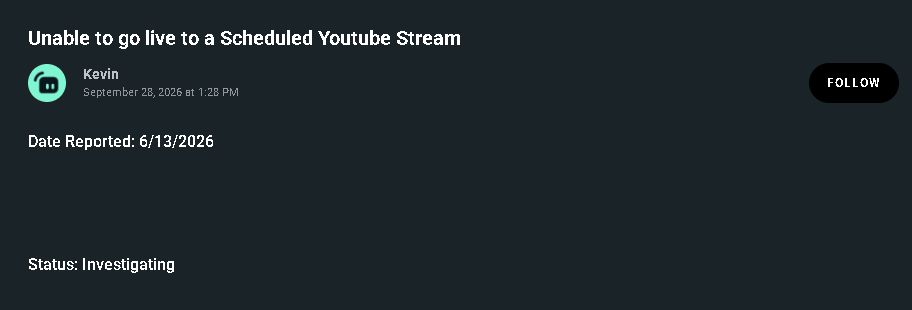
Streamlabs 403 or 500 on a scheduled YouTube live: what to check
Match the scheduled YouTube failure to Streamlabs’ known-issue notice, check its current status and collect the details support needs.
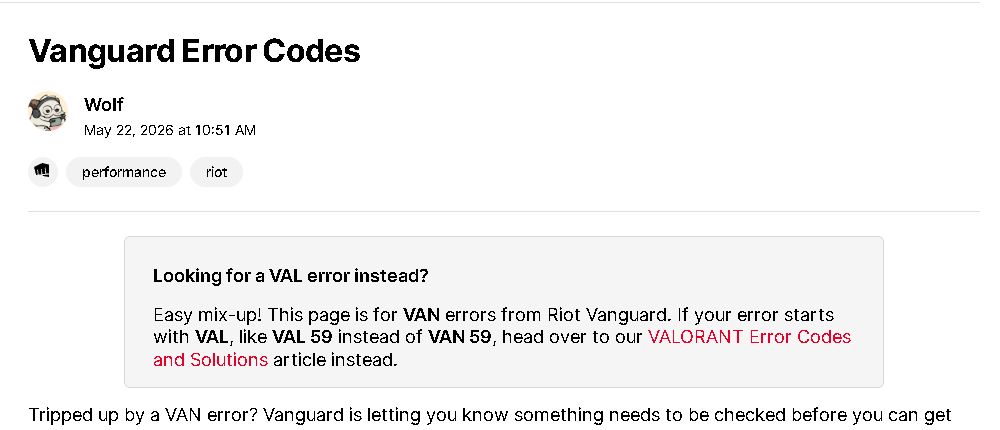
VALORANT VAL vs VAN Errors: Find Your Exact Code
VAL 59 and VAN 59 are two different errors. Copy the letters, the number and any minus sign, then open the matching Riot fix instead of the wrong one.
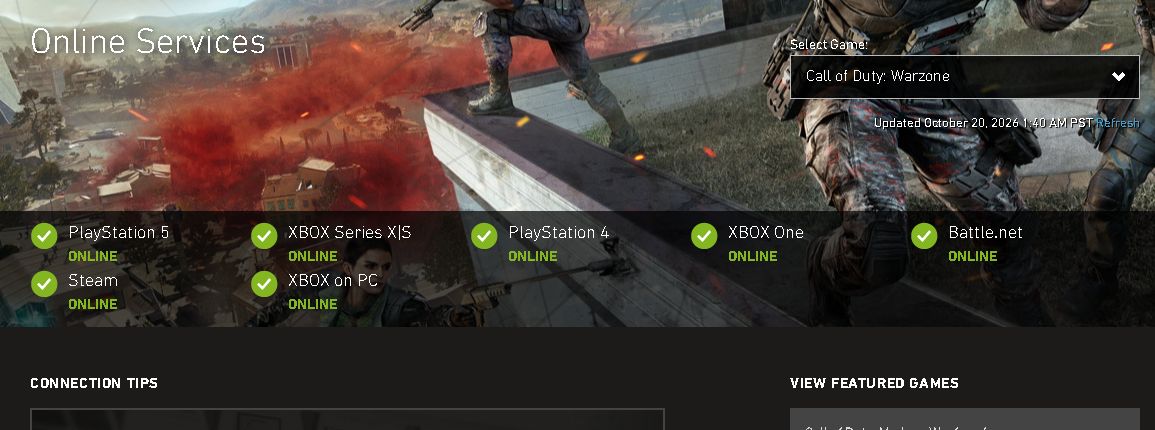
Warzone won’t connect: check game and platform status
Choose Warzone on Activision’s Online Services page, read the row for your platform and decide whether to wait or continue with local troubleshooting.
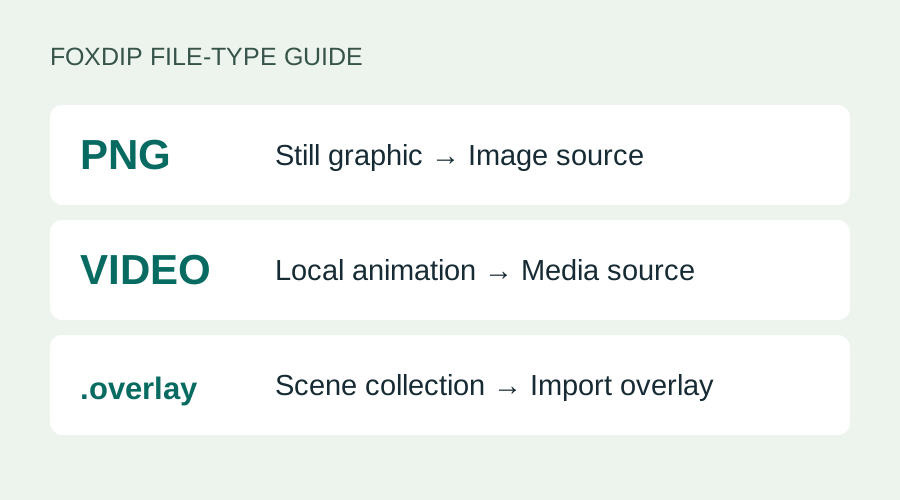
Add a PNG or Overlay to Streamlabs: Image or Media?
Your PNG won't show up in Import Overlay? Add still images as an Image source and videos as a Media source. Here's which file goes where, step by step.
Keep going
with your setup.
Need to install a pack? The download guides will help. Looking for a character instead? Browse the collections and see what catches your eye.