
Good questions.
Better next streams.
Audio gremlins, crowded desks, chat reactions and the occasional platform update. Find something that helps with the stream you’re building.
 LEARN SOMETHING.
MAKE IT YOURS.
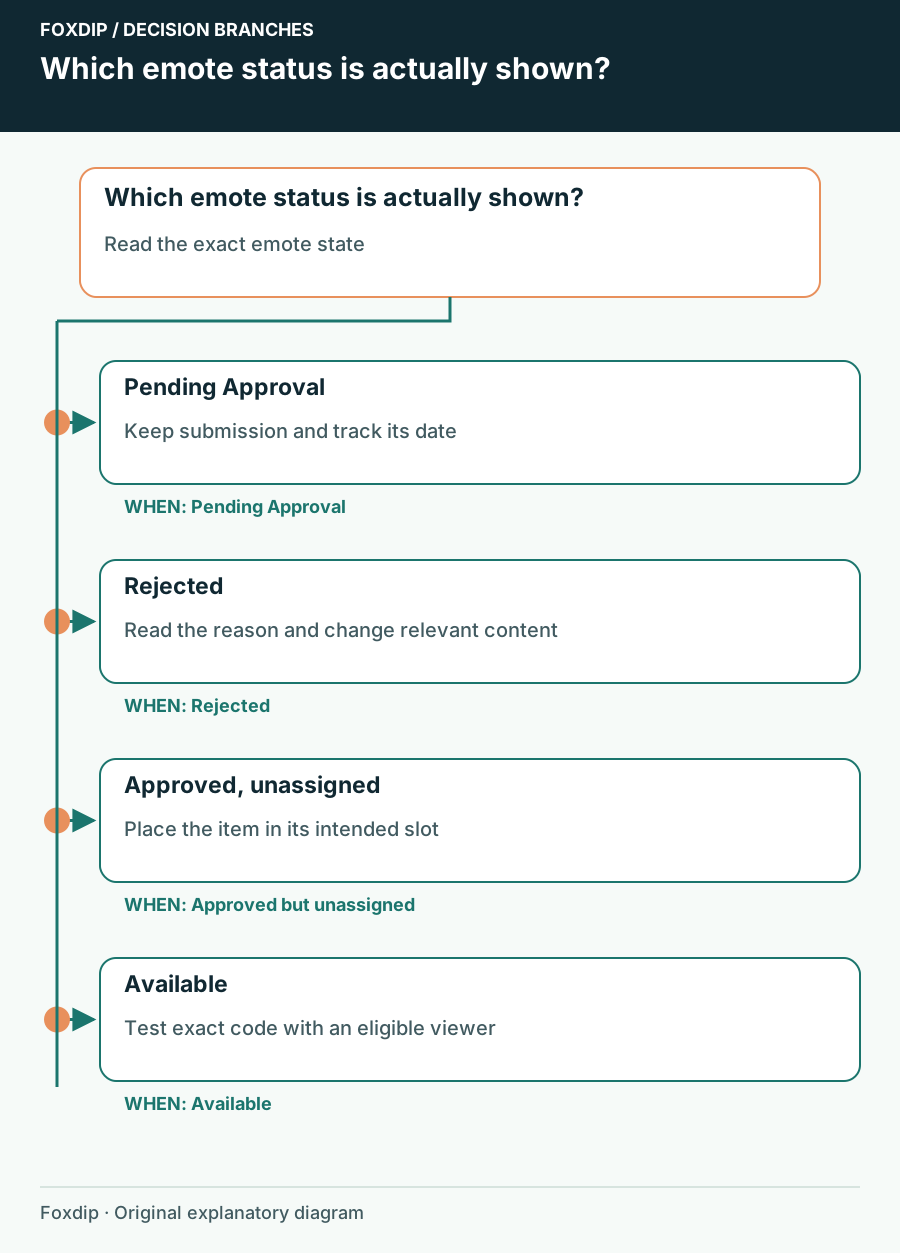
Twitch Emotes Pending Approval: Check Status Before Uploading Again
Identify a pending review, distinguish it from an unassigned emote and prepare the right information if you need support.
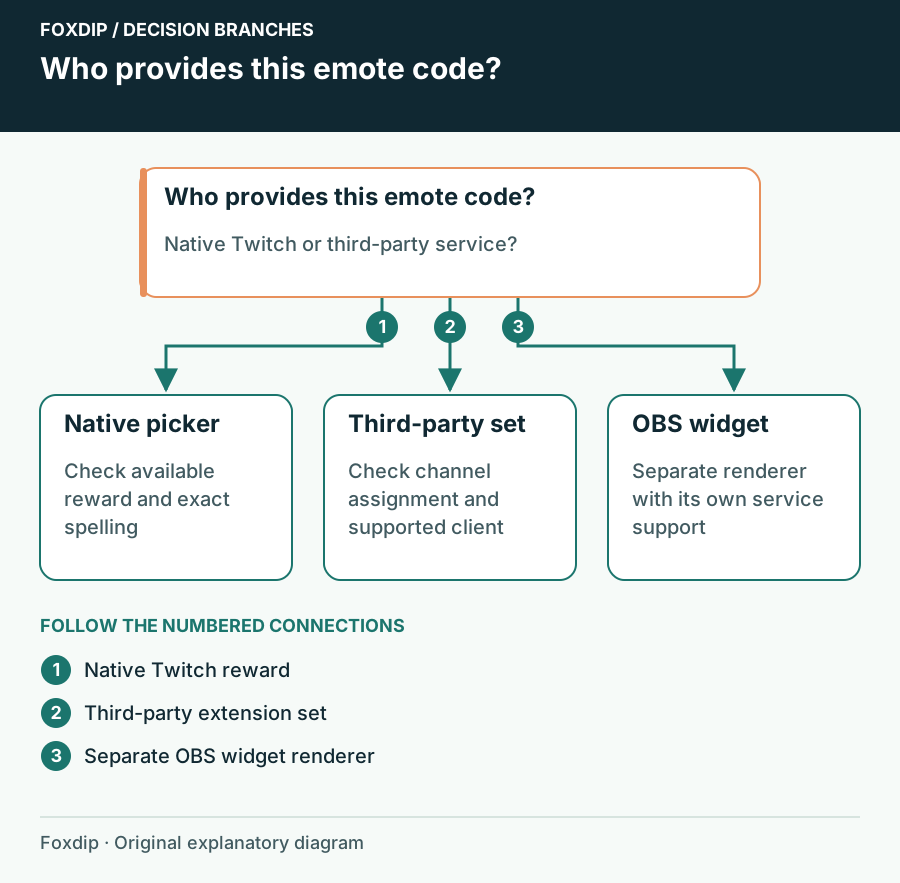
Twitch Emotes Show as Text: Native Reward or Browser Extension?
Find out which service owns the missing emote before changing Twitch rewards, extensions or chat overlays.
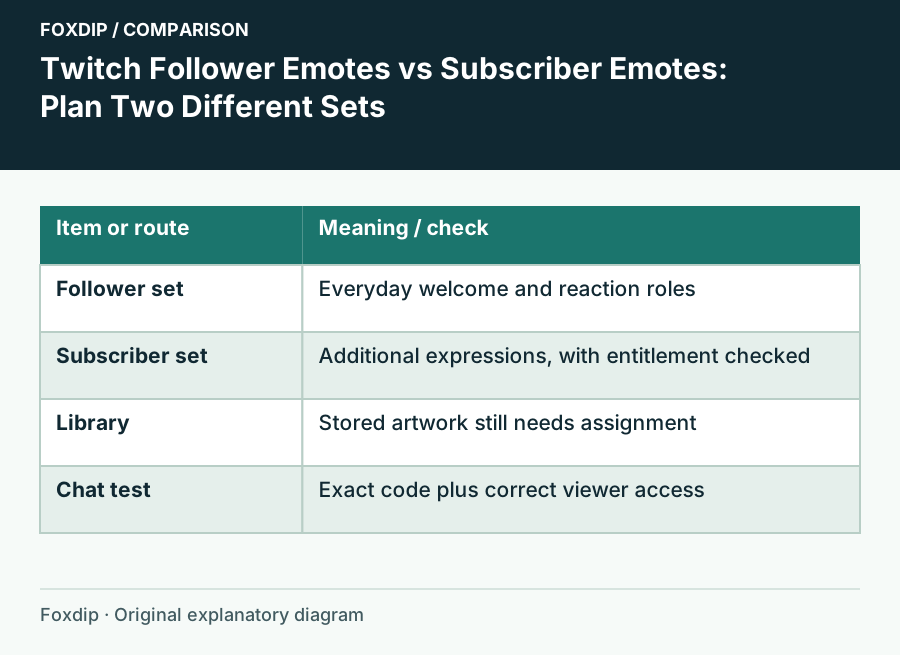
Twitch Follower Emotes vs Subscriber Emotes: Plan Two Different Sets
Choose which reactions belong in your free follower slots and which belong in a subscriber set, then check the viewer’s access.
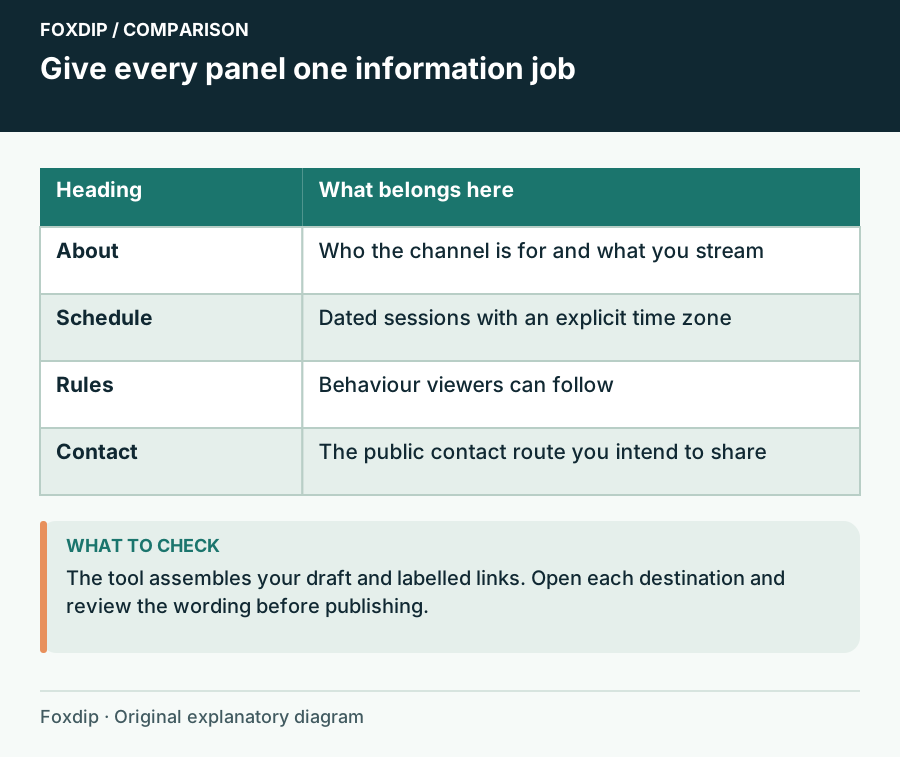
Twitch Panel Copy Worksheet: Draft the Information Viewers Need
Draft About, Schedule, Rules and Contact panels with labelled public links, then review the copy before editing your live channel.
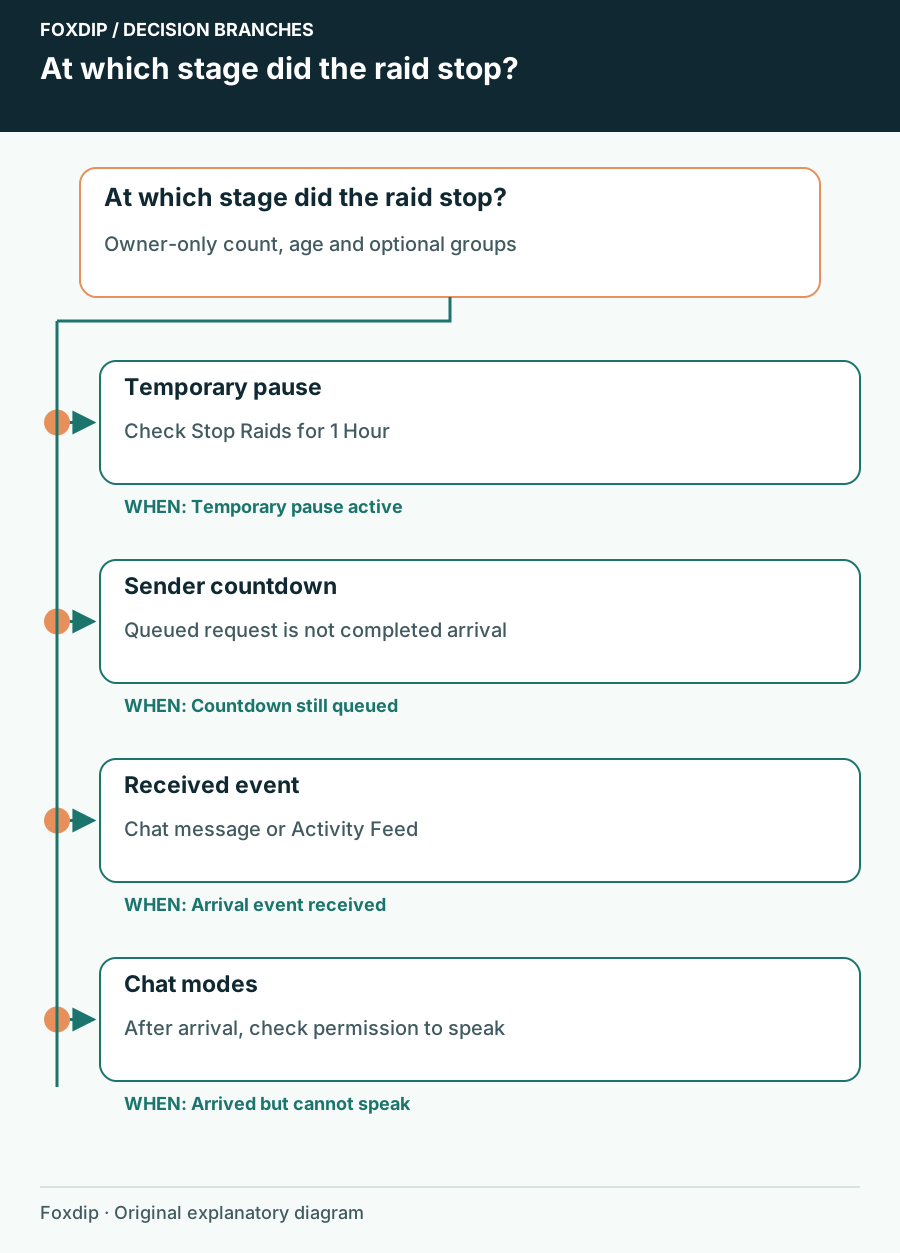
Twitch Raids Not Reaching You: Check Incoming Raid Controls
Separate an incoming raid restriction from the raid countdown or a chat restriction after viewers arrive.
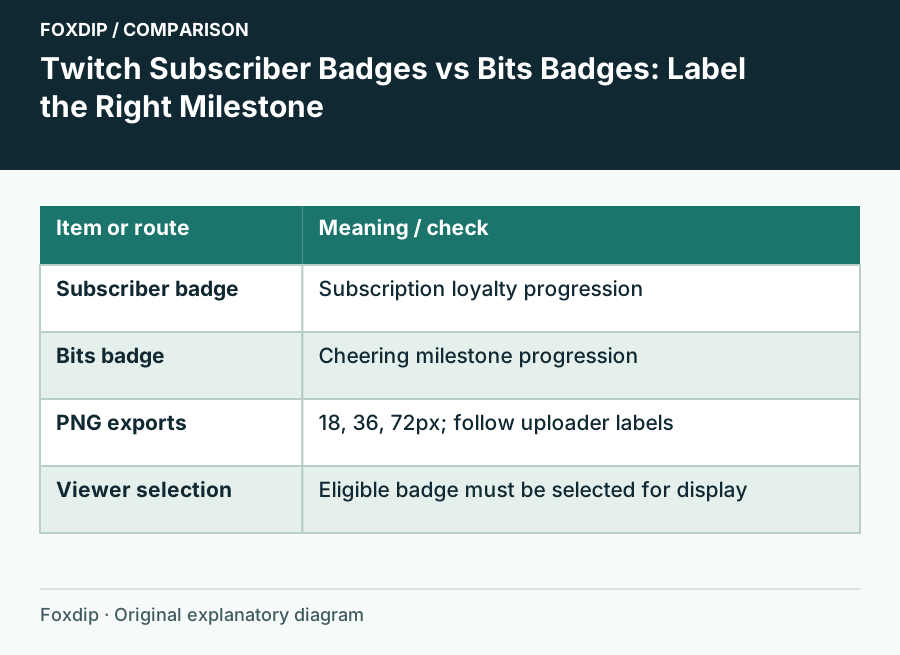
Twitch Subscriber Badges vs Bits Badges: Label the Right Milestone
Plan two readable badge progressions and upload each to its own Twitch reward system.
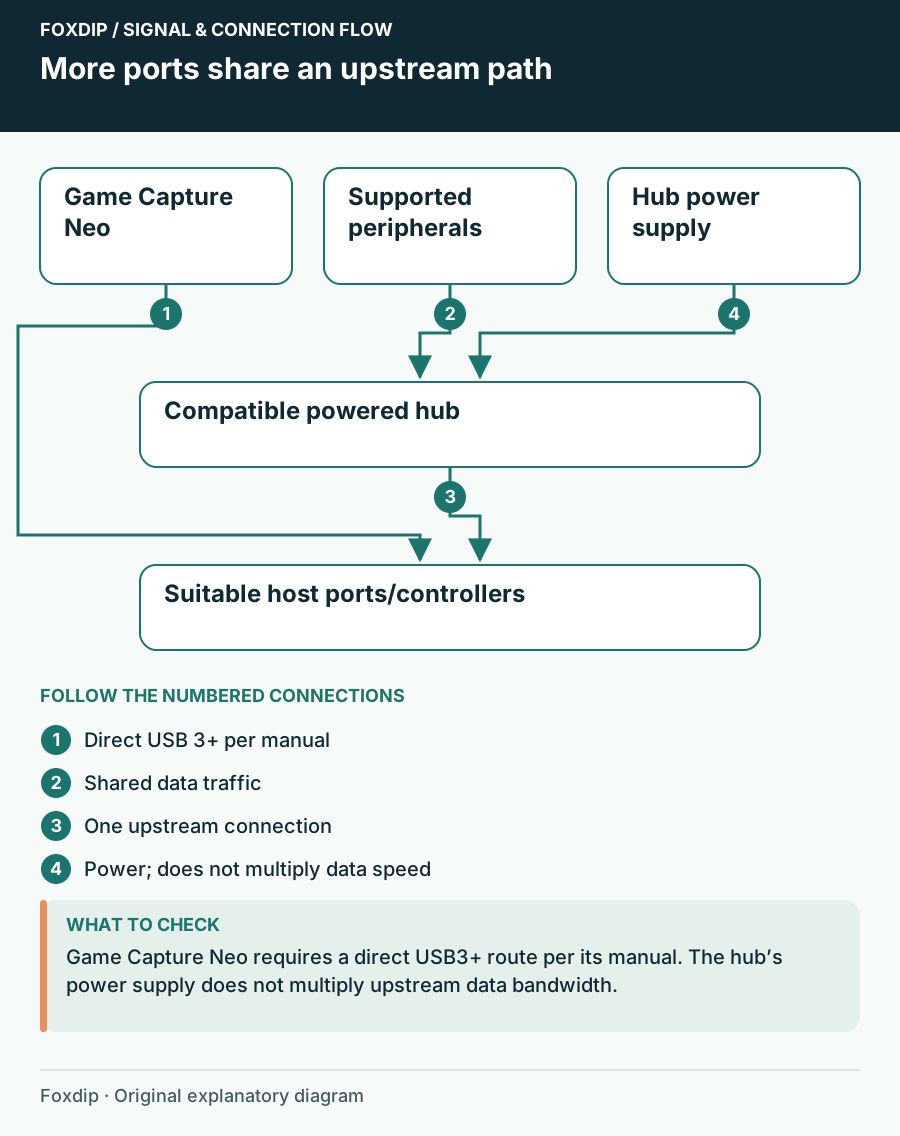
USB Hub for a Mic, Webcam and Capture Card: What Works
Plugging a mic, webcam and capture card into one hub? Check speed and power separately, keep direct ports for devices that need them, then pick a hub.
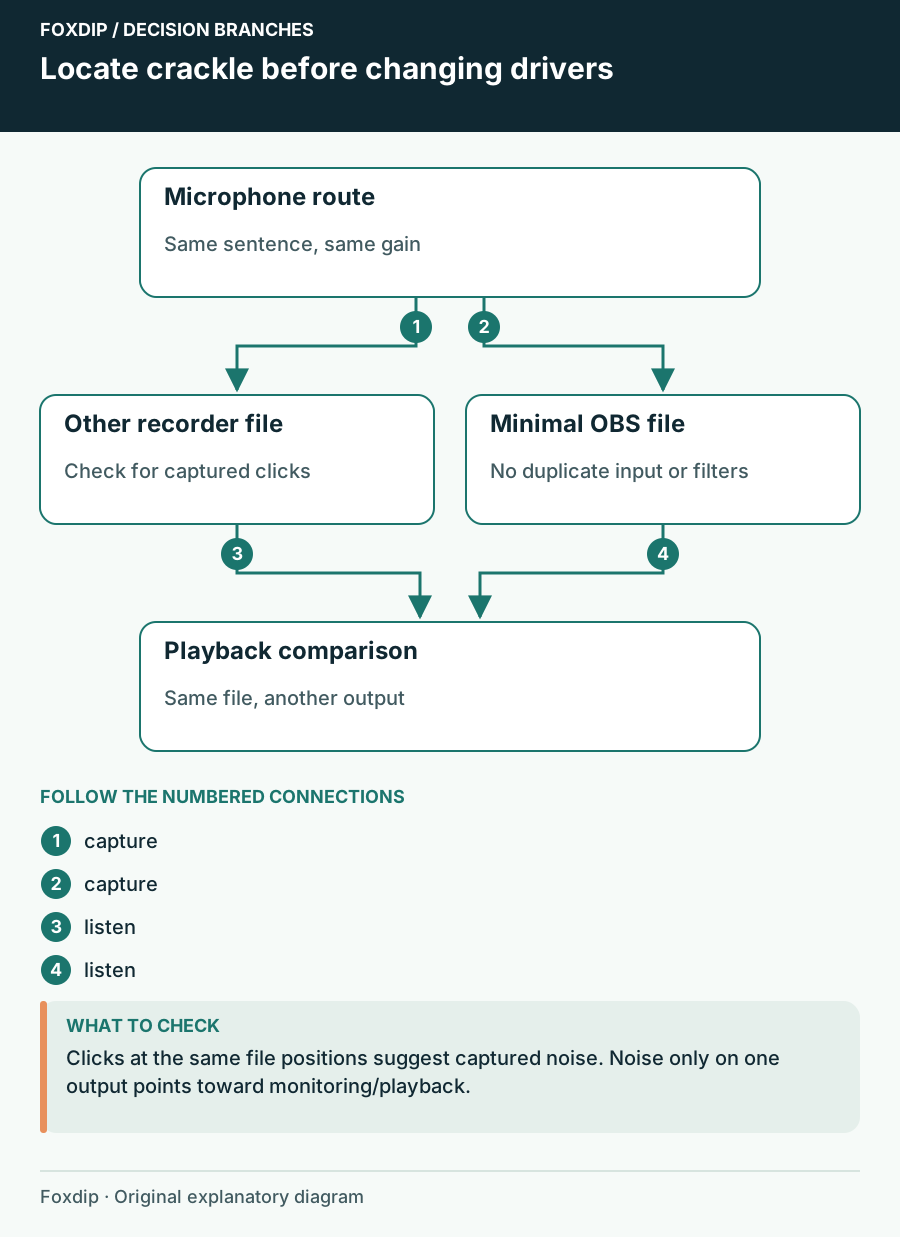
USB Microphone Crackles in OBS: Find Where the Noise Starts
Compare the saved input, USB route and headphone playback before changing drivers.
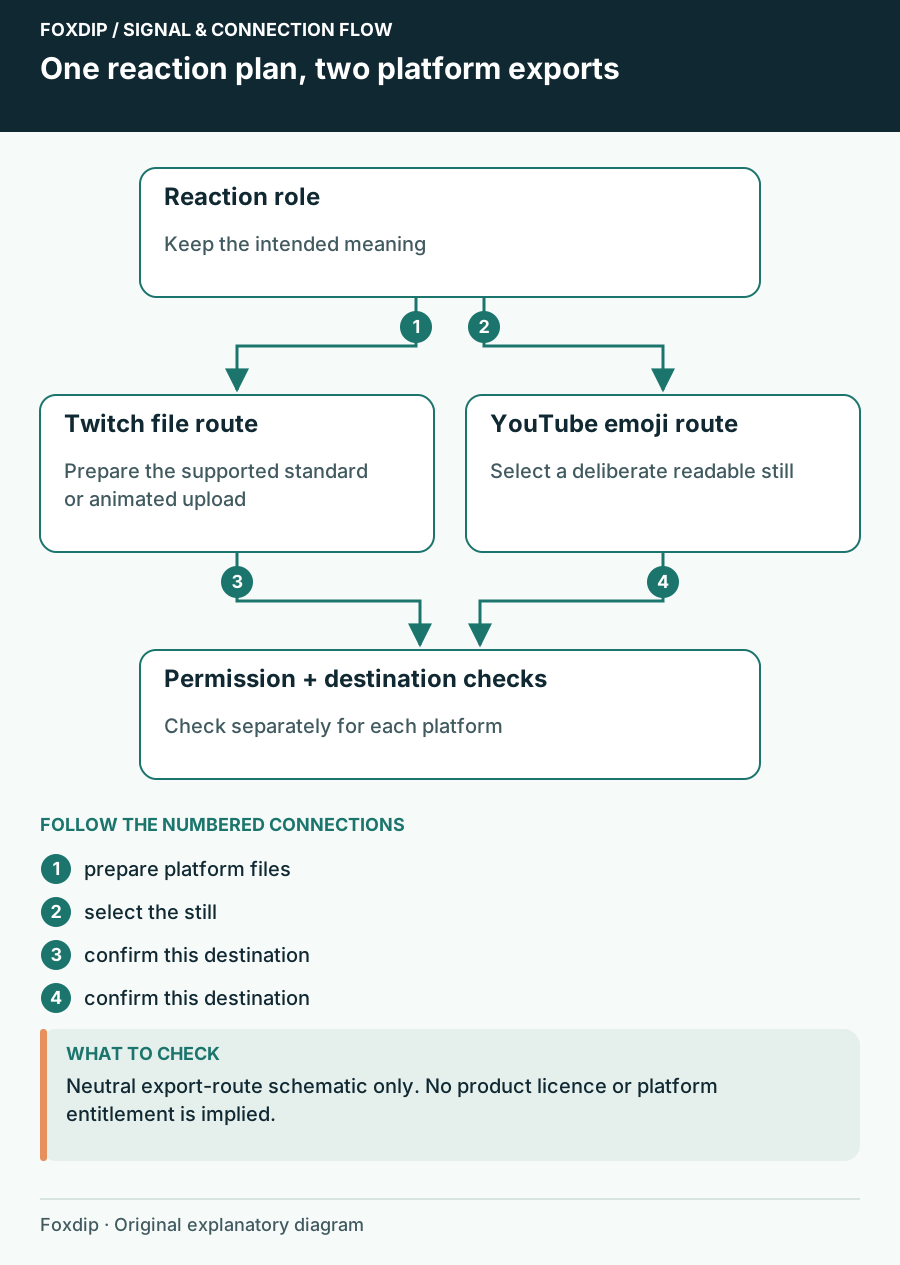
Use a Reaction Set on Twitch and YouTube: Check Each Destination
Plan separate Twitch emote and YouTube member-emoji exports, names and permission checks instead of reusing one upload folder blindly.
Keep going
with your setup.
Need to install a pack? The download guides will help. Looking for a character instead? Browse the collections and see what catches your eye.