
Good questions.
Better next streams.
Audio gremlins, crowded desks, chat reactions and the occasional platform update. Find something that helps with the stream you’re building.
 LEARN SOMETHING.
MAKE IT YOURS.
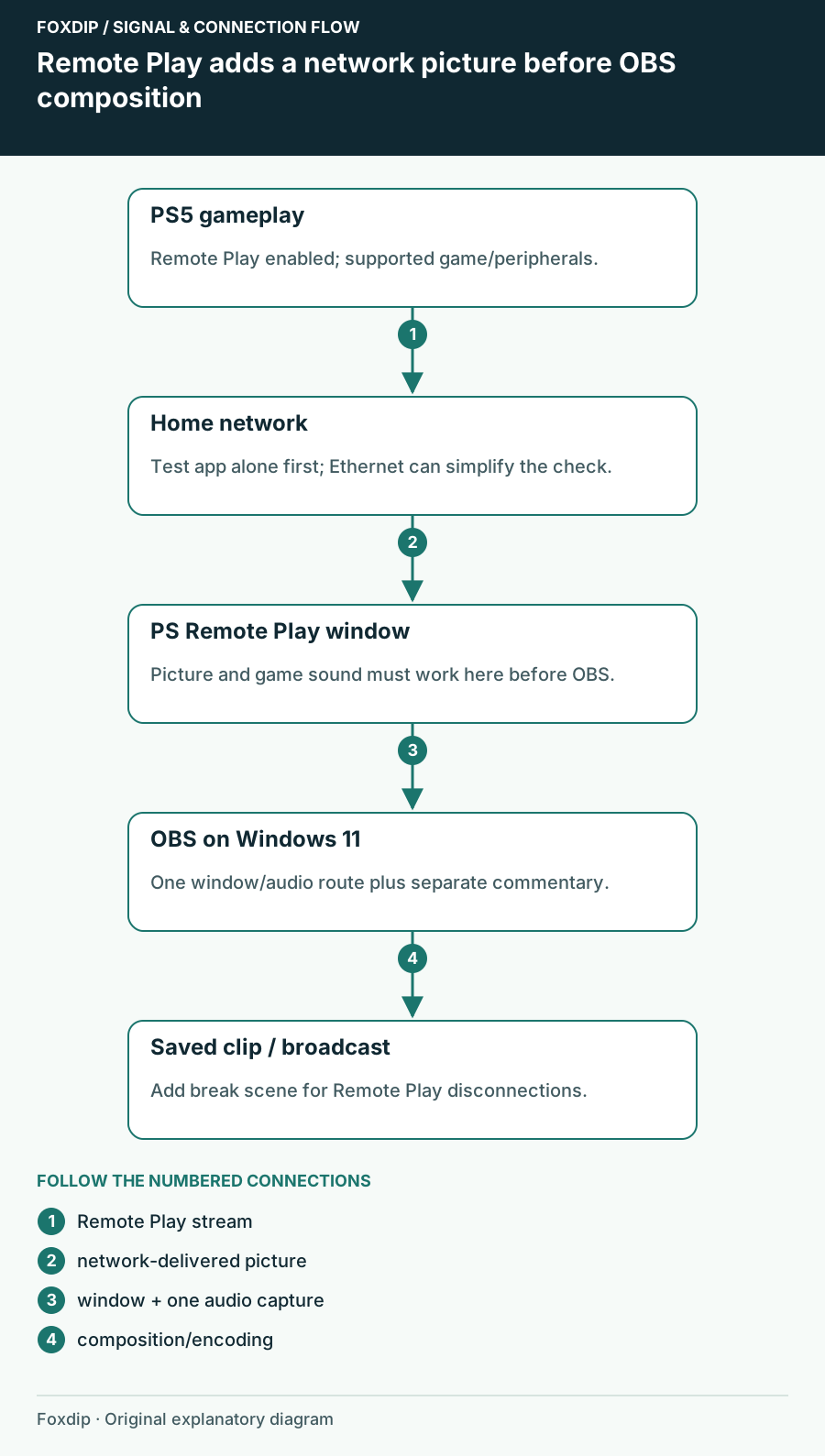
Stream PS5 Without a Capture Card (Remote Play + OBS)
No capture card? Use PS Remote Play on your PC and capture it in OBS. Here's how, and what to watch out for.
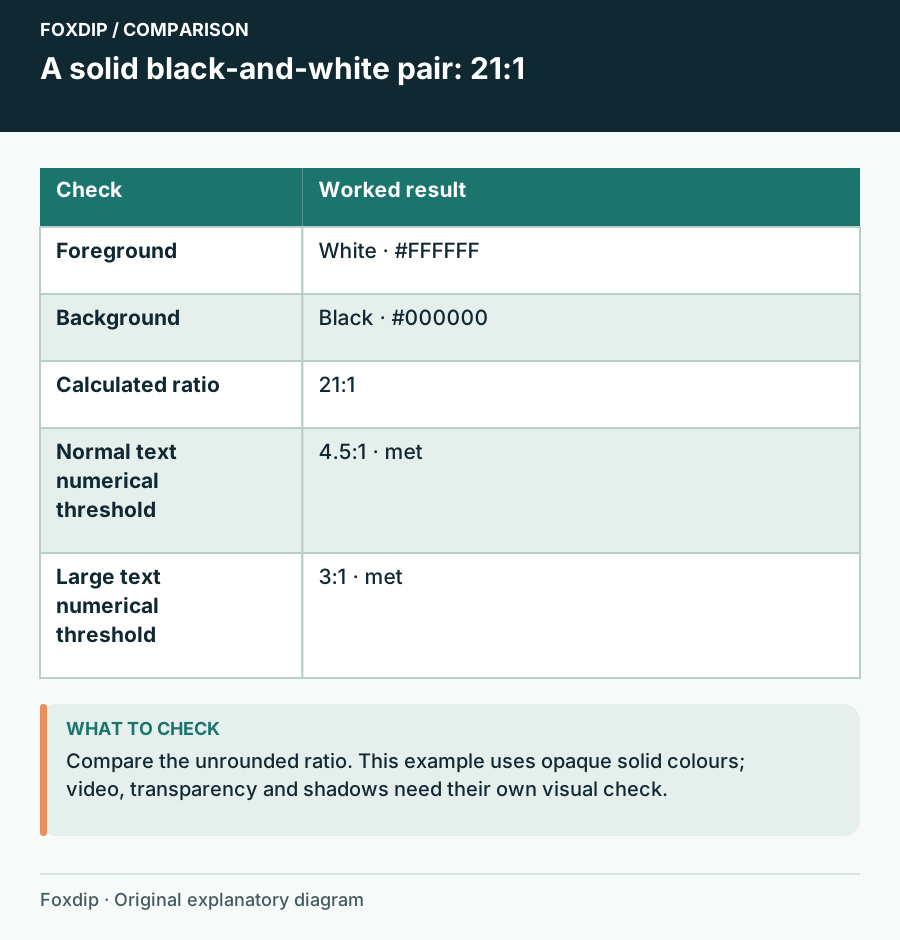
Stream Text Contrast Checker: Compare Two Solid Colours
Calculate an sRGB contrast ratio for text and a solid background, see threshold results, and test the final scene at viewing size.
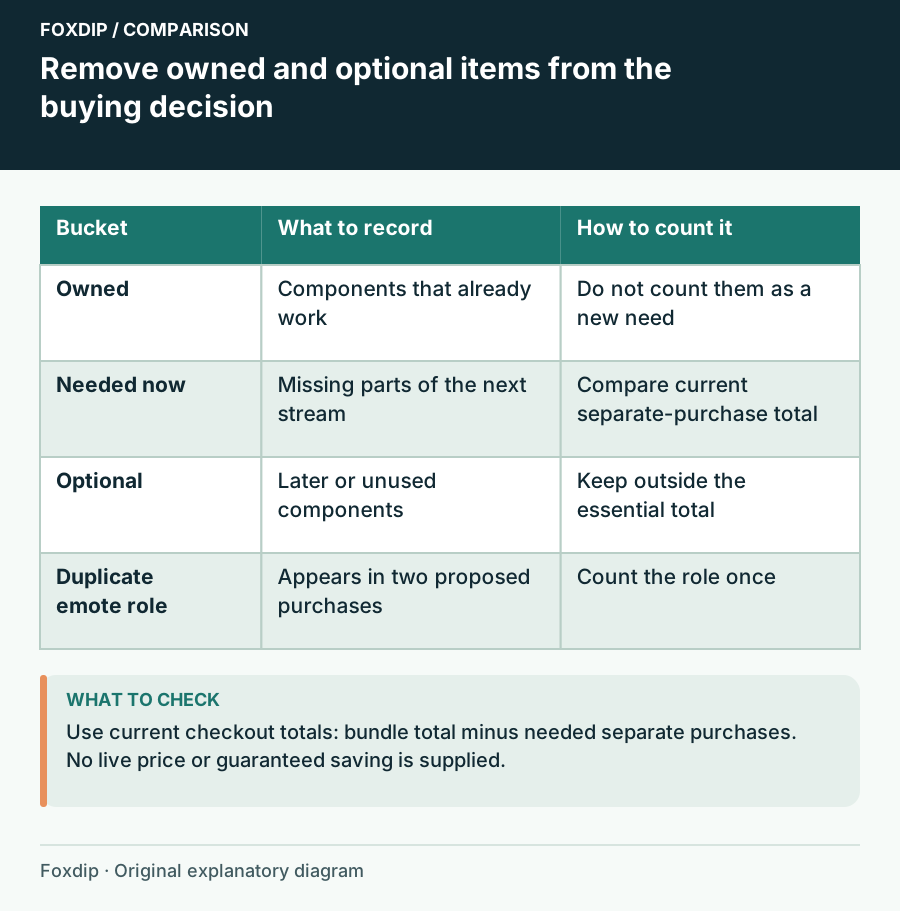
Streamer Bundle or Separate Packs? Compare the Parts You Need
Compare a graphics bundle with separate packs using ownership, required assets, duplicate content and the current checkout total.
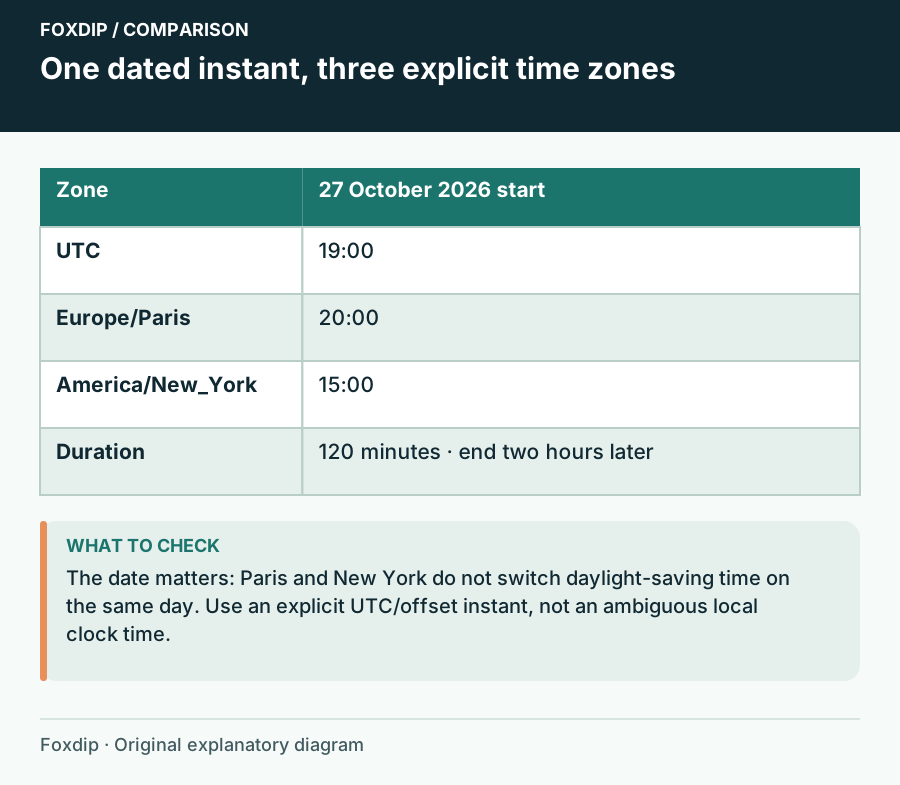
Streaming Schedule Template: Show the Date and the Time Zone
Convert one explicitly dated stream from a UTC or offset instant into home and viewer time zones, with an end time and exportable notes.
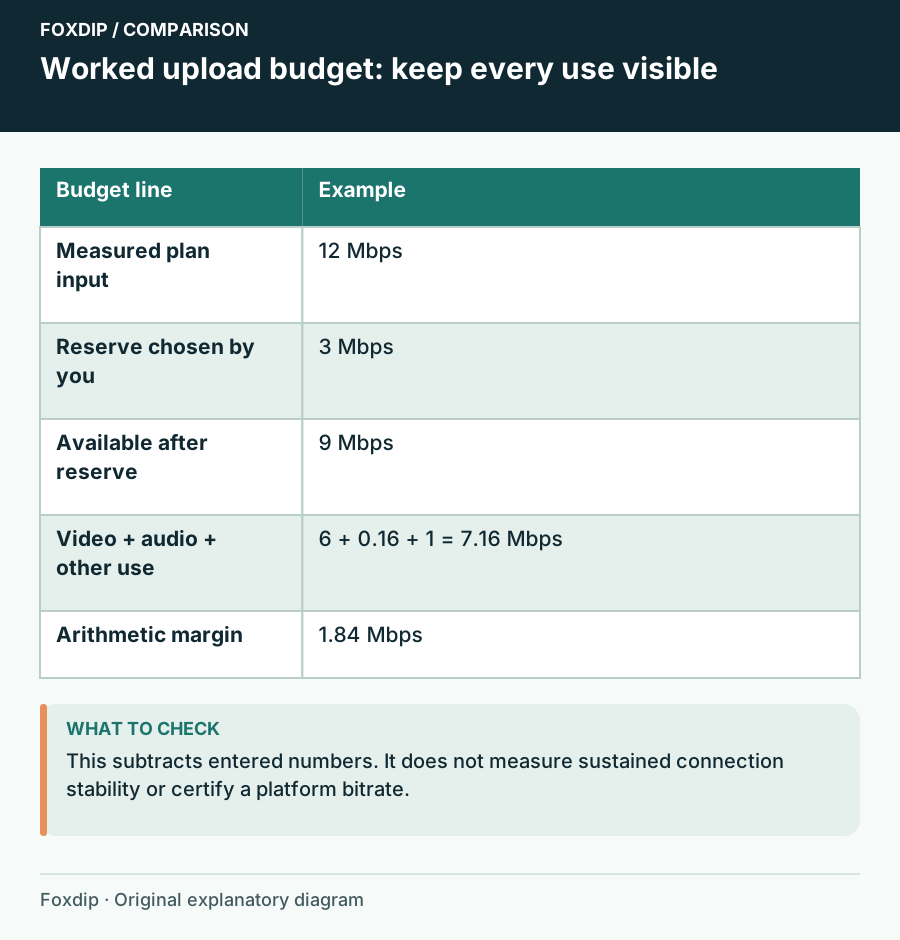
Streaming Upload Planner: Compare the Budget You Enter
Add video, audio and other uploads, subtract your chosen reserve, and compare the plan with current platform guidance.
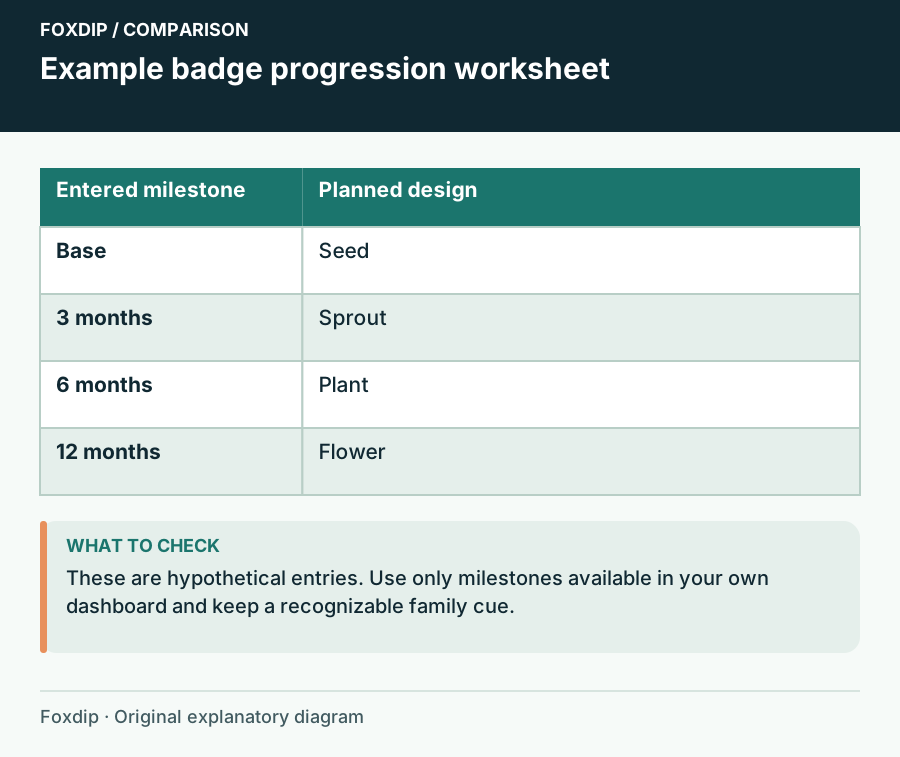
Subscriber Badge Progression Planner: Map Designs to Milestones
Assign a design and a recognition cue to the subscriber milestones your dashboard actually offers, then review the set as a sequence.
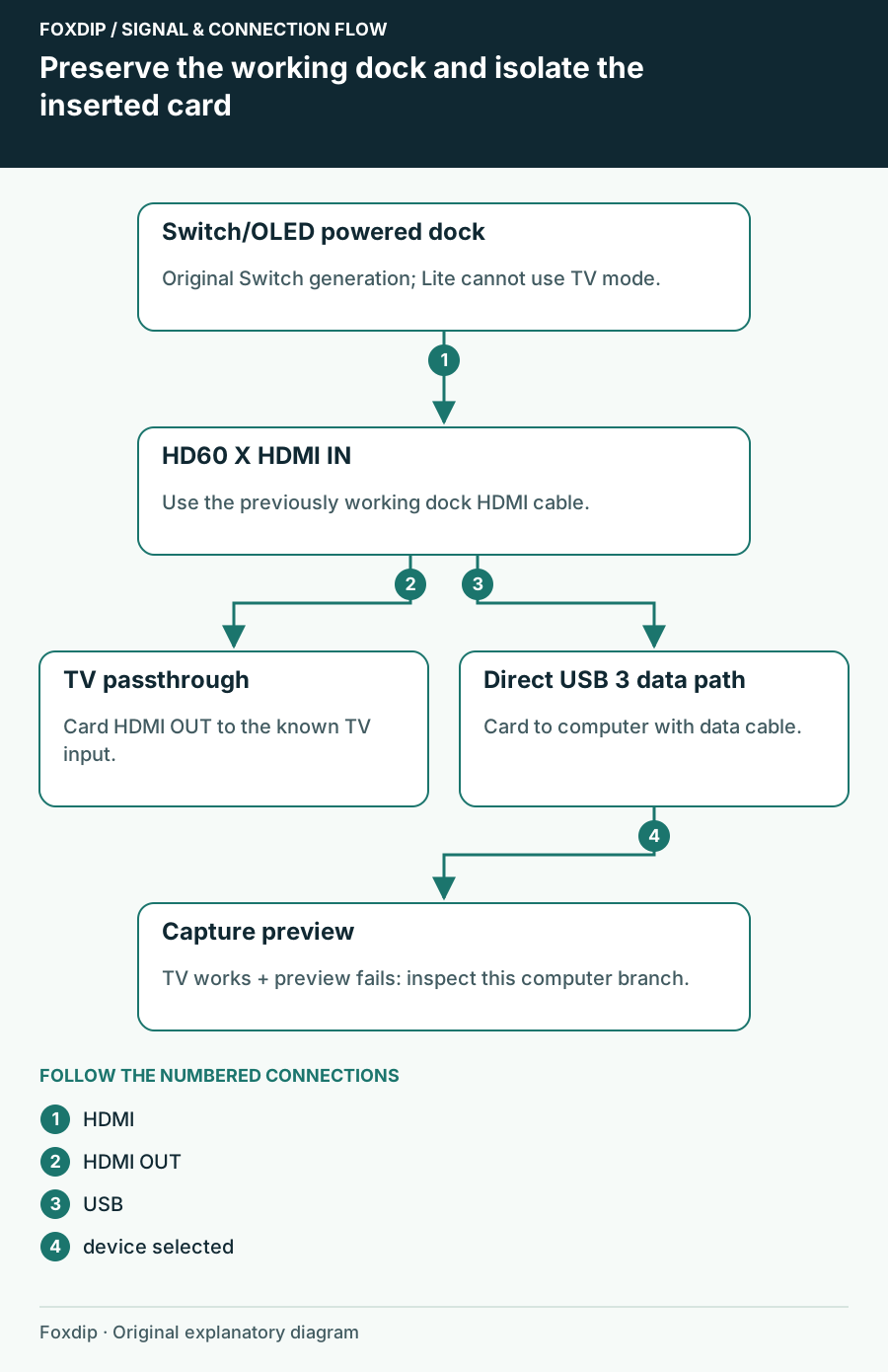
Switch Works on the TV but Not the Capture Card: Isolate the Added Link
Check an original Switch or OLED dock, HDMI direction and USB preview without confusing Switch Lite or Switch 2 requirements.
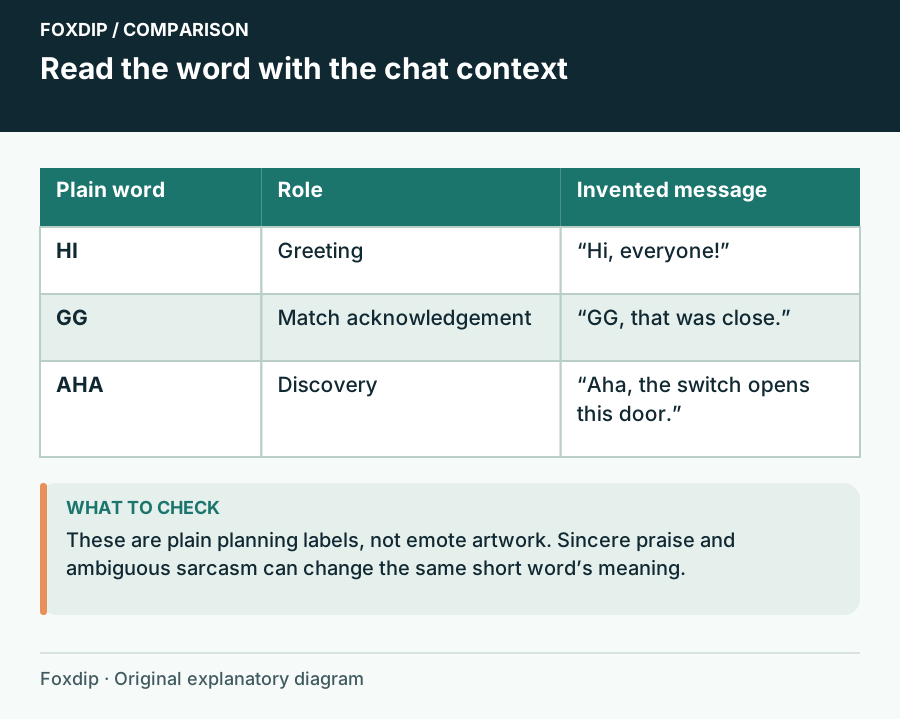
Text Emotes: Choose Words Your Chat Can Actually Use
Choose short text reactions by meaning, language and social context before comparing lettering styles.
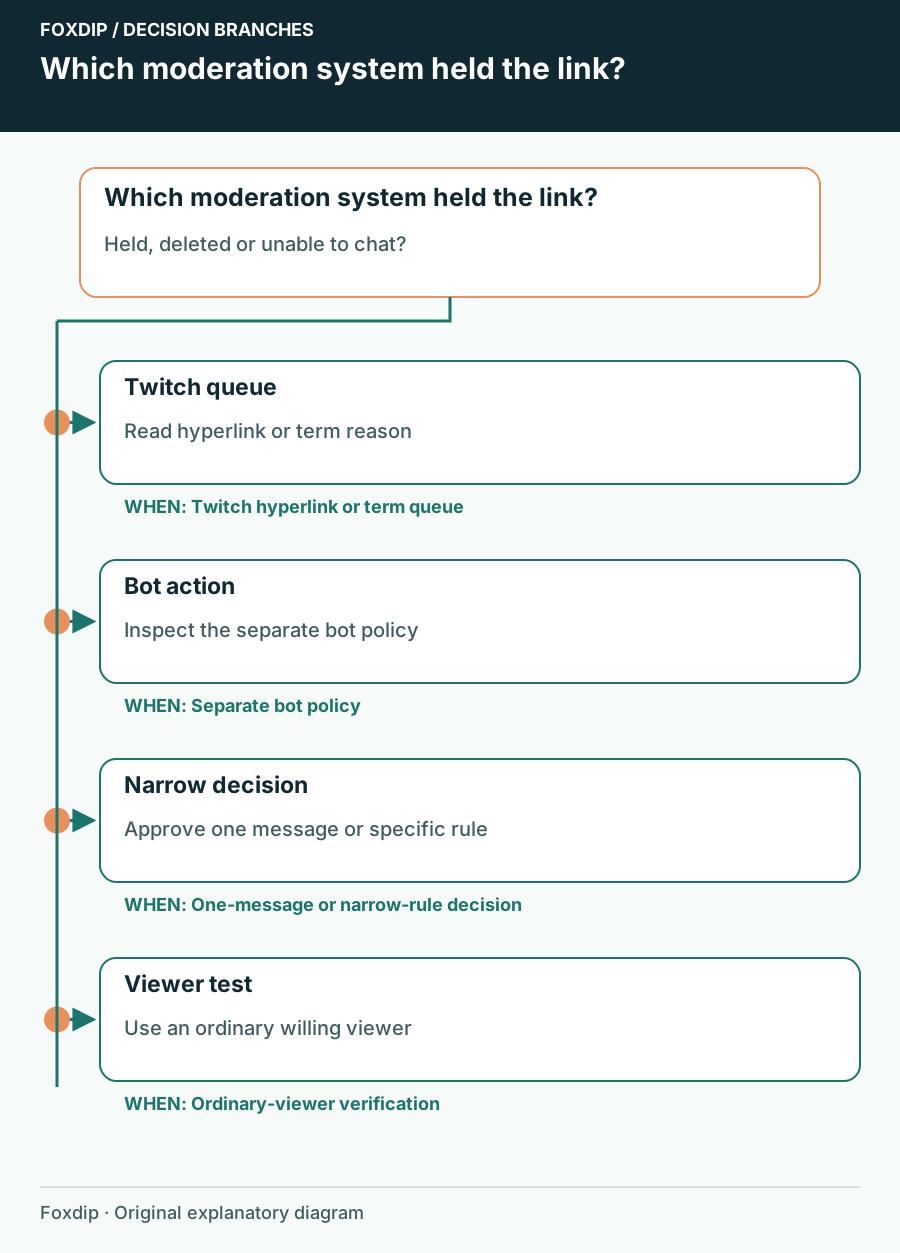
Twitch Chat Holds a Link: Follow the Moderation Reason
Identify whether Twitch AutoMod or a separate bot held a link, then approve only the message or rule you intend.
Keep going
with your setup.
Need to install a pack? The download guides will help. Looking for a character instead? Browse the collections and see what catches your eye.