
Good questions.
Better next streams.
Audio gremlins, crowded desks, chat reactions and the occasional platform update. Find something that helps with the stream you’re building.
 LEARN SOMETHING.
MAKE IT YOURS.
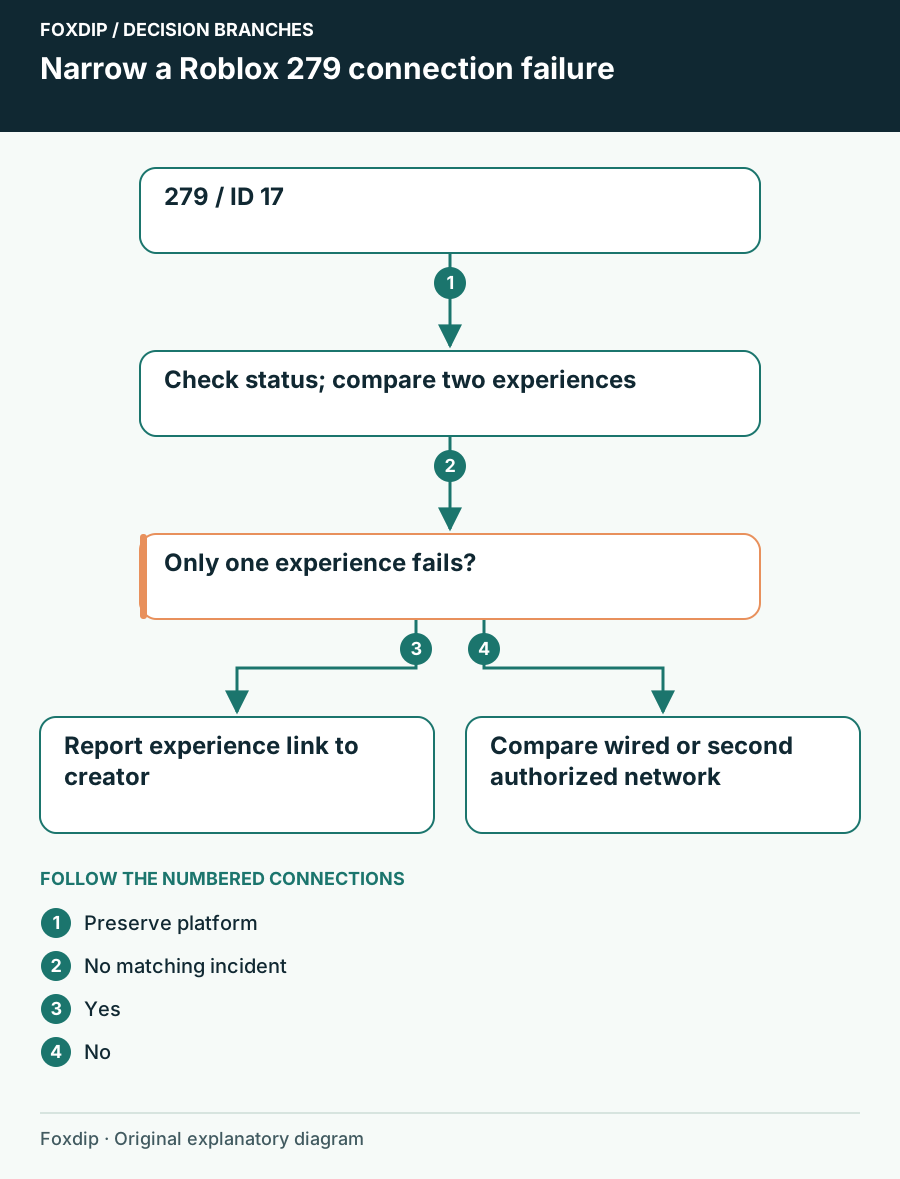
Roblox 279 / ID 17: Find Where the Connection Fails
Separate one experience failing to join from a device or network problem when Roblox shows279 or ID 17.
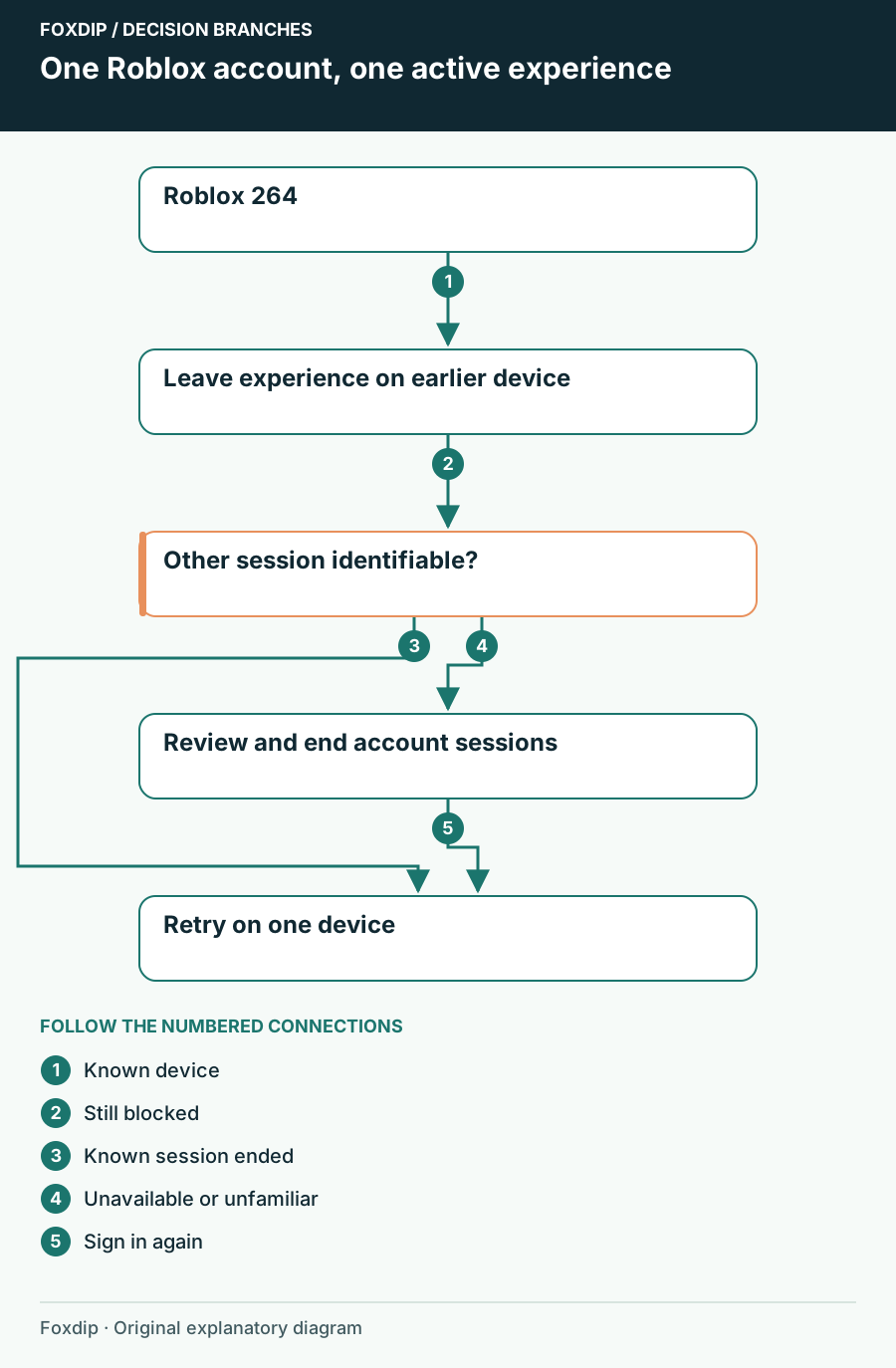
Roblox Error 264: End the Other Device Session First
Resolve Roblox 264 by checking concurrent devices and account sessions before reinstalling the player.
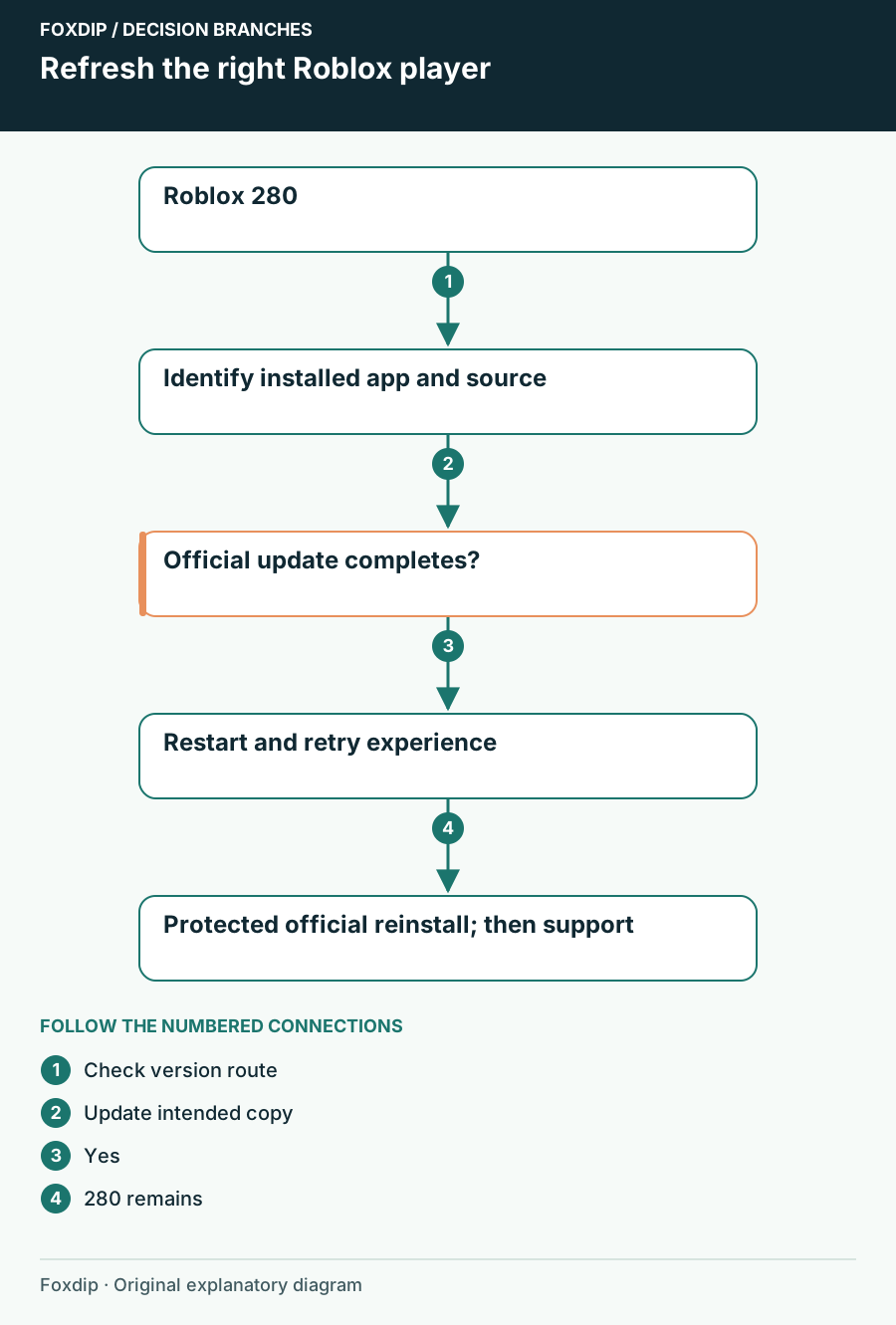
Roblox Error 280: Refresh the Client You Actually Launch
Check the installed Roblox copy and its official update route when error 280 reports a client-version problem.
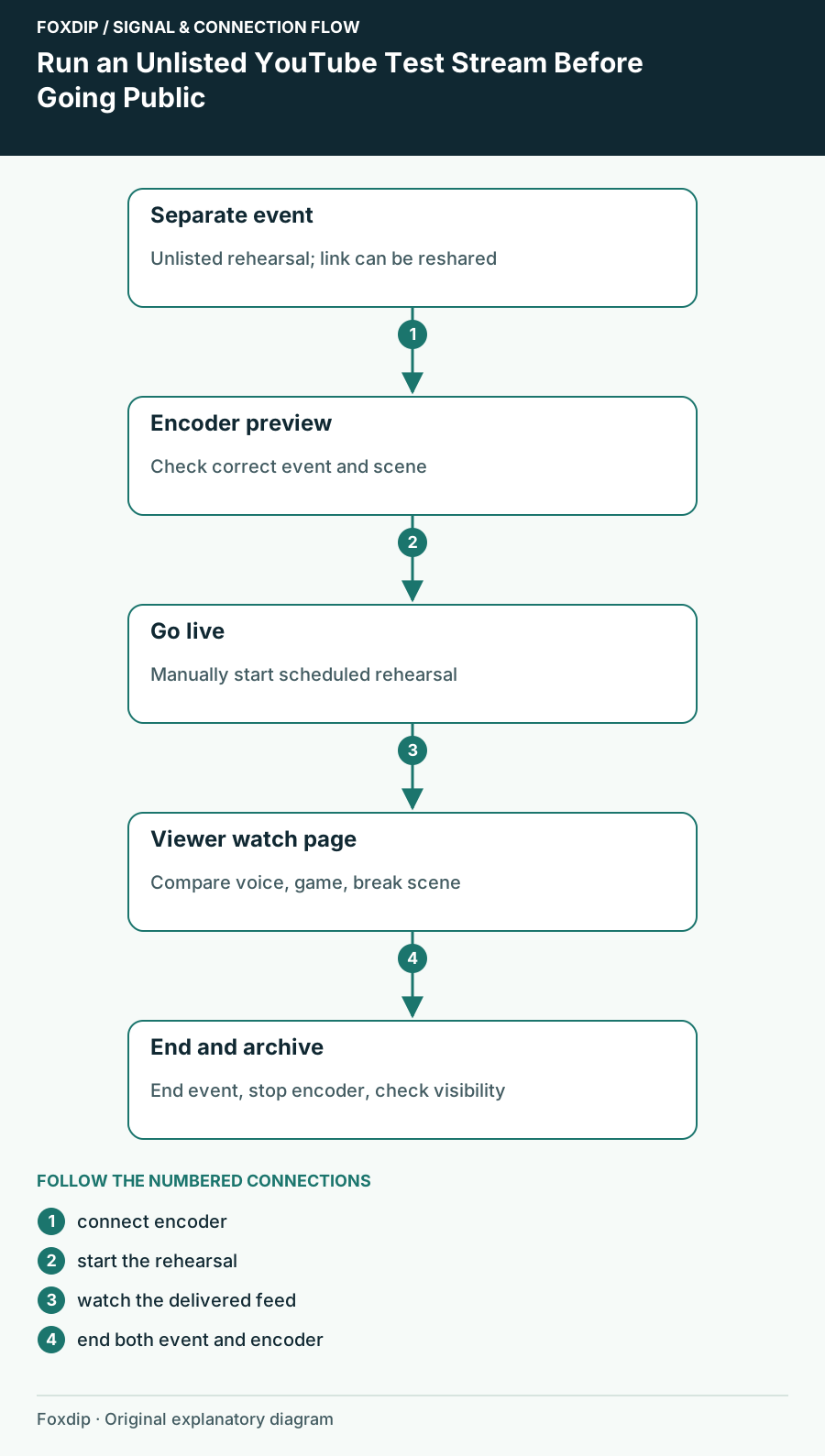
Run an Unlisted YouTube Test Stream Before Going Public
Create a separate unlisted rehearsal and check your real watch page, audio, scenes and ending procedure.
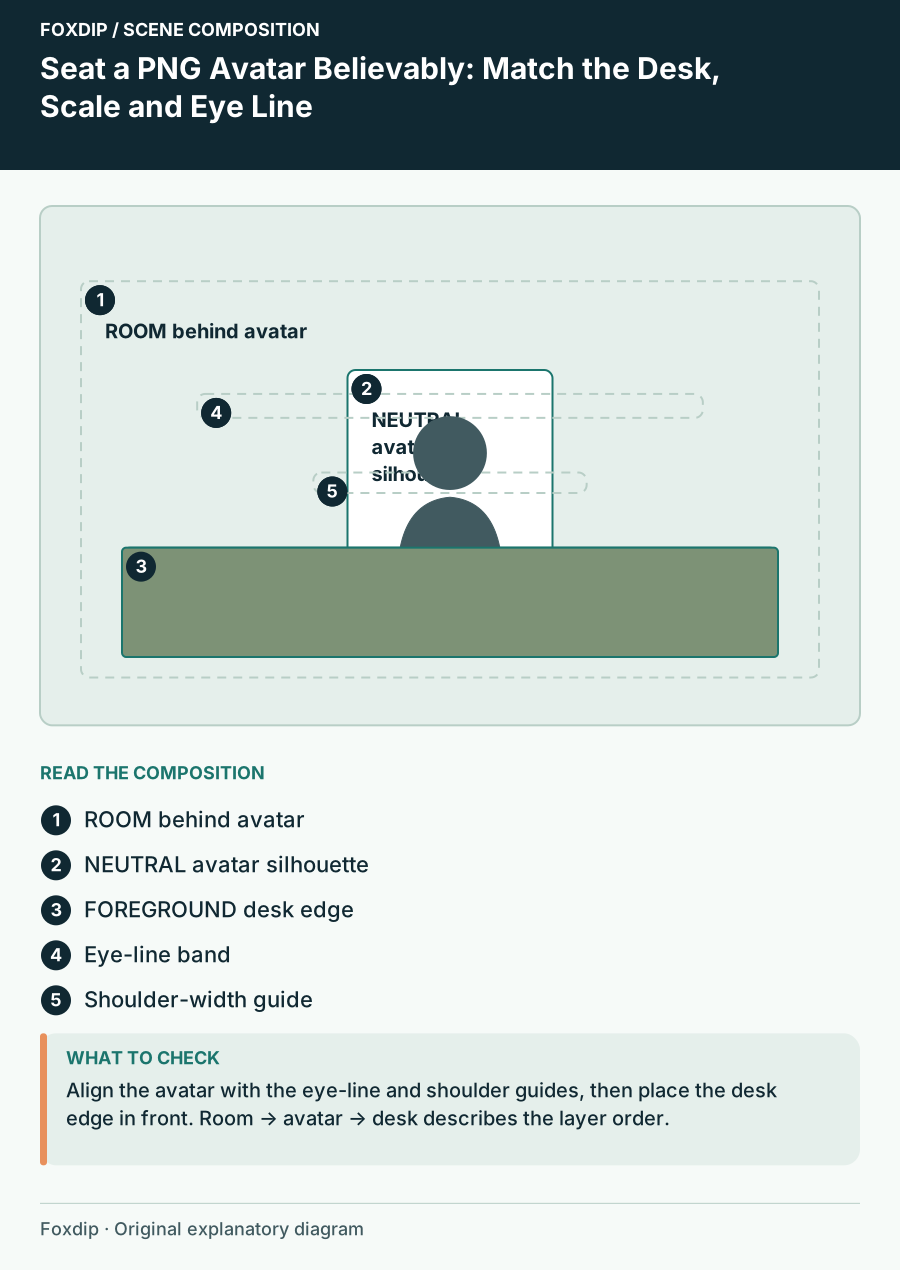
Seat a PNG Avatar Believably: Match the Desk, Scale and Eye Line
Calibrate a seated avatar scene with desk-height anchors, proportional scale and occlusion checks rather than guessing placement.
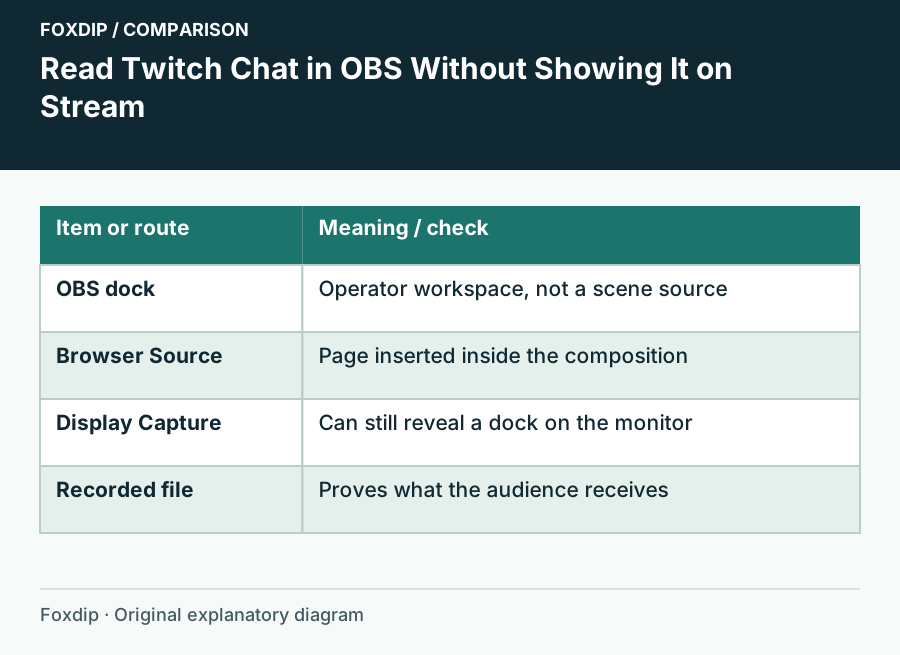
See Twitch Chat in OBS Without Showing It on Stream
Add Twitch chat as an OBS dock so only you see it while you stream, plus the quick check that keeps chat from slipping into your capture by mistake.
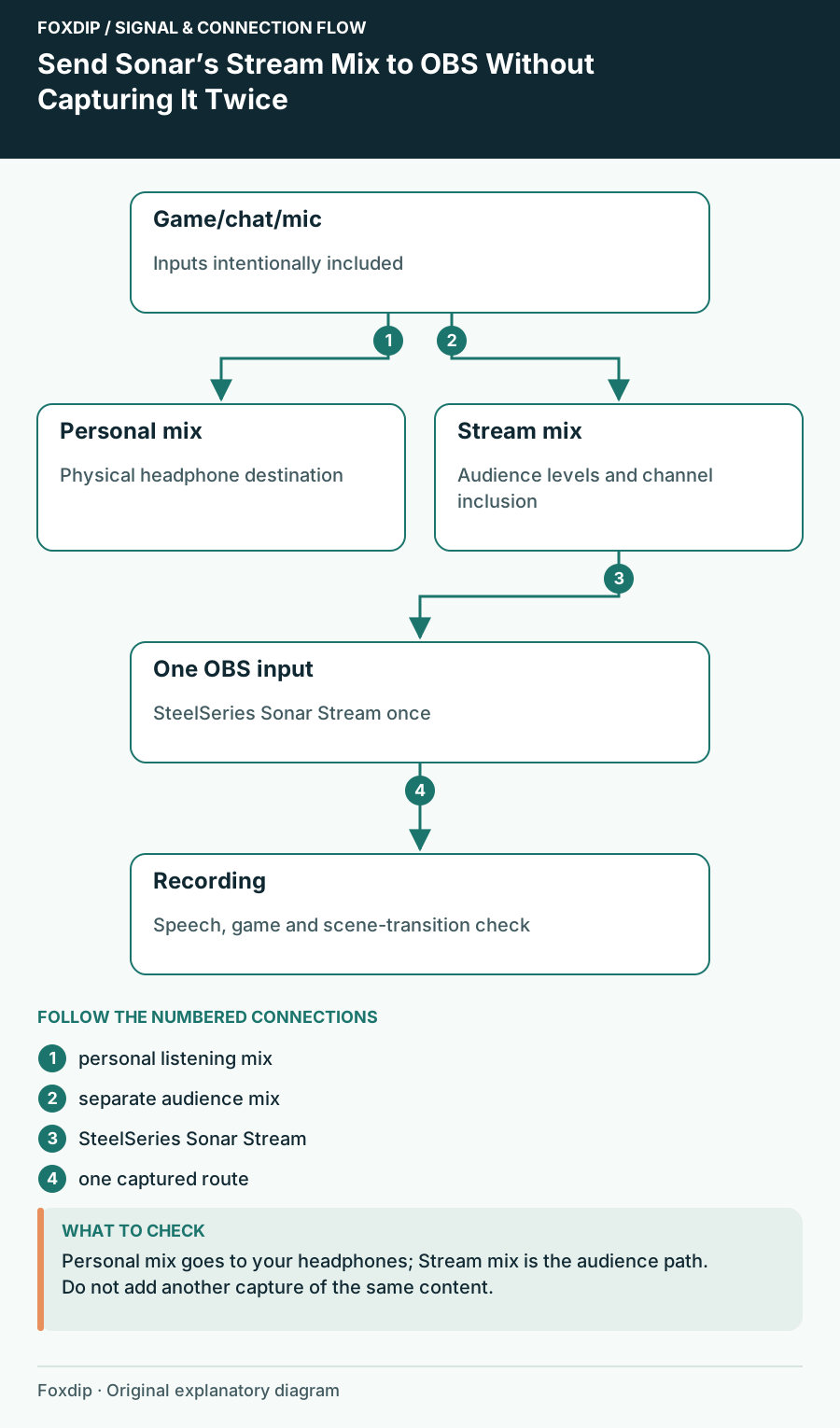
Send Sonar’s Stream Mix to OBS Without Capturing It Twice
Build the audience mix separately from your headphones and check for duplicate inputs in an OBS recording.
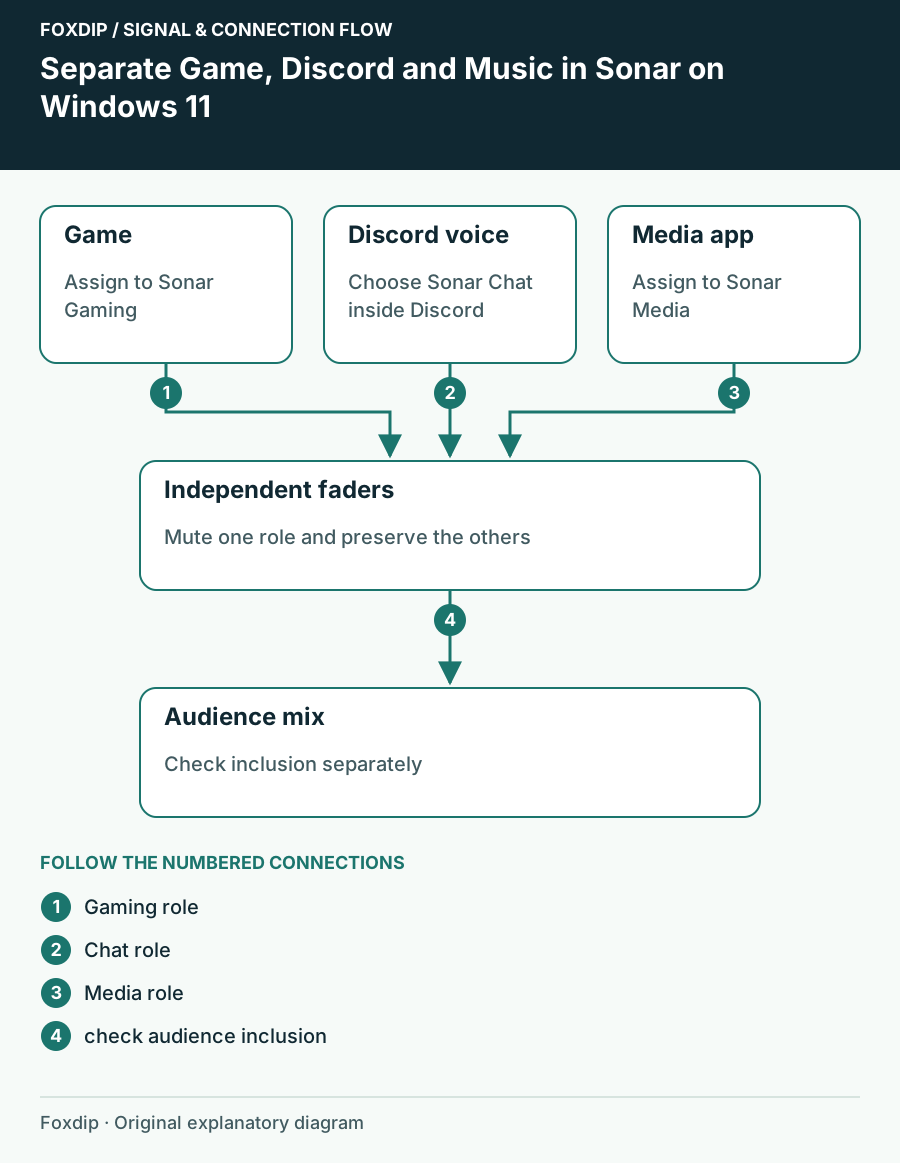
Separate Game, Discord and Music in Sonar on Windows 11
Assign applications to Gaming, Chat and Media and confirm each moves the expected Sonar channel.
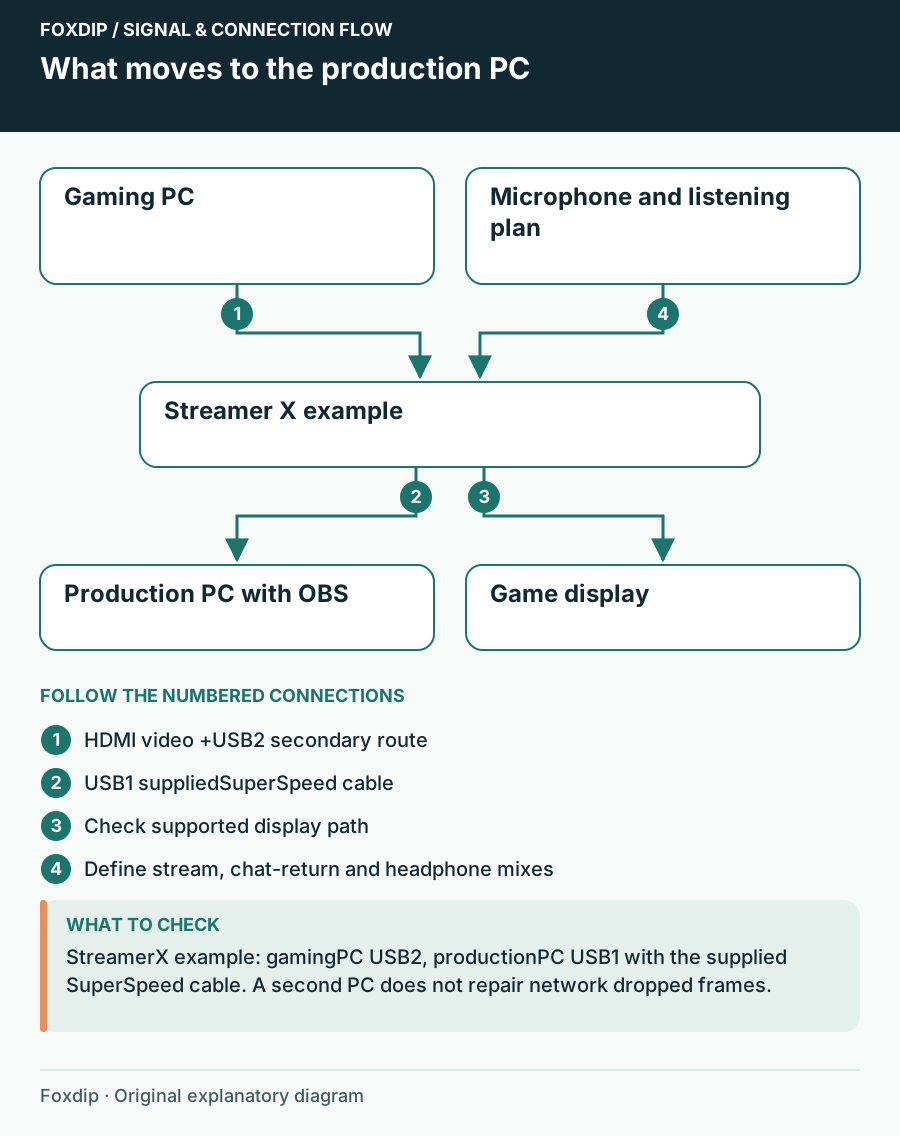
Single-PC or Dual-PC Streaming: Will Another PC Solve Your Problem?
Compare a documented single-PC hardware-encoding route with a second-computer capture setup, including the new audio, display and desk requirements.
Keep going
with your setup.
Need to install a pack? The download guides will help. Looking for a character instead? Browse the collections and see what catches your eye.