
Choose a microphone you can comfortably speak into while you play: Wave Neo offers two stand heights, NT-USB Mini has a removable base, and MV6 Gen 2 adds adjustable processing with a larger round stand.
A microphone shortlist that fits your desk, plus any mount or adapter you’ll actually need.
In this guide
Before you start
- Your desk and equipment measurements.
- Your computer’s ports and operating system.
A small mic still needs to reach your voice
For a cramped desk, start with where the microphone will sit. Wave Neo gives you a narrow base and two included stand heights. NT-USB Mini offers a compact body and a removable base. MV6 Gen 2 is worth a look if you want adjustable onboard processing and have room for its round stand. The right choice depends on which arrangement leaves you room to play.
Before replacing anything, move your current mic to that proposed position and make a short recording. Can you speak normally, see the screen and use the mouse? If the recording improves enough to meet your needs, you may already have the microphone you need. Give placement a chance before opening another shopping tab.
Measure the space you use while playing
Sit in your usual gaming position. Mark the keyboard, the mouse area you actually use and the monitor base. Then add the proposed microphone stand. If the manufacturer gives a base footprint, cut a paper template and move it around. Check the height as well: a base can fit beautifully while leaving the microphone below your voice or across your screen.
Now ask whether the stand gets the microphone close enough for its intended use. RØDE recommends around 10–15 cm from your mouth for NT-USB Mini livestreaming. Use that guidance for this model when planning its position. A stand that fits only at the back of the desk may leave you leaning forward every time you speak.
- Measure usable width and depth around the monitor base.
- Leave your normal mouse movement clear.
- Check the computer end of the included cable against a free port.
- Allow room for cable bends and your headphone lead.
- Price a compatible mount if the included stand can’t reach your voice.
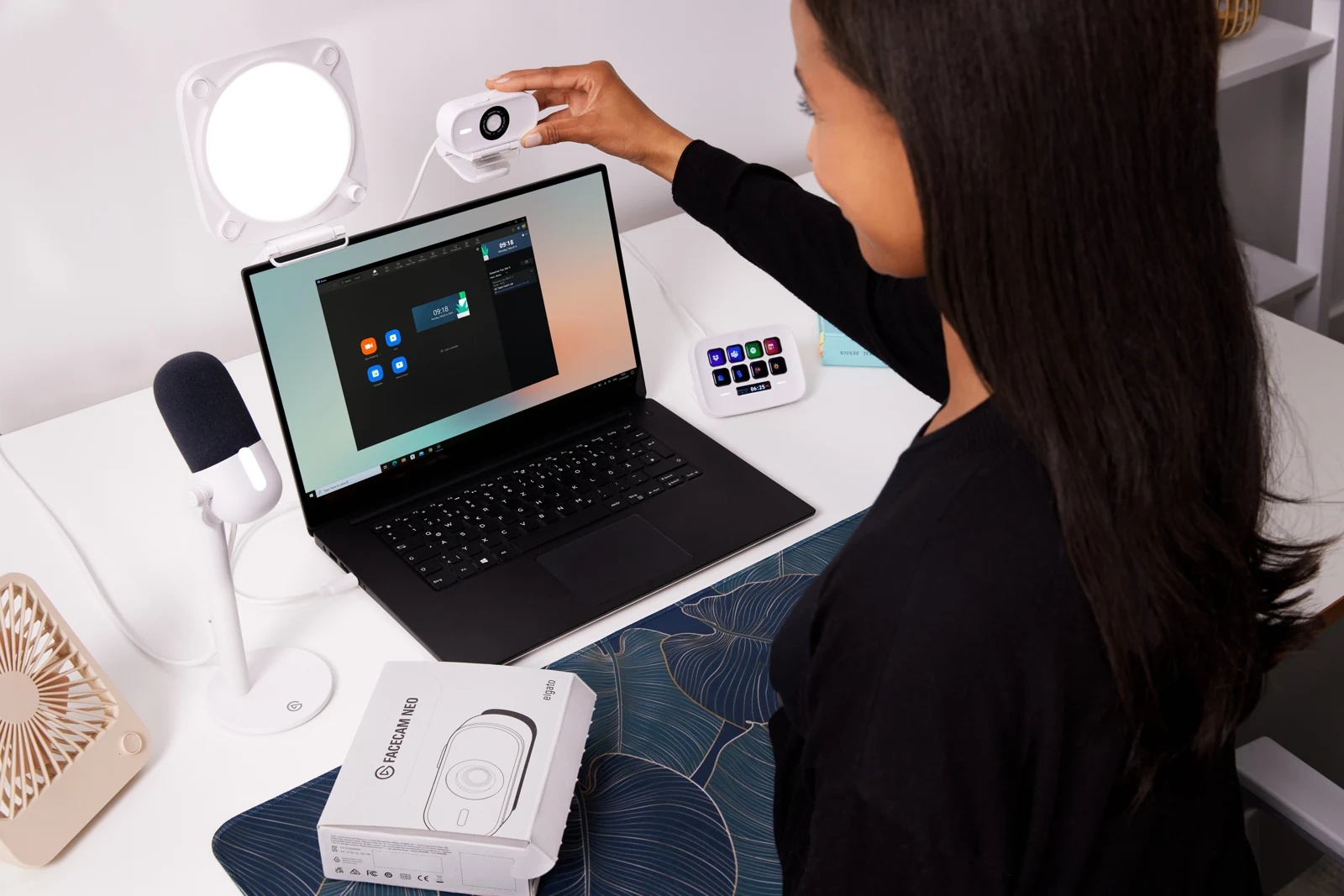
Wave Neo in an Elgato desk setup. Use this as a placement example; the desk dimensions and speaking distance are not specified by the photo.
Still deciding between a USB mic and an interface? Compare the complete equipment list first. USB vs XLR for Streaming: What Does Your Setup Need? ↗
Three ways to fit a USB mic onto the desk
These manufacturer measurements help you sketch the layout, but they describe different things. NT-USB Mini’s 89 mm width is its body width, not the footprint of the whole stand. Check the complete base before comparing it with Wave Neo’s square footprint or the MV6 Gen 2 round stand.
| Exact model | Size and connection | Why consider it | Before you order |
|---|---|---|---|
| Elgato Wave Neo | 92 × 92 mm base; 182 mm high without riser or 282 mm with it; USB-C mic | Two supplied height configurations | Included computer end is USB-A; check port and comfortable voice position |
| RØDE NT-USB Mini | 89 mm body width; 141 mm height; USB | Compact body and removable magnetic base | The body width is not the complete stand footprint; check whether the low position reaches your mouth |
| Shure MV6 Gen 2 (MV6G2-K) | 12 cm round-base stand; USB-C | Adjustable Auto Level and denoising | A wider base and software/device requirements; do not substitute original-MV6 specifications |
Try the speaking position before committing that patch of desk to a new stand. Microphone Distance and Placement: Find Your Speaking Position ↗
Wave Neo: try the two included heights
Wave Neo comes with a stand, riser, pop filter and USB-C to USB-A cable. Those two stand heights are its main appeal for this setup: you have a choice of positions before paying for an arm. Mark the 92 × 92 mm base on your desk and check how the microphone sits at both heights.
Picture the stand with cables attached, then check whether you can still reach controls and keep the screen clear. If Wave Link is part of your plan, read its current system requirements for your computer. Basic microphone use and access to every software feature are separate checks, so settle both before relying on the package.
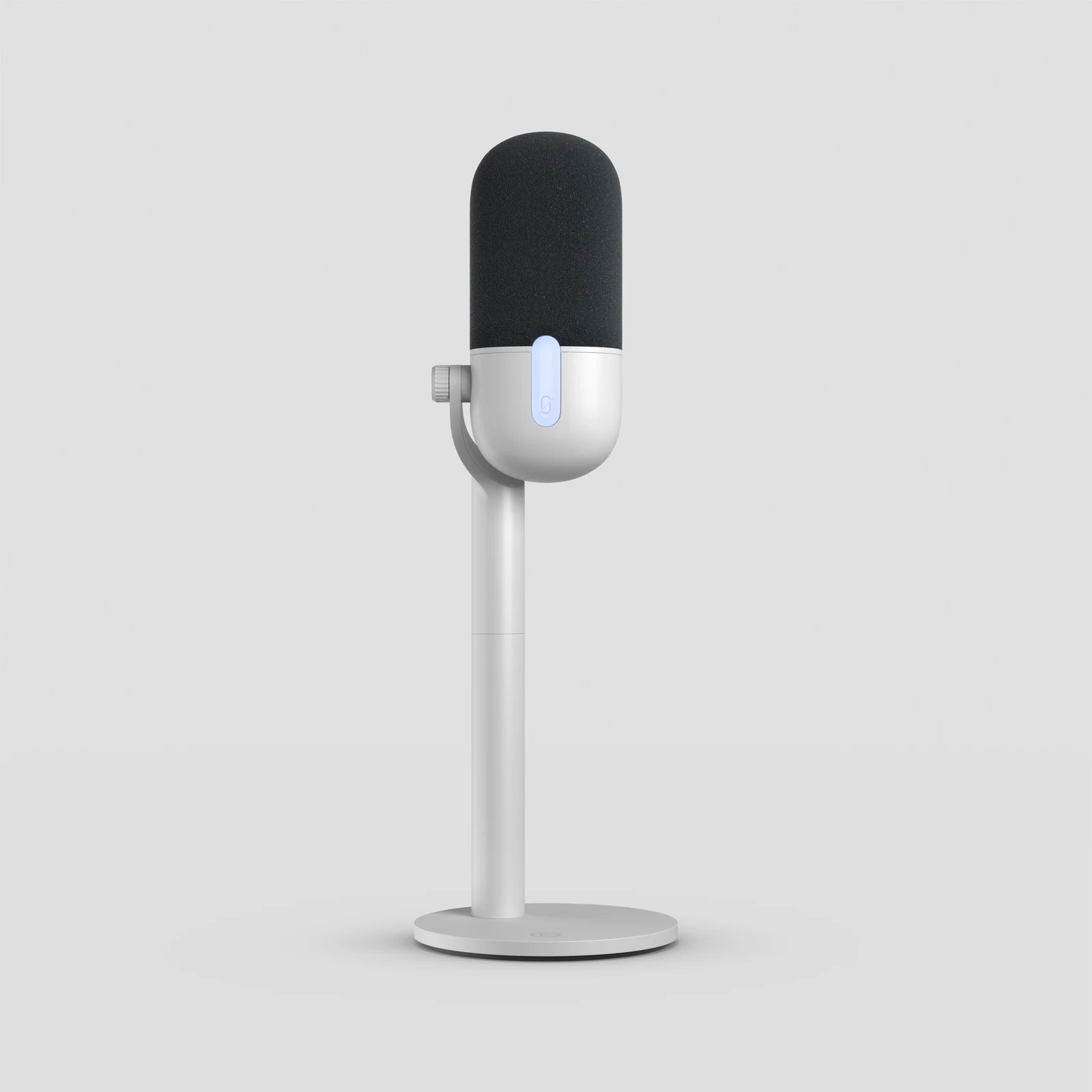
Wave Neo on its included desktop stand. Official product photograph supplied by Elgato; the photo does not establish whether either stand height fits your desk.
NT-USB Mini: keep the base only if the position works
NT-USB Mini has headphone monitoring, a USB connection and a removable magnetic desktop stand. That removable base gives you another mounting option if the included stand leaves it too low. Start by finding a position you can hold while reading the screen. Then decide whether the stand helps or gets in the way.
Record a normal spoken passage around RØDE’s recommended distance before adding filters. If the mic needs the same patch of desk as your mouse, include a compatible arm in the cost comparison. If the stand already works, keep it. Check RØDE Connect requirements separately if you intend to use its processing.
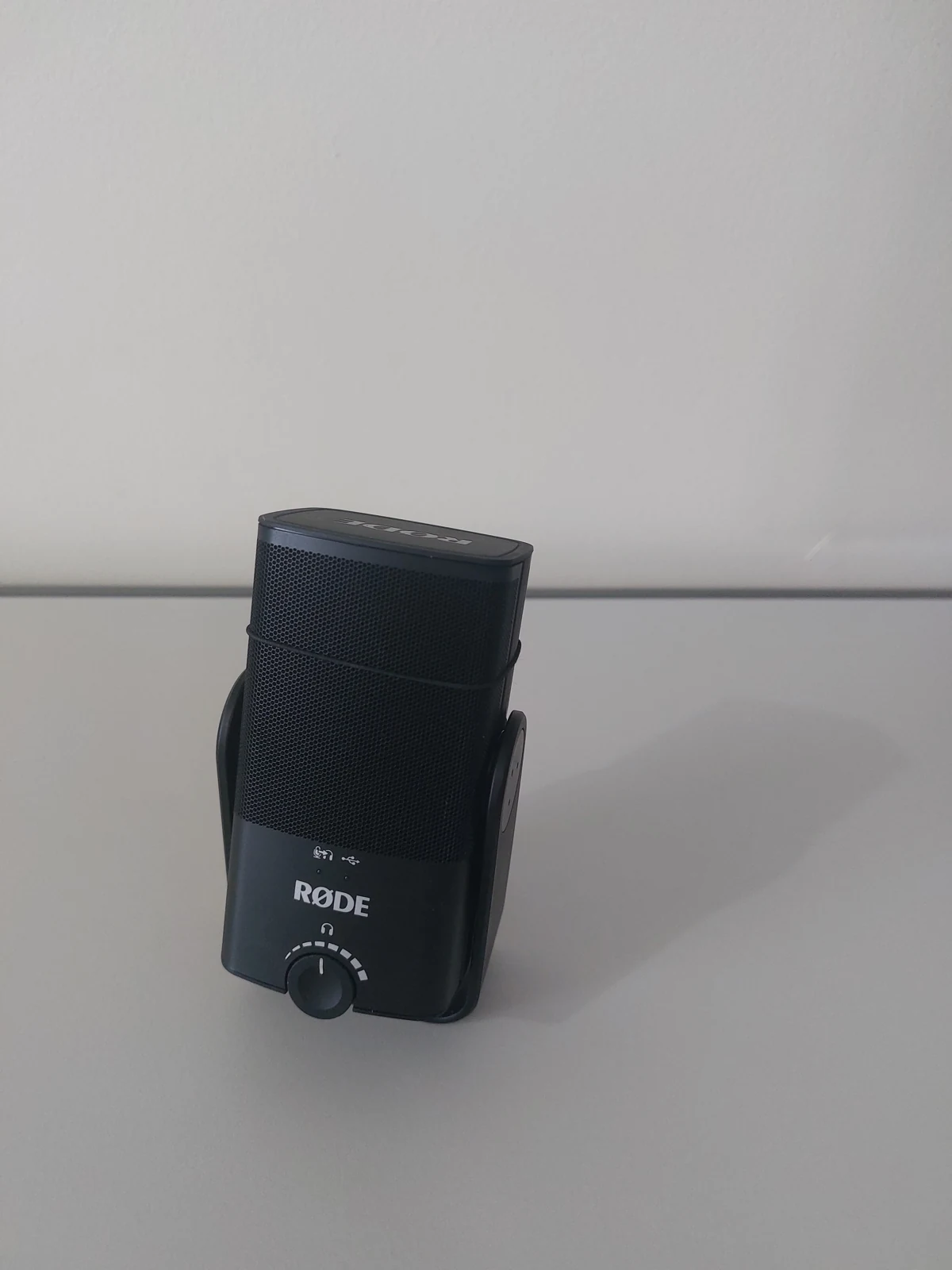
RØDE NT-USB Mini. Independent photograph by Martin Michlmayr; compare the complete supplied stand and mounting arrangement separately when planning the desk footprint.
MV6 Gen 2: leave room for the stand and check the generation
The model here is MV6 Gen 2, SKU MV6G2-K. Shure lists a dynamic cardioid USB-C microphone with adjustable Auto Level and denoising, a 12 cm round-base stand and a 2 m USB-C to USB-C cable. Mark that circle on the desk before choosing it for the processing features: the stand still needs somewhere useful to live.
Check the MOTIV app requirements for your operating system and the input options needed by your streaming setup. For console use, read Shure’s guidance for the actual console and game; USB-C alone doesn’t settle compatibility. If you find a cheaper original MV6, compare that generation separately instead of treating the two names as interchangeable.
Add up the setup you can actually use
Compare a complete basket: microphone, any necessary data cable or adapter, a mount if the position requires one, tax and delivery. Check return terms in your market too. These three microphones connect by USB without an XLR interface, but a different computer connector may still mean buying a suitable cable or adapter.
Once connected, run the OBS audio check with ordinary speech, typing and a louder reaction. Listen back while thinking about the problem you meant to solve. If the result is good enough and the desk is comfortable to use, you’re done. If a stand blocks the mouse or misses your speaking position, fix that specific obstacle before replacing the microphone again.
Decide whether the stand or the microphone is the obstacle
Compare two seat positions before replacing a compact microphone: your normal playing posture and the posture required to reach the mic. Read the same sentence from each, then reach for the mouse without leaning toward the capsule. A microphone that sounds acceptable only when you hunch over its stand has a placement problem worth pricing separately.
Use the device microphone input for this check, with any automatic processing noted. The following decisions are a practical fitting exercise, not a matched microphone benchmark. Keep the original recording and the desk outline together when comparing a new stand or microphone.
| Observation | Next change | Expected result |
|---|---|---|
| Voice improves when the mic is raised; posture becomes comfortable | Investigate a compatible stand or arm for the current mic | The useful change is capsule position, with no new USB route |
| Mic fits, but your mouse repeatedly touches its base | Mark the complete base and cable bend on the desk | A replacement must recover that working space |
| Voice is clear in the saved file but faint in headphones | Inspect monitoring and headphone volume | Avoid buying a microphone to change only the listening level |
Use the existing microphone weight and thread when an arm would solve the fit. Will a Microphone Arm Fit Your Desk? Check Before You Buy ↗
Still stuck?
Your existing microphone sounds better when moved closer
Try the improved position before buying a replacement.
The stand cannot reach a useful position
Check whether a compatible arm fits the desk. Continue with this guide ↗
Sources & references
This comparison uses manufacturer specifications and setup guidance checked on 18 October 2026, rather than hands-on sound tests. November 2026 addition: documentation-based diagnostic examples; no new hands-on hardware result or platform upload test is claimed.
- Elgato — Wave Neo specifications and contents ↗Checked 2026-10-18
- RØDE — NT-USB Mini ↗Checked 2026-10-18
- RØDE Support — Optimal recording distance for NT-USB Mini ↗Checked 2026-10-18
- Shure — MV6 Gen 2, SKU MV6G2-K ↗Checked 2026-10-18
- Focusrite — What is direct monitoring? ↗Checked 2026-11-04
Spotted something out of date? Let Alex know.
How we put our guides together ↗