
Good questions.
Better next streams.
Audio gremlins, crowded desks, chat reactions and the occasional platform update. Find something that helps with the stream you’re building.
 LEARN SOMETHING.
MAKE IT YOURS.
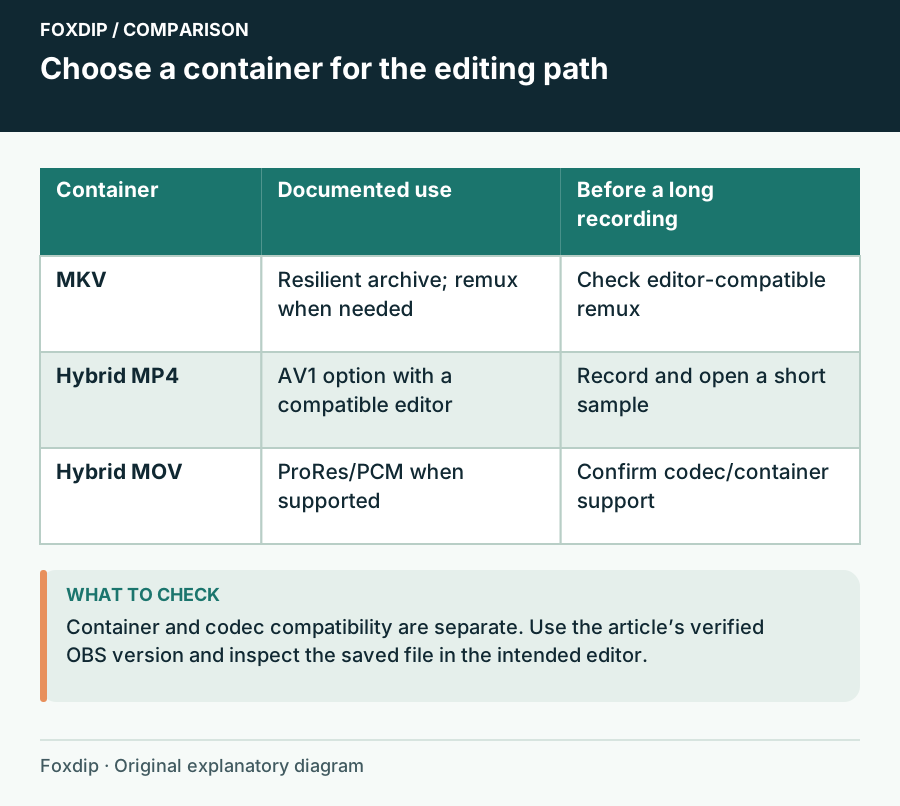
OBS Hybrid MP4 vs MKV: Which Recording Format to Pick
Hybrid MP4 survives a crash like MKV and opens in more editors. See when to keep MKV, when to switch, and the short test to run before a long recording.
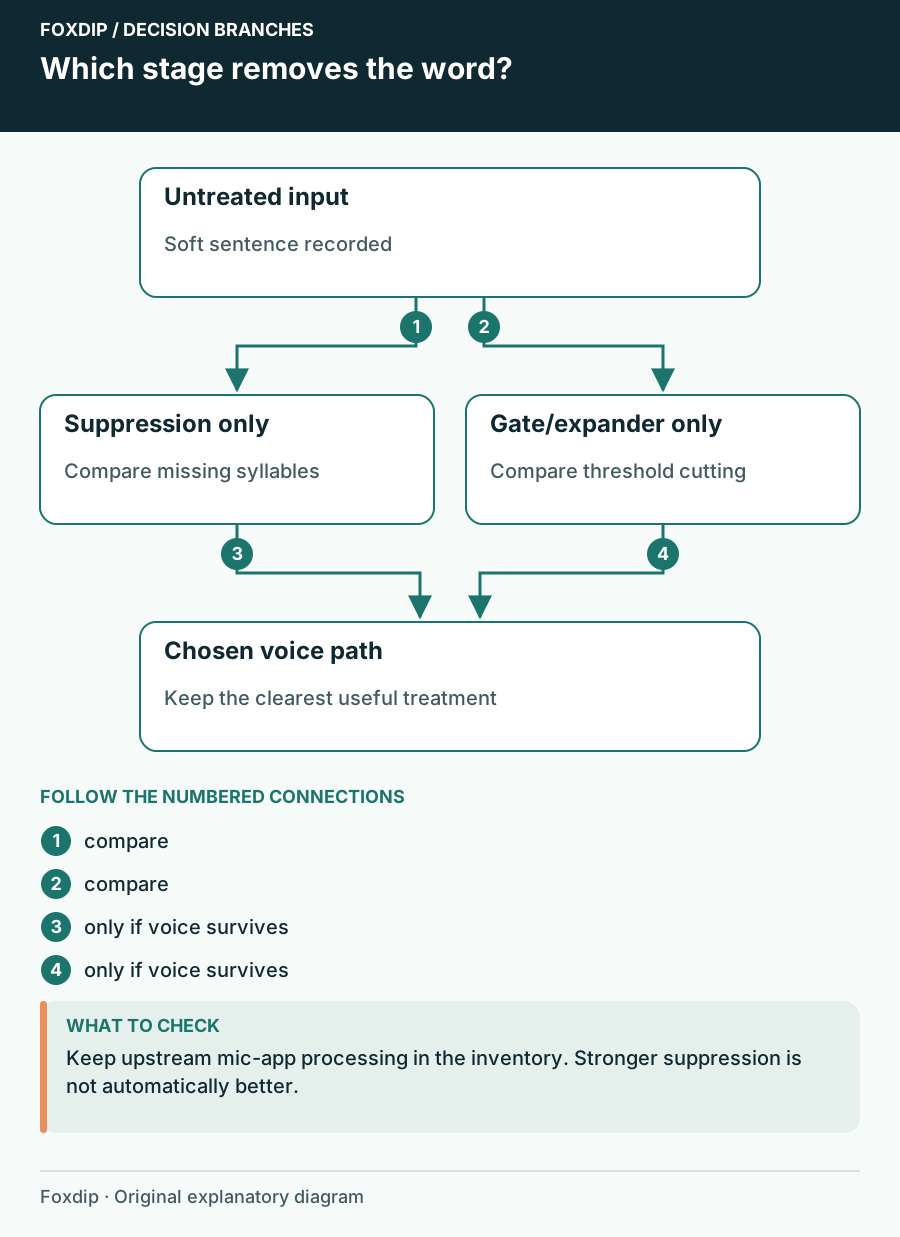
OBS Noise Suppression Cuts Off Words: Recover Your Voice
Find the processing stage removing syllables and choose a less destructive noise treatment.
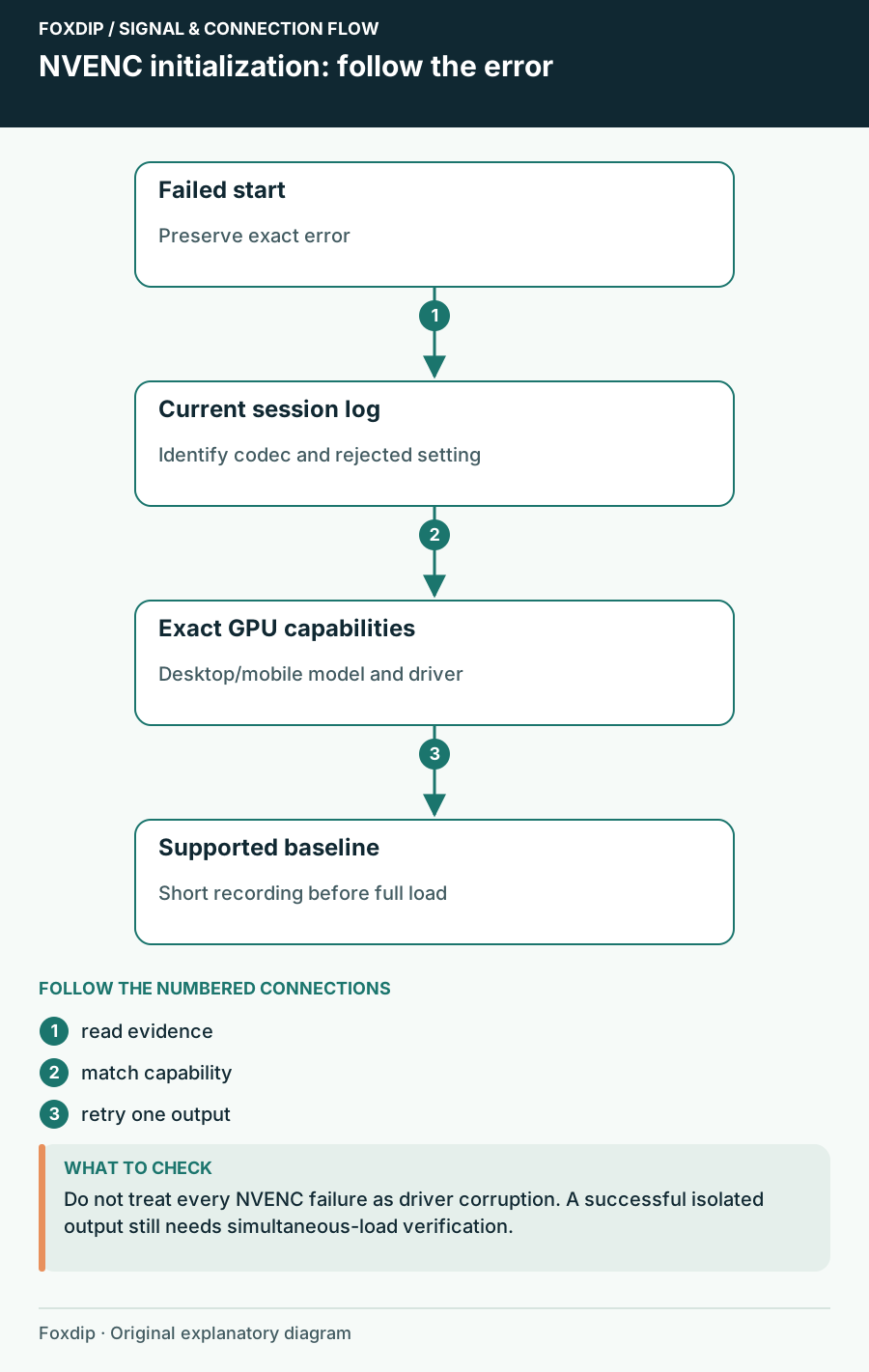
OBS NVENC Fails to Start Recording: Read the Specific Error
Match the failed codec and GPU capability before reinstalling software.
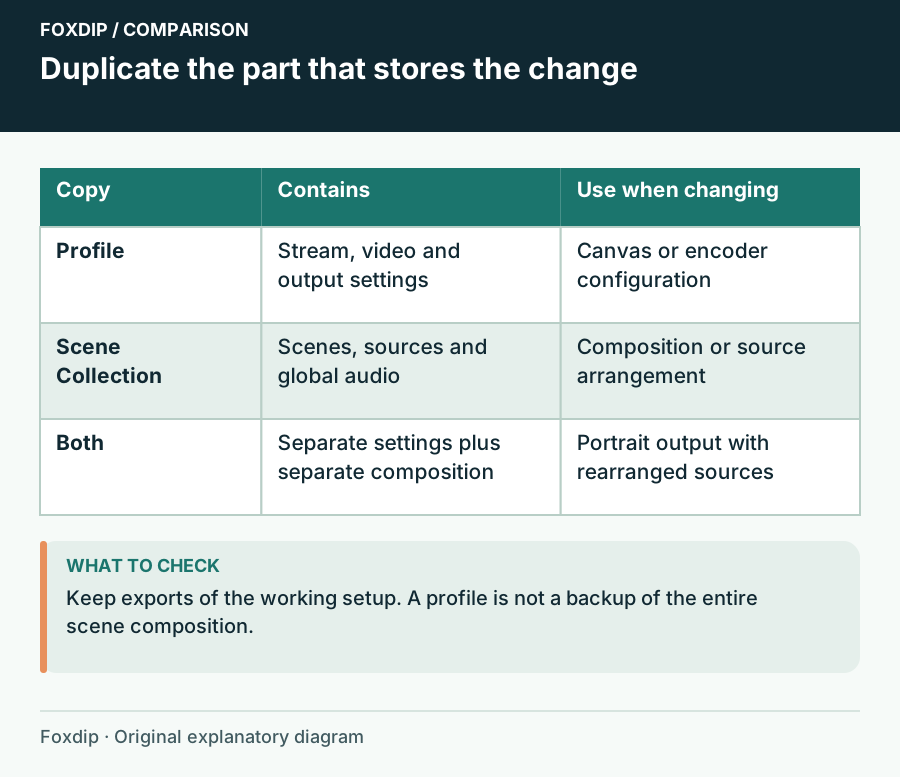
OBS Profile vs Scene Collection: What's the Difference?
Profiles hold your stream and recording settings, scene collections hold your scenes and sources. Know which one to duplicate before you test something.
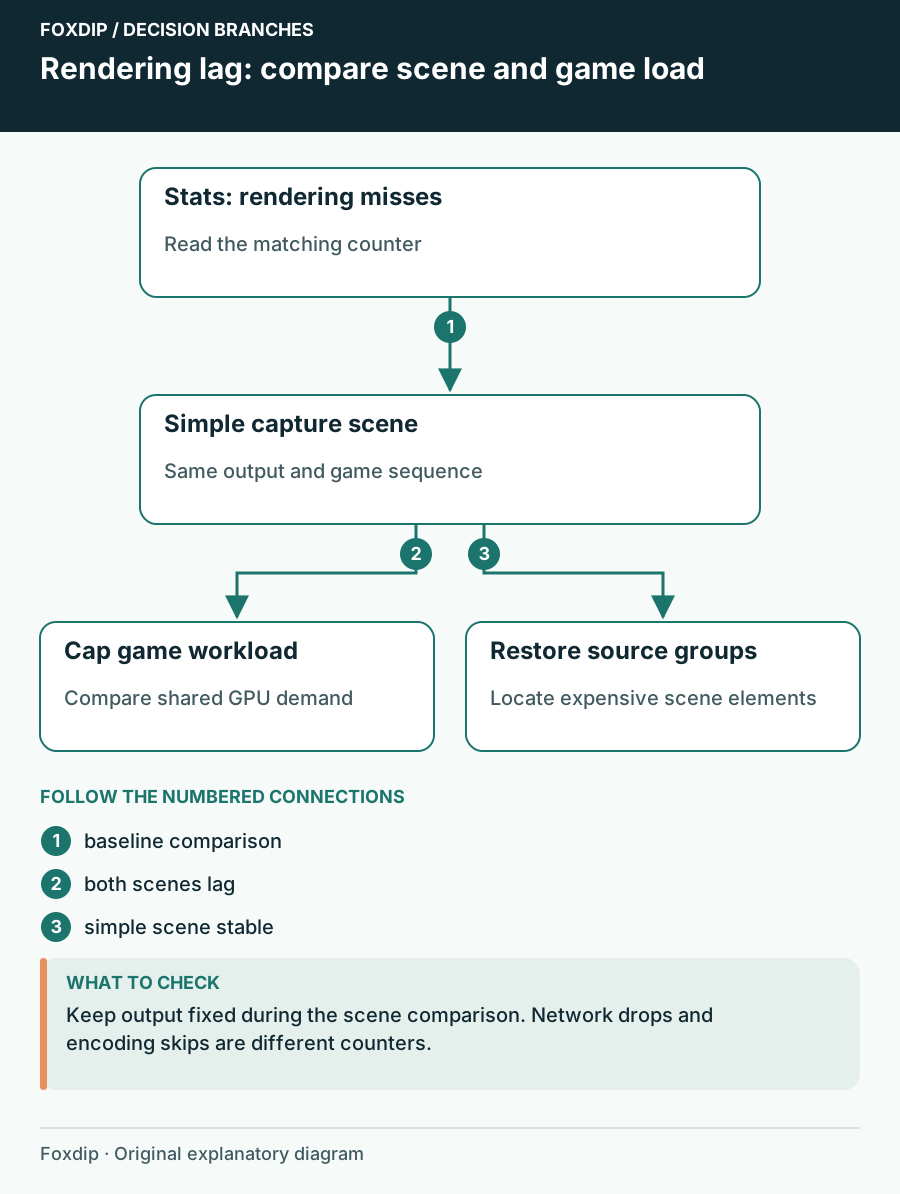
OBS Rendering Lag: Find the Scene That Uses Too Much GPU Time
Compare scenes and game workload while watching rendering lag instead of changing bitrate blindly.
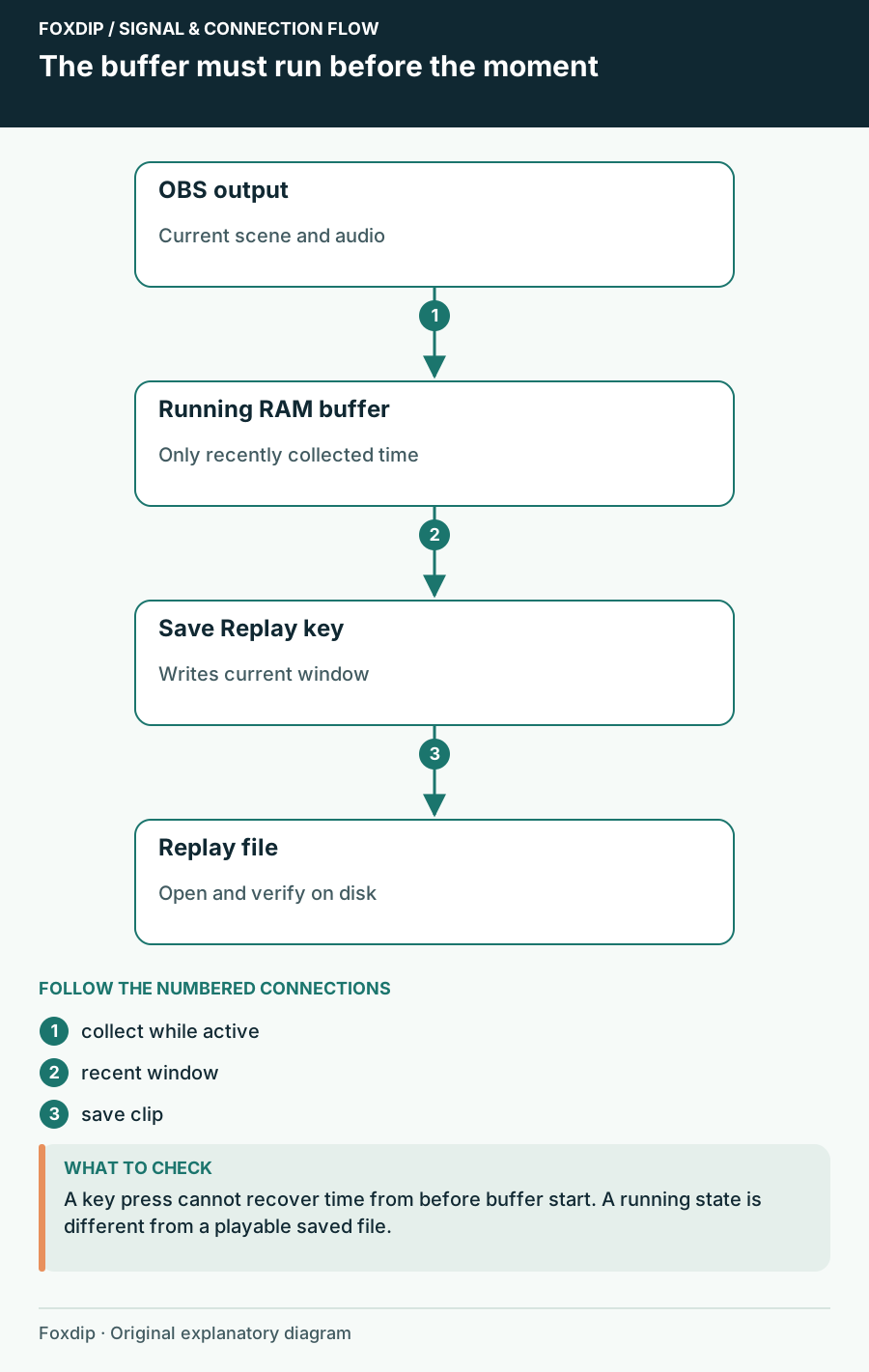
OBS Replay Buffer: Save Your Best Moments with One Key
Set up the OBS Replay Buffer, give it a hotkey and save the last 30 seconds whenever something good happens.
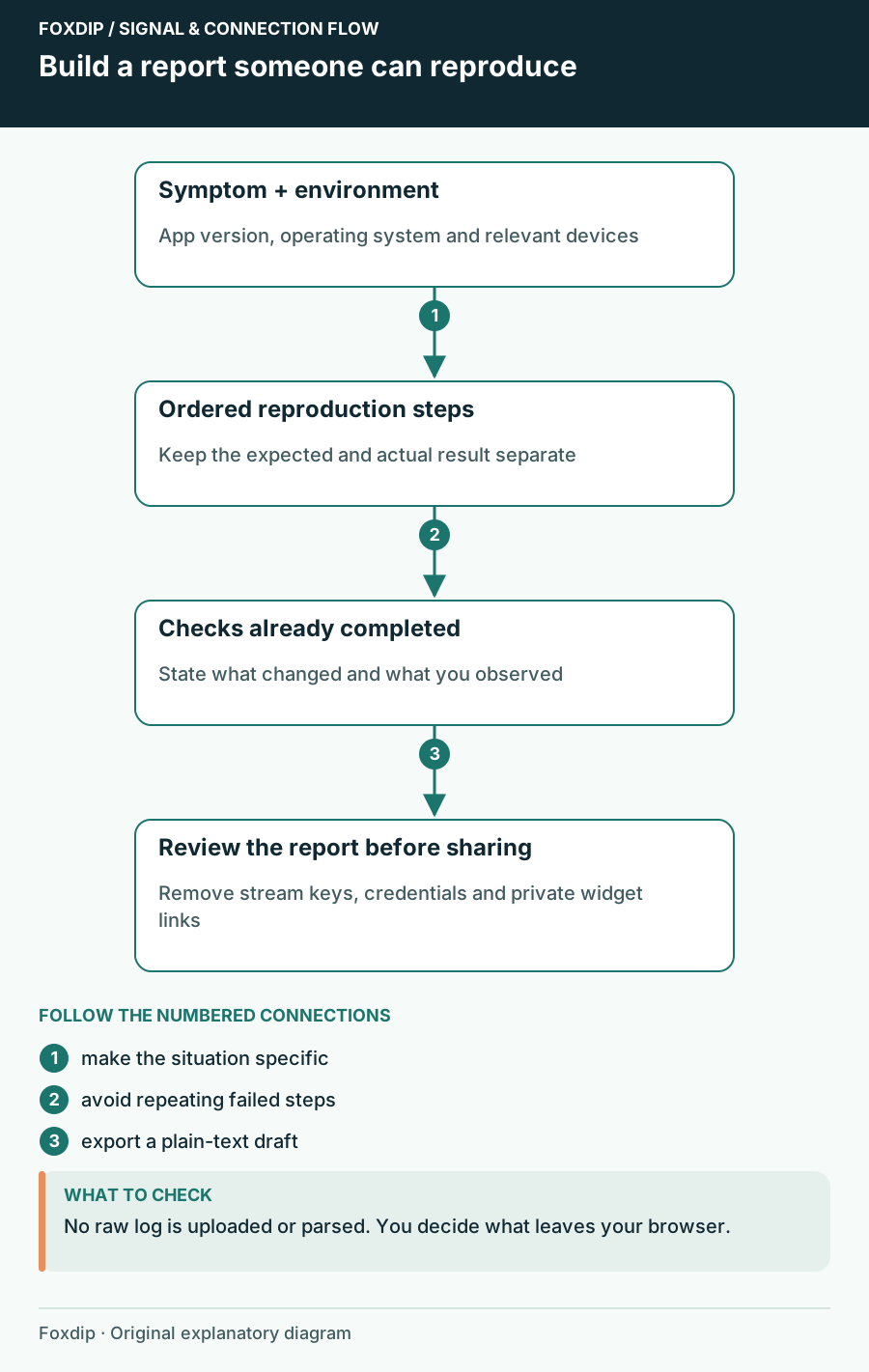
OBS Support Report Builder: Explain the Failure Before Sharing the Log
Draft a focused OBS help request with your setup, reproduction steps, expected result and checks already tried. Export it before sharing.
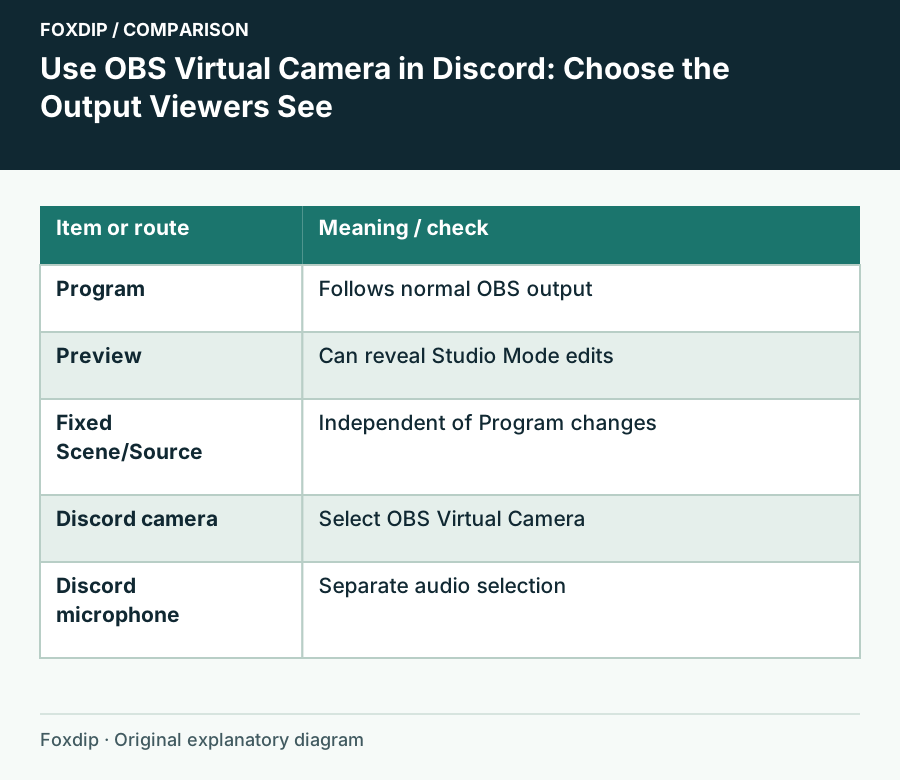
OBS Virtual Camera on Discord: How to Set It Up
Start OBS Virtual Camera, pick it as your camera in Discord, and choose what Discord sees: the whole program, one scene or one source. Set the mic apart.
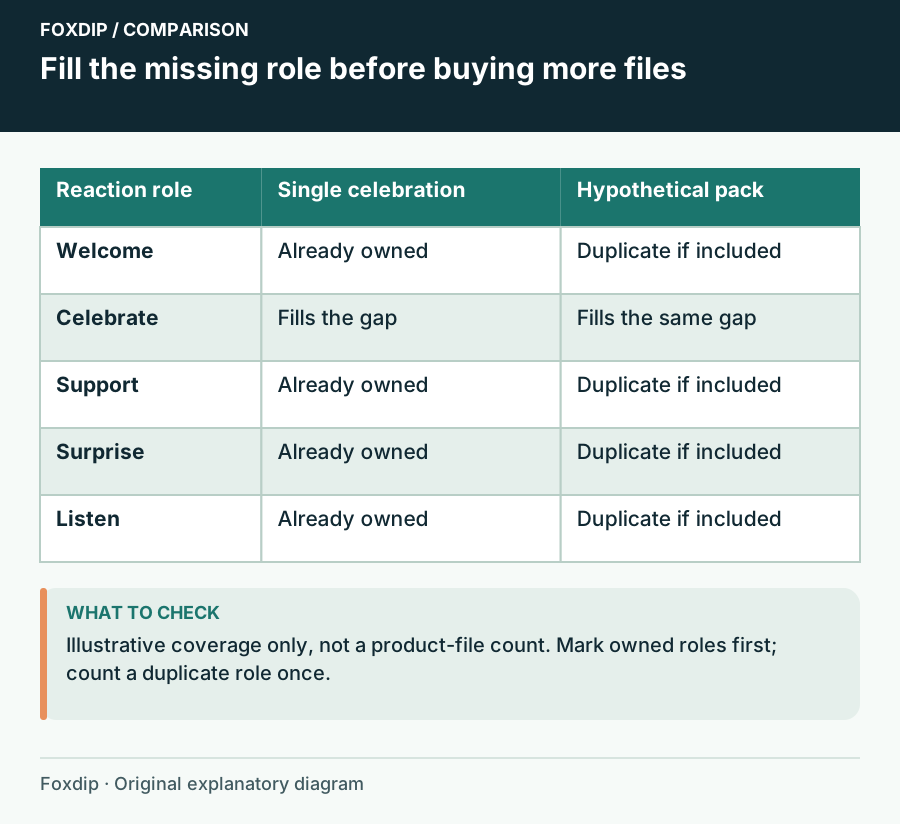
One Animated Emote or a Full Pack: Count Useful Reactions
Compare a single animated reaction with a coordinated pack by slots, missing meanings, still versions and your existing set.
Keep going
with your setup.
Need to install a pack? The download guides will help. Looking for a character instead? Browse the collections and see what catches your eye.