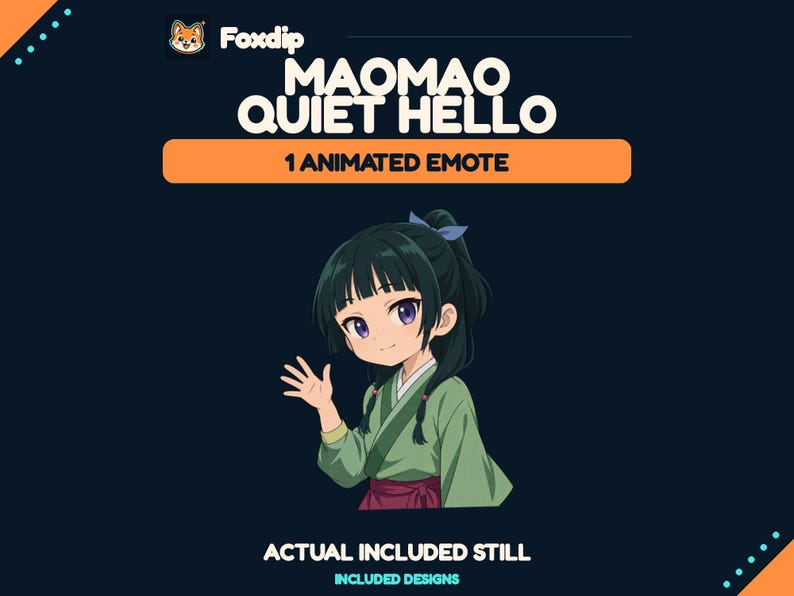
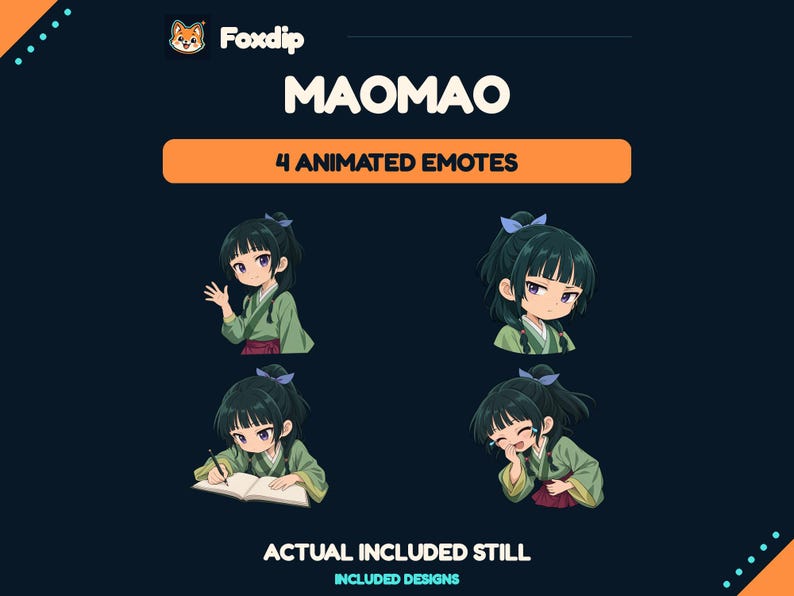
Buy a single animated reaction when it fills one obvious gap. Consider a pack when several of its different reactions belong in your available slots and you want a consistent visual language.
In this guide
Describe the gap in one line
“We have no celebration reaction” is a stronger buying brief than “we need more animation.” Write the missing moment and where the design will live. Your current set may already cover greetings, gratitude and surprise; one animated celebration could complete it. A full pack then adds choices, but may also repeat meanings you already have.
If you are starting from nothing, count distinct jobs in the proposed pack. A useful selection might combine greeting, excitement, support, surprise and a quiet listening reaction. Do not equate the number of exported files with the number of reactions. The same drawing in several sizes, or a still companion to an animation, remains one basic expressive idea.
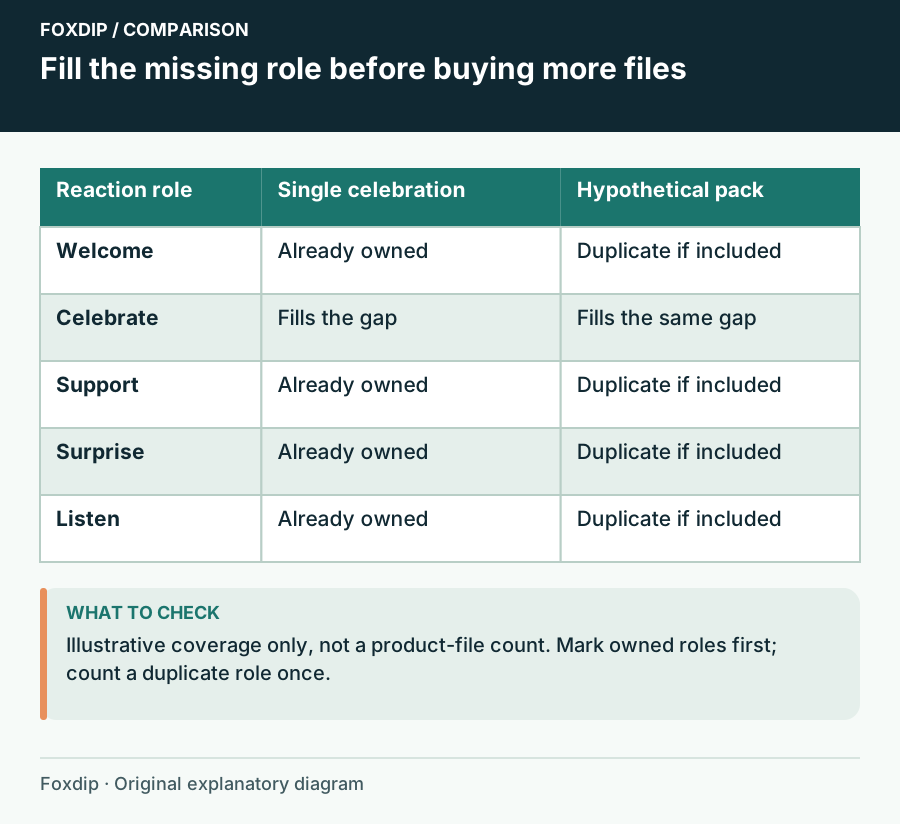
Original Foxdip schematic. Follow the labelled checks alongside the guide.
Separate slots, movement and matching style
Check your dashboard for the slots you can currently use. Twitch has different upload requirements for standard and animated emotes, so a bundle containing both file types does not mean every variant belongs in every slot. Plan assignments before you buy a quantity that your intended destination cannot use.
Then ask why the movement helps. A rising cheer, small nod or repeated sip can communicate action; a loop added to an already obvious symbol may simply be a stylistic choice. A coordinated pack can look cohesive, but one differently drawn animation can still fit if its line weight, colour intensity and tone work beside the rest.
Compare the choices on a coverage sheet
List the products you are considering in columns and the reaction roles in rows. Mark a role only when you would use that exact design. This stops a large advertised count from hiding several near-duplicates. Add a row for any still version you need elsewhere, but verify that the listing actually supplies it.
For example, suppose you want welcome and celebration, already own a thank-you heart and have no use for an angry reaction. A five-design pack might fill two gaps, while a single celebration fills one. The right choice depends on the welcome design and current total cost, not the claim that five is always better value.
| Need | Single reaction | Pack |
|---|---|---|
| One missing celebration | Direct fit | Useful only if other roles fit |
| New consistent vocabulary | Limited coverage | Compare distinct meanings |
| A static companion | Must be listed | Must still be listed |
Read delivery details without guessing
Confirm which designs are animated, whether corresponding stills are included, and how the files are delivered. A moving shop slideshow can present static artwork. Conversely, a still preview can represent a downloadable animation. The product description should make the distinction explicit; ask the seller when it does not.
Look at the licence for the places you intend to use the files. Permission for one creator’s channel is different from permission to redistribute assets to a team. Do not assume that buying more designs changes the usage rights. If you are comparing current prices, record the same currency and checkout conditions for both options.
Keep the purchase reversible in your workflow
Before replacing anything, save your existing artwork and role list. Introduce the new reaction beside familiar ones, then notice whether it answers the intended moment. You do not need to install every item from a pack immediately. Holding unused designs in your archive can be cleaner than changing the whole vocabulary in one evening.
Choose the smallest purchase that satisfies the roles you can name today, unless the pack has several other designs you actually want. That is an editorial budgeting rule, not a promise about value or chat activity. A single well-placed reaction and a coordinated full set can both work; the difference is the scope of the gap.
Sources & references
Foxdip editorial design advice with platform behavior grounded in the linked official documentation. Layout dimensions and palettes are worked examples, not platform requirements.
- Twitch: Emote Formatting & Instant Emote Upload Requirements ↗Checked 2026-10-27
Spotted something out of date? Let Alex know.
How we put our guides together ↗