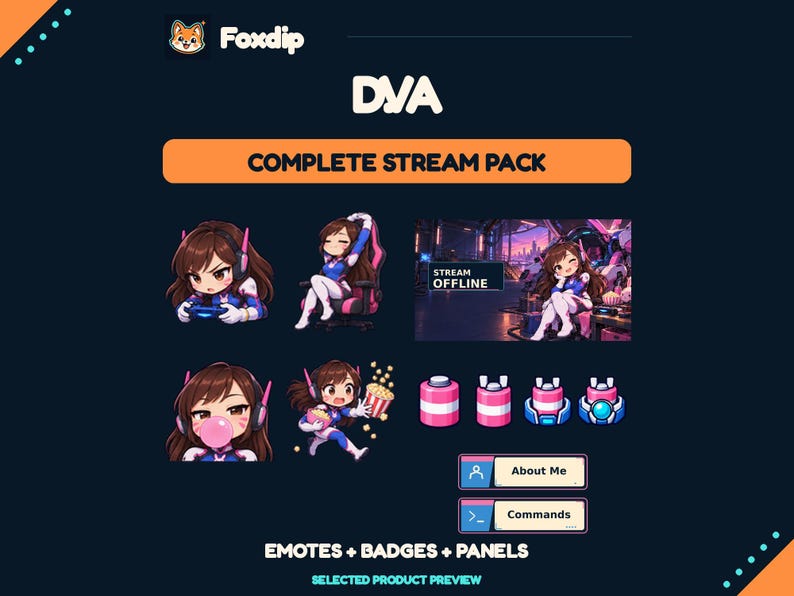
Use the offline image for a short message: who you are, that you are offline and where viewers can find reliable return information. Keep detailed schedules and clickable links in the channel’s actual information areas.
In this guide
Give the image one durable message
An offline screen is seen outside your live show, sometimes long after you last updated the artwork. “Offline — check the schedule for the next session” can stay accurate longer than a baked-in promise to return tomorrow. Choose wording you can maintain through holidays, cancellations and changes in your routine.
Twitch supports a video-player banner for the offline channel state. Treat this image separately from the last scene you broadcast. A stream-ending screen may thank today’s viewers; the offline banner needs to make sense to someone arriving on a different day with no knowledge of that session.
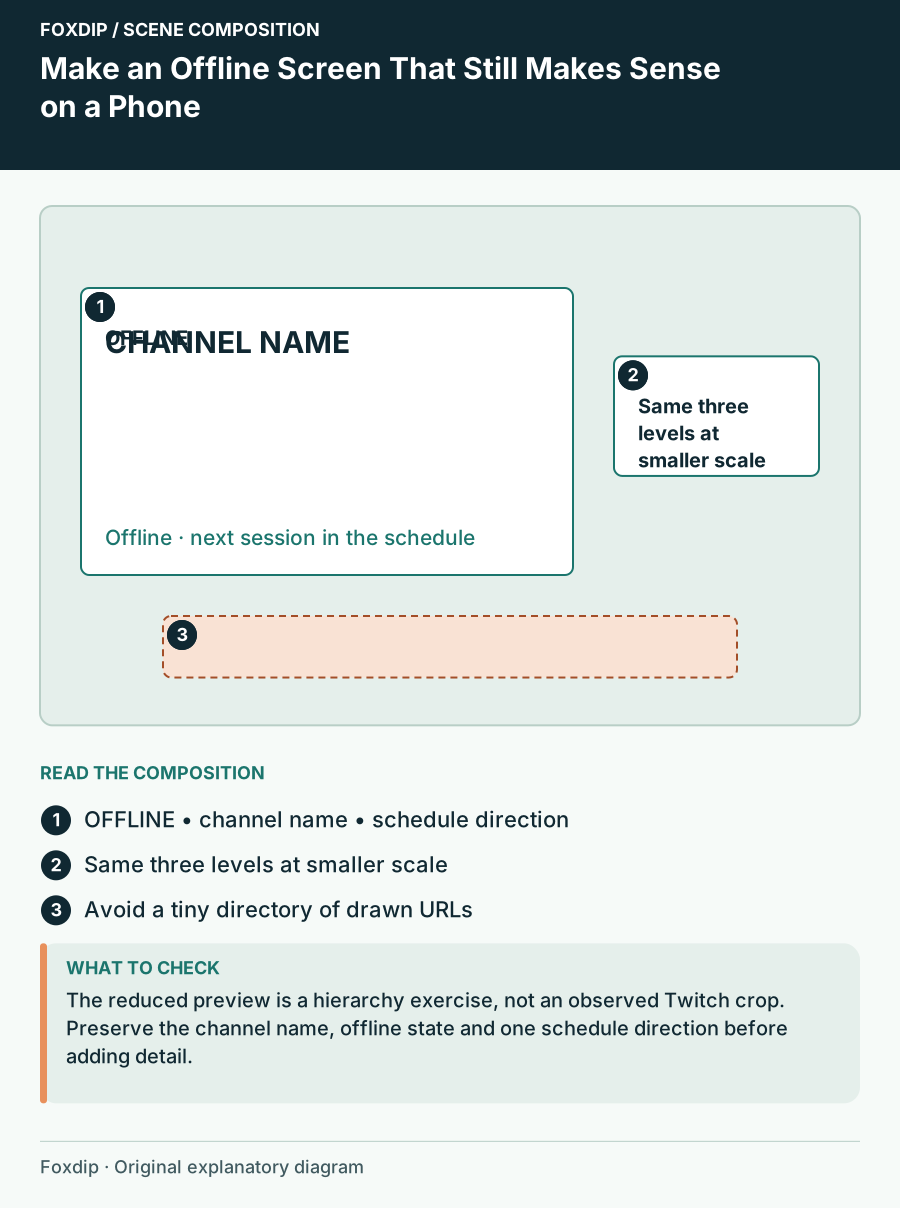
Original Foxdip scene plan. Positions illustrate this example; check the actual game or camera view.
Build a small-player hierarchy
Use one main status line, a concise channel identity and one short next-step line. A large decorative logo can be attractive, but it should not push the actual message into tiny lettering. If the illustration already contains many bright details, place the words on a quieter solid panel.
An example composition uses a dark central message card over a room illustration, with the channel name above and a short schedule direction below. Keep decorative props near the sides. The arrangement is a starting point for your artwork, not a guarantee about every device crop. Check the actual channel presentation on the devices you can access.
Do not turn the picture into a directory
An address drawn into an image is not the same as a working link. Long social URLs, donation instructions and a full rules list are better placed in the channel information areas where people can select or follow them. Twitch’s About panels are separate elements and can carry linked information.
Use the image to point toward that information in plain language: “Schedule below” or “Find links in About,” where those instructions match your actual channel layout. Avoid relying only on a tiny icon with no label. A visitor should understand the direction without knowing which logo represents each service.
| Information | Good home | Reason |
|---|---|---|
| Offline status | Main image | Immediate meaning |
| Detailed weekly schedule | Maintained schedule area | Easier to update |
| Clickable social links | Channel links or panels | A picture is not a hyperlink |
| Long rules | Text information area | Room for readable copy |
Test the message before polishing the illustration
Export a draft and view it at a small size without zooming in. Ask whether you can read the status and next step in a glance. If you need to enlarge the window to understand the message, shorten the copy and increase the quiet space around it before adding more decorative detail.
Check light and dark variations of the illustration if your pack includes them. A scene that supports white lettering at night may need a panel or different placement in the daytime version. Keep the wording as a separate editable element in your working file when possible, so a schedule change does not require repainting the entire scene.
Create a maintenance habit around the banner
Keep a copy of the final wording beside the file and note where it appears. Update it when the channel identity, schedule destination or social information changes. If you are taking a break, an honest pause message is more helpful than an old return time that has already passed.
Choose an offline-screen product for its composition, message space and included editing options. Confirm fixed text before purchasing if your channel needs another language or custom wording. The most useful offline design remains understandable when the art is small, the sound is absent and the visitor has never watched you before.
Sources & references
Foxdip editorial design advice with platform behavior grounded in the linked official documentation. Layout dimensions and palettes are worked examples, not platform requirements.
- Twitch: Channel Page Setup ↗Checked 2026-10-27
- Twitch: How to Edit Info Panels ↗Checked 2026-10-27
Spotted something out of date? Let Alex know.
How we put our guides together ↗