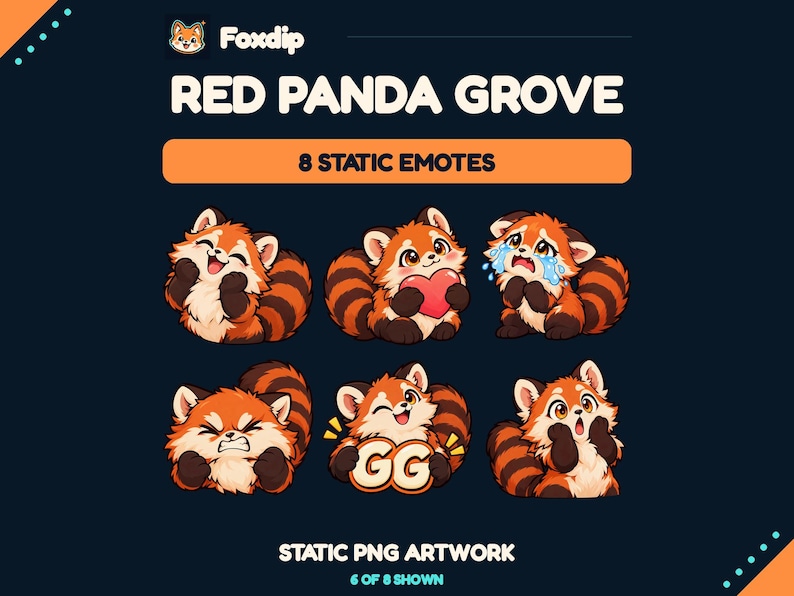
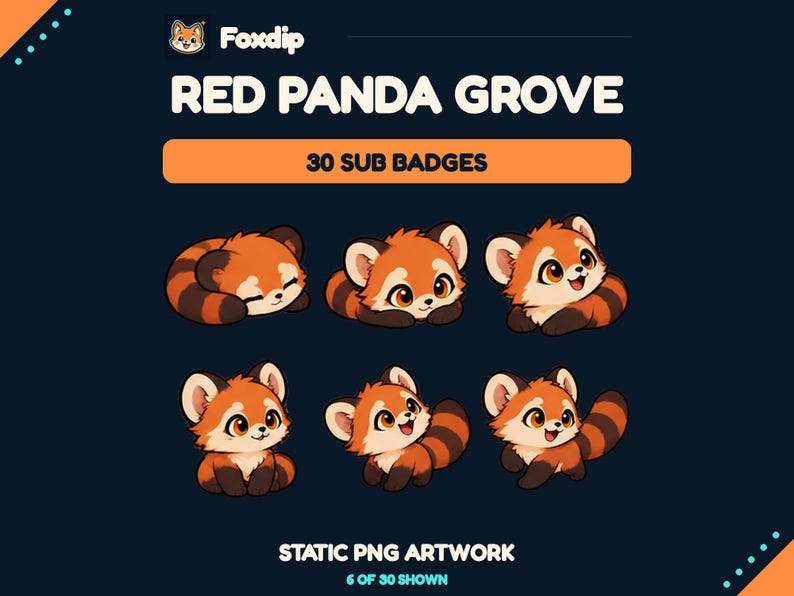
Let emotes carry expressions and let badges carry a simple identifying shape. Connect them through two or three visual traits instead of shrinking the same detailed character into both roles.
In this guide
Give the two asset types different jobs
An emote appears as a message someone chooses to send. A subscriber badge identifies support beside a chat name. Treat that difference as a design advantage: the emote can be expressive, while the badge can stay compact and recognisable. A badge does not need to retell the entire mascot illustration.
Imagine a channel with a woodland fox character. Emotes could show the fox waving, cheering and resting. Badges could use a leaf-shaped token with a small warm highlight. The shared setting is enough to create a family. Copying the fox face into every badge may make the loyalty sequence harder to distinguish from the chat reactions.
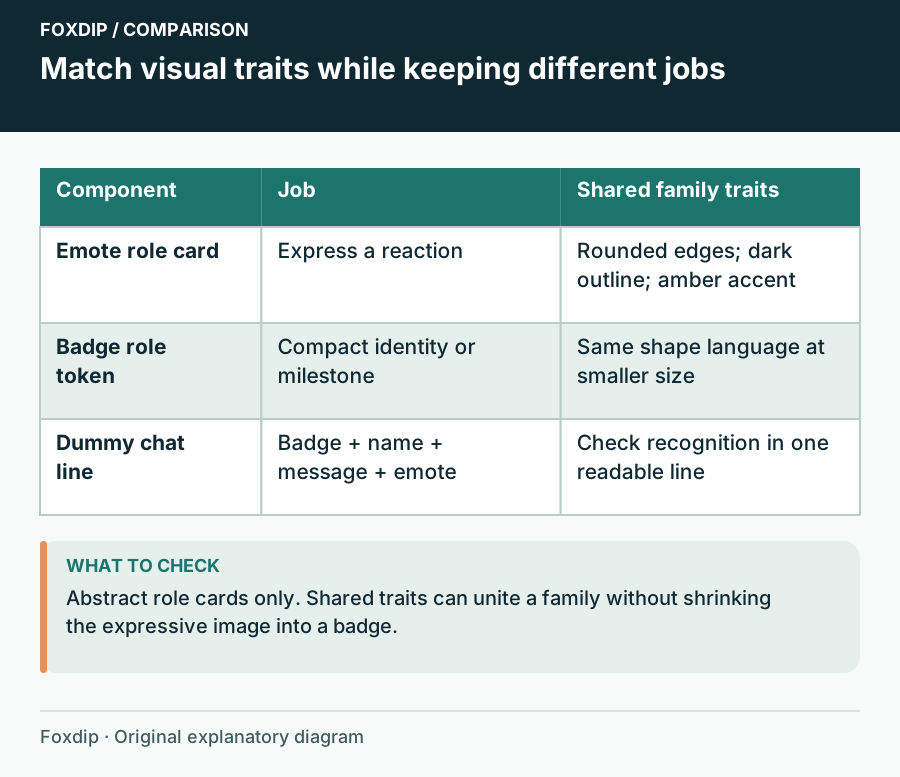
Original Foxdip schematic. Follow the labelled checks alongside the guide.
Choose the traits that should match
Pick two connecting traits before browsing: perhaps a thick dark outline and warm amber accent, or soft rounded shapes and muted green. Materials can connect assets too. A paper-cut emote style and a wooden badge style may fit a handmade theme if their shadows and colour temperature agree.
Keep one trait free to differ. Emotes might use a broad range of expressions while badges stay calm; badges might introduce a metallic highlight reserved for later stages. If everything uses the same dominant colour and silhouette, the channel can feel coordinated but the individual meanings become harder to separate.
| Shared trait | Emote use | Badge use |
|---|---|---|
| Rounded edges | Soft gestures | Simple token outline |
| Warm amber accent | Small expression detail | Milestone highlight |
| Woodland motif | Character setting | Leaf or seed symbol |
Compare assets in the chat they will occupy
Place an emote next to a sample username and badge rather than judging separate large product previews. Use invented names and neutral chat copy in your mockup. Does the badge still look like an identity marker? Does the emote read as a response? Remove decoration that makes the two merge into one undifferentiated cluster.
Inspect the smallest supplied badge exports. Twitch requires a different set of badge dimensions from its standard emote dimensions; a large emote file is not automatically a badge upload. Beyond technical acceptance, compare the silhouette and spacing beside actual chat text. A tiny ornament can survive as a symbol even when its illustrated texture disappears.
Build a bridge when the styles differ
You may already own a colourful emote set and want a quieter badge collection. Bring them together with a repeated accent in your panels or scene labels instead of recolouring paid artwork without permission. A narrow amber line in the scene and an amber panel heading can bridge the two collections without making every asset identical.
Avoid piling on a third unrelated style to solve a mismatch between the first two. If neon badges and watercolour emotes clash in tone, choose which one represents the channel more strongly. Keep the other only if the contrast feels deliberate. Theme words such as cozy or fantasy are too broad to guarantee that two packs will look related.
Buy the missing family member
Inventory what you already have, including art bundled with larger scene packs. If the emotes work well, a small badge selection may be the only gap. If your badges already communicate the channel motif, choose expressive reactions around their palette. Coordinated products are convenient when their contents fit, but a shared shop collection is not the only path to a coherent channel.
Before purchasing, confirm active listing details and the usage terms for both asset types. Save one reference sheet showing the palette, chosen traits and role of each family. Use that sheet when adding future art so the channel can grow without turning every new upload into a complete redesign.
Sources & references
Foxdip editorial design advice with platform behavior grounded in the linked official documentation. Layout dimensions and palettes are worked examples, not platform requirements.
- Twitch: Subscriber Badge Guide ↗Checked 2026-10-27
Spotted something out of date? Let Alex know.
How we put our guides together ↗