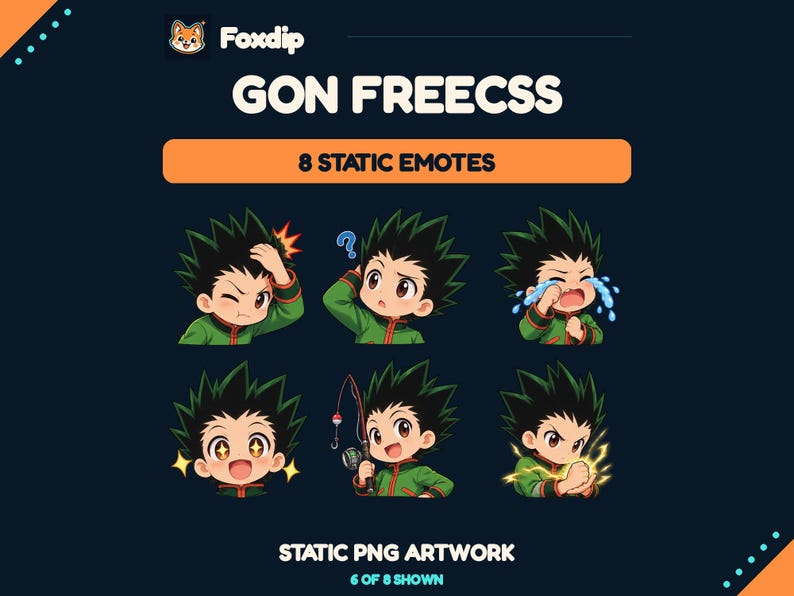
 Static PNG
Gon Freecss Twitch Emotes
PNGDownload
CA$7.68CAD
 Foxdip✦
A microphone problem, an OBS setting or a character you’ve been looking for. Start with a few words.
21 results for “free”
Preview the free GG emote at 28 px on light and dark backgrounds, then check whether each frame keeps the expression clear.
A free reaction may be enough to get started. Here is when a matching pack earns its place, using GG and Neon Chat as a concrete comparison.
Open the free GG download and see how one design becomes seven exports, where GIF and PNG belong, and which notes to keep with the artwork.
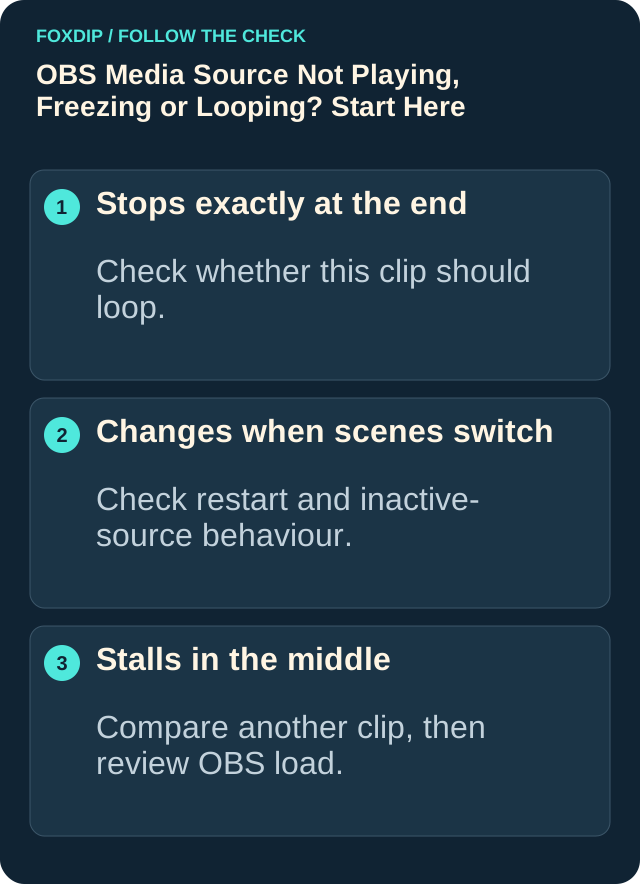
Seeing "media source is not playable" in OBS? It usually means OBS can't open that file. Here's how to find out why and get your video playing.
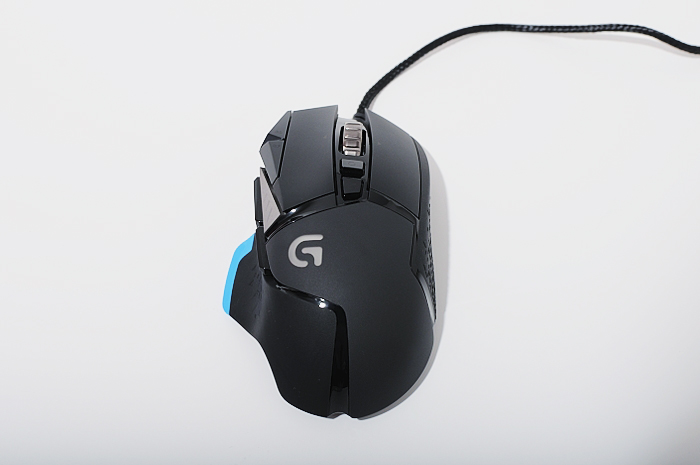
Find the original G502’s wheel-mode button, compare the two modes and separate a free-spinning wheel from scrolling that fails to register.
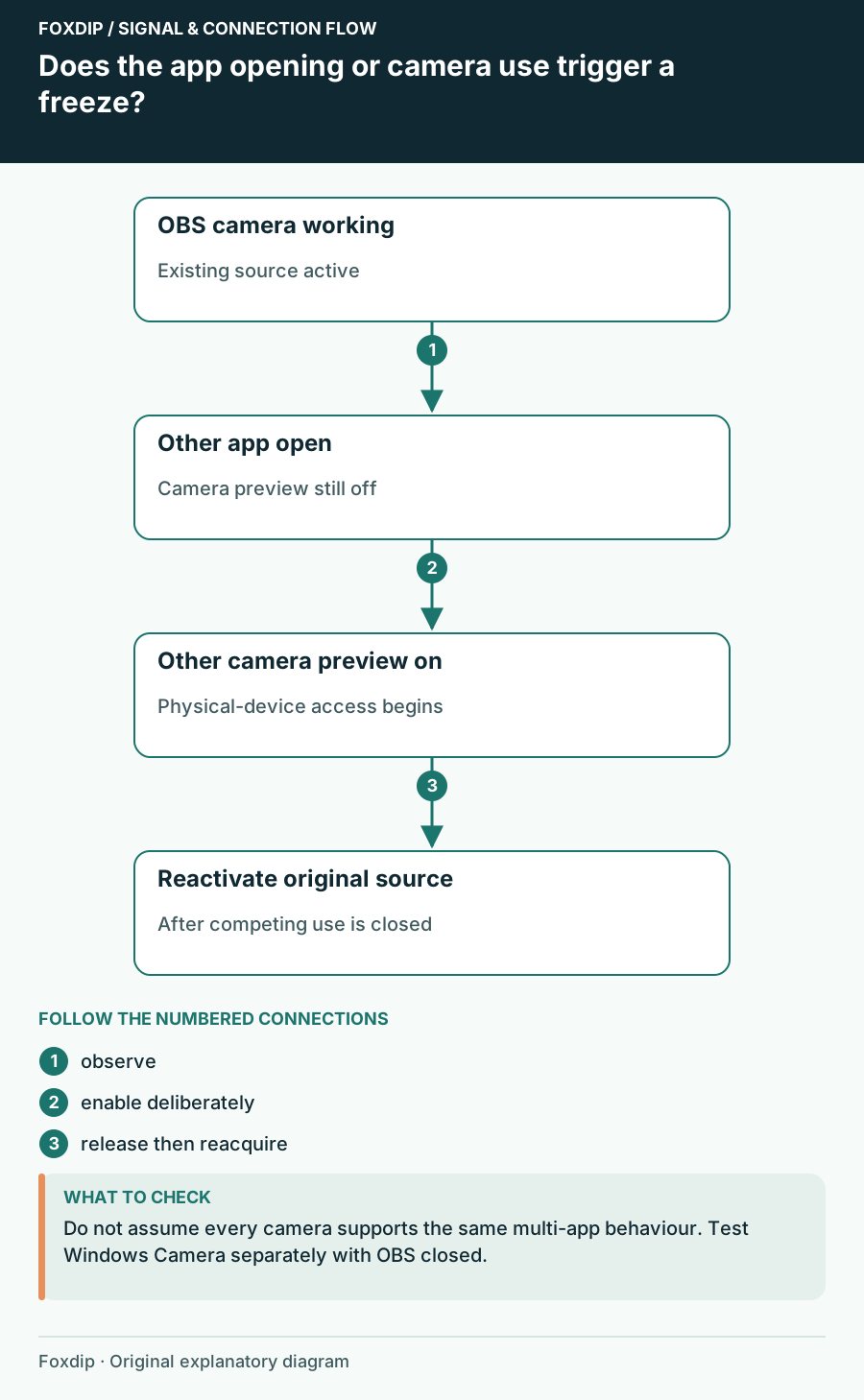
Check camera ownership and reconnect the existing source before rebuilding the scene.
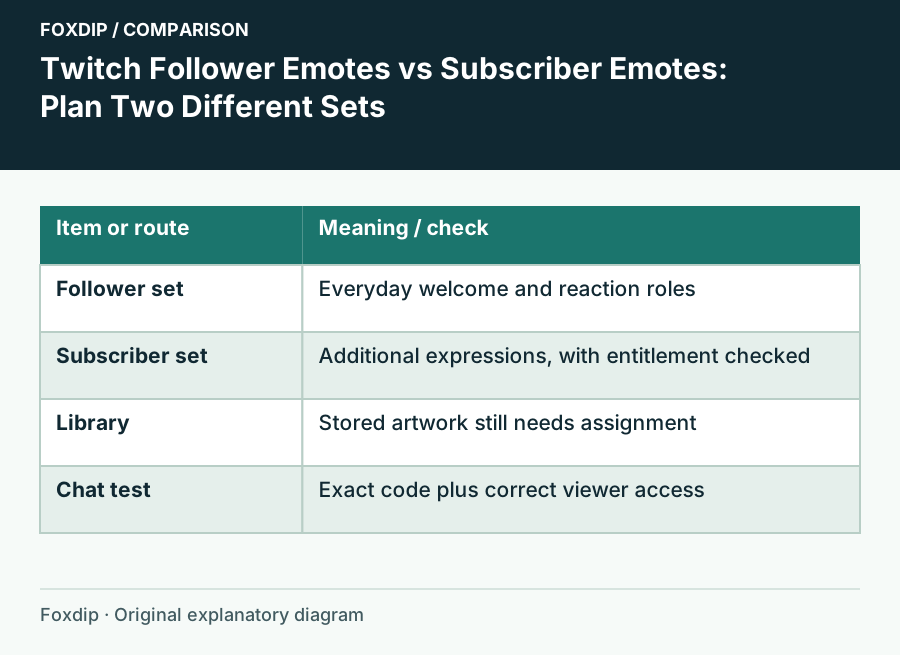
Choose which reactions belong in your free follower slots and which belong in a subscriber set, then check the viewer’s access.
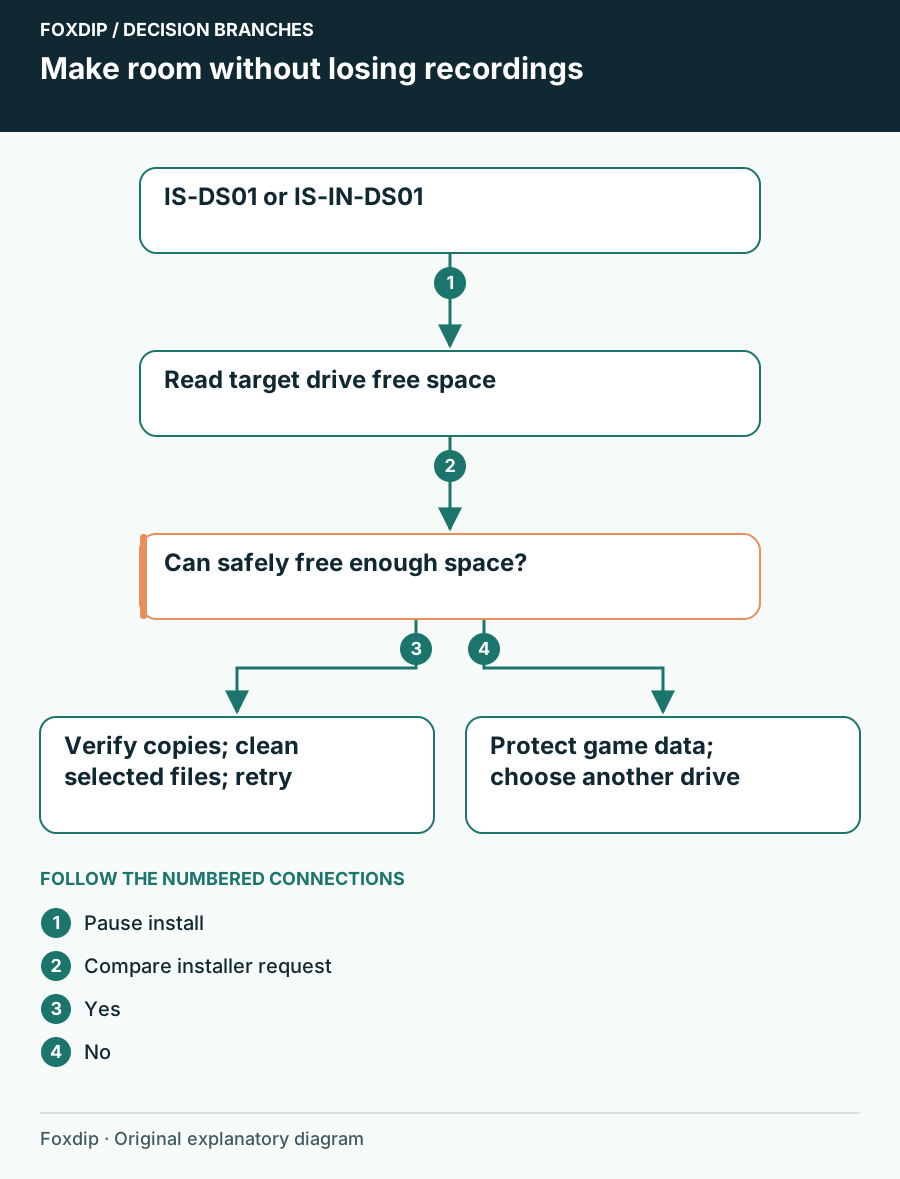
Check the game’s chosen drive for IS-DS01 or IS-IN-DS01, preserve saves and recordings, then free space or choose an available destination.
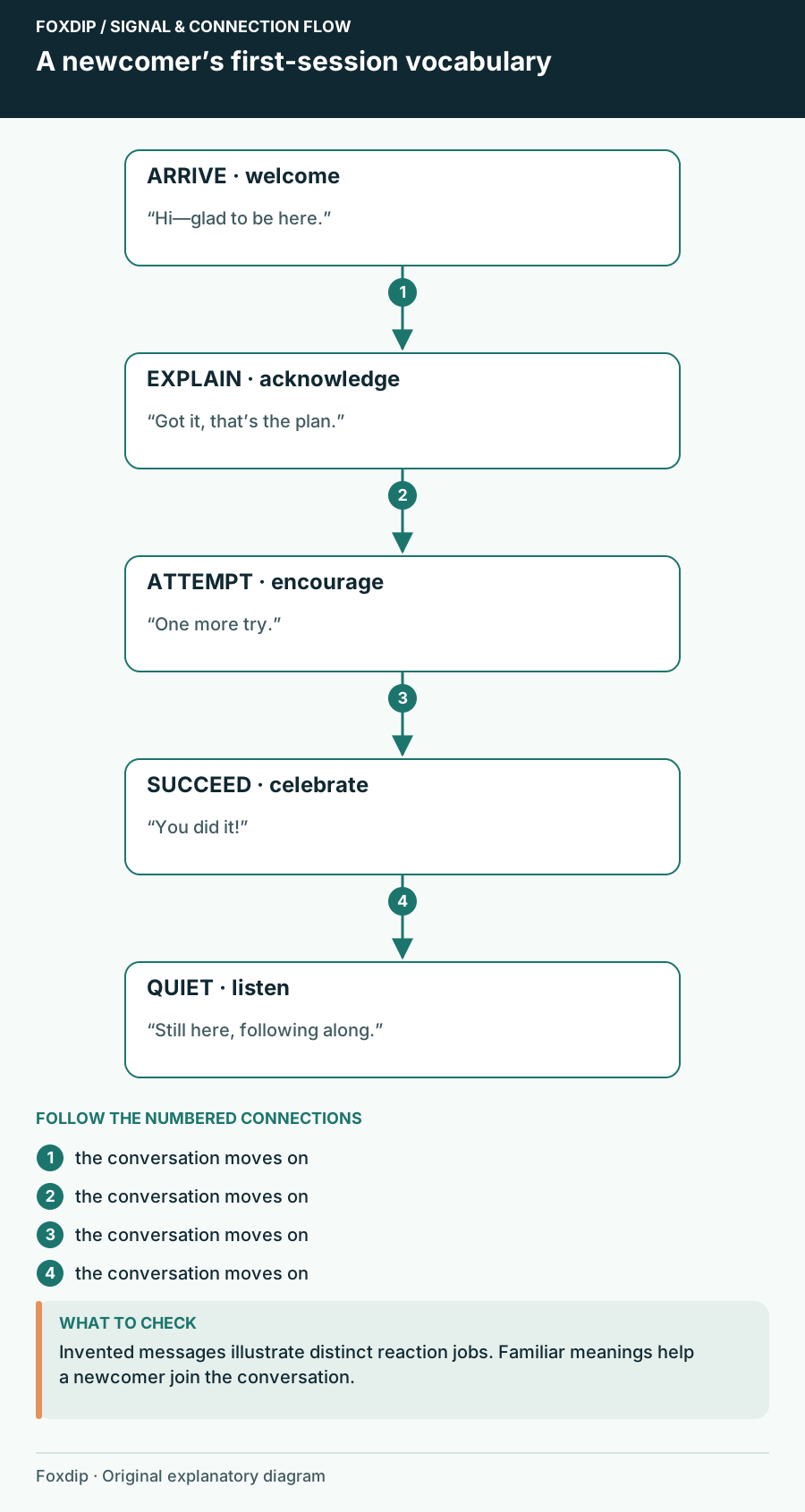
Choose free follower reactions that make sense to a first-time viewer, with a worked five-role welcome vocabulary.

Understand the free destination limit, assign each canvas and check the real output on both platforms.

Distinguish Discord's paused local preview from a real viewer freeze, then compare quality and application load.
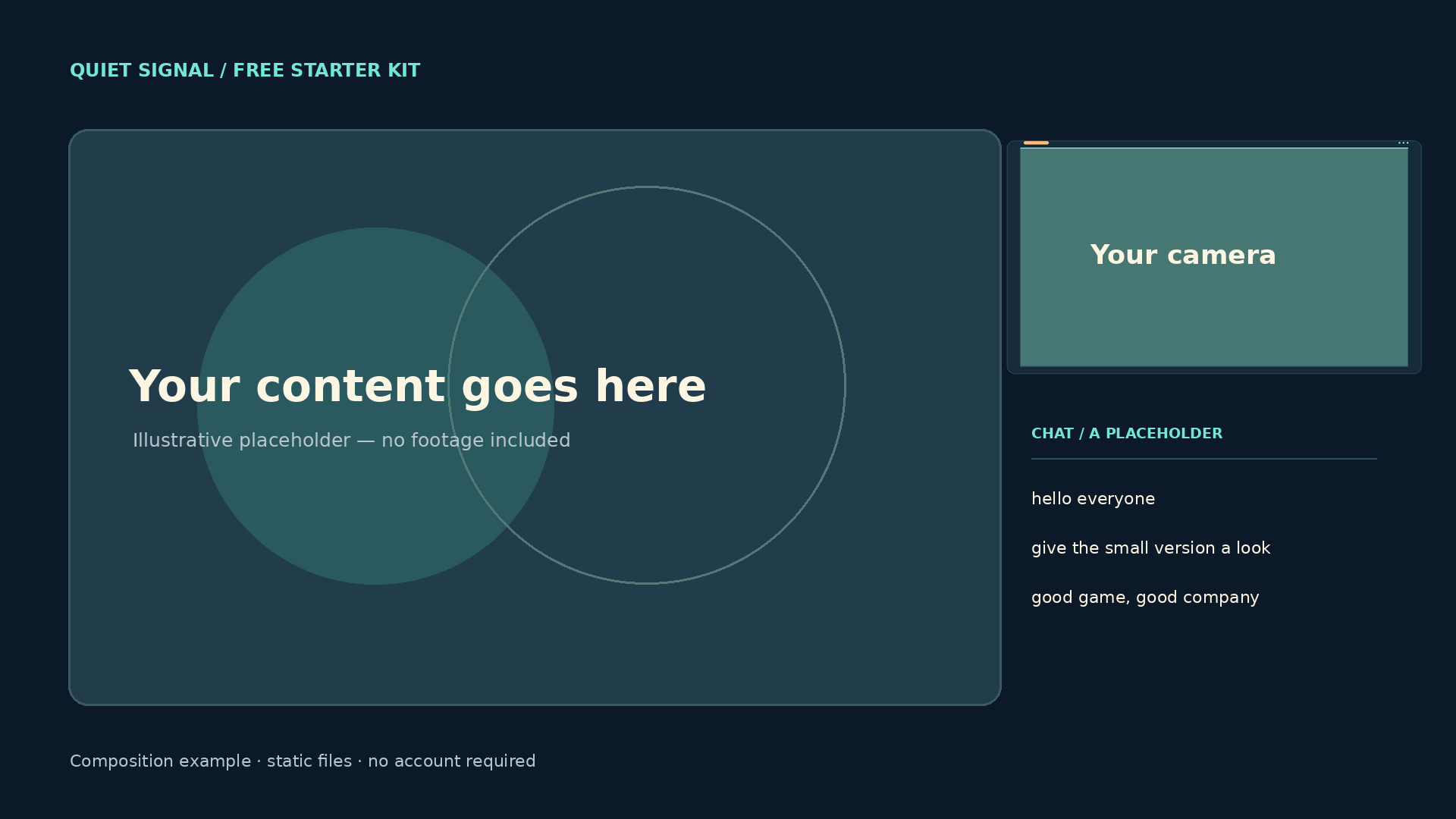
See how the free Quiet Signal screens, camera frame and panels fit together, what the original files contain and which parts of the scene you supply.
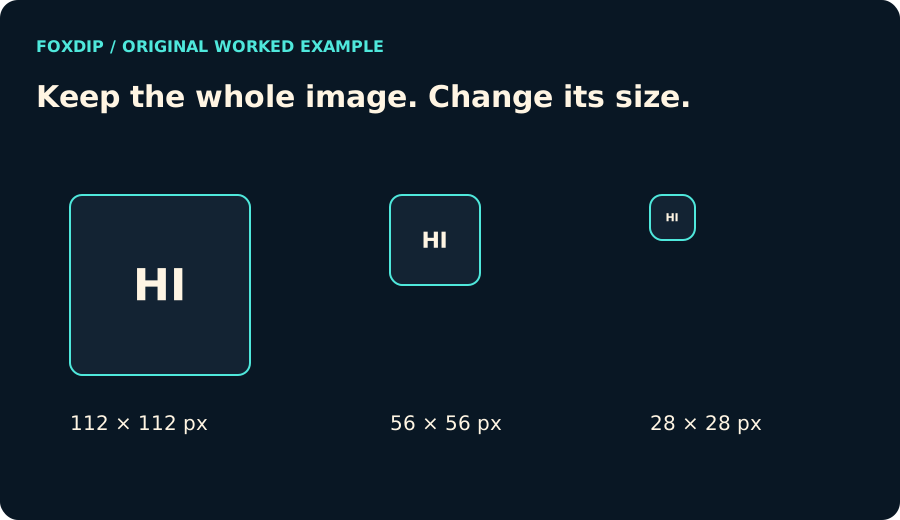
Turn one image into all the sizes Twitch needs: 112, 56 and 28 px for emotes, or 72, 36 and 18 px for sub badges. Free, no account, works in your browser.
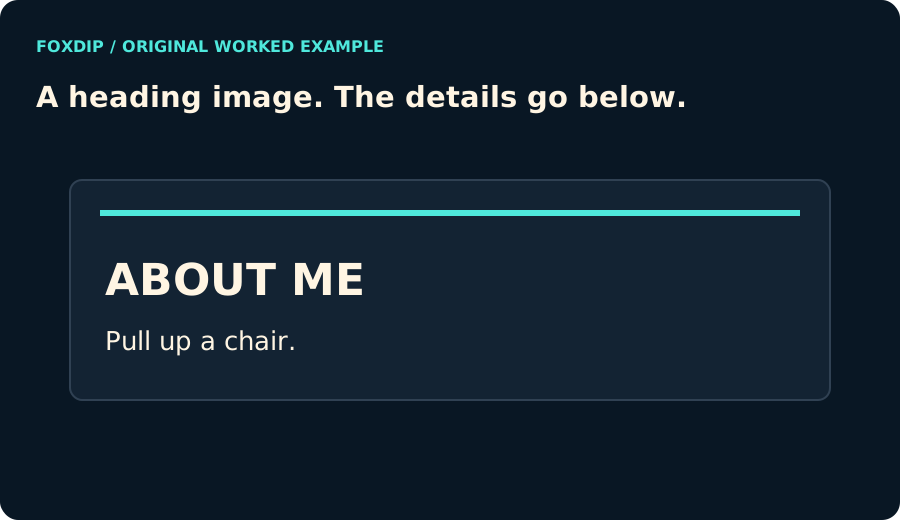
Create a 320 px wide Twitch panel heading with your text, colours and an original geometric template. Preview it and download a PNG without an account.
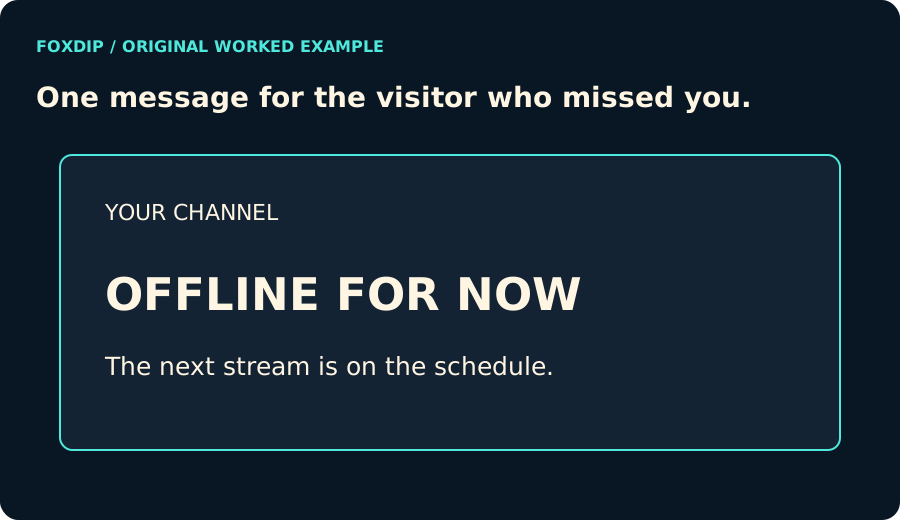
Make an original offline banner with a channel name, short message and matching colours. Export a 1920×1080 or 1280×720 PNG locally.
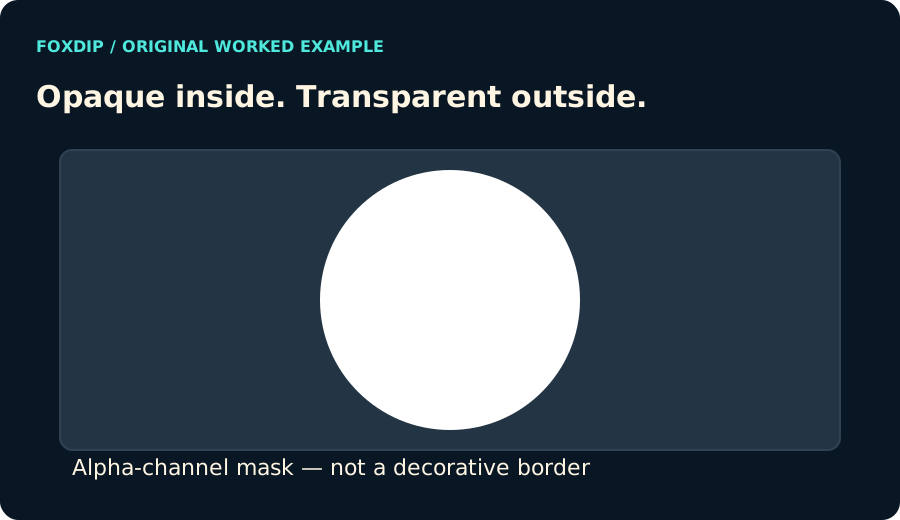
Export an original alpha-channel webcam mask at your source dimensions. Choose a circle or rounded rectangle and keep the outside transparent.
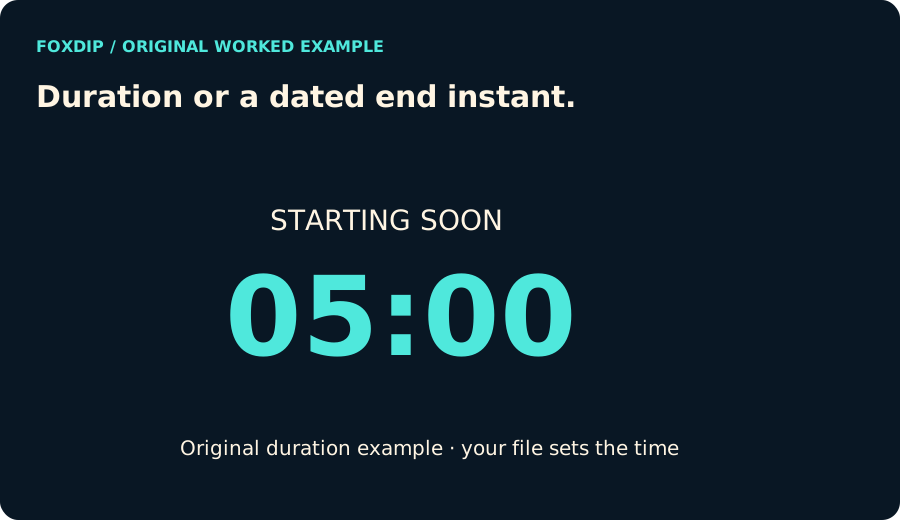
Preview a countdown and download one standalone HTML file. Choose a duration or a dated end instant, with pause/reset controls and no connected service.
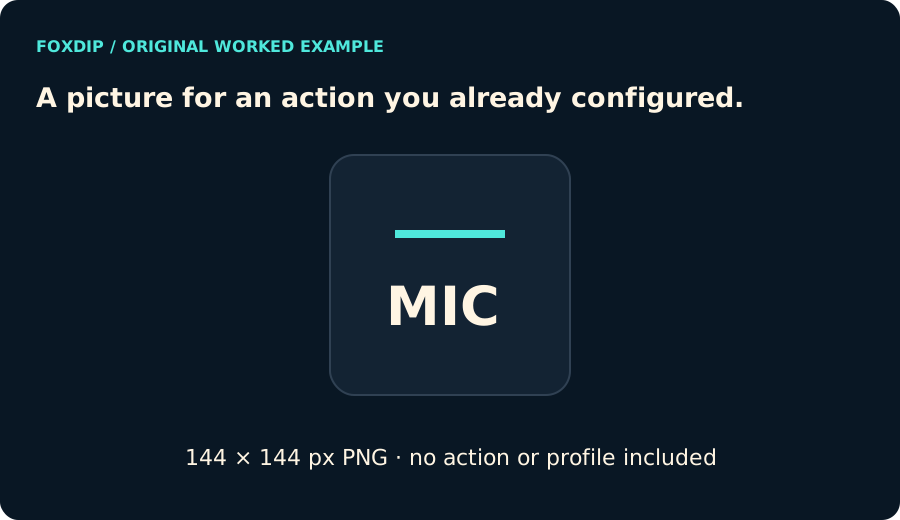
Make an original text-and-shape Stream Deck icon in your colours. Export a 144×144 PNG and apply it to an action you already configured.
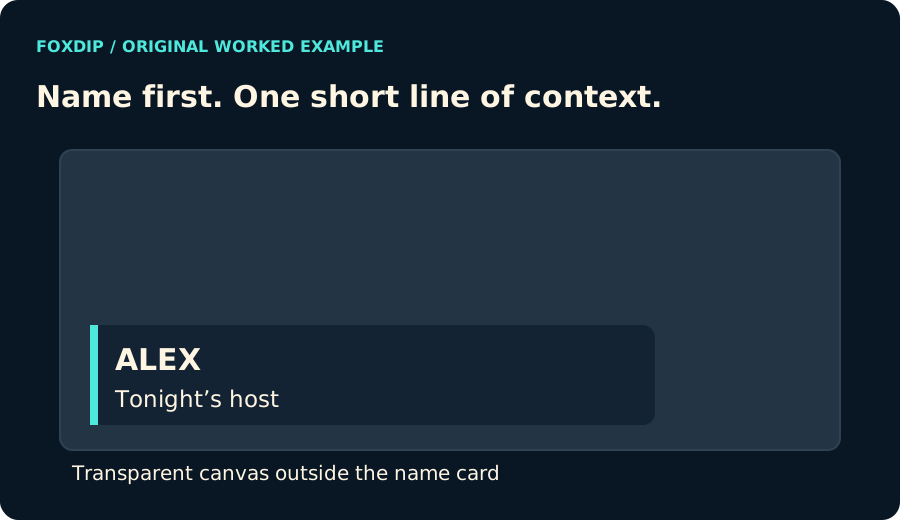
Create an original static name-and-role lower third on a transparent 1920×1080 canvas. Download the PNG and place it in your streaming scene.
Static PNGPNGDownload
CA$7.68CAD