
Give a visitor one useful message: where to find the next stream or update. Keep the banner static and easy to revise when your plans change.
An on-device preview and downloadable result, with the limits described below.
Leave a useful message while you’re away.
Keep the title short and tell a visitor where to find your next stream.
JavaScript powers your local preview and download.
A static PNG, not a live schedule. Update the wording yourself when plans change; the export does not publish to your account.
No account or upload. Selected files and entered text stay on this device; exports are saved only when you ask.
In this guide
Before you start
- Use files and text you have permission to use.
- Enable JavaScript in a current browser.
Write for the visitor who just missed you
Offline for now tells someone what happened; a second line should tell them where to go. Point to your current schedule or profile information rather than promising a date you may not keep.
Use a short channel name, headline and message. The tool creates a new geometric design in your colours. It does not import or copy a paid overlay’s art.
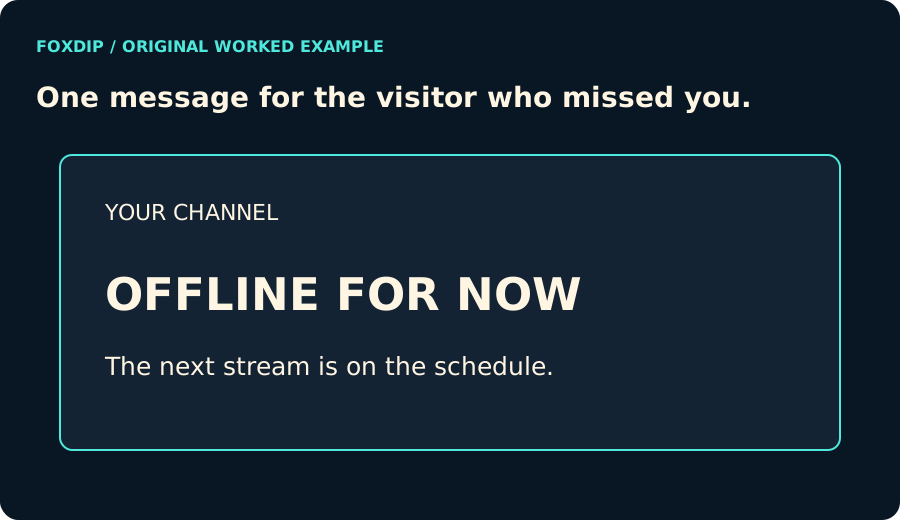
Original Foxdip diagram. The interactive tool above produces your own preview and export; this is not a platform interface screenshot.
Choose the canvas you need
Pick 1920 × 1080 or 1280 × 720. Both are landscape 16:9 images. The text is fitted to the available width, and an overlong line is rejected before the export becomes unreadable.
The canvas size does not guarantee a perfect fit in every profile slot or player layout. Preview the PNG in the destination you intend to use and check its small-screen crop. Keep the main information comfortably away from the outer frame.
Keep the exported image with your channel files
Open the downloaded PNG and check the exact wording. Save it with a date or version in your own file library, then replace the image in your profile or OBS scene when you are ready. The maker does not connect to either account.
This banner never updates itself from a schedule. If the text names a time, change it when that time changes. A quiet, accurate message is more useful than a permanent announcement of last Tuesday’s stream.
Want graphics that already fit? See complete packs with offline screens ↗
Sources & references
Original Foxdip browser-local tool and explanatory example. Platform or file-format guidance is linked below; account upload and moderation are separate.
- WHATWG — Canvas and bitmap serialization ↗Checked 2026-10-27
Spotted something out of date? Let Alex know.
How we put our guides together ↗