
Use a short label you will recognise mid-stream. Export the picture, then change the image on the existing Stream Deck action without importing a different profile.
An on-device preview and downloadable result, with the limits described below.
A key you can recognise at a glance.
Create an original text icon for a key you already configured.
JavaScript powers your local preview and download.
144 × 144 px PNG, following Elgato’s icon-pack image guideline. This changes the picture you choose in Stream Deck; it contains no action, plugin or profile. No branded application glyphs are included.
No account or upload. Selected files and entered text stay on this device; exports are saved only when you ask.
In this guide
Before you start
- Use files and text you have permission to use.
- Enable JavaScript in a current browser.
Name the action in your own language
MIC, BRB or CAM may be more recognisable to you than a detailed miniature of an application window. Keep the text short and choose a simple accent shape. The maker uses only original geometric marks and your words.
It does not recreate another developer’s icon, application logo or paid pack. You can use its exported text-and-shape graphic on your own device; you remain responsible for words or marks you add elsewhere.
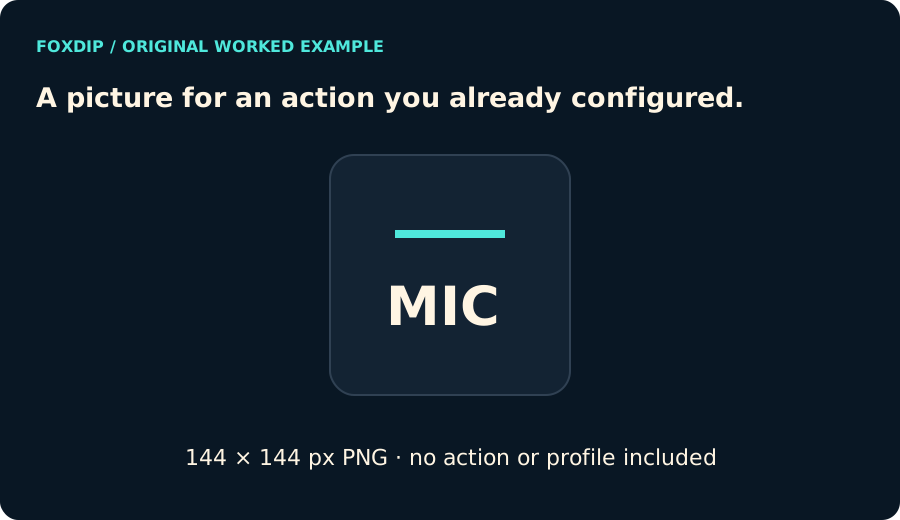
Original Foxdip diagram. The interactive tool above produces your own preview and export; this is not a platform interface screenshot.
Keep the image and action separate
The export is a 144 × 144 pixel PNG, matching the image dimensions in Elgato’s icon-pack guideline. That image contains no hotkey, plugin setting, profile or account connection.
To preserve your working command, select the existing action in Stream Deck and change only its image using the current application’s controls. Do not import an unfamiliar profile just to obtain a picture. Back up a configuration you depend on before larger changes.
Check recognition at key size
The preview is larger than the physical key. Open the PNG and view it small before applying it. If two labels are easy to confuse, change their words or colours instead of adding more fine detail.
After changing the image, press the key during a private rehearsal and confirm that its original action still runs. The icon maker cannot inspect that action or certify its behaviour.
Sources & references
Original Foxdip browser-local tool and explanatory example. Platform or file-format guidance is linked below; account upload and moderation are separate.
- Elgato — Stream Deck Icon Guidelines ↗Checked 2026-10-27
- WHATWG — Canvas and bitmap serialization ↗Checked 2026-10-27
Spotted something out of date? Let Alex know.
How we put our guides together ↗