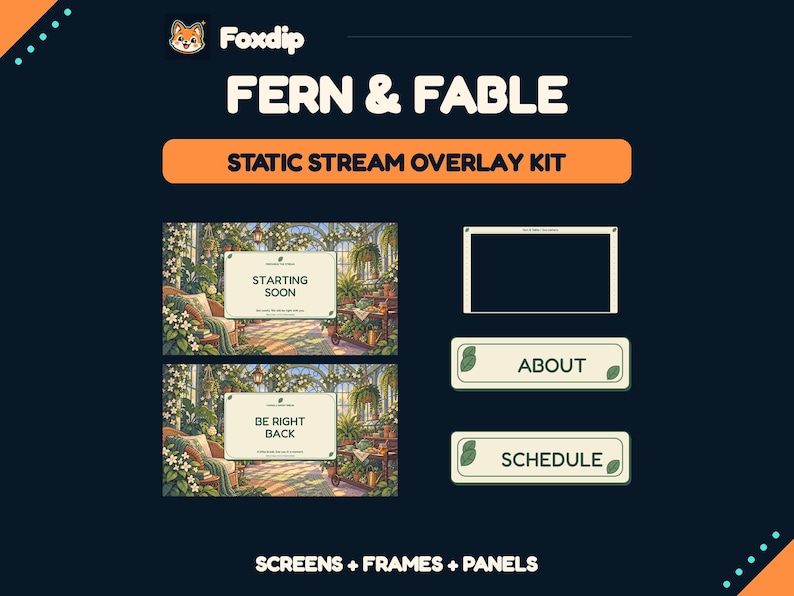
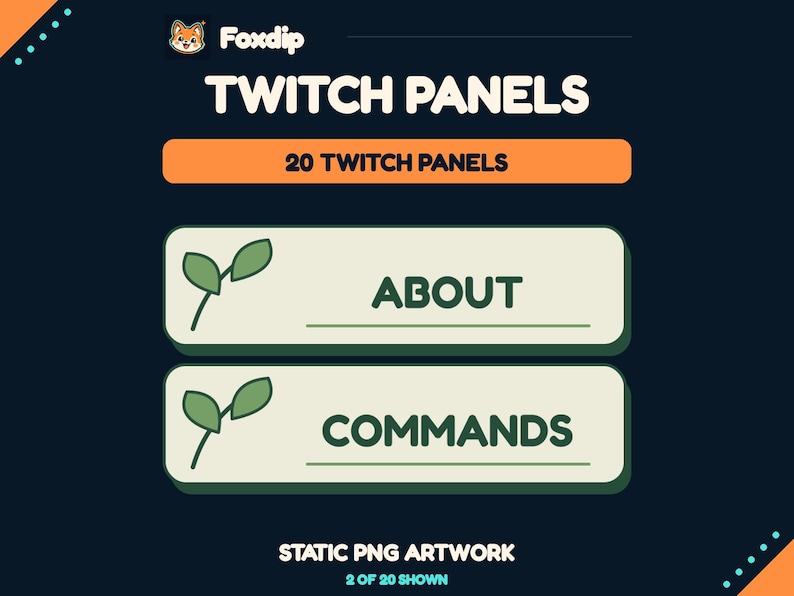
Choose one leaf family and two repeatable treatments: a large environmental version for scenes and a compact accent for panels. Keep text areas plain so the botanical theme connects the channel without crowding its information.
In this guide
Choose the plant language
Broad greenhouse leaves, fine pressed herbs and curling ivy create different moods. Pick one dominant family before combining collections. A large monstera silhouette can work as a scene-edge feature, while a delicate herb line drawing may suit a small panel divider. Their shared botanical subject does not automatically make their line weights and textures compatible.
Write a brief with three traits, such as broad leaves, muted green and warm paper. Use it to evaluate future additions. A new plant illustration should reinforce those traits or provide a deliberate contrast, rather than enter the channel simply because it is another attractive leaf.
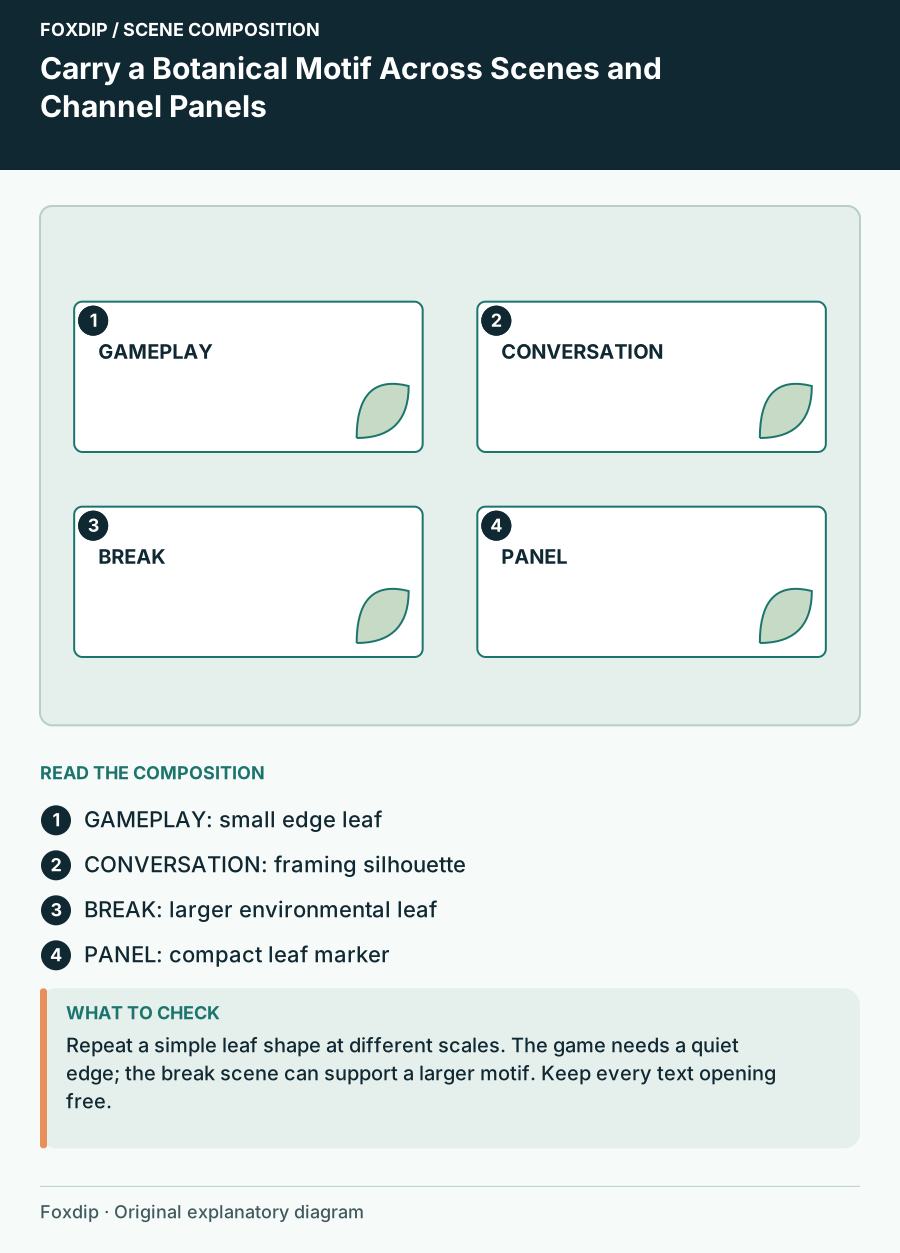
Original Foxdip scene plan. Positions illustrate this example; check the actual game or camera view.
Set the scale rules
Use large forms where the scene has space and small simplified forms where the viewer needs information. A waiting scene might show a substantial leaf silhouette at one side. A panel heading can use a single small leaf near its edge. Shrinking a complex full scene into a panel usually creates texture rather than a recognisable motif.
Keep the same direction of visual flow. If vines curve inward from the scene’s outer edges, let panel accents also point toward the heading rather than through it. The repeated gesture can connect assets even when their exact illustrations differ.
Design one plain information surface
Choose a consistent surface for text: warm paper, a dark greenhouse label or a simple cream card. Repeat that surface across the topic card, waiting-screen message and panel headings. The plant art can vary while the information always has a predictable home.
Use independent wording where possible. A changing schedule, project or link label should not require repainting a leaf arrangement. OBS text sources can provide separate scene text, while channel panels are their own maintained information area. These are different surfaces, so keep their messages appropriate to where viewers encounter them.
Give the motif a different job in each scene
In gameplay, a small plant detail might mark the camera region. In conversation, a larger edge silhouette can frame the face without crossing it. In the break scene, the motif can occupy more space because the status message is the main content. This creates variety within one system rather than repeating a full border everywhere.
| Surface | Botanical role | Area to keep plain |
|---|---|---|
| Gameplay | Small edge accent | Game HUD and camera opening |
| Conversation | One framing silhouette | Face and topic text |
| Break screen | Larger environmental detail | Status message |
| Panel heading | Small identifier | Heading and link cue |
Check the connection at two scales
Place thumbnails of the scenes beside a row of panel previews. The family should remain apparent through silhouette, colour temperature and text surface. If the only connection is that everything is green, reduce the number of leaf styles and repeat a more specific trait.
Then inspect one scene and one panel at their actual use size. A motif that connects the thumbnails may still interfere with a panel heading. Simplify locally without abandoning the wider system. Consistency is a set of useful relationships, not a rule that every surface must contain the same amount of art.
Choose additions from the brief
When browsing botanical products, compare the real previews with your three-trait brief. Confirm current contents and editing options before expecting matching panels, blank labels or separate foliage layers. A background collection and a channel-panel set can share a theme while serving different needs.
Save a small reference board with the chosen leaf silhouette, text surface and accent colour. Add a note explaining where the motif should stay out of the way. That board gives future seasonal graphics a useful constraint and keeps the channel recognisable as you add new scenes.
Sources & references
Foxdip editorial design advice with platform behavior grounded in the linked official documentation. Layout dimensions and palettes are worked examples, not platform requirements.
- OBS: Text Sources ↗Checked 2026-10-27
- Twitch: How to Edit Info Panels ↗Checked 2026-10-27
Spotted something out of date? Let Alex know.
How we put our guides together ↗