
Give your stream a little character.
Explore palettes, mascots and visual choices that make your setup feel consistent, with real pack contents to compare.
 LEARN SOMETHING.
MAKE IT YOURS.
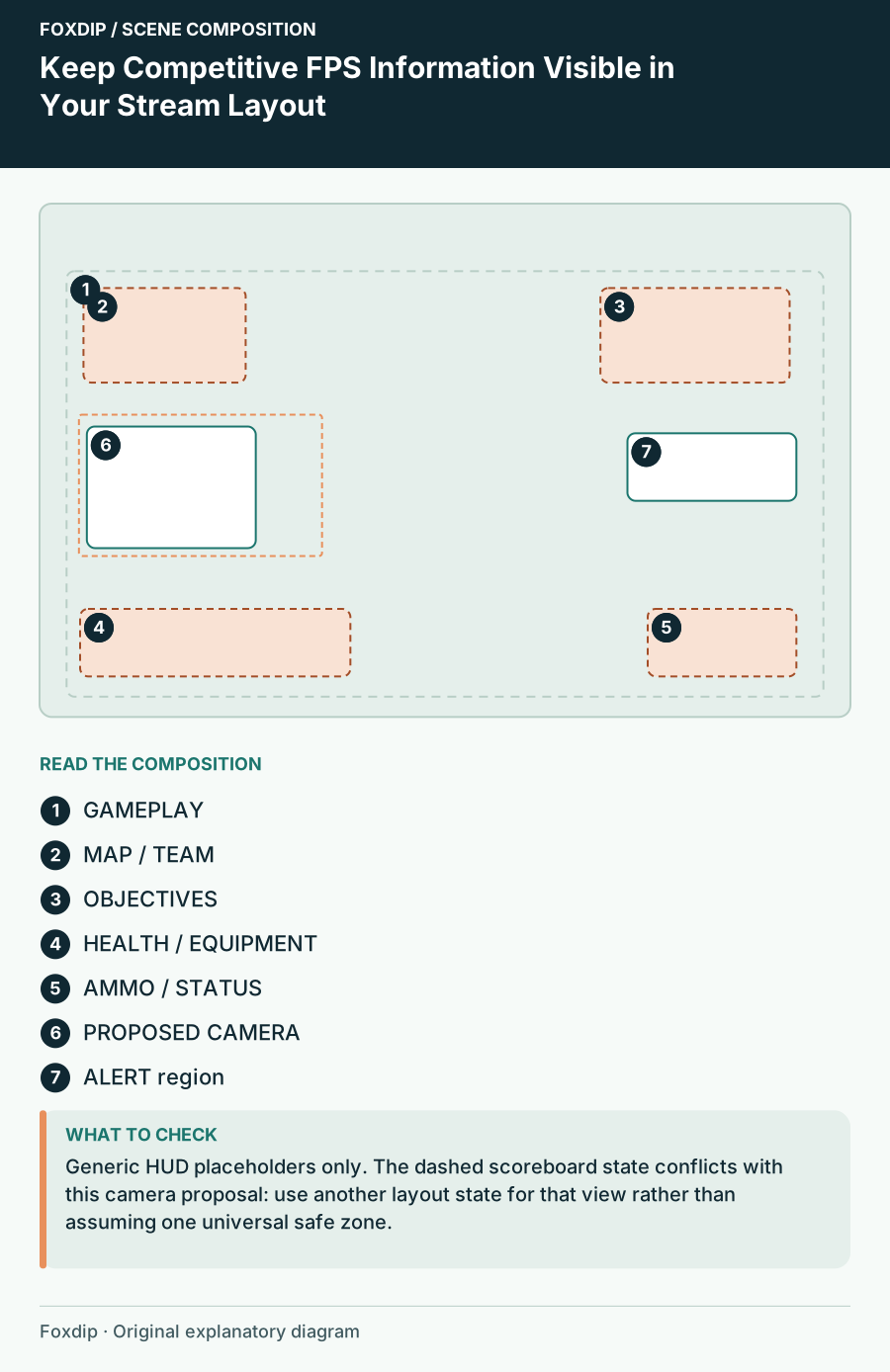
Keep Competitive FPS Information Visible in Your Stream Layout
Build a game-specific HUD map before placing camera, alerts and labels over competitive gameplay.
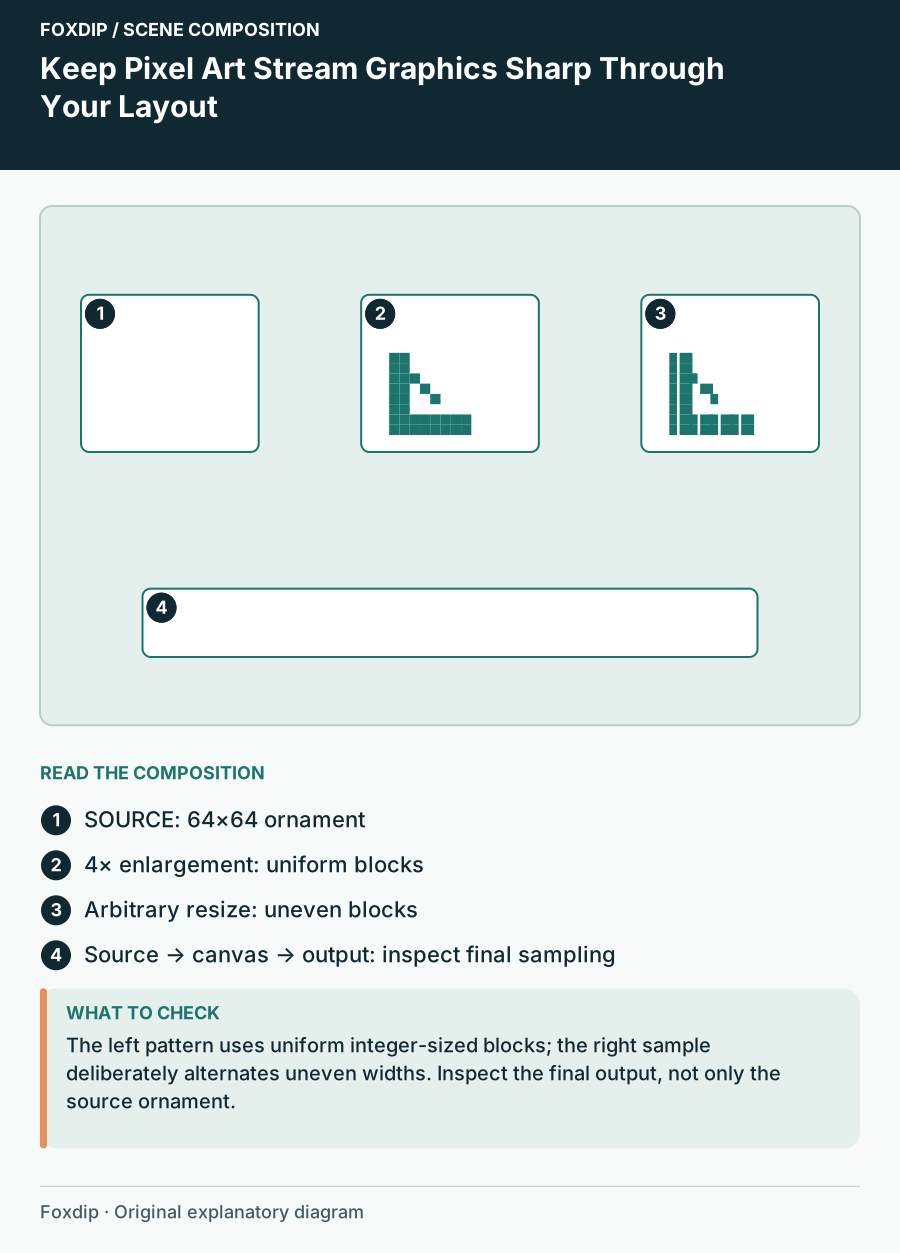
Keep Pixel Art Stream Graphics Sharp Through Your Layout
Plan pixel-art source scale, border dimensions and final output so uneven resizing does not change the style.
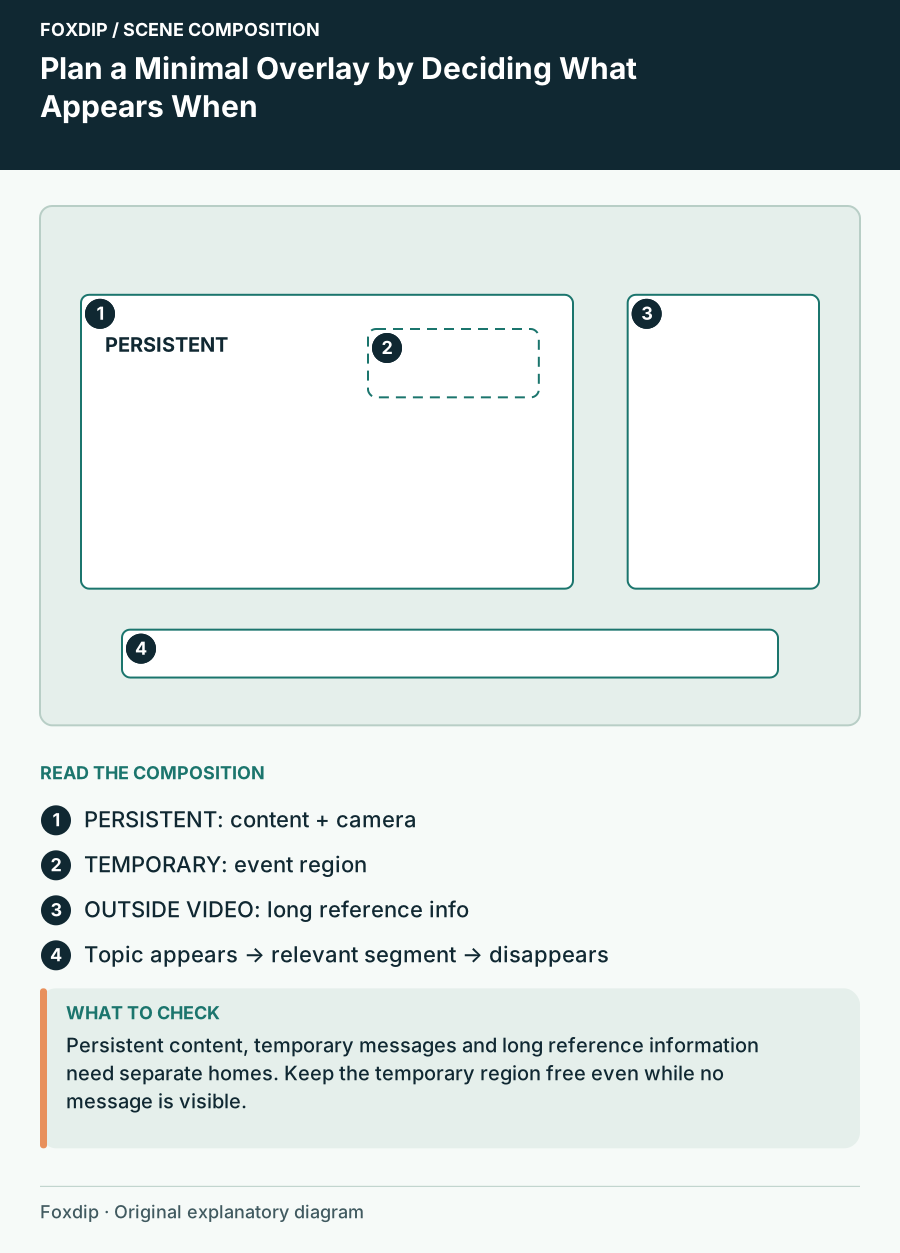
Plan a Minimal Overlay by Deciding What Appears When
Create a restrained stream layout by separating permanent information, temporary events and details that belong outside the video.
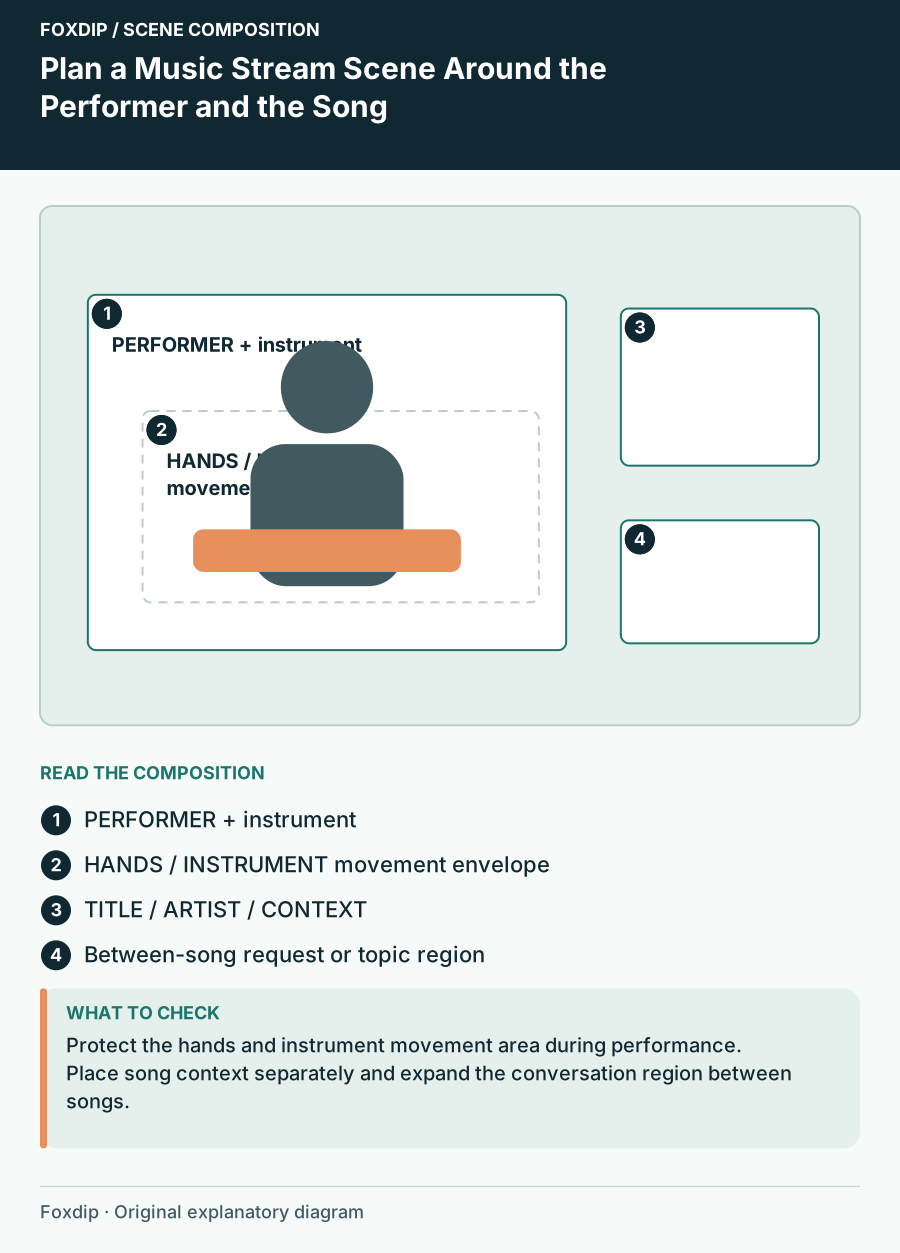
Plan a Music Stream Scene Around the Performer and the Song
Arrange a live music scene with room for the instrument, readable song information and deliberate performance and conversation states.
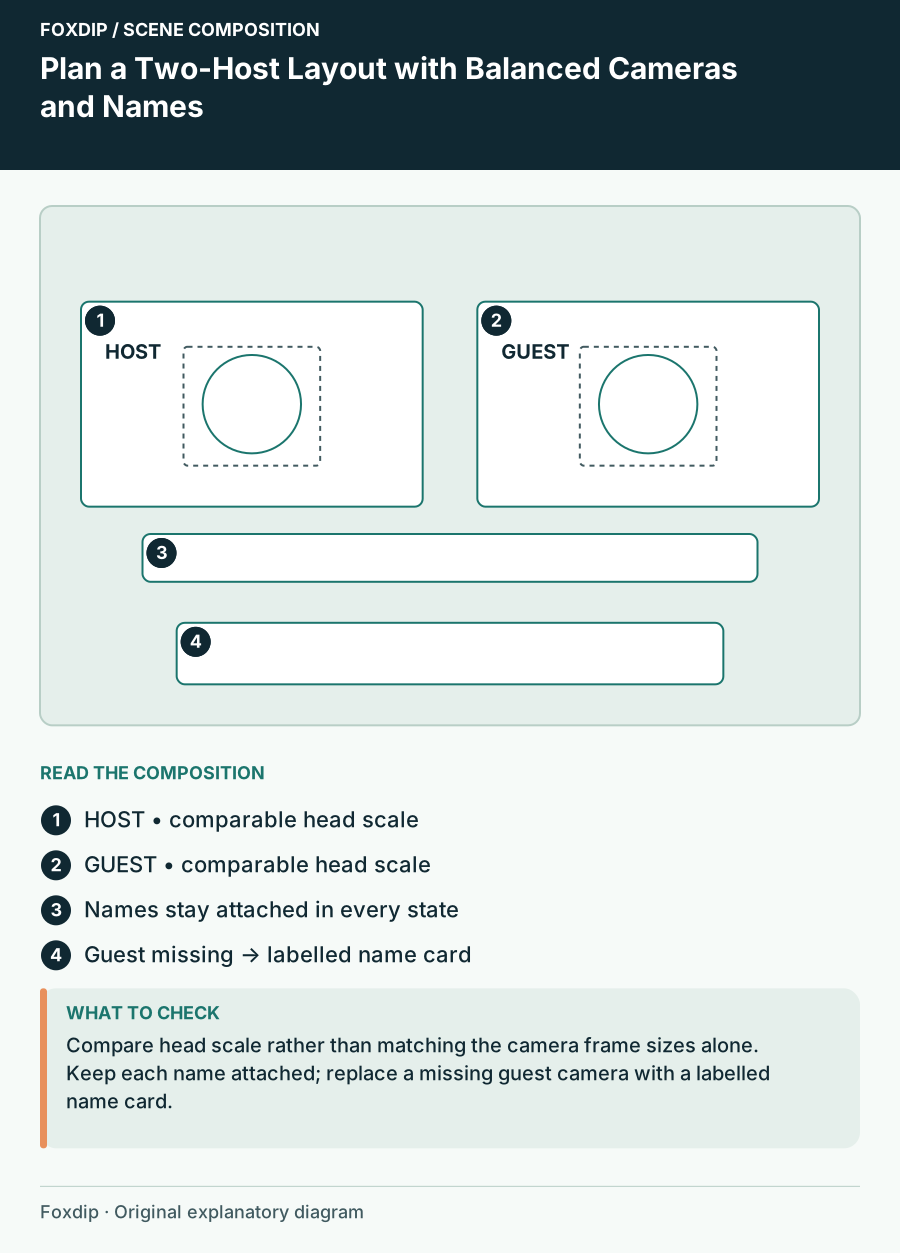
Plan a Two-Host Layout with Balanced Cameras and Names
Compose a two-person stream with comparable head size, clear identity labels, shared content and a fallback for one missing camera.
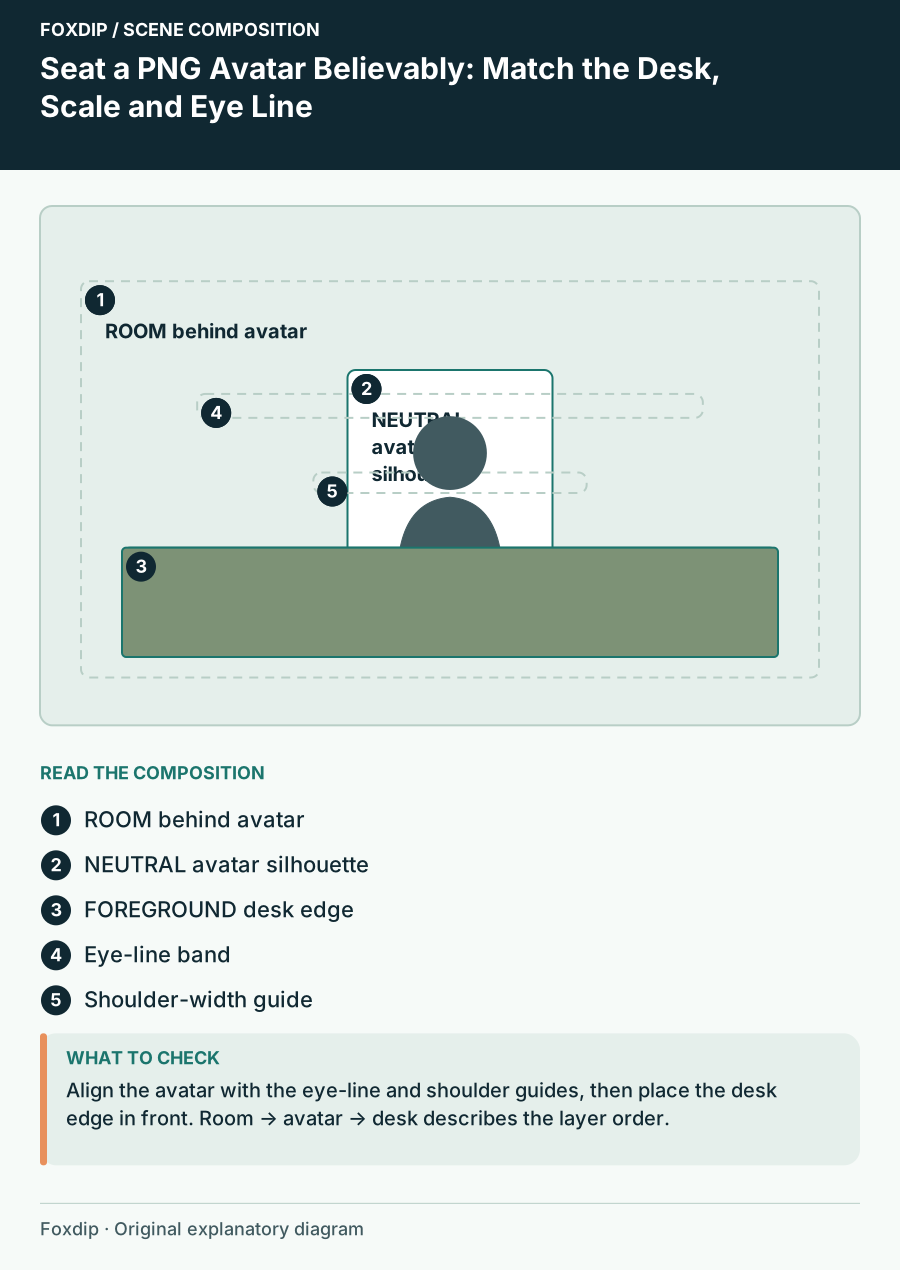
Seat a PNG Avatar Believably: Match the Desk, Scale and Eye Line
Calibrate a seated avatar scene with desk-height anchors, proportional scale and occlusion checks rather than guessing placement.
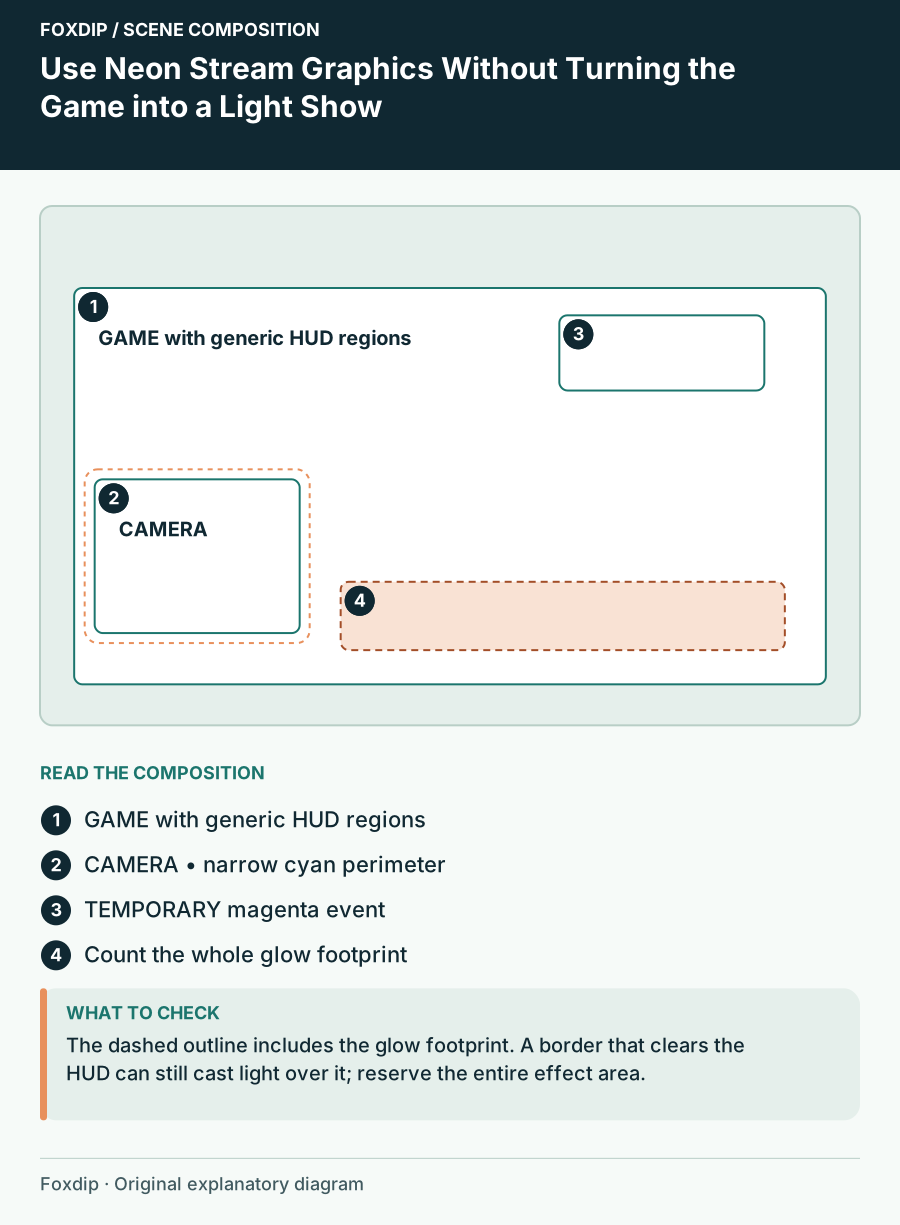
Use Neon Stream Graphics Without Turning the Game into a Light Show
Build a cyberpunk scene with a dark structural frame, a single bright accent and motion reserved for meaningful events.
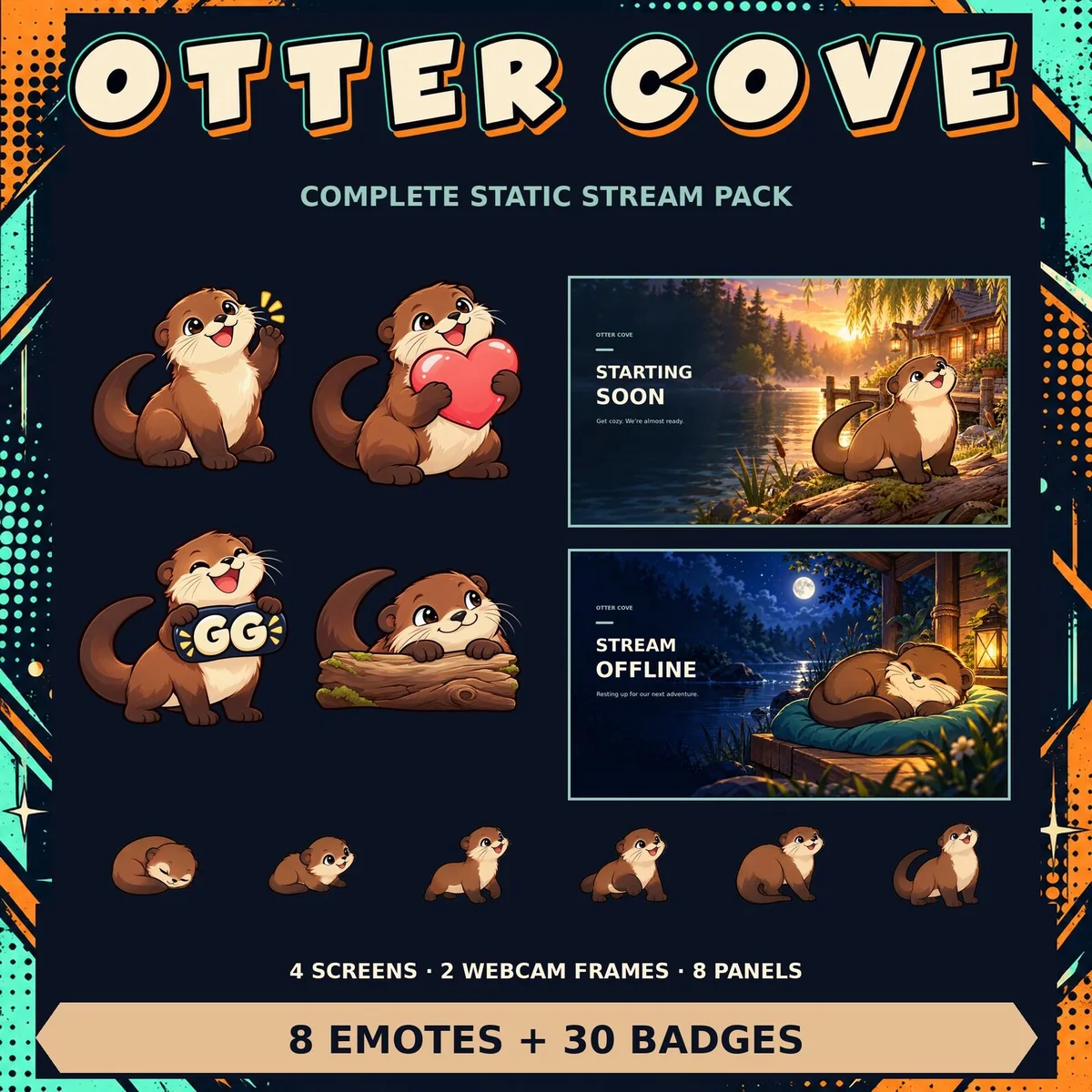
Build a Cozy Stream Identity Without Crowding Every Scene
Give your cozy channel a look that holds together: one setting, a small palette and room for the stream itself, with three Foxdip examples.
Keep going
with your setup.
Need to install a pack? The download guides will help. Looking for a character instead? Browse the collections and see what catches your eye.