In this guide
Give your channel a place to belong
A quiet riverside cottage. A cafe after closing. A little woodland hideout. Start with one sentence that describes the place you want your stream to feel like. When you choose colours, scenery and reactions later, that sentence gives you something firmer than “make it cozy” to work with.
Then choose the thing people will remember: a mascot, a setting or an object that returns across the channel. A woodland character might only need a few leaves and warm light around it. If you add a second mascot, three type styles and a glowing sci-fi frame, each piece starts pulling the scene somewhere else. Leave some room for your camera, chat and game to belong there too.
Keep the palette small; let the message breathe
Try a dark base, a light text colour and one accent. Deep blue, warm cream and muted amber can give you an evening mood without making every surface brown. Use that as a starting point for your own palette, then compare it with the art you already have. A shared subject alone does not mean two packs share their colours.
Save the accent for a message, a small detail or the part of a scene you want someone to notice first. Give status text a calm patch of background. Shrink the preview: can you still read it? If the lettering disappears into the scenery, simplify that area or strengthen the contrast. Cozy colours can be soft without making the words faint.
Carry the same look into your About section, with words and links that visitors can use. Set up your Twitch panels ↗
A riverside look across the whole channel
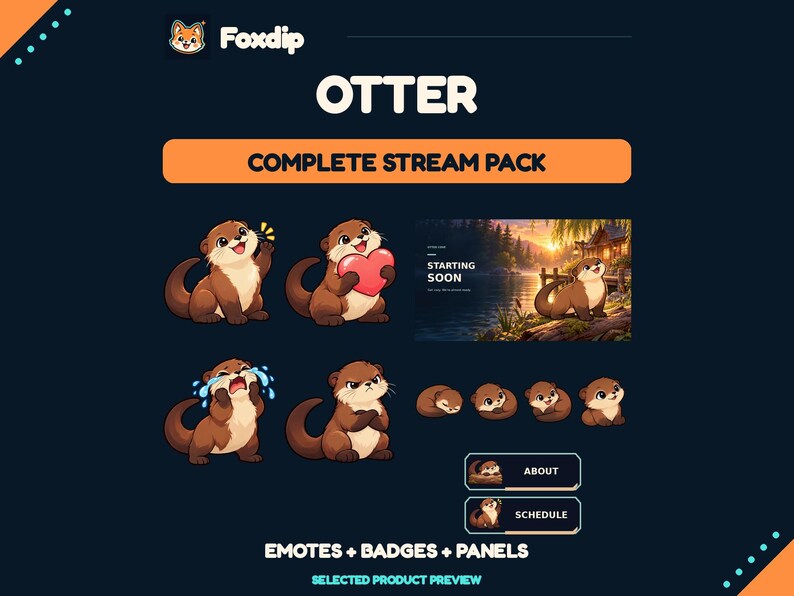
The Otter Streamer Bundle is the broadest option of these three. It brings together eight static emote designs, thirty growing badge levels, and river cottage, woodland cove and moonlit dock artwork. Four Full HD status screens, webcam frames and panels carry the same subject into your scene and profile, so you have several matching pieces to choose from.
The supplied graphics are finished static PNGs. Pick this direction if you want illustrated scenery and matching channel elements; the landscape itself will not move. One buying detail worth catching: the standalone Otter Twitch Emotes pack contains the same eight reactions. If you own the bundle, you already have them. If you only need chat reactions, the smaller pack may cover the job.
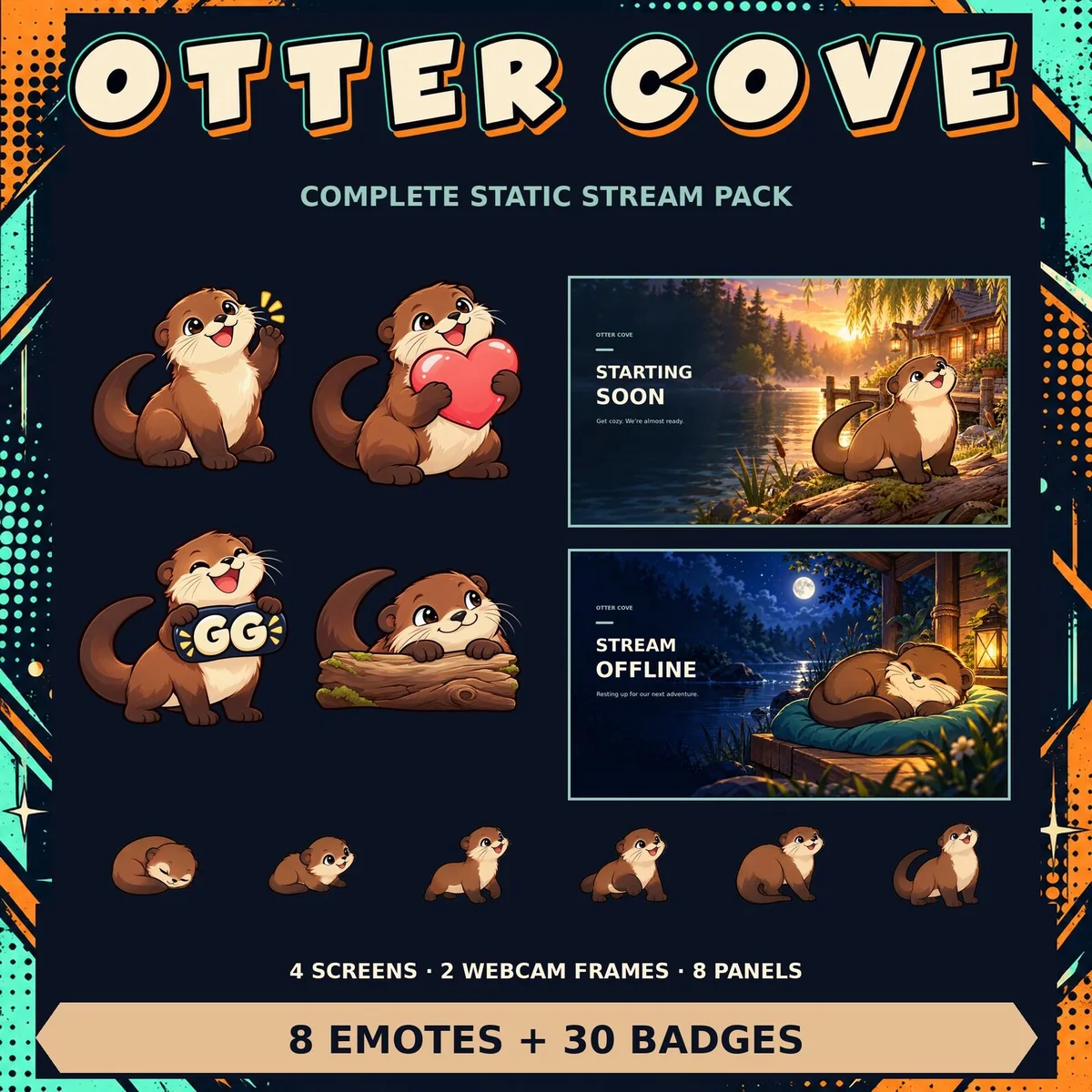
The actual Foxdip Otter Streamer Bundle preview. Use the matching river-and-woodland motifs as a reference, while leaving room for your camera, game and text.
Try the label against its real background before you commit to the palette. Check the text colours ↗
Give a quiet room a little movement
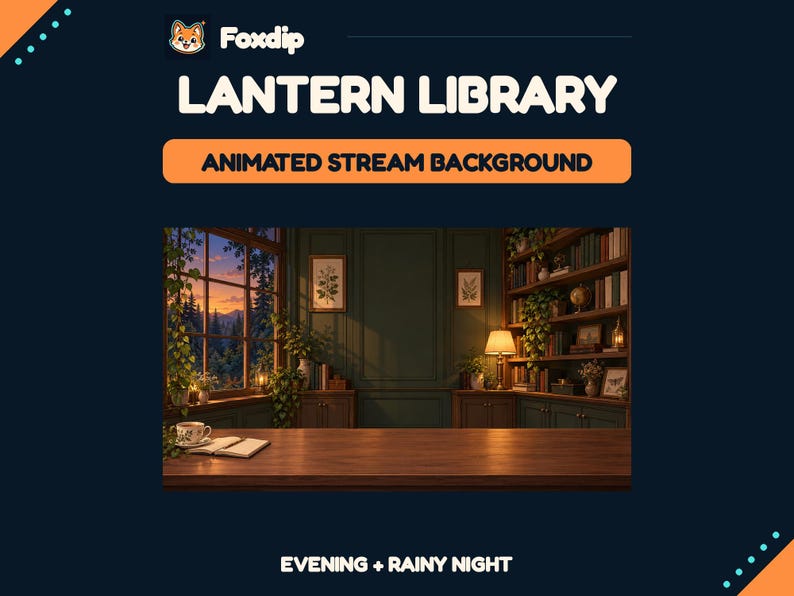
If your chat graphics already work, give the setting its turn. The Cozy Animated Library Stream Background places warm wood, amber lamps and a forest window around the central space. Warm Evening and Rainy Night give you two moods for the same room, so a change of atmosphere doesn’t require a new channel identity.
The pack description lists MP4 motion and a separate foreground desk. That desk lets you place your own avatar or camera cutout between the room and its front edge. This is scene artwork, rather than a set of chat reactions. Keep your existing emotes if that part of the channel already feels right, and use the current Etsy listing to confirm the files before buying.
Let the badges grow with the theme
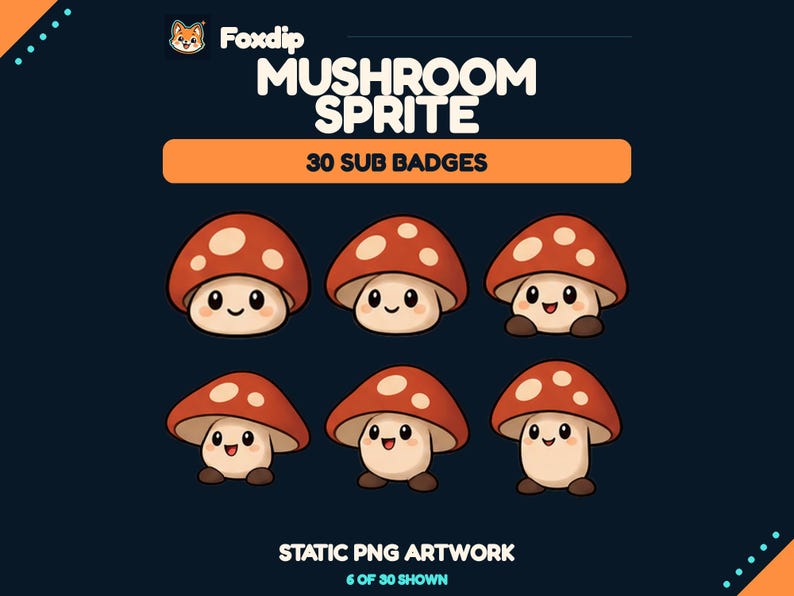
Mushroom Sprite suits a woodland channel that already has its scenes and emotes. Its thirty static badge drawings move from a tiny sprite to a broad woodland elder, with PNG exports in several sizes. Choose a progression that fits the milestones available on your channel; you do not have to use every drawing in the set.
Before adding any of these collections, look at what you already own and where the gap really is. Read the included licence too: these are premade, non-exclusive assets that other channels can also use. Start with the piece that makes the channel feel more connected, review it at its actual display size, and let the rest wait until you need it.
Sources & references
Foxdip design advice, with examples from our own shop. Open the current Etsy listing for the latest file list and licence.
- Foxdip product record: Otter Streamer Bundle ↗Checked 2026-10-18
- Foxdip product record: Otter Twitch Emotes ↗Checked 2026-10-18
- Foxdip: Cozy Animated Library Stream Background ↗Checked 2026-10-23
- Foxdip product record: Mushroom Sprite Subscriber Badges ↗Checked 2026-10-18
Spotted something out of date? Let Alex know.
How we put our guides together ↗