
Plan it here. Use it on your stream.
Estimate recording space, map your audio and build a branding brief. These tools work in your browser; no account needed.
 LEARN SOMETHING.
MAKE IT YOURS.
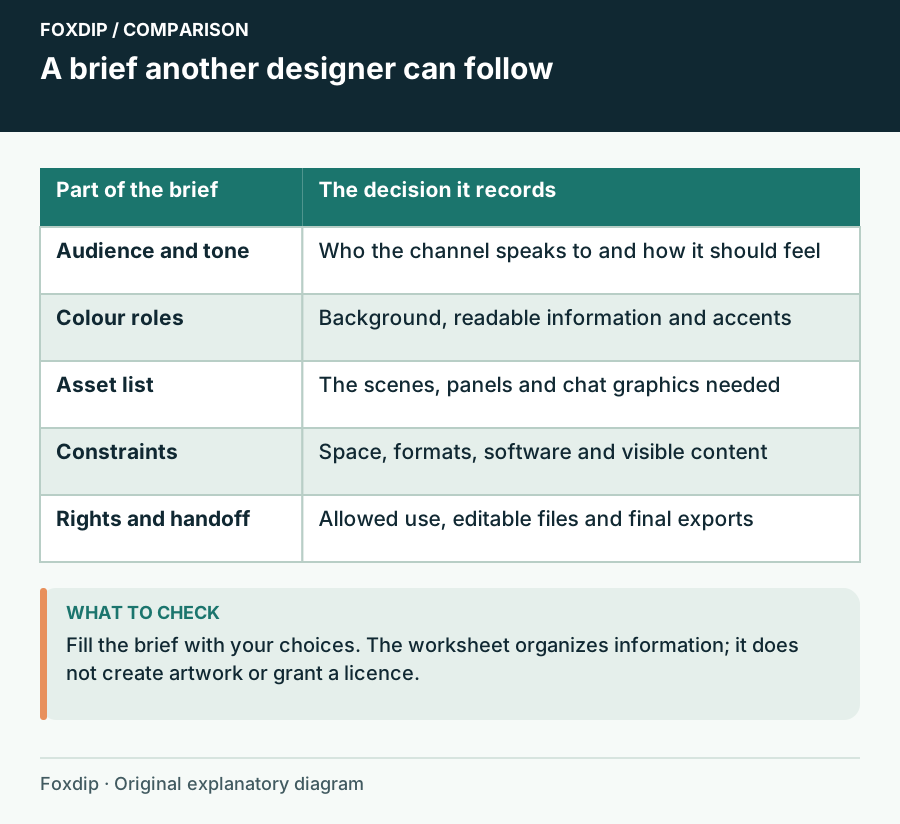
Stream Branding Brief Builder: Keep the Decisions Together
Export a brief with audience, tone, colour roles, required assets and layout constraints before an artist or future-you starts work.
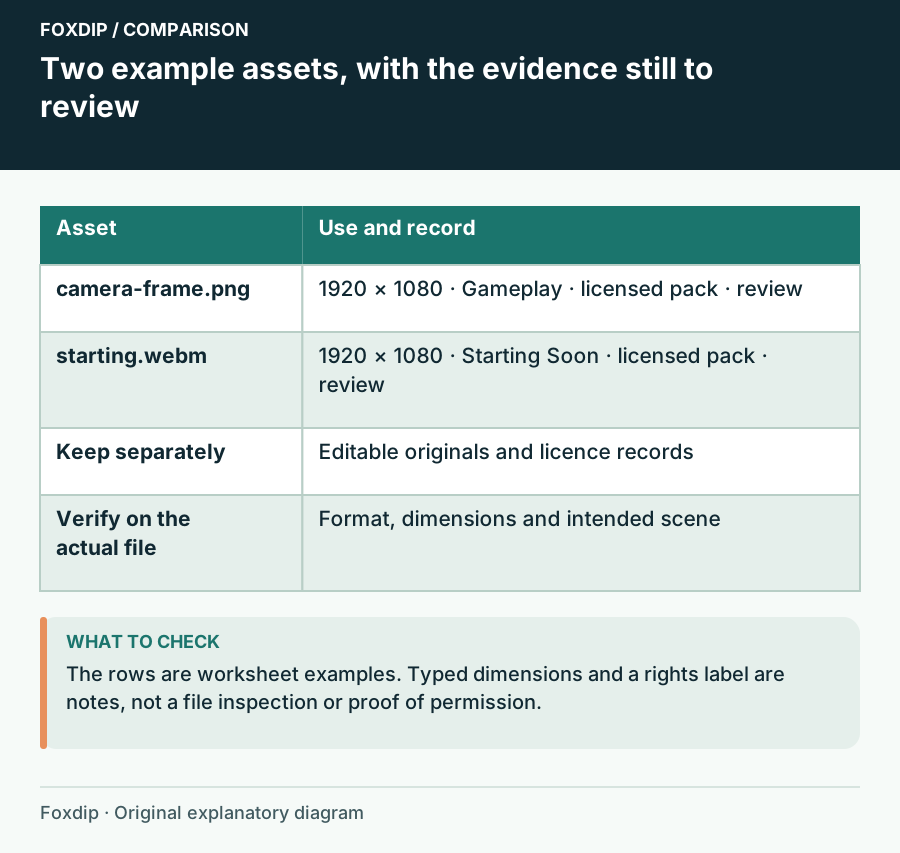
Stream Graphics Inventory Worksheet: Know Which File Goes Where
List your stream assets with formats, dimensions, scene assignments, rights records and review status before a redesign or PC move.
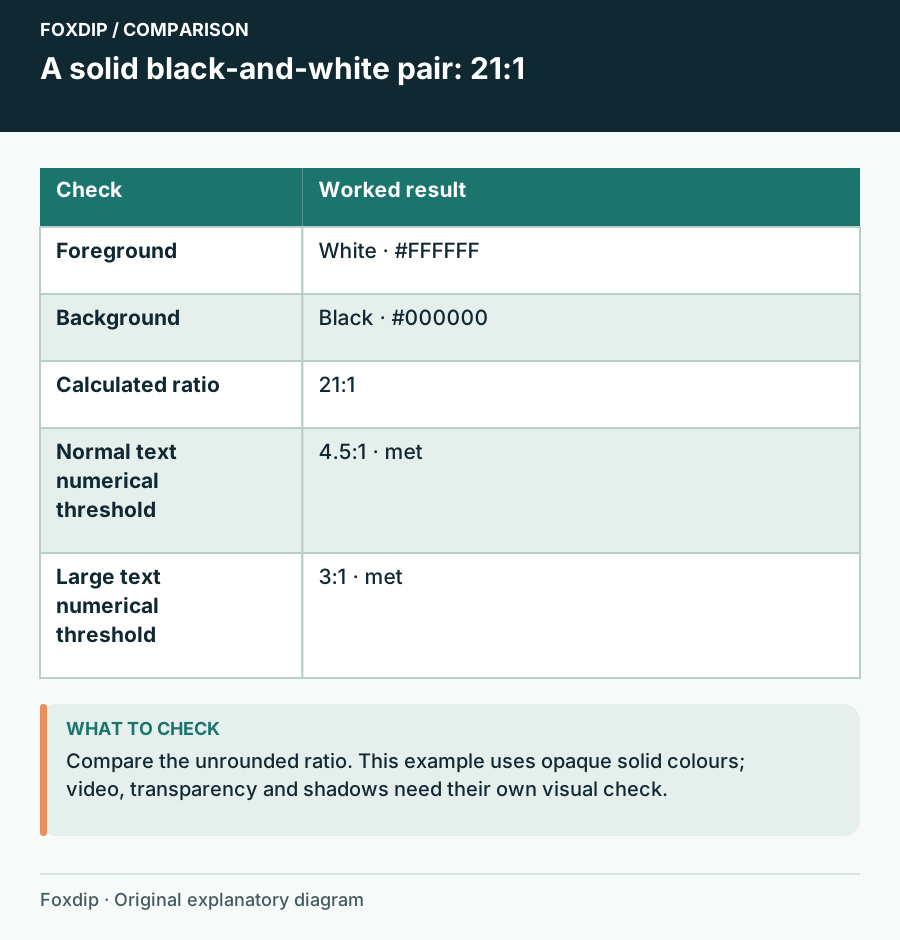
Stream Text Contrast Checker: Compare Two Solid Colours
Calculate an sRGB contrast ratio for text and a solid background, see threshold results, and test the final scene at viewing size.
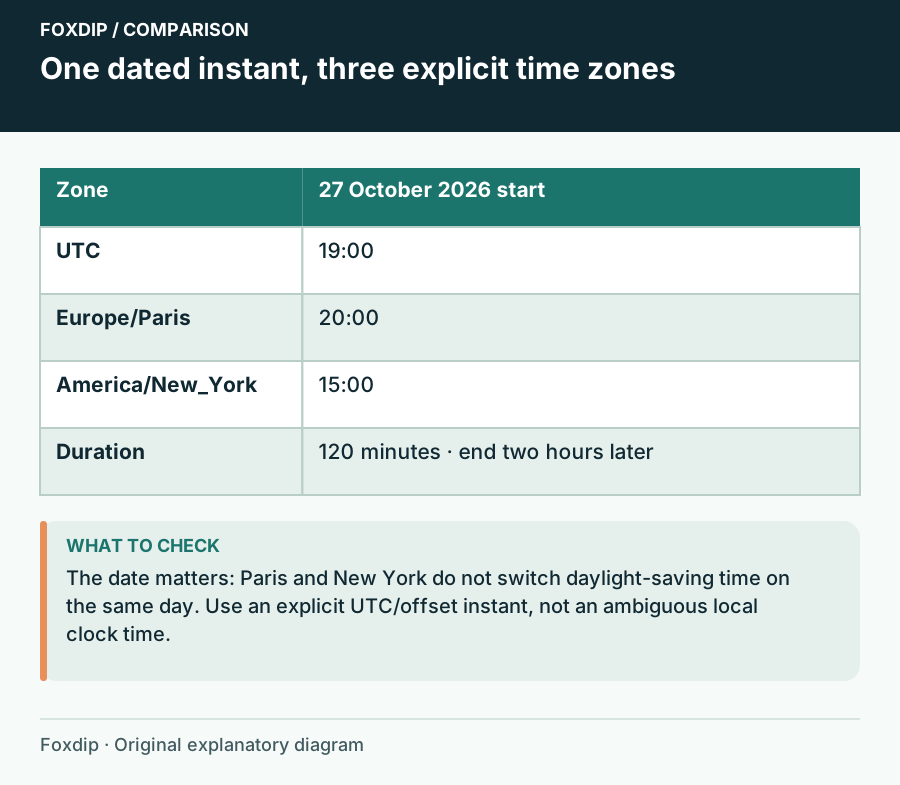
Streaming Schedule Template: Show the Date and the Time Zone
Convert one explicitly dated stream from a UTC or offset instant into home and viewer time zones, with an end time and exportable notes.
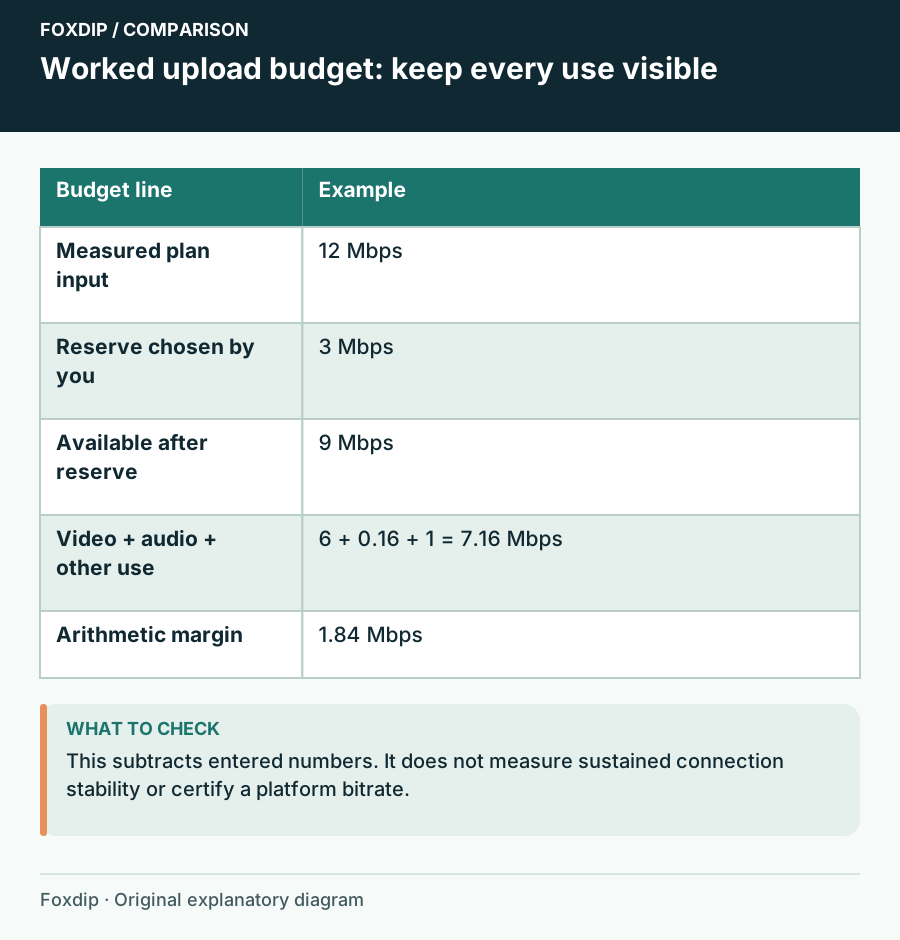
Streaming Upload Planner: Compare the Budget You Enter
Add video, audio and other uploads, subtract your chosen reserve, and compare the plan with current platform guidance.
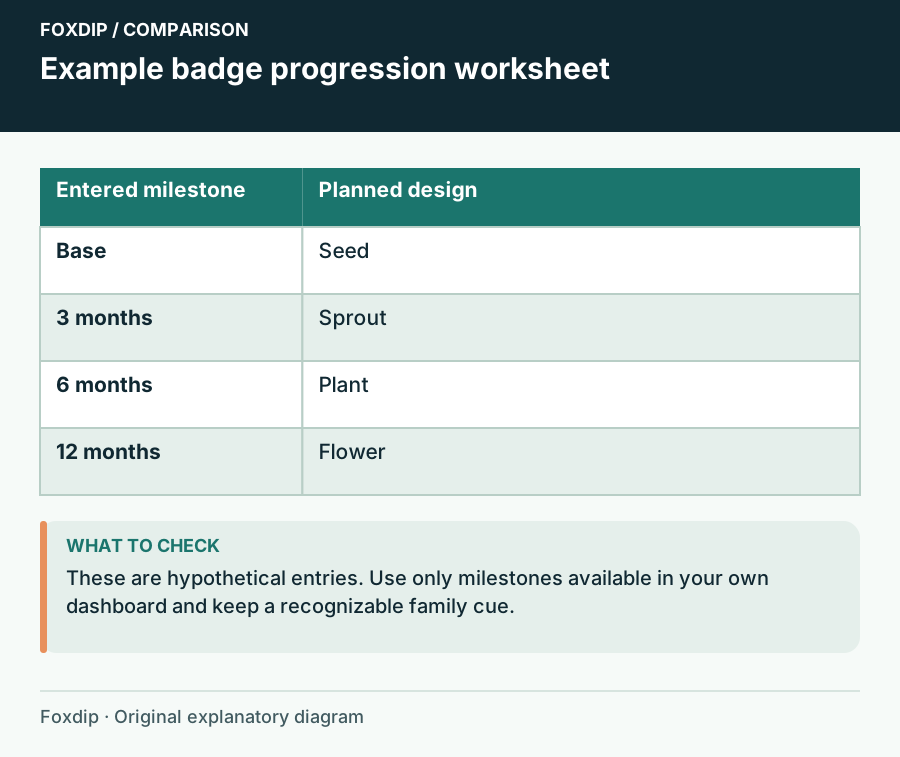
Subscriber Badge Progression Planner: Map Designs to Milestones
Assign a design and a recognition cue to the subscriber milestones your dashboard actually offers, then review the set as a sequence.
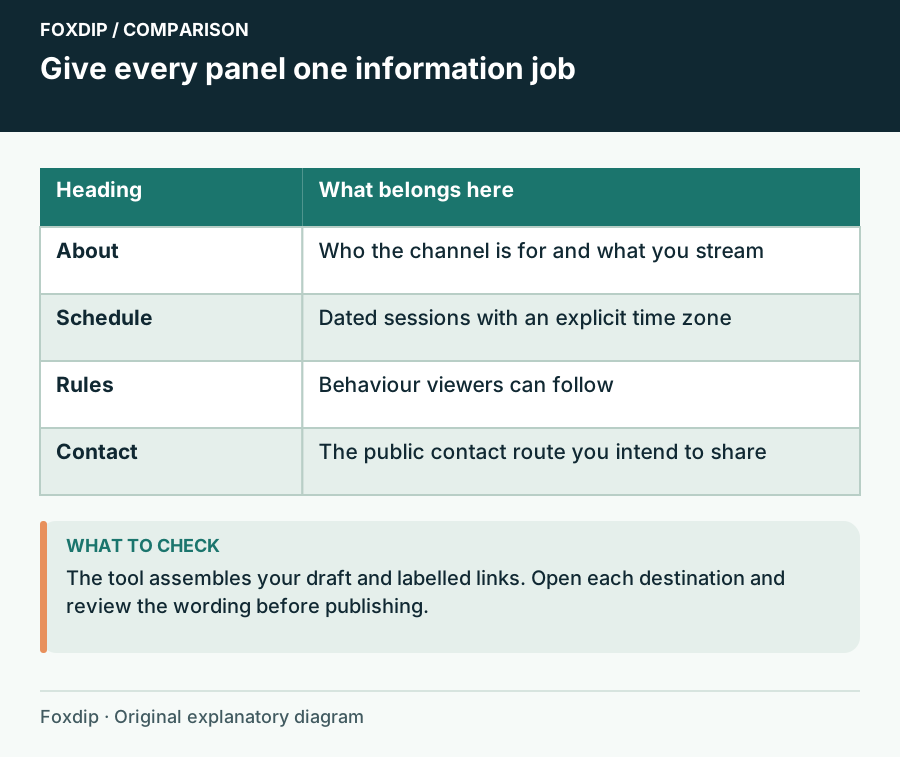
Twitch Panel Copy Worksheet: Draft the Information Viewers Need
Draft About, Schedule, Rules and Contact panels with labelled public links, then review the copy before editing your live channel.
Keep going
with your setup.
Need to install a pack? The download guides will help. Looking for a character instead? Browse the collections and see what catches your eye.