
For one person at one computer, USB keeps the equipment list short. Consider XLR when you can name the inputs, interface controls or setup flexibility you need—and try a better position with your current mic before replacing it.
A keep, USB or XLR decision with a complete list of the connections and accessories it needs.
In this guide
Before you start
- The exact microphone and interface models you already own.
- The audio sources you want to record at the same time.
- Headphones and software for a local recording.
- MicrophoneCable & connection
- Operating systemInput & permission
- OBS mixerSource, meter & mute
- RecordingTrack & playback
1. What would a new connection solve?
Write down what is missing from your current setup. “My mic is behind the keyboard and I sound distant” points you towards placement. “I need to record two people at this desk” raises an input question. If the only reason for XLR is that a favourite streamer uses it, hold the purchase for a moment and find your own requirement.
Move the current microphone to a usable position and make a short recording. Listen for clear words, a steady level through a normal sentence and interruptions caused by typing or moving. Keep the file. It gives you something concrete to compare after a change and may show that the connection you already have does the job.
- If placement is the problem, try a stable position or suitable mount first.
- If a connection drops out, trace and troubleshoot that connection.
- If the recording meets your needs, keeping the current setup is a good result.
2. Follow the microphone all the way to the computer
Shure’s original MV7 can connect by USB, while the MV7X is XLR-only and needs a suitable interface or recorder for computer recording. In either arrangement, identify the part that sends audio to the computer and the controls you’ll use. An XLR cable by itself doesn’t turn the microphone into a selectable computer input.
Sketch the setup you would actually buy using the table below. Include the computer connection, support and headphones as well as the microphone. When a feature matters, look it up for that exact model. Two USB microphones or two interfaces can give you quite different controls even though their connectors look similar.
| Arrangement | Write into your plan | Question before you buy |
|---|---|---|
| Keep the current mic | Existing mic, cable, mount and computer input | Does a better position solve the actual problem? |
| USB microphone | Mic, supported computer connection and stable position | Does this exact model offer the input and listening controls you need? |
| XLR chain | Mic, XLR cable, compatible interface, computer cable and mount | Where will the interface sit, and can you operate it during a stream? |
| Hybrid USB/XLR mic | The one output path you plan to use first | Which controls and processing apply to that output? |
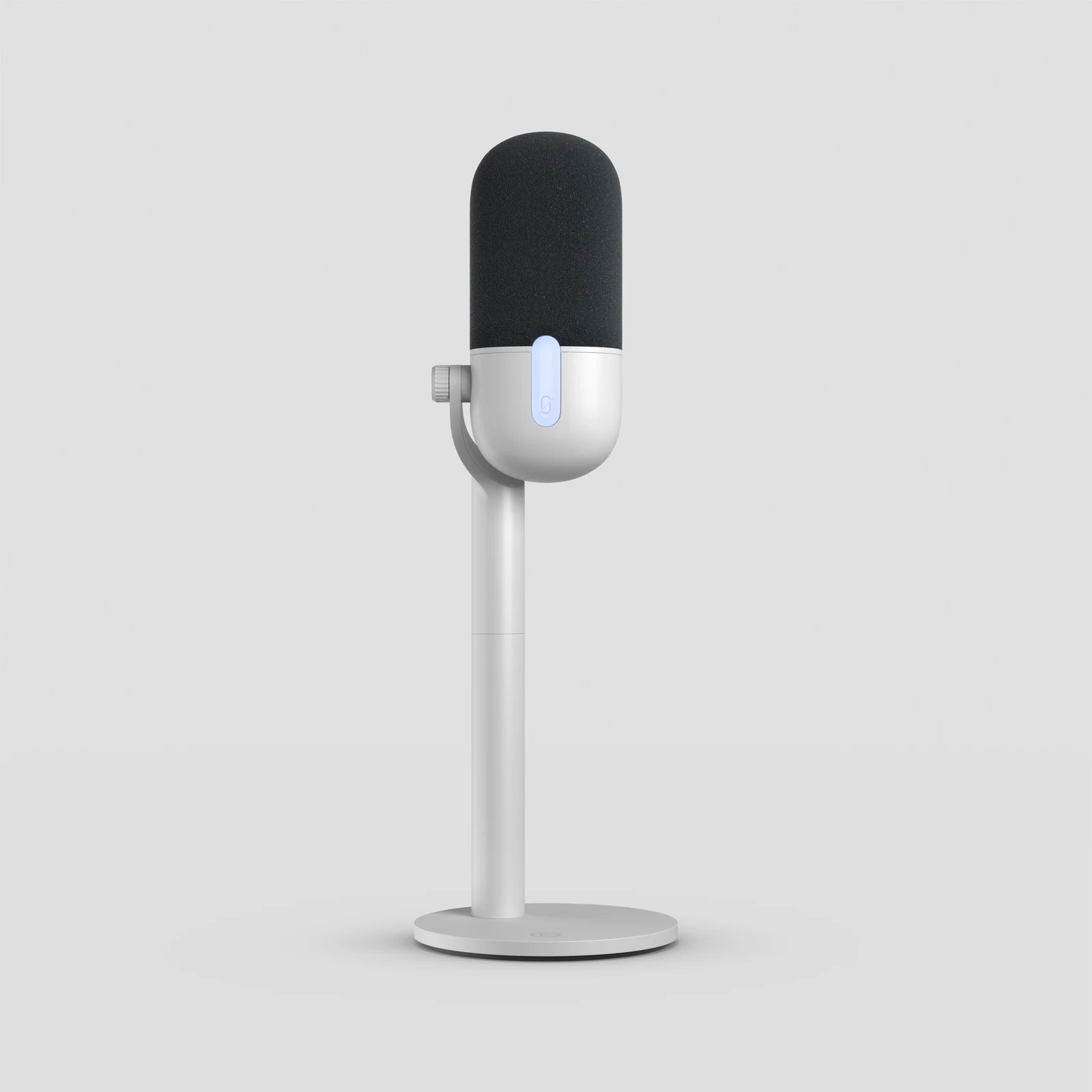
Wave Neo is one example of a USB microphone: its interface is built into the microphone. An XLR signal needs an appropriate interface before the computer.
Try a better speaking position before replacing the mic or changing its connection. Microphone Distance and Placement: Find Your Speaking Position ↗
3. Add the missing pieces to the price
Make two columns: “already own” and “still need.” Check that the existing parts are compatible before placing them in the first column. Add an arm only if your current support can’t hold the microphone where you need it. Check the exact package contents for cables and thread adapters; a retailer photo can show accessories sold separately.
An XLR plan also needs room for the interface and its cables. Decide where the headphones connect and where you’ll adjust their level. Focusrite describes direct monitoring as a route from the interface input to its headphone or line output. If you want that feature, check how the actual device provides and controls it before buying around the idea.
- Leave enough budget and desk space to put the microphone in a usable position.
- Keep decorative accessories out of the first working setup.
- Compare delivery, tax and necessary accessories in your own market.
Work out where you’ll hear the microphone and how that differs from the saved recording. Direct Monitoring vs OBS Monitoring: Why Your Headphones Sound Different ↗
4. Check which controls work on each output
A hybrid USB/XLR microphone can give you two routes without giving you identical behaviour on both. The original MV7 guide says its passive XLR output is unaffected by software settings. If you like a USB processing setting, check what happens to it when you change routes. Keep this distinction in mind when planning an interface purchase for later.
Write the route in one sentence: “Mic by USB into this computer, with headphones here,” or “Mic by XLR into this interface, then into this computer.” Add any output-specific setting beside it. If you’re buying used, ask which cables are included and add the missing pieces before deciding the asking price makes sense.
5. Choose the setup that answers your requirement
Keep the current mic if the recording works and you can’t name a missing capability. Choose USB if a single-computer connection suits the stream and the model has the controls and placement you need. Choose XLR when you have a clear plan for the interface, its inputs, monitoring and position on the desk.
Before checkout, you should be able to point to every part, name the connection at each end and explain where you’ll hear the result. After changing the setup, record the same passage and compare it with the reference. Keep the old working arrangement available until the new one behaves as you expected during that check.
- Choice: keep, USB, XLR or find out more.
- Reason: the particular problem this choice solves.
- Missing pieces: microphone, cable, support, interface or none.
- Final check: the recording and normal desk actions you’ll repeat.
A second connector does not create a second mix
Add a routing requirement to the USB-versus-XLR comparison: does the stream need isolated microphone audio, a combined computer mix, or both? Those are software and interface features to verify explicitly. A successful headphone feed does not prove the recording app can select every input you need.
For current Scarlett Solo and 2i2 4th Gen software, Focusrite documents several Loopback modes rather than one universal return route. Ask which mode and USB input pair your app receives before using those models as an example of an XLR upgrade. Keep the microphone-only route when independent game and chat control matters.
| Observation | Next change | Expected result |
|---|---|---|
| You need one voice and already have a working USB mic | Compare the missing control or connector directly | Avoid adding an interface with no required new route |
| You need an entire PC mix in one app input | Verify the interface’s supported loopback mode | The intended combined mix reaches that application |
| You need separate voice and game faders | Verify separately exposed inputs and outputs | The purchase preserves source separation |
Map every destination before comparing interface models. Choose an Audio Interface for Your PC and Console Connections ↗
Still stuck?
I already own an XLR microphone but cannot select it in OBS.
Trace it through the interface or recorder that provides the computer connection. Confirm that device is recognised before changing OBS filters. Continue with this guide ↗
My USB mic sounds usable but takes up too much space.
Check the existing stand position and the fit of a compatible mounting option before replacing the audio chain. Continue with this guide ↗
Sources & references
Connection examples come from Shure and Focusrite documentation checked on 18 October 2026. November 2026 addition: documentation-based diagnostic examples; no new hands-on hardware result or platform upload test is claimed.
- Shure: MV7 or MV7X — connectivity explained ↗Checked 2026-10-18 · Published September 28, 2021
- Shure MV7 user guide — original MV7 ↗Checked 2026-10-18
- Focusrite: What is direct monitoring? ↗Checked 2026-10-18
- Focusrite — How to use Loopback in Focusrite Control 2 ↗Checked 2026-11-04
Spotted something out of date? Let Alex know.
How we put our guides together ↗